#Android - Page 8
1216 Stories

 Subin B
 Beebom Staff








3 Ways to Turn Any Website Into an Android App
 Kishalaya Kundu


To add subtitles to movies on Android, install the VLC player on your device and tap on the player icon in the bottom left corner. Here, expand the "Subtitles" menu, and choose whether you want to download subtitles automatically or manually select a custom SRT file. VLC and MX Player are two great media players on Android that let you download appropriate subtitles for movies.

How to Set Any Song as Custom Ringtone in Android
Kishalaya Kundu

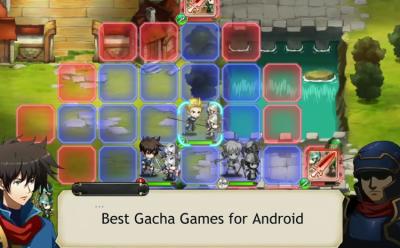
12 Best Gacha Games for Android and iOS
 Arjun Sha



Android 12 Dessert Codename Revealed to Be Snow Cone
 Anmol Sachdeva