Tech - Page 70
Trending Stories

How to Rename a File in Linux
 Beebom Staff

If you are looking for the best AI plagiarism checkers, follow our article and find dedicated tools to identify AI-generated texts. We have tested all of the services and some of them worked really well. Having said that, keep in mind that AI plagiarism checkers can sometimes give false positive results as well. Check out our article for a comprehensive list.


How to Install RAM on Motherboard in Your PC
Beebom Staff

 Kanika Gogia
To use ChatGPT with Siri on an iPhone, you first have to download the ChatGPT app on your iPhone and sign in/sign up for an account. Now, open the Shortcuts app and create a custom shortcut to start a new conversation with the ChatGPT app. You can now ask Siri to run this shortcut for you. Also, you can run the shortcut manually or use the Back Tap gesture to invoke the shortcut on purpose.



How to Use ChatGPT on Android and iOS
 Upanishad Sharma

How to Change MAC Address in Linux
Beebom Staff


How to Install Android 14 Developer Preview on Your Pixel Phone
Upanishad Sharma

 Anshuman Jain
There are many AI writing apps, but we have tested and compiled the best AI tools for writing tasks. You can check out Claude. Writesonic, Jasper, and other AI tools for writing.


OnePlus 11R with Snapdragon 8+ Gen 1 Comes to India
 Vanshika Malhotra
How to Install Graphics Card (GPU) in Your PC
Beebom Staff
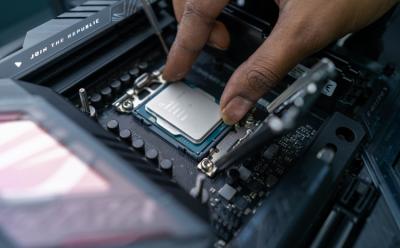
How to Install Intel or AMD CPU on Your Motherboard
Beebom Staff


Samsung Galaxy S23 Series with Snapdragon 8 Gen 2 Now Official
Vanshika Malhotra

How to Apply Thermal Paste on CPU
Beebom Staff


How to Enable UTF-8 Support in Linux Terminal
Beebom Staff


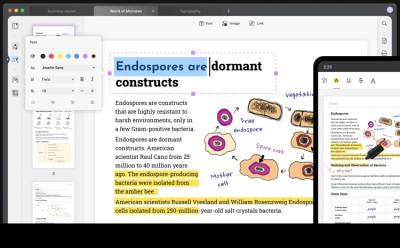
UPDF: A Fast and Lightweight PDF Editor Across All Platforms
 Partner Content


What is VPN and How does it Work?
Beebom Staff


25 Best ChatGPT Chrome Extensions You Need to Check Out
Upanishad Sharma


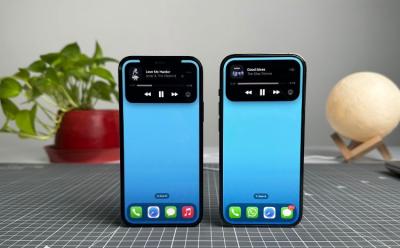
How to Get Dynamic Island On Any iPhone (No Jailbreak)
 Anmol Sachdeva


How to Delete Bookmarks on a Chromebook
 Arjun Sha


How to Delete Files on a Chromebook
Arjun Sha

iQOO 11 5G Is the First Snapdragon 8 Gen 2 Phone in India
Vanshika Malhotra
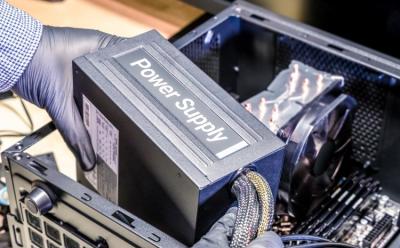
How to Install a Power Supply (PSU) in Your PC
Beebom Staff