1554 Stories
How to Check Your Graphics Card (GPU) on Windows 11
View quick summary
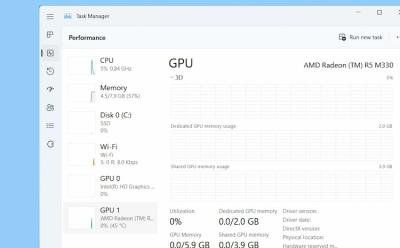
You can easily find your GPU details from the Task Manager on Windows 11. Just launch the Task Manager and move to Performance > GPU. Other than that, you can check your integrated graphics detail inside Windows Settings. You can also launch the DirectX Diagnostic tool, Device Manager or System Information to get more information on your GPU.
How to Find and Edit the Hosts File in Windows 11
View quick summary
The hosts file location on Windows 11 and 10 is "C:\Windows\system32\drivers\etc". You can move to the mentioned path and edit the hosts file to block or allow certain websites on your Windows PC. Note that if you are using a DNS server, the hosts file configuration will be ignored.