Even if you have a better CPU, not choosing the right thermal paste can result in poor performance. Whether you are building your first PC, or pushing a CPU to its overclocking limits, it’s important that you pick the best thermal paste for your rig. So, in this article, we have meticulously tested and compiled the 10 best thermal pastes for CPU. On that note, let’s begin.
Overview of Best Thermal Pastes for CPU in 2026
The Arctic MX-6 is the best thermal paste for everyday builds. It’s affordable and has a good thermal conductivity. Following that, you can check out Thermal Grizzly Kryonaut if you like to overclock your CPU. And if you are into metal liquid paste, the Thermal Grizzly Conductonaut is the best option out there.
Thermal Pastes Best Suited For Thermal Conductivity Price Arctic MX-6 Everyday builds, budget-conscious users 4.7 W/mK $5.99 Thermal Grizzly Kryonaut Best for overclocking enthusiasts 3.2 W/mK $8.99 Thermal Grizzly Conductonaut Extreme overclocking, liquid metal, expert only 73 W/mk $12.99 Noctua NT-H2 Long term stability, set and forget 3.3 W/mK $14.95 Thermal Grizzly KryoSheet Graphene pad, best for AMD Ryzen CPUs 8.5 W/mK $16.99 Corsair XTM70 High TDP CPUs, AIO Liquid Coolers 4.7 W/mK $19.99 ID-Cooling Frost X45 Best for premium air cooling 15.2 W/mK $5.99 Cooler Master MasterGel High-performance gaming rigs, handles thermal spikes well 9 W/mK $12.99 Thermal Grizzly Hydronaut High-end desktops, large die processors, custom water cooling setups Unspecified $6.59 Arctic MX-4 Beginners and first-time builders 8.5 W/mK $5.49
How We Tested the Best Thermal Pastes?
To find the best thermal pastes, we did our testing on the Intel i9-14900K using a Noctua NH-D15 for air cooling. We applied each paste using the manufacturer’s recommended method and stress tested the CPU using Prime95. We also waited 15 minutes to understand thermal recovery between various tests. And all testing were done at room temperature.
We also considered factors like long-term stability, degradation, and performance loss over time. For beginners building rigs, we took into account ease of application, cleanup difficulty, and accessories available for installation. As for thermal conductivity ratings, we cross-checked the information across various outlets to maintain consistency.
What to Look for in a Thermal Interface Material (TIM)?
The most important factor to look for in a thermal interface material (TIM) is thermal conductivity, which is measured in W/mk (more on this below). It basically determines how well the paste transfers heat from the CPU die to the cooler. Higher the number, better the results. That said, high numbers don’t always give better results. You should look for application technique, how much pressure is mounted on the CPU cooler, and so on.
Apart from that, if you are a beginner, you should look for non-conductive pastes as they are safer options. And if you are a pro hardware modder, you can check out liquid metal pastes but it requires expert handling. Next, viscosity matters too: thicker pastes resist under pressure but are harder to spread easily while thinner pastes can be applied easily but may degrade faster.
Thermal Conductivity (W/mK) Explained
Thermal Conductivity is a property that explains how effectively a material transfers heat. It’s measured in watts per meter-kelvin (W/mK). In simple terms, higher number means better heat transfer from your CPU to the cooler. Standard thermal pastes have a thermal conductivity of around 3–9 W/mK whereas premium pastes hit around 11–15 W/mK.
Some liquid metal pastes even reach 73 W/mK, but they are a bit costly and requires expert handling. For reference, air has a thermal conductivity of 0.026 W/mK, which is why even a slight amount of thermal paste is better than an air gap.
Viscosity and Ease of Application
Viscosity basically means how thick or runny a thermal paste is. As I explained above, low viscosity pastes (thin) spread easily, and it’s ideal for beginners, but can pump out under pressure. And over time, it gets squeezed out and starts to offer degraded performance. On the other hand, high viscosity pastes (thick), are hard to apply but maintain contact over years. That said, you need to spread it even so that the whole die is covered.
For most users, a medium viscosity paste is the best pick as you can use an applicator to easily spread it. In my opinion, go for pastes like Arctic MX-4 or Noctua NT-H2 if you are a newcomer and don’t want to mess up the installation.
Electrically Conductive vs. Non-Conductive
Thermal pastes fall into two categories: electrically conductive and non-conductive. Non-conductive pastes are made from silicone or ceramic compounds. If you accidentally spill them, it won’t cause any damage to other components on the motherboard. This is why non-conductive pastes are ideal for beginners.
On the other hand, electrically conductive pastes contain metal particles like silver, aluminum or gallium in liquid metal. It can create electrical pathways between components and if it spills into PCB, capacitors, or resistors, it can cause permanent damage to your motherboard or CPU. This type of paste is ideal for expert modders.
The Best Thermal Pastes of 2026
The Arctic MX-6 is the top thermal paste for all kinds of PC builds in 2026. Along the same lines, the Thermal Grizzly Kryonaut is still the reigning champion for overclockers. And if you are a beginner, I would highly recommend the Arctic MX-4.
Arctic MX-6 — Best for Everyday Builds
Arctic is known as one of the best brands that makes thermal pastes for CPU. Its Arctic MX-6 is hugely popular for all kinds of PC builds. It’s a non-metallic paste with 20% better thermal conductivity than the MX-5. The Arctic MX-6 comes with a carbon microstructure that improves thermal transfer without being runny. So, for first-time builders too, the Arctic MX-6 is a great thermal paste.

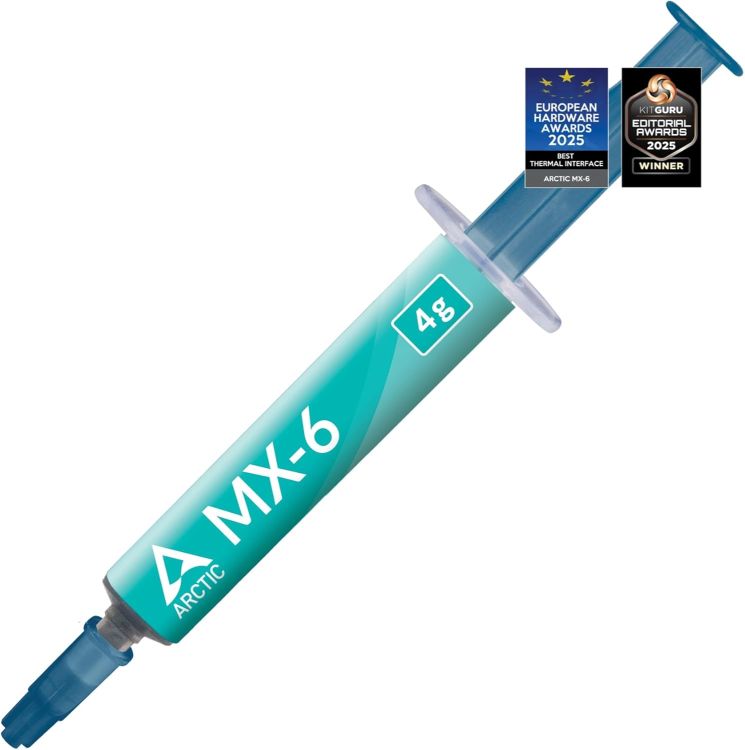
The company claims that it lasts for eight years so in terms of durability too, you are sorted. It’s also non-toxic and non-conductive and at just $5.99, you can get a better value than this. To sum up, if you are building a mid-range rig or workstation, the MX-6 offers great thermals at a significantly lower cost.
| Pros | Cons |
|---|---|
| Non-electrically conductive, safe for beginners | Marginal gains over MX-4 |
| Thermal conductivity of 4.7 W/mK | |
| Affordable |
Pricing: $5.99
Thermal Grizzly Kryonaut — Best for Overclocking
In the PC building space, the Thermal Grizzly Kryonaut has a long-standing reputation and enthusiasts love this thermal paste for extreme overclocking. While it may not last for years, it has a thermal conductivity of 3.2 W/mk which is decent at best. When compared to other non-metallic thermal pastes, the Thermal Grizzly Kryonaut has consistently topped benchmarks.

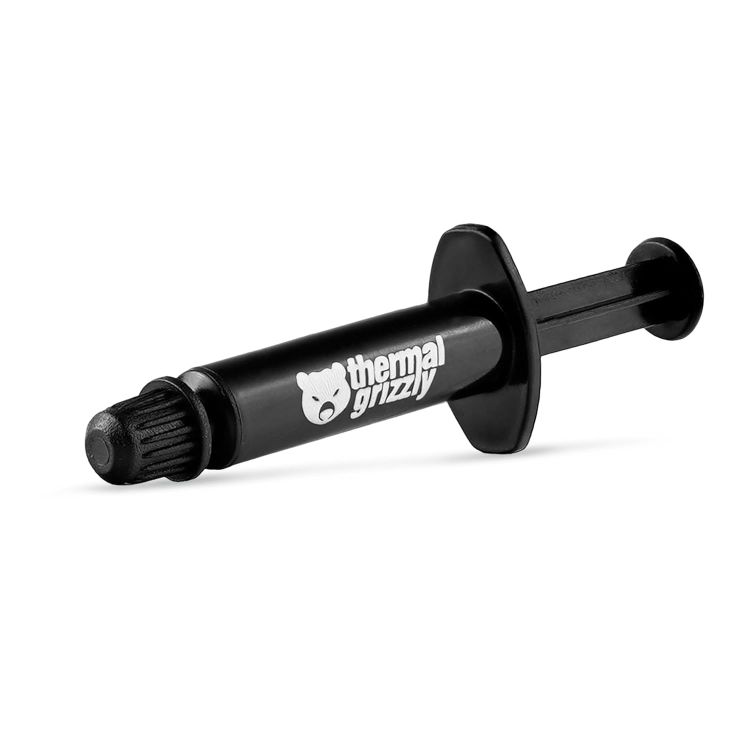
It has a ultra-fine microstructure that allows the paste to fill even microscopic gaps without any waste. It performs particularly well when you are using high-end coolers or custom water loops. Those who want to overclock the CPU to the limits, there is no better thermal paste than the Thermal Grizzly Kryonaut. Not to mention, it’s non-conductive so there is no risk of damage while applying the paste.
Pros Cons Best for extreme overclocking Degrades faster under high temperature Thermal conductivity of 3.2 W/mK Non-conductive, safe to apply
Pricing: $8.99
Thermal Grizzly Conductonaut — Best Liquid Metal Paste
If you are looking for raw thermal performance, there is nothing that beats the Thermal Grizzly Conductonaut. It has a staggering thermal conductivity of 73 W/mk, which beats all the competition. As it’s a gallium-based liquid metal alloy that remains liquid at room temperature, you can use it to fill gaps at a microscopic level that no other paste can match. PC builders say that using this paste drops the temperature by 10–20°C.

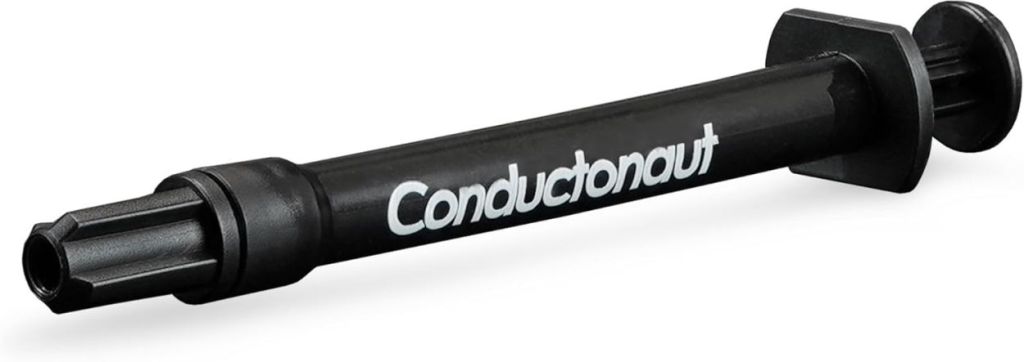
That said, Conductonaut is not for beginners or casual users. It’s electrically conductive and you have to handle it with caution. It the paste gets in contact with capacitors or PCB, it can cause immediate damage. Also note that you can’t use it with aluminum heatsinks. Basically, if you are a professional hardware modder and want the best thermal performance, you should use this thermal paste.
Pros Cons Highest conductivity, 73 W/mk Electrically conductive, only for experts Liquid metal paste Best for extreme overclocking
Pricing: $12.99
Noctua NT-H2 — Best for Longevity
In PC cooling, the Noctua NT-H2 is one of the most trusted names and you can’t go wrong with it. It offers five years of guaranteed lifespan so for long-term PC building, this is the best thermal paste you can buy. It comes with a hybrid material compound, and improves upon the excellent NT-H1 with better thermal conductivity and long-term stability.

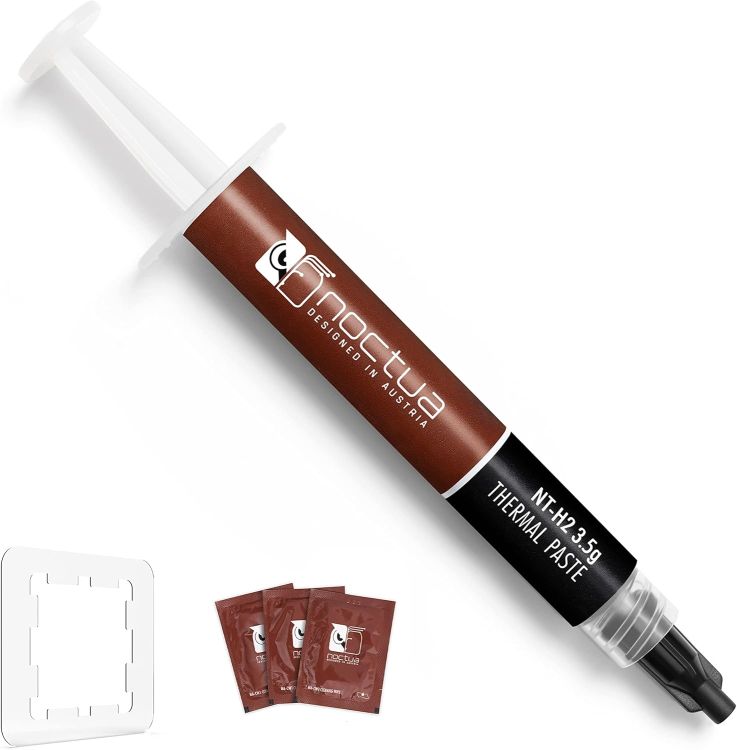
What is impressive about the Noctua NT-H2 is that you don’t have to wait after the installation to reach maximum performance. Just after the first application, you can drive your PC to the maximum thermal limit. While it may be a bit expensive at $14.95, you can just set it and forget it for years to come. If you are building NAS boxes or HTPCs, you can consider the Noctua NT-H2.
Pros Cons 5 year lifespan Slightly harder to spread Set and forget, durable Great thermal paste for beginners
Pricing: $14.95
Thermal Grizzly KryoSheet — Best for AMD CPUs
While the KryoSheet is not a traditional thermal paste, it’s a graphene thermal pad and thanks to its benchmark performance, it deserves a spot on the list. It was specially built for the large-die architecture of AMD’s Ryzen 7000 and 9000 processors. According to independent testing, the KryoSheet has outperformed every single thermal paste out there.

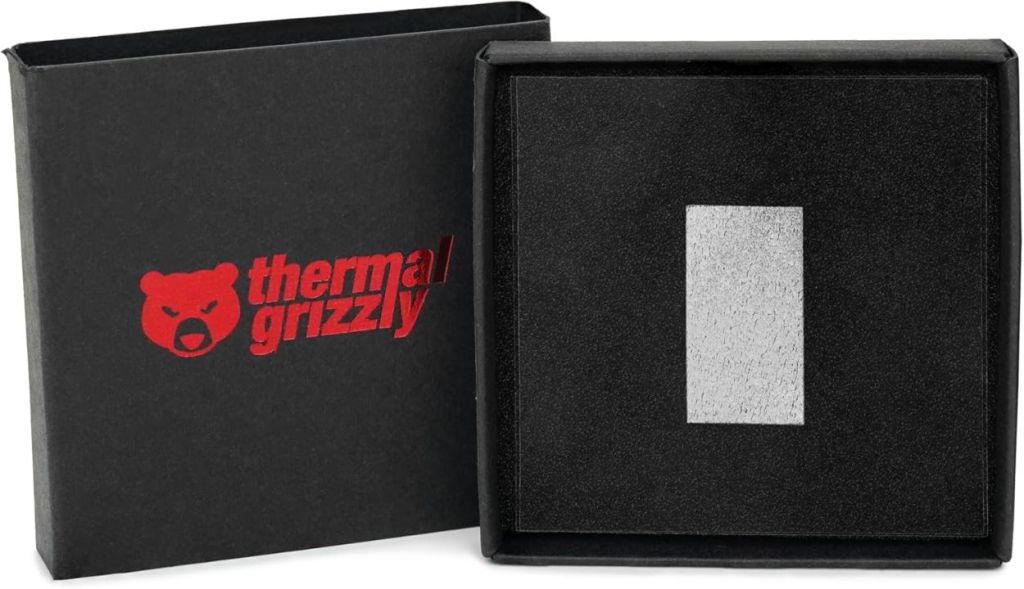
Unlike paste, this sheet maintains consistency across the entire IHS area and doesn’t degrade over time. And you don’t have to spread or clean it. Simply place it and you are done. The only downside is the price which is around $16.99 per application. That said, for AMD builders, the Thermal Grizzly KryoSheet is simply the best choice out there.
Pros Cons Best for AMD CPUs, large die processors Expensive Graphene thermal pad Stable across thermal spikes
Pricing: $16.99
Corsair XTM70 — Best for High TDP CPUs
Corsair XTM70 is designed for high TDP CPUs and it’s considered one of the best thermal pastes for power-hungry CPUs. If you have a processor with a TDP up to 250W, you should use this thermal paste. Chips like Intel’s i9-14900K or AMD’s Ryzen 9 7950X require a huge amount of power, and to keep them under the thermal limit, the Corsair XTM70 is an apt choice.

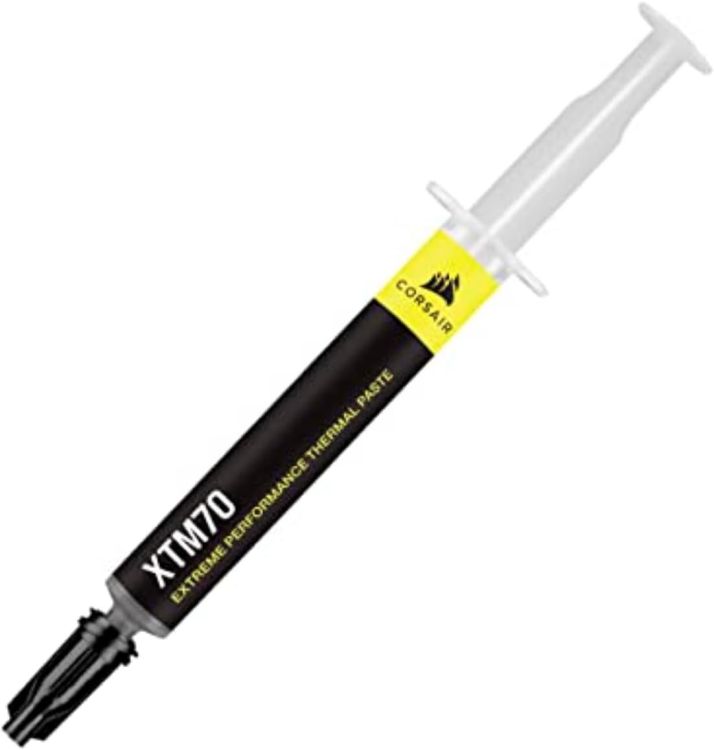
While it has a low conductivity rating, you get maximum surface area coverage and low viscosity. As a result, in real-world performance, the thermal paste offers better performance under load. Users who have paired it with the i9-14900K under severe load report stable temperature. Sure, it’s a bit costly at $19.99, but for stable thermal performance, you can’t go wrong with it.
| Pros | Cons |
|---|---|
| Best pick for high TDP CPUs | Costly |
| Can handle up to 250W | |
| Low viscosity |
Pricing: $19.99
ID-Cooling Frost X45 — Best for Air Cooling
The ID-Cooling Frost X45 is new to the PC building space, but its thermal conductivity of 15.2 W/mk has earned its reputation. While being a conventional thermal paste, it matches and even beats non-metallic pastes in the market. If you are building a PC with air coolers, the ID-Cooling Frost X45 is the best choice out there since it has lower viscosity.

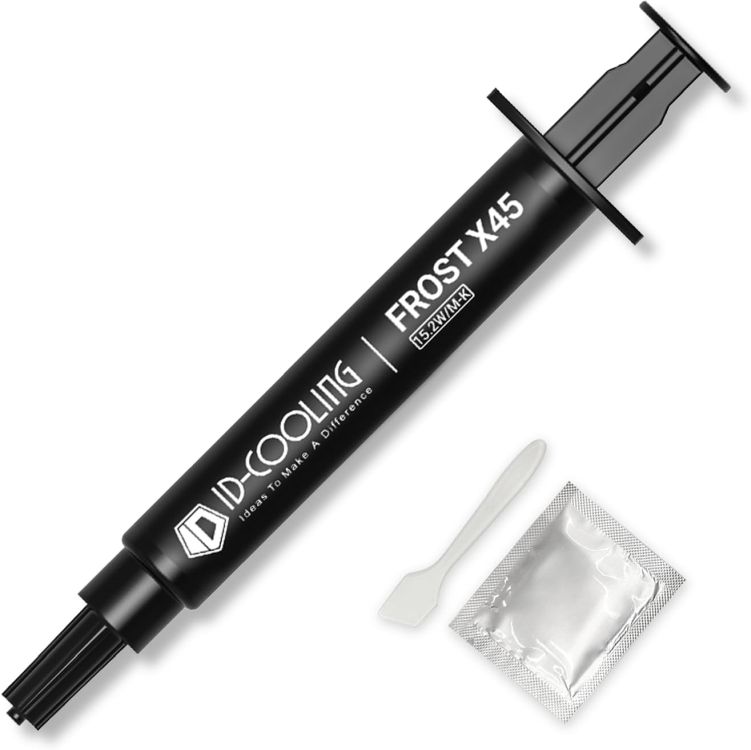
Many reports say that this thermal paste drops the temperature by 2–3°C. And it’s made with a non-conductive silicone-based formula with nano particles. I would suggest this thermal paste even to beginners as it’s electrically non-conductive. You get a 4gm of tube for just $5.99 which is value for money.
Pros Cons Amazing conductivity of 15.2 W/mK Slightly inconsistent Best for custom air cooling setup Quite cheap
Pricing: $5.99
Cooler Master MasterGel — Best for Gaming Rigs
Cooler Master’s MasterGel is another great thermal paste for high-performance gaming rigs. It has a thermal conductivity of 9 W/mk and performs best with CPU and GPU coolers. The nano-diamond particle structure ensures that maximum surface area is covered at a microscopic level. I would highly recommend this thermal paste if you are building an Intel-based gaming rig.

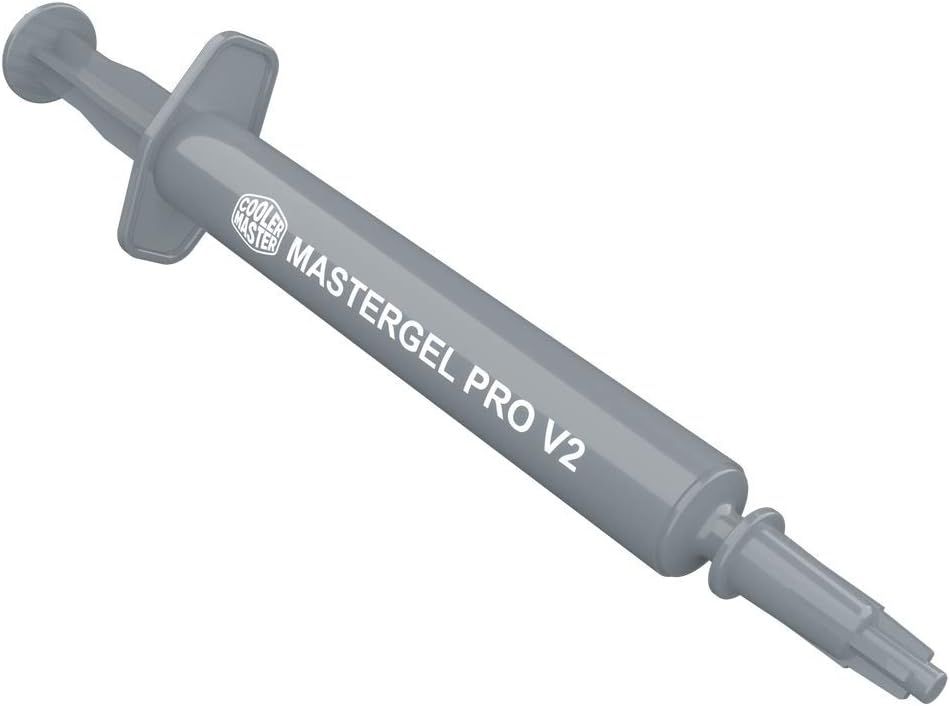
It offers sustained performance during gameplay and handles thermal spikes really well. And for consistent spreading, you get a convenient syringe. Overall, for $12.99, it’s slightly expensive for sure, but you get a trusted thermal paste that can go a long way during your gaming sessions.
Pros Cons Nano-diamond particles for better surface contact Small tube Low thermal resistance Best for gaming rigs
Pricing: $12.99
Thermal Grizzly Hydronaut — Best for Large Dies
As the name suggests, the Thermal Grizzly Hydronaut is designed for larger processor dies where custom water setups are used to bring down the extreme load. So if you are building server racks with chips like Threadripper or Xeon, the Hydronaut thermal paste is an apt choice. It has a thermal conductivity of 7.6 W/mK, which is lower than the Kryonaut, but its high thermal mass and resistance ensure you get sustained performance within the thermal limit.
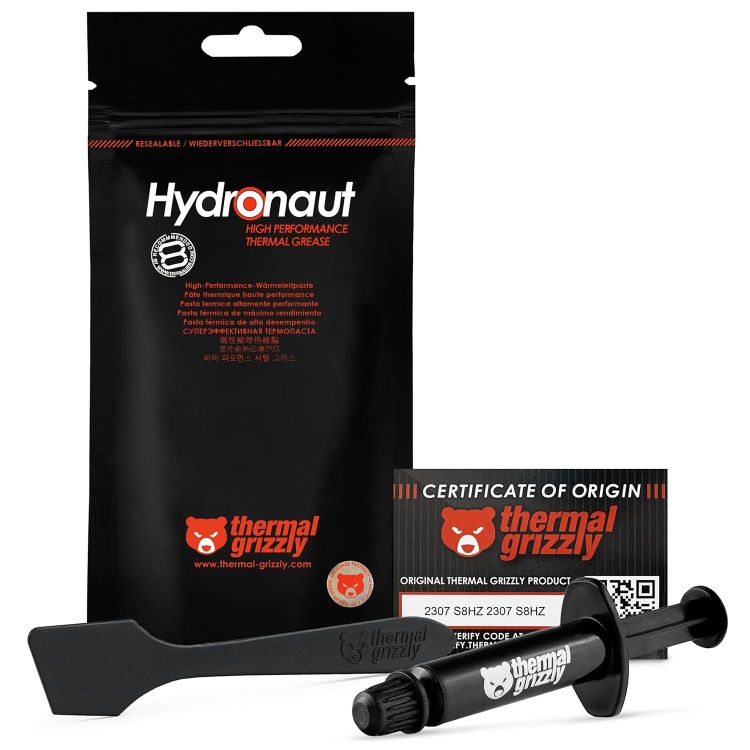
Apart from that, if you are using a GPU waterblock where the die is smaller but component density around it is high, you should use this thermal paste. While the viscosity is a bit high, but for high-end desktop machines with large processors, you should definitely consider the Hydronaut.
Pros Cons High viscosity prevents pump-out Harder spreading Great for large IHS surfaces Pair with large die processors
Pricing: $6.59
Arctic MX-4 — Best for Beginners
Finally, if you are a first-time PC builder, I would highly recommend the tried-and-tested Arctic MX-4. It has been my go-to recommendation for many years, and for good reasons. Its carbon micro-particle formula offers 8.5 W/mK thermal conductivity which is enough for mid-range PCs, and even slightly overclocked systems. More importantly, it’s pretty consistent so it’s ideal for beginners.

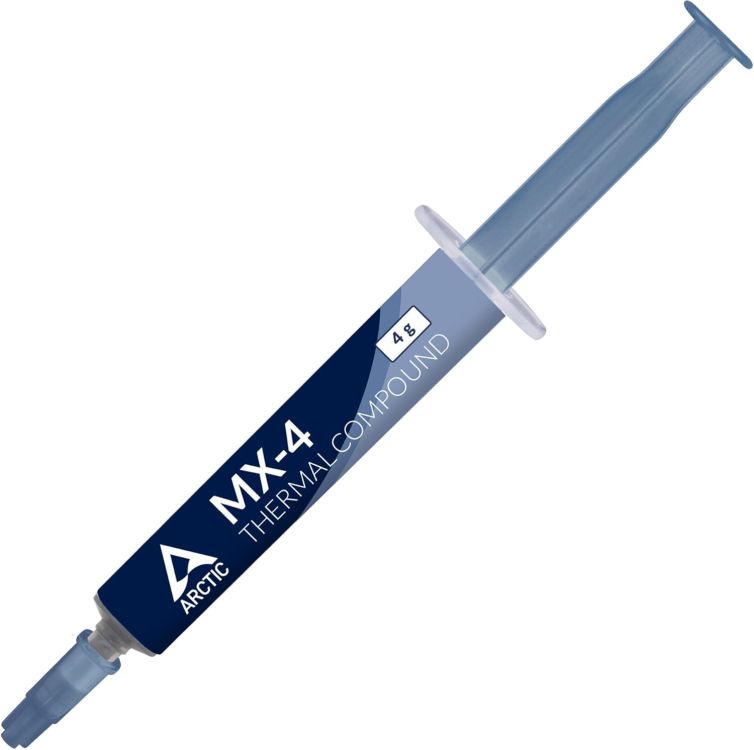
Not to mention, the MX-4 is electrically non-conductive so you don’t have to worry about accidental spills beyond the IHS area. And over time, it doesn’t harden so you can repaste it with isopropyl alcohol. To sum up, the Arctic MX-4 is for all the newcomers building their first rig.
Pros Cons Easy to use, best for beginners Not suited for extreme overclocking Non-conductive and non-capacitive Widely used
Pricing: $5.49
How to Apply Thermal Paste?
The best way to apply thermal paste is what people call the “pea dot” or “rice grain” technique. Basically, place a small dot, around the size of a pea or grain of rice, in the center of the CPU’s IHS (integrated heat spreader). Now, when you mount the cooler and apply pressure, the paste spreads outward and covers the entire surface.
The pressure ensures that the paste is evenly distributed around the area and fills microscopic gaps. That said, do not over-apply the thermal paste as too much of it can act like an insulator rather than a conductor. Lastly, if you are applying new paste, clean out the old thermal compound using isopropyl alcohol, and dry the area before applying.
If you are a beginner, the Arctic MX-6 or MX-4 is the best thermal paste to use. You can also check out the popular Thermal Grizzly Kryonaut.
The Corsair XTM70 is the best thermal paste from the company. It has a conductivity rating of 4.7 W/mK, validated from third-party labs.
Yes, Kryonaut is still one of the best thermal pastes for both beginners and overclocking enthusiasts.