In the AI field, new models are being constantly released and every other week, a new AI image model comes out on top. So in this article, we have compiled a list of the best AI image generators which deliver photorealistic output and also lets you edit images with near-perfect consistency. On that note, let’s go ahead and check out the best free AI image generators in 2026.
An Overview of the Best AI Image Generators
| AI Image Generators | Best for | Limitations | Is it free? |
|---|---|---|---|
| Google Gemini Nano Banana Pro | Image editing, character transformation, lifelike images | Free tier has limits | Yes |
| Midjourney | Conceptual art, imaginative designs, and trendy styles | Not great for text | No |
| ChatGPT | Easy to use image generation and reimagination of characters | Poor consistency across generations | Yes |
| Seedream 4.0 | High-resolution photorealistic output, up to 4K, top-notch image editing | Not available in all regions | Yes |
| Leonardo AI | Creators and teams building design assets | Slightly steep learning curve | Yes with limited credits |
| Higgsfield AI | Access top AI image models from top labs | Not for beginners | No |
| Flux .1 Kontext [Max] | Highly consistent AI image generation and editing | No consumer-facing app or website | Yes, available via third-party services |
| Recraft V3 | Icon, poster, and logo generations. Best for designers | Not for abstract visuals | Yes |
| Ideogram 3.0 | SOTA model for text rendering and typography | Less flexible for artistic visuals | Yes |
| Reve V1 | Multi-image, contextual editing. Excellent prompt adherence | Not for abstract art | Yes |
Best AI Image Generators for Editing & Refinement
1. Gemini Nano Banana Pro and Imagen 4
Google’s Nano Banana Pro image model in Gemini has gone viral for generating highly consistent images. Currently, it’s one of the best AI image generators out there. Under the hood, it’s powered by Gemini 3 Pro which is a natively multimodal model. While it can generate images using text prompts, Nano Banana shines in conversational AI image editing.

You can simply upload your existing image and add a text prompt on what changes you want to make. Gemini Nano Banana Pro keeps the overall image consistent and edits the image with great accuracy. For AI-based image editing, I think there is no better AI tool than Gemini Nano Banana Pro.
Apart from that, Google’s Imagen 4 is a Diffusion-based AI model which is a pure text-to-image generator. It’s perfect for AI image generations, whether you are looking for photorealism, prompt adherence, or creativity. Imagen 4 is also great at rendering texts so it can be used for graphic generation as well.
| Pros | Cons |
|---|---|
| Impressive consistency in image editing | Free tier has limits |
| Natively multimodal | |
| Highly photorealistic images |
Pricing: Free, Paid plan starts at $20 per month
2. Flux .1 Kontext [Max]
In response to Google’s Nano Banana, Black Forest Labs released its most powerful Flux .1 Kontext [Max] AI model and you can use the Flux AI image generator for free. It not only generates AI images, but can also edit images with high consistency. It’s great at in-context image generation, meaning you can extract and modify visual styles from different images to create a new, coherent image.
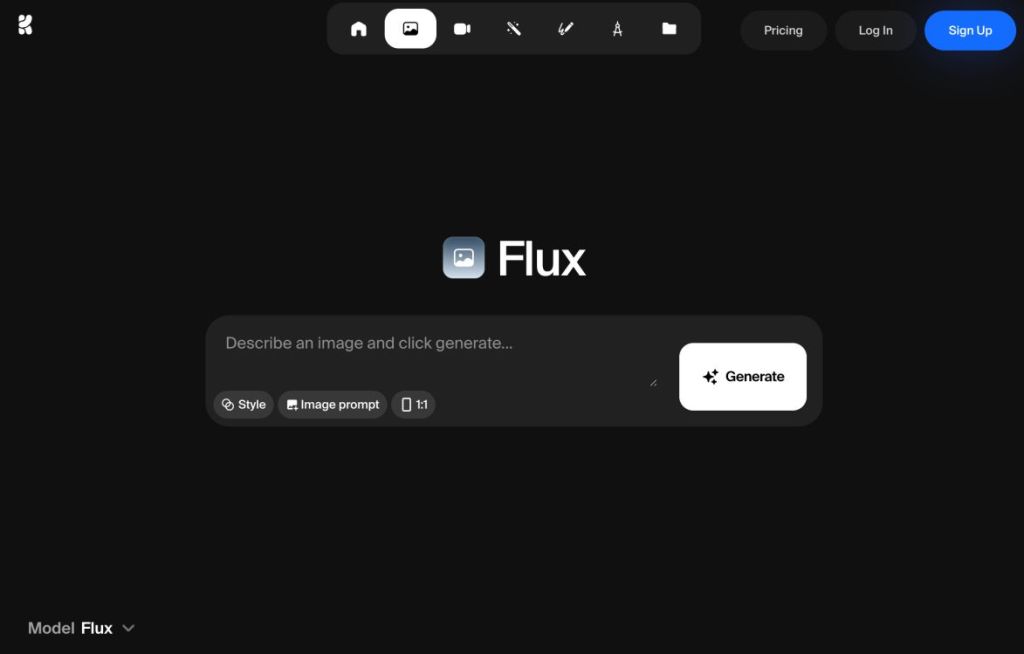
Thanks to its multimodal architecture, you can modify images while maintaining consistency across generations. For targeted edits, and even photorealistic image generation, Flux is a powerful AI image model. And not to mention, it also excels at typography so text rendering is also quite good.
The only issue is that it doesn’t have a consuming-facing app. However, you can use this image model at Leonardo AI, Higgsfield AI, KreaAI, Freepik, and more.
| Pros | Cons |
|---|---|
| Highly consistent across multiple generations | No first-party consumer facing app |
| Perform local edits via text prompt | |
| Multi-image, contextual editing |
Pricing: Free, Paid plan starts at $8 per month
3. Reve V1
Reve (“Halfmoon”) is a new name in AI image generation, but this small team has delivered a capable image generation model. In terms of multi-image editing, Reve is probably the best image generator out there. You can club multiple images to create a single output with high fidelity and consistency.
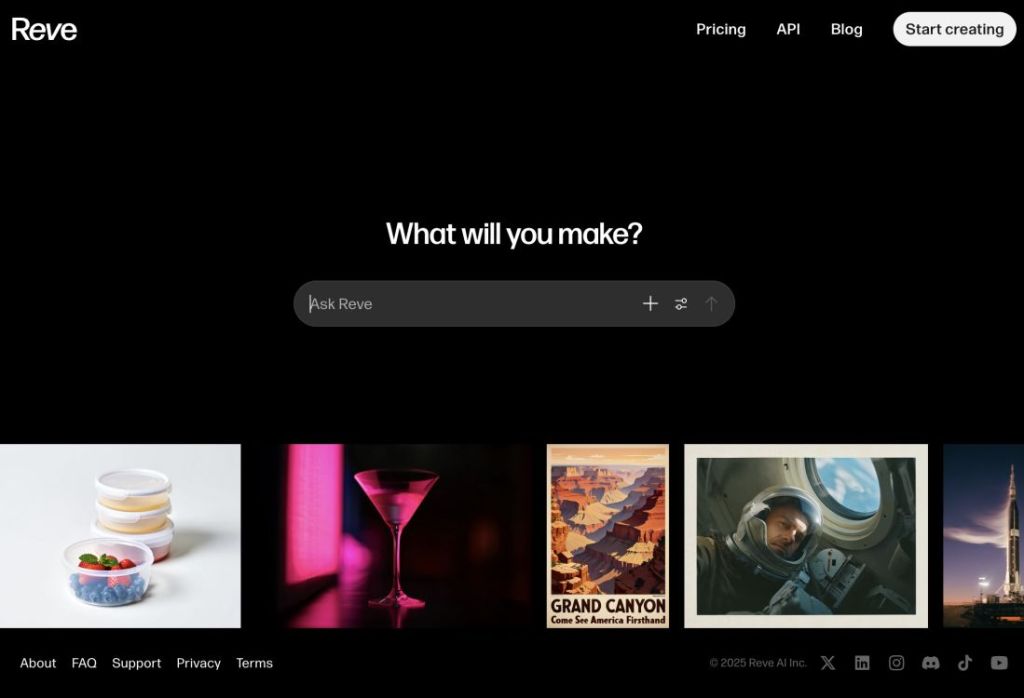
You can also generate images and visually edit photos like removing shadows, restoring images, moving elements, and more. You can simply drag and drop to make targeted edits. Next, Reve is particularly great at text rendering, maintaining details, and aesthetics. Finally, you can choose the aspect ratio, provide references in two different modes, and batch generate up to four images.
| Pros | Cons |
|---|---|
| Impressive prompt adherence | Not for abstract art |
| Perform multi-image, contextual editing | |
| Seamless drag-and-drop editing |
Pricing: Free, Paid plan starts at $20 per month
Best AI Image Generators for Artistic & Creative Work
4. Midjourney
Midjourney remains one of the best AI image generators, solely for its unique style and aesthetics. There is something very different about Midjourney outputs. You can go wild with your imagination and Midjourney delivers every single time. The recent V7 model has improved the image quality, and it’s one of the few AI models that maintains hand and body coherence.
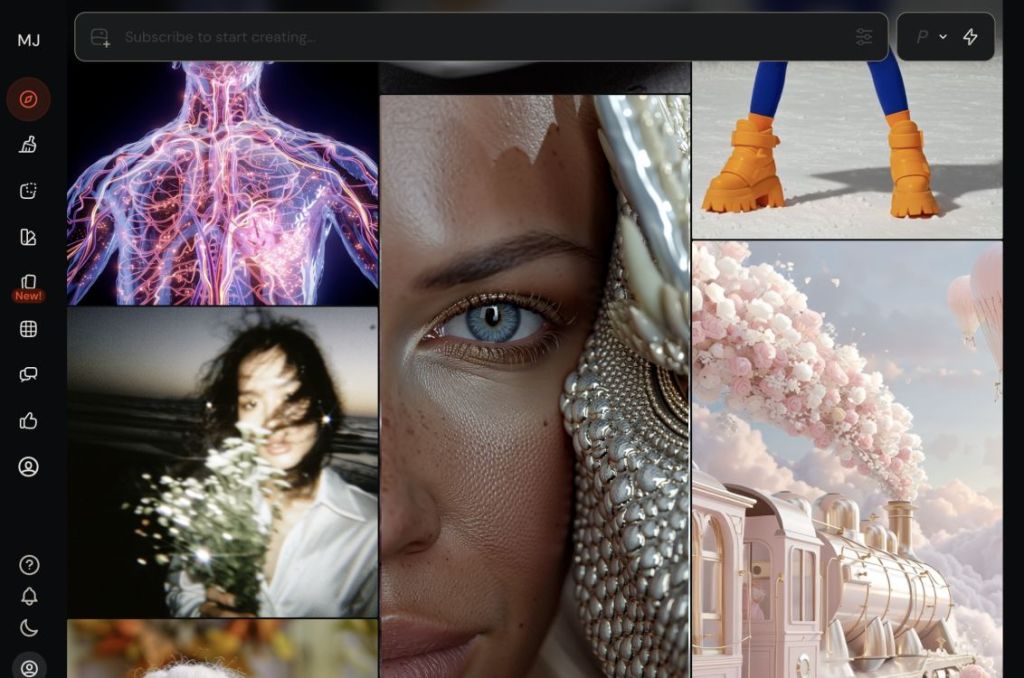
On top of that, Midjourney’s web UI is a breeze to use. You can edit an image after generating it, remove an element with smart selection, explore various styles, merge multiple images, and more. Overall, for creative concepts and stylized art, I would highly recommend Midjourney as it offers unparalleled stylization controls.
| Pros | Cons |
|---|---|
| Perfect for stylized art, concept, and mood | Not great for text rendering |
| Image generation and editing | |
| Large community of users |
Pricing: Paid plan starts at $8 per month
5. Leonardo AI
Leonardo AI has quickly become one of the best platforms for AI image generation. For creators, teams, and developers, Leonardo AI offers high-quality image models with great visual tools. So whether you want to generate AI images for product photography, game assets, interior design, graphic design, or character development, Leonardo AI has you covered.
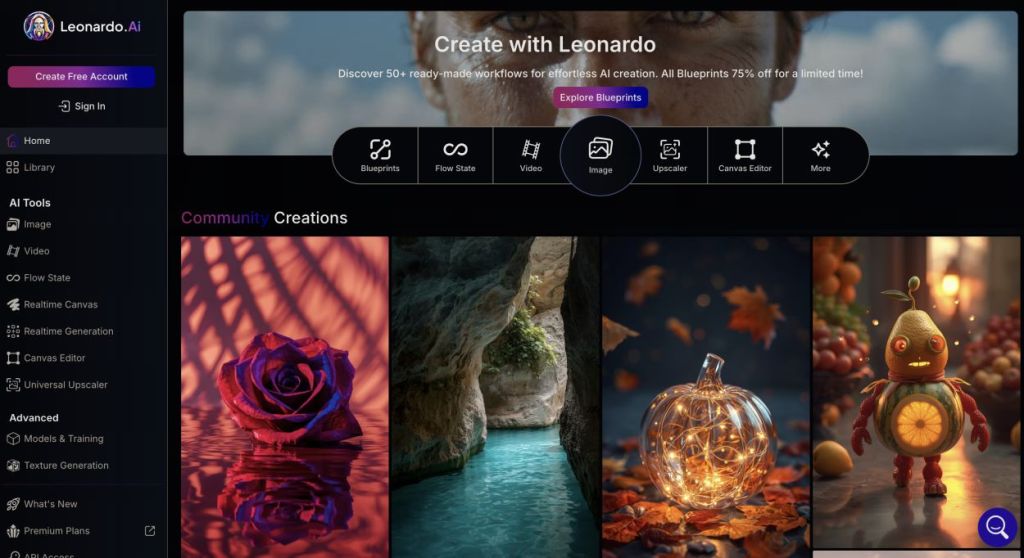
Particularly, its Lucid Origin Ultra AI model has set a new benchmark in image generation. Apart from the in-house model, you can also access top-ranking image models such as Nano Banana, Ideogram 3.0, Flux .1 Kontext Max, and more. In addition, you can choose the image dimension, resolution, batch output, stylization, etc.
Put simply, Leonardo AI is an all-in-one AI image generation platform, and you simply can’t go wrong with it.
| Pros | Cons |
|---|---|
| Feature-rich platform for creators and teams | Slight learning curve |
| Hosts top AI image models | |
| Best for character development and brand assets |
Pricing: Free with 150 credits, Paid plan starts at $12 per month
6. ChatGPT
While ChatGPT went crazy viral over the Ghibli trend, the underlying GPT-4o model is great for generating AI images as well. Just like Gemini, GPT-4o is also natively multimodal and does a great job at both generating and editing images.
OpenAI has replaced its earlier Diffusion-based Dall -E model with GPT-4o for AI image generation in ChatGPT. And now the company has improved image generation on ChatGPT with a huge upgrade. It’s using the latest GPT Image 1.5 AI model.
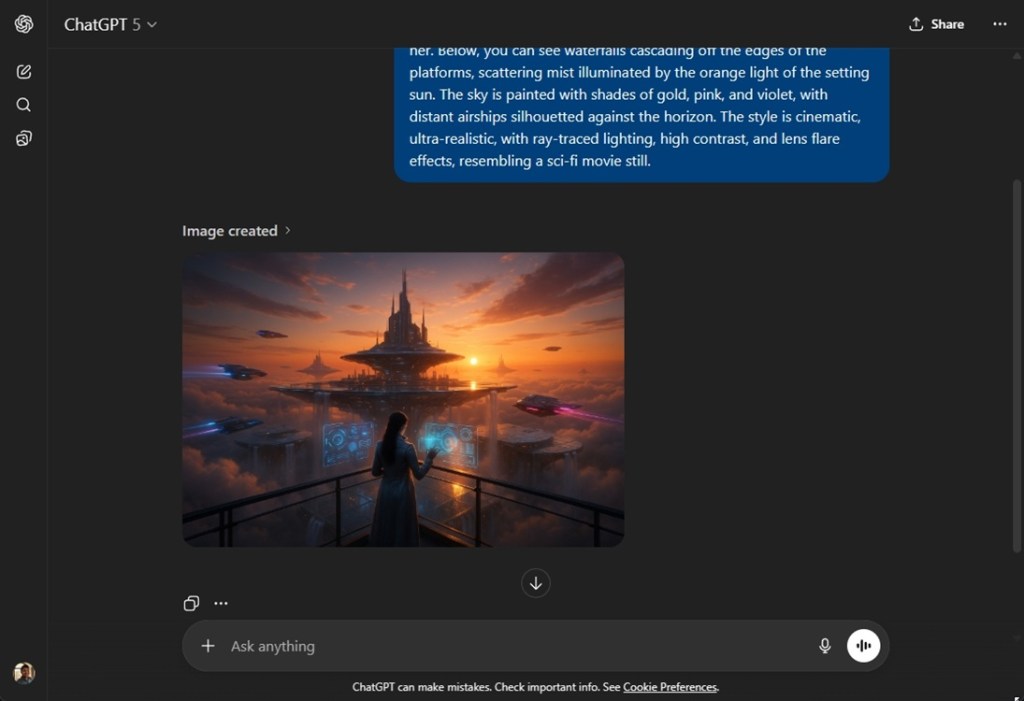
The images generated by ChatGPT are not very photorealistic, but for graphic work or character transformation, it’s a great AI tool. In addition, OpenAI has improved text rendering in generated images. What is impressive is that you can combine multiple images of different styles to create a unique image.
Note that for iterative editing, Gemini is better than ChatGPT. In my testing between Gemini and ChatGPT for AI image editing, the former maintained much better consistency.
| Pros | Cons |
|---|---|
| Great for image transformation | Poor consistency across generations |
| Supports multi-image contextual editing | |
| Free to use |
Pricing: Free, Paid plan starts at $20 per month
Best AI Image Generators for Design & Professional Graphics
7. Recraft V3
Recraft V3 is a state-of-the-art image generation model and it directly competes with Midjourney, and ChatGPT. In terms of photorealism and text rendering, this is perhaps one of the best AI image generators in the market. Recraft V3 maintains consistency across generations and with just a small set of sample images, it learns the style without requiring retraining.
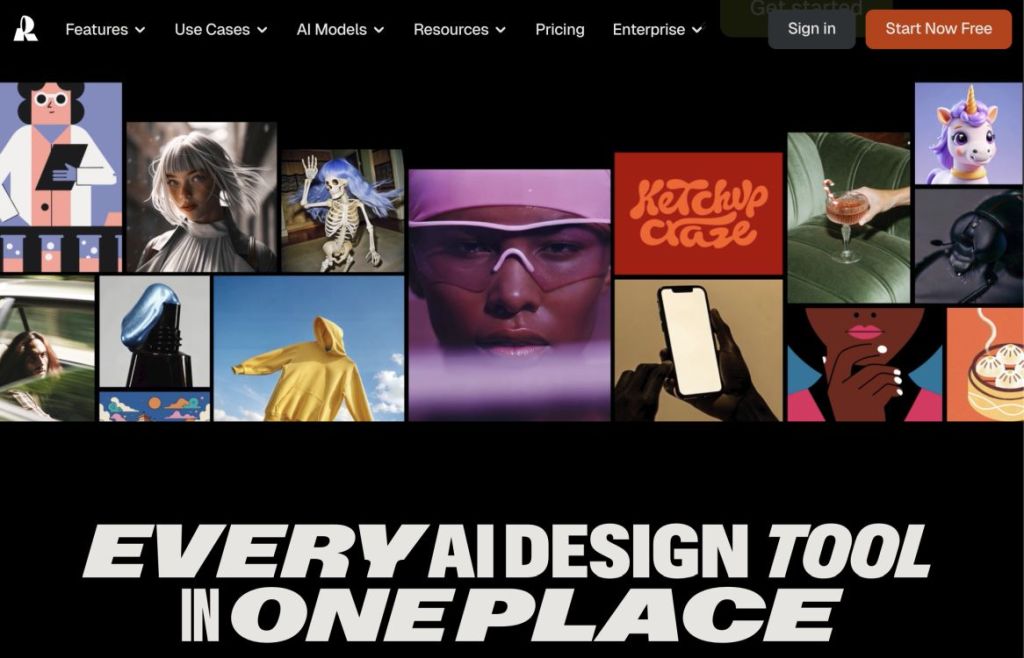
I would say if you are a designer, you should definitely check out Recraft V3. It can convert raster images into editable vectors which is great for icon and logo generation using AI. In addition, for product mockups, background replacement, border extension, and image editing, Recraft does a fantastic job. Finally, you can generate a set of icons, posters, and logos with perfect typography.
| Pros | Cons |
|---|---|
| Top-notch AI image generator for logos, posters, and icons | Not for stylized art |
| Both in-house and external models | |
| Best for typography |
Pricing: Free, Paid plan starts at $12 per month
8. Ideogram 3.0
Ideogram 3.0 was launched in March this year, and since then it has garnered a lot of attention. From the very beginning, Ideogram has been known as the perfect AI image model for text rendering. And now, with the third iteration, you get stunning realism, creative designs, and consistency across image generations.
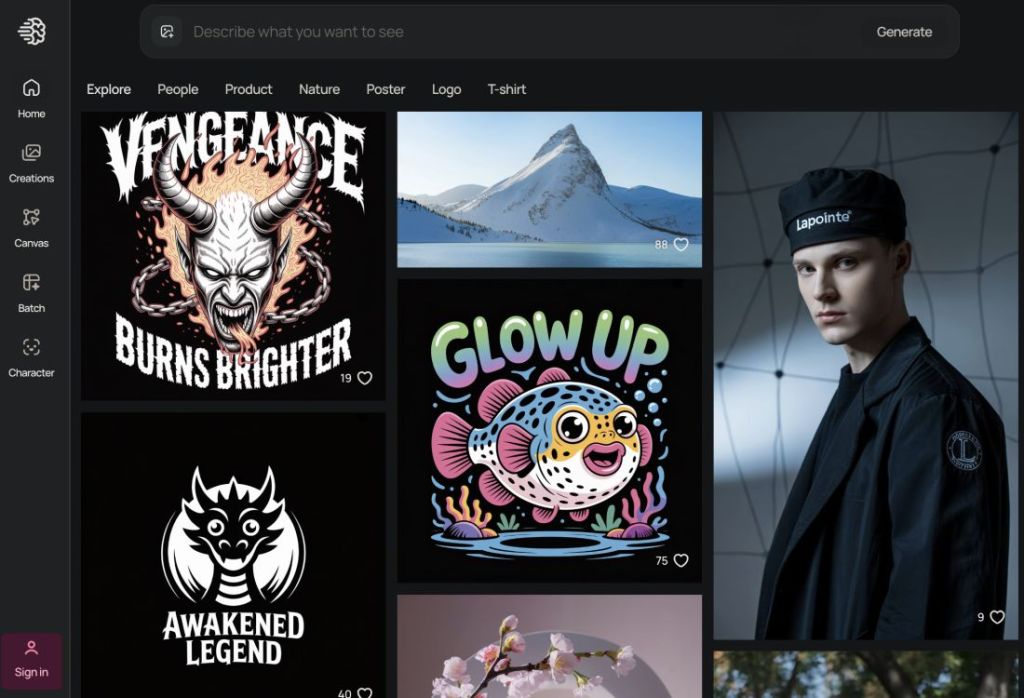
With just a single image reference, Ideogram understands the aesthetic and transfers the style seamlessly. You can either describe the text prompt or upload an image to create a new image with that reference. As for graphic design, advertising, and marketing, Ideogram offers accurate text rendering and composition. Truly, for graphic and poster designs, I would highly recommend Ideogram 3.0.
| Pros | Cons |
|---|---|
| Best-in-class legible text rendering | Less flexible for surreal artistic styles |
| Design posters, ads, and product labels | |
| Maintains brand consistency |
Pricing: Free, Paid plan starts at $8 per month
Best AI Image Generators for High-End Visual Outputs
9. Seedream 4.0
If you are not aware, TikTok’s maker ByteDance has developed a powerful text-to-image AI model called Seedream 4.0. Currently, it tops the Artificial Analysis Text To Image leaderboard with an ELO score of 1,197 points. It outranks even Google’s Nano Banana and Imagen 4 Ultra AI models. The new Seedream 4.0 model is designed for both AI image generation and editing.
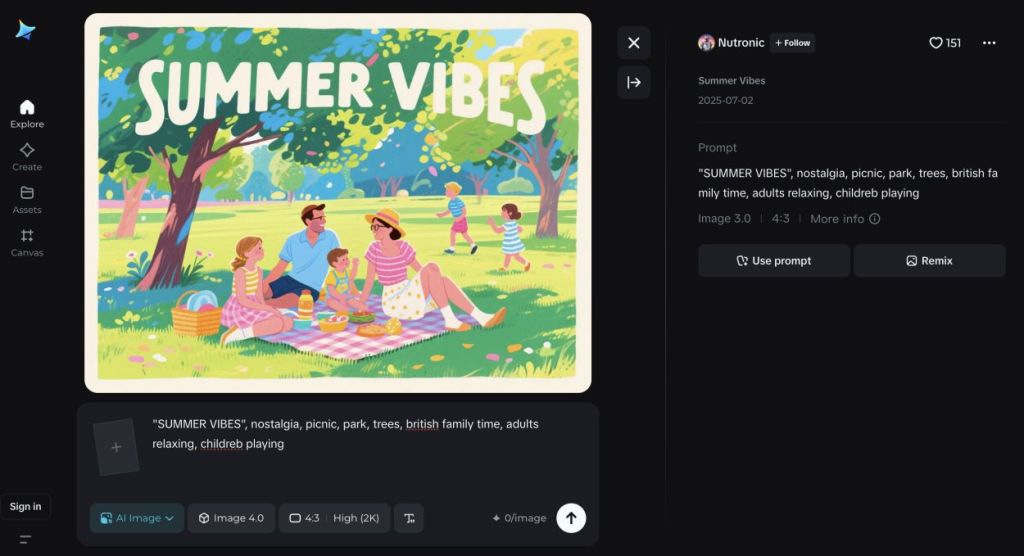
It can generate images up to 4K resolution, and combine multiple reference images to create a single output. You can also perform precise edits with prompt editing and generate stunning visuals with accurate text. Particularly, Seedream 4.0 excels at text rendering. So whether it’s art, watercolor painting, futuristic design, illustrations, or charts, Seedream 4.0 outranks many competing AI image generators.
| Pros | Cons |
|---|---|
| Generate AI images up to 4K resolution | Not widely available in many regions |
| Rich knowledge base | |
| Top-notch image editing |
Pricing: Free
10. Higgsfield AI
Just like Leonardo AI, Higgsfield AI is another platform where you can find top AI models for image generation. Not just that, you can finetune your generated image with many visual tools. It comes with its Higgsfield Soul AI model along with popular models like Reve, Nano Banana, Seedream 4.0, Flux Kontext Max, GPT Image, WAN 2.2, and more. So basically, all top AI image models are here.
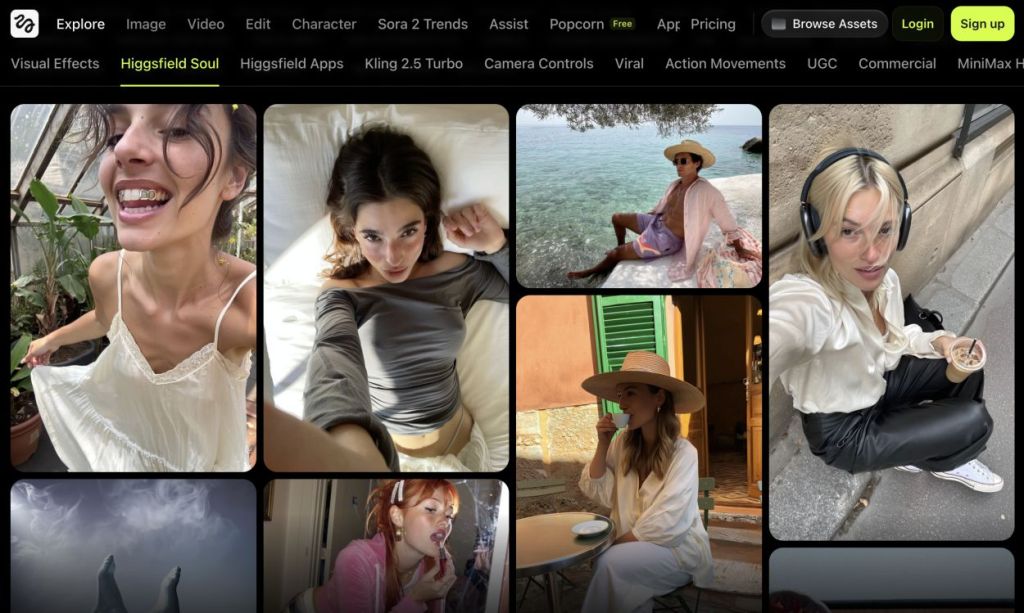
In addition, you can choose the aspect ratio, describe a text prompt or upload an image for a reference point, define aesthetics, and more. Higgsfield AI also lets you swap faces and characters seamlessly in an image. And you can use the Topaz image upscaling tool, and perform inpainting to edit a specific portion in an image. Overall, to access a variety of best image generators, you can look at Higgsfield AI.
| Pros | Cons |
|---|---|
| All-in-one platform for AI image generation and editing | Could be overwhelming for beginners |
| Features AI models from top labs | |
| Fantastic AI image editor |
Pricing: Paid plan starts at $9 per month
How to Create an AI Image?
Creating an AI image is incredibly simple. Just like you talk to an AI chatbot, you need to describe the scene in natural language in the chat box and the AI chatbot will create an image for you. As of now, nearly all mainstream AI chatbots like ChatGPT and Gemini offer built-in support for AI image generation.
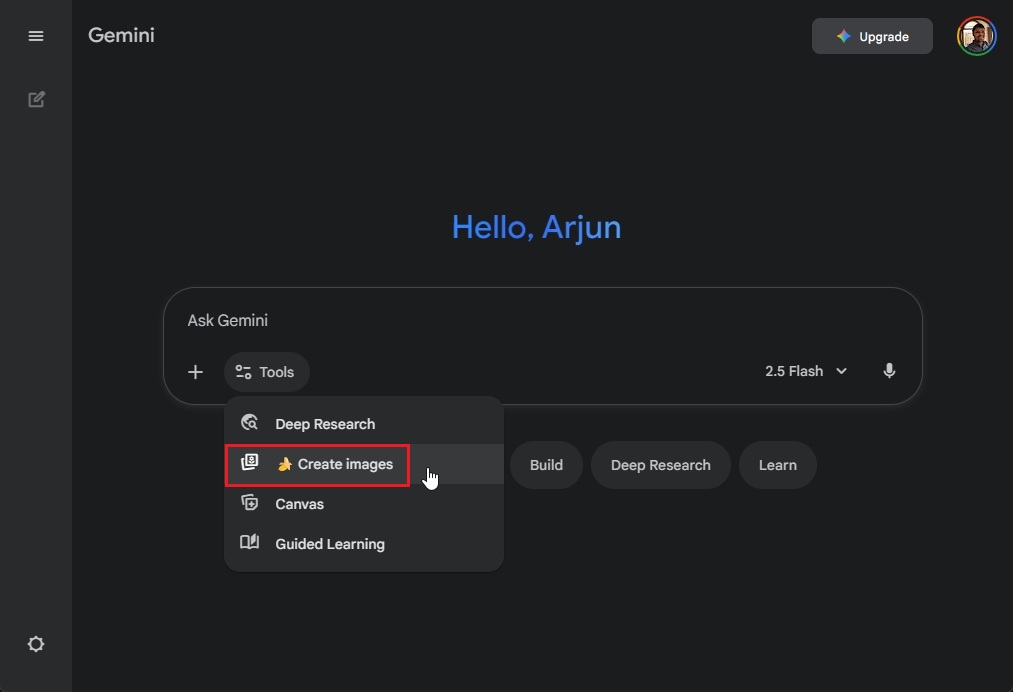
You can start your prompt with “create an image for…” and describe the scene to generate an image. In addition, some AI chatbots offer a dedicated “Create image” option under a menu. Open and select it and type a prompt to produce an AI image right away. Best of all, some AI chatbots let you edit the image with a brush and text prompt.
After image generation, you can highlight a specific element on the image and write a text prompt to remove or replace it. Put simply, image generation is just like talking to AI chatbots. The more detailed your prompt, the better will be the output.
So that wraps up our list of 10 best AI image generators. While some model providers offer a great consumer app or website, some only offer an API. In that case, you can try platforms like Leonardo AI or Higgsfield to access those image models. In case, we have missed out on your image generation AI model, let us know in the comments below.
After extensive testing, I can say that Google’s Gemini Nano Banana Pro is the best AI image generator in town.
For image generation, I would recommend Midjourney and for image editing, you should check out Google Gemini Nano Banana Pro.
Yes, you can use ChatGPT to both generate and edit existing images. You can generate or upload your own image to create a new AI image.