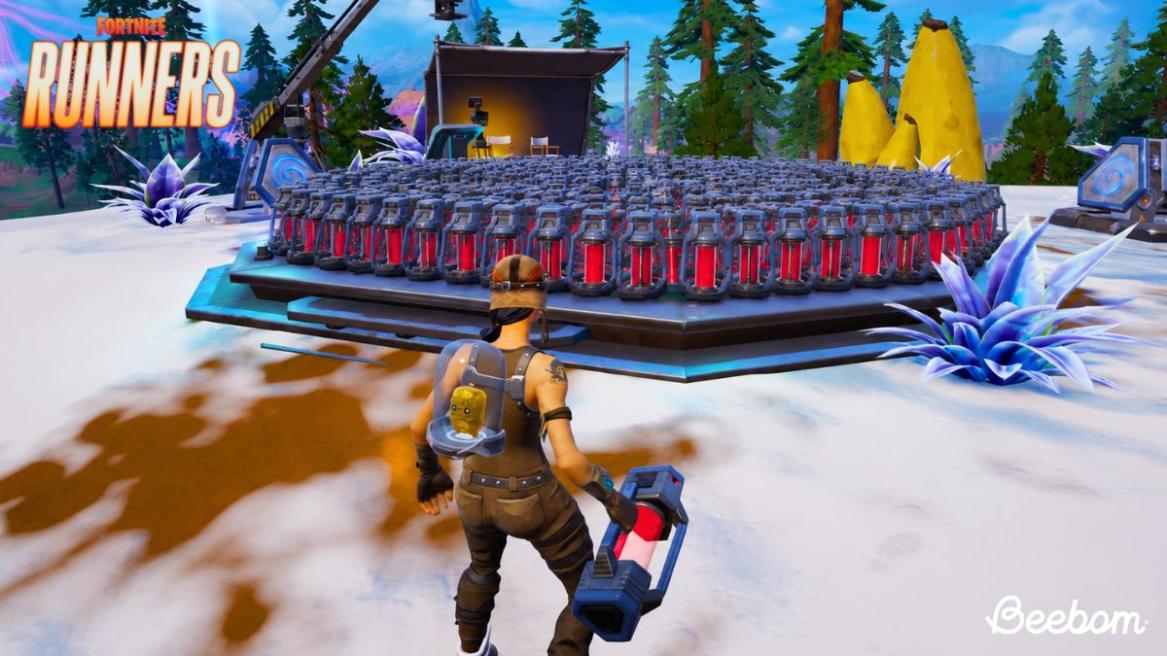
- A new Fortnite glitch is going viral online, allowing players to farm infinite Portable Extractors.
- To do so, you'll need to spend Sprite Dust in a custom Fortnite lobby and buy from an Extraction Site.
- Then leave the match and head into a regular BR lobby to reap the benefits.
Fortnite Chapter 7 Season 3 is all about Sprites, as the usual Battle Royale chaos has taken sort of a backseat this season. Players are hunting down the rarest Sprites to strike off their checklist, and extracting them using a Portable Extractor or an Extraction Point is one of the most crucial steps. Since Fortnite’s fast-paced Battle Royale lobbies can be quite brutal, players resort to Portable Extractors to do the job. However, a latest glitch has surfaced which allows you to stack infinite Portable Extractors in Fortnite, but only if you meet this requirement.
This Fortnite Glitch Allows You to Stack Infinite Portable Extractors Via Custom Lobbies
Yes, you heard it right! To perform this glitch in Fortnite Chapter 7 Season 3, you need access to custom Battle Royale lobbies. If you’re puzzled and aren’t aware of what they are, basically, custom lobbies are created by those players with a Support-A-Creator code so they can create custom matches for their fans and player community.
So, if you or your friend has a SAC code in Fortnite and can create custom lobbies, you’re in luck, because you just landed yourself an infinite Portable Extractor farming glitch. Coming to how it works, it’s a little detailed, for which we’ve listed all the steps below:
- Scroll down the Fortnite home screen until you see the Custom Key button on the bottom right of your screen. Once you spot it, click on it.
- When the Custom Matchmaking Key window appears, enter a random 6-16 digit key and hit Accept.
- Then, scroll back up to the Play menu and hit the yellow Play button.
- After a few seconds, it will show a Start Match button. Click on it to launch a custom BR lobby.
- Once you’re in the match, you’ll spot that you are the only player on the island.
- Land at an Extraction Site and wait for the site to go online after a 60-second storm countdown.
- Note how many Portable Extractors and Sprite Dust you have in stock.
- Once the site is live, head to the Sprite Dust portal and purchase a Portable Extractor.
- Once again, note the number of Portable Extractors and Sprite Dust you have.
- Then, leave the Fortnite match and return to lobby.
- Scroll down once again and this time, delete the custom key and hit Accept on an empty field.
- Then hit Play again, and this time you’ll drop into a regular Fortnite BR lobby with actual players.
- Land at a safe spot and look at your Portable Extractors and Sprite Dust.


Upon looking closely, you’ll note that your Portable Extractor count is increased by one, but your Sprite Dust remains the same as it was originally before you purchased the custom Fortnite match. If you repeat the process over and over again in multiple custom lobbies and then head to an actual Fortnite match, you’ll be able to stack hundreds of Portable Extractors without spending a single Sprite Dust or extracting a Fortnite Sprite.
However, we advise you strongly against using exploits or glitches in Fortnite matches to avoid a strict account action or a ban altogether by Epic. As of now, this glitch is fully functional; however, we don’t know when it will be patched. So use it while it’s still live in Fortnite.