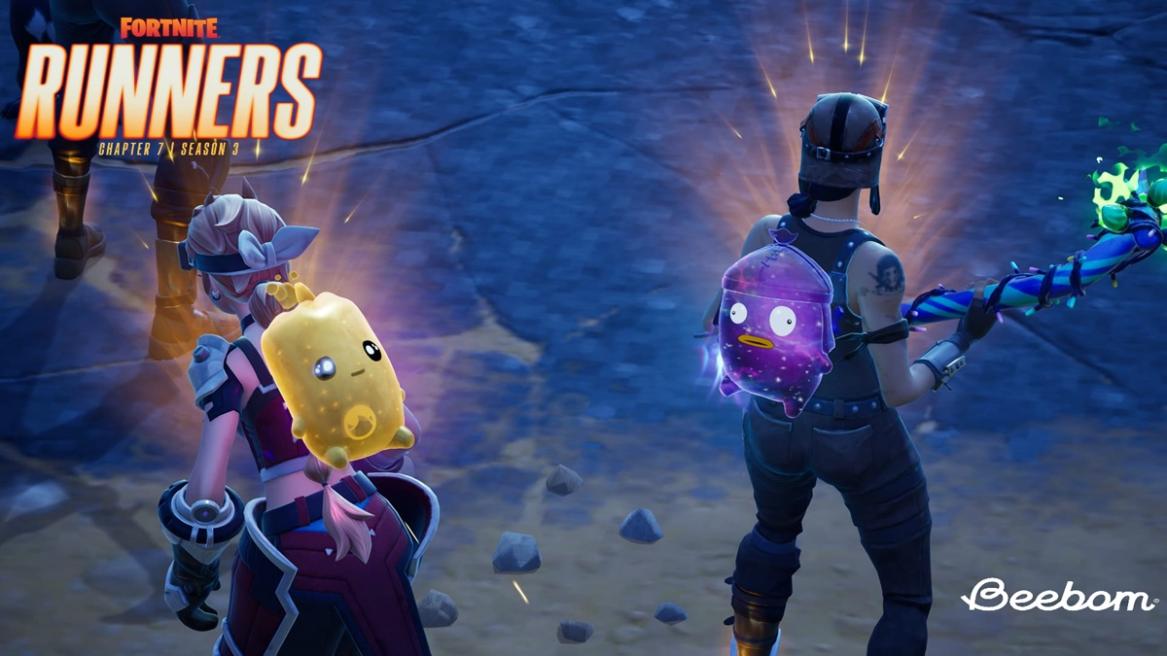
- The Fortnite Sprite Checklist can be used to keep track of your entire collection.
- Share images of your Sprite collection, making it easier to trade Sprites with friends.
- It is far superior to the in-game Sprite system that doesn't allow you to track your collection at a glance.
The Fortnite Sprite Checklist is perhaps one of the most important tools available to you in Chapter 7 Season 3. With Fortnite Sprites stealing the spotlight, collecting, levelling, and extracting them is the crux of the moment. This means keeping track of all the rarest Sprites in Fortnite that you have versus the ones you don’t. While the in-game Sprite system is “okay,” it’s not useful for keeping track of things. This is where the Fortnite Sprite Checklist comes in clutch.
What is the Fortnite Sprite Checklist?
The Fortnite Sprite Checklist is a detailed tool that helps you keep track of all Fortnite Sprites in your collection. It offers a complete breakdown of Sprites at a glance and where they can be found. Most importantly, it allows you to tick off Sprites that you’ve already collected.
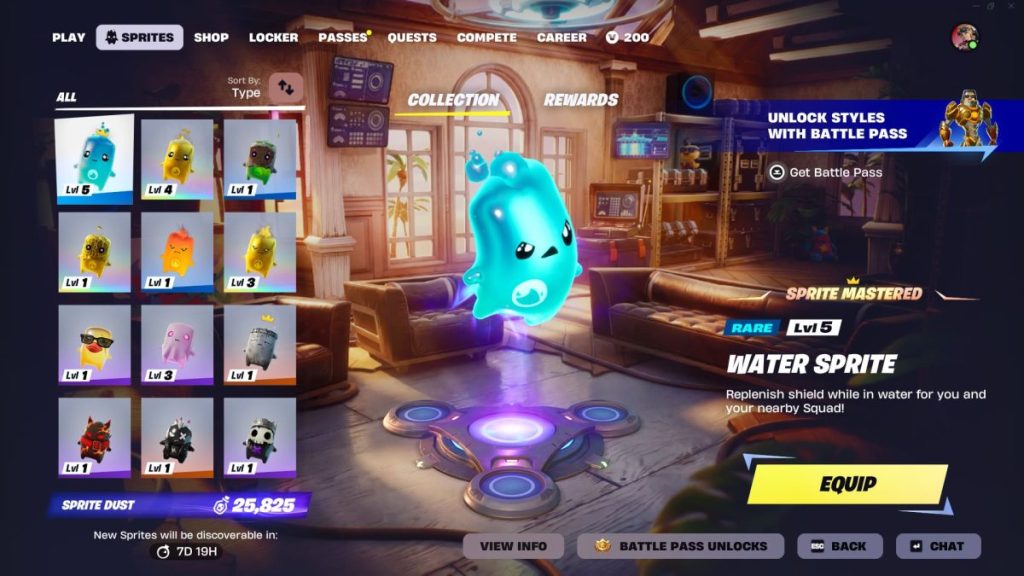
This information is saved and can be viewed later on when needed, which makes trading Sprites in Fortnite a breeze. When compared to the actual Fortnite Sprite system, this checklist is far superior and offers a lot of utility at a glance.
How to Use the Fortnite Sprite Checklist
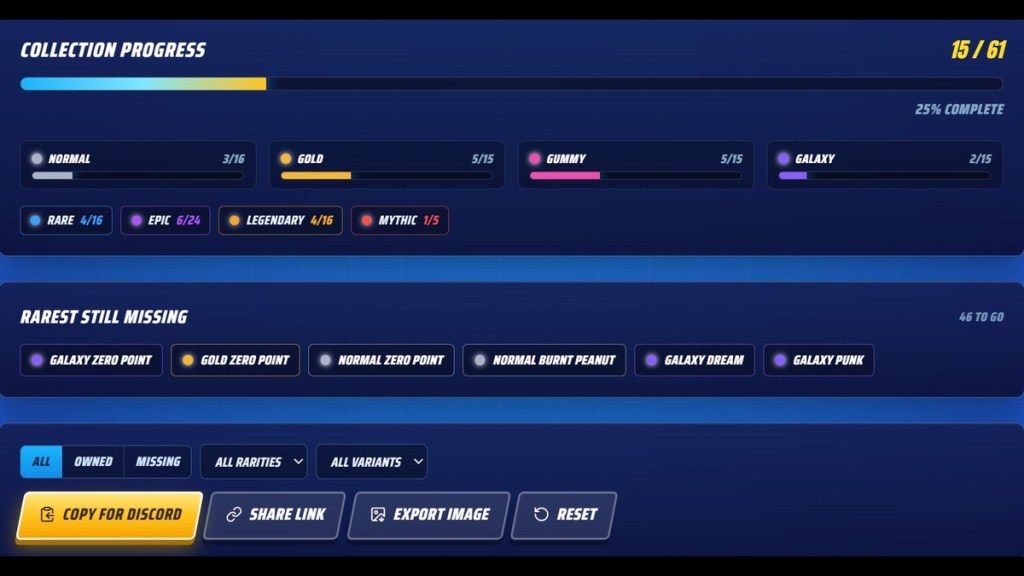
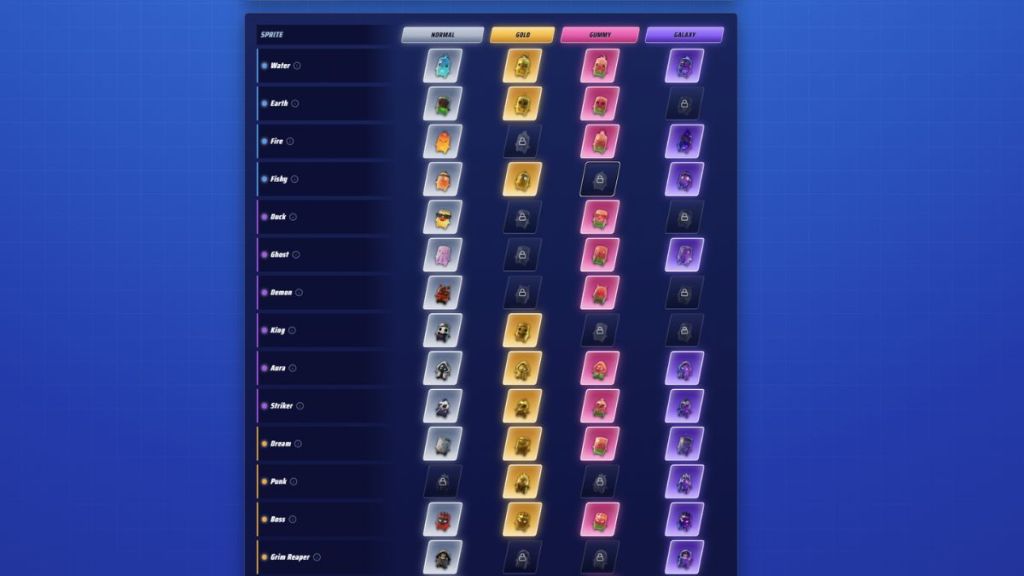
To use the Fortnite Sprite Checklist, you’ll need to head to this website: spritelocker.com. Once loaded in, take a while to take everything in, and then head back to this guide. When you’re ready, these are two sections you need to pay attention to.
- Collection Progress: When you select a Sprite from the list, this section automatically updates. It allows you to keep track of your collection externally. It lists out the number of Sprites you’ve collected alongside their rarity and type.
- Rarest Still Missing: This section lists out the rarest Sprites and how you could potentially obtain them by searching Sprite Chests in Fortnite and through other means.
As you tick off Fortnite Sprites that you have in your collection, the Sprite Checklist will also update the amount of Sprite Dust needed to re-summon them. This gives you a fairly good idea of what’s at stake if you fail to extract a Sprite using Extraction Gizmos in Fortnite. You can also share your collection with friends by using the “Export Image” option. This will make comparing collections easier.
This sorting system should ideally have been implemented in Fortnite by the developers. It would have made it easier for players to keep track of their Sprites without leaving the game’s ecosystem. Nevertheless, this will have to suffice, and with there being rumors of a Fortnite Batman Sprite coming soon, you’d best be tracking everything.
Let us know in the comments below which is your rarest Sprite in Fortnite and where you found it.
No, you cannot access it in-game as it is a third-party website.
No, you can only use it to keep track of your collection.







 Ajith Kumar