There are tons of laptops out there, and finding a laptop for video editing is a tedious task. You need fast performance, portability, good battery life, faster exports, and accurate color display. So to make your task easier, we have tested and ranked the best laptops for video editing. These machines can significantly improve your editing workflow. Without wasting any time, here are the 10 best video editing laptops in 2026.
Our Top 3 Recommendations
We have put together our top three recommendations so you can quickly pick a video editing laptop. Check out the table below.
Best Laptops for Video Editing Why We Selected It Perfect For MacBook Pro 16 M4 Max Best-in-class performance, 100% DCI-P3 display, 10+ hours of battery life, ProRes acceleration, quiet performance Final Cut Pro users, portable machine for location shoots, peak performance even when unplugged Asus ProArt P16 Best video editing laptop on the Windows side, RTX 5090 GPU, Optimized for Premiere Pro and DaVinci resolve workflows Windows users, professional 4K/8K editing, maximum GPU power, accurate color grading Apple MacBook Pro M5 Best affordable video editing laptop under $1,500, top performance and efficiency, 4K editing under low budget Apple ecosystem users, beginners in video editing, FCP users
Overview of Best Laptops for Video Editing
If you are looking for the best video editing laptop, simply pick the MacBook Pro 16 M4 Max. Following that, on the Windows side, the Asus ProArt P16 ranks among the top laptops for 4K/8K video editing.
Video Editing Laptops Best Suited For Limitations Pricing MacBook Pro 16 M4 Max Professional 8K/4K video editing, best for FCP users, 10+ hours battery life Expensive storage upgrades $3,999 ASUS ProArt P16 8K RAW editing, paired with RTX 5090, best for Premiere Pro/DaVinci Resolve users Shorter battery life, audible fans under load $3,999 Alienware 18 Area-51 4K/8K video editing on a laptop, multi-monitor workflow, 18-inch screen Heavier than other laptops $3,999 MacBook Pro 14 M4 Max Best for 4K/6K video editing, ProRes workflow, excellent battery life Smaller 14-inch screen $2,899 Razer Blade 16 4K editing while traveling, best for creators and gamers, RTX 5080 Moderate battery life $3,499 Dell XPS 16 (2026) All-around excellent laptop for video editing, thin and lightweight, beautiful screen No dedicated GPU $2,349 ASUS ROG Zephyrus G16 4K editing and gaming, RTX 5070 GPU, OLED display Lower TGP GPU $2,149 Lenovo Legion 7i Mid-range 4K editing, 2.5K OLED screen, RTX 5070 GPU Mid-tier GPU $2,179 Apple MacBook Pro M5 Excellent budget laptop for video editing, 4K editing, Neural Accelerators Smaller chassis $1,449 ASUS ROG Strix G16 Affordable laptop for budget 1080 video editing, RTX 5060 GPU 16GB RAM $1,399
How We Tested the Best Laptops for Video Editing?
To find the best laptops for video editing, we started with CPU and GPU performance. After that, we rendered 4K timelines on all laptops and calculated the export times. This gave us the best look at how well the laptops perform in real-world video editing tasks. We also ran video editing software like Adobe Premiere Pro, DaVinci Resolve, and Final Cut Pro on compatible laptops.
Next, we checked the multi-core performance, ran encoding tests, and did stress test on the GPU to check its sustained performance. We also checked for ports, 4K display support, external storage support, and audio interfaces. All these points were considered before picking the best video editing laptops.
What to Look For in a Video Editing Laptop in 2026?
You must consider multiple capabilities before choosing a video editing laptop in 2026. For starters, look at the CPU and GPU performance. Most video editing software use multiple cores for timeline rendering and export tasks. So the more CPU and GPU core counts, the faster it will be at exporting your video.
You should also look for a laptop with a dedicated GPU like Nvidia RTX-series GPU for faster acceleration of effects, processing and color grading. Similarly, display quality matters and you should check panels with 100% DCI-P3 coverage. And I highly recommend that you choose a laptop with at least 32GB of RAM for hassle-free video editing.
CPU vs NPU: Why AI Performance Matters Now?
For video editing, CPU performance has been essential in the past, but in modern workflows, NPU or Neural Engine performance is equally important. With 40 to 50 TOPS of AI performance, AI-powered features like subject isolation, noise reduction, etc. get a much-needed boost. In 2026, AI video editing tools like masking, upscaling, transcription, etc. are integrated within video editing software.
And these features leverage the local NPU or Neural Engine to quickly complete the operation. Recently, Apple added Neural Accelerators into the M5 GPU, which improves the AI/ML workloads multifold. So it’s a growing sign that in the immediate future, faster NPU performance would be as much important as the CPU and GPU performance.
Display: Why 100% DCI-P3 is the New Standard?
Previously, DCI-P3 color space was exclusive to cinema, but in 2026, this standard is coming to laptops and you need to take it seriously if you want to do proper video editing with color accuracy. This wide gamut standard covers 25% more colors than traditional sRGB, and excels in vibrant reds and greens. For accurate color grading, having 95% to 100% DCI-P3 coverage is essential.
Not to forget, streaming services like Netflix and YouTube now support DCI-P3 HDR content. And modern smartphones also capture videos in this wide gamut. So for color accuracy, you should always check whether the video editing laptop has 100% DCI-P3 coverage or not.
RAM & Storage: How Much is Enough?
Frankly, in 2026, you should have at least 32GB of RAM and 1TB of SSD storage in a video editing laptop. This is particularly important if you want to edit 4K videos. And with the expansion of AI tools, RAM usage has gone even higher, so it’s recommended that upwards of 32GB memory is good for future-proofing.
If you are dealing with 6K and 8K RAW footage, you should definitely get a laptop with at least 64GB of memory. And don’t forget to pick a laptop with NVMe SSDs that significantly improve the processing speed.
Ports, Battery Life, and Thermals
Besides the above-mentioned factors, having a large selection of ports is very important. You should get a laptop with Thunderbolt 4 or 5 ports that deliver around 40 to 80Gbps of bandwidth. The laptop should also support dual 4K displays. Not to mention, a dedicated SD card reader will let you quickly transfer the footage from your camera. And yes, USB-A still helps in maintaining connection with old peripherals and audio interfaces.
Next, for video editing workloads, no laptop is going to deliver exceptional battery life. However, MacBooks are known for great battery life while maintaining top-notch performance. Windows laptops may die in just 2-3 hours of heavy editing, while MacBooks can continue for 8 to 10 hours on a single charge with heavy 4K editing.
Finally, thermal management is important for portable machines like laptops. A better cooling system will reduce throttling, improve the performance, and even boost the battery life. So the laptop may be bulky but thanks to improved cooling system, you will get a much better video editing experience.
Best Premium Laptops for 4K & 8K Editing
The Apple MacBook Pro 16 M4 Max is the best laptop for 4K and 8K video editing. Its hardware is top-notch and delivers great export times. You can also take a look at Asus ProArt P16 if you are into the Windows ecosystem.
MacBook Pro 16 M4 Max
The Apple MacBook Pro 16 M4 Max is the best laptop for video editing. Be it 4K or 8K editing, the M4 Max chip can breeze through all the heavy editing. And the best part is that it can perform at its best even when unplugged, which can’t be said for x86-based Intel or AMD laptops. You also get a whopping 48GB of unified memory and 1TB of fast SSD.

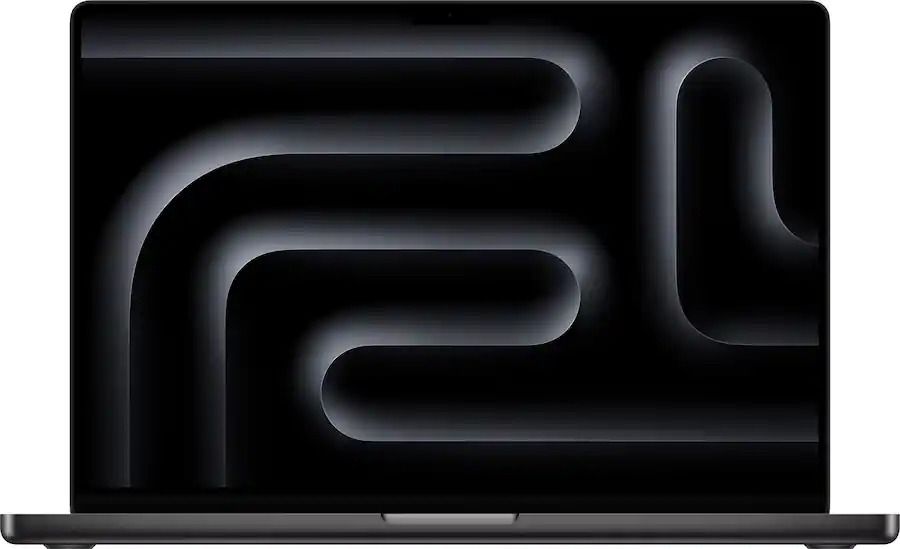
Not to mention, you get a large 16-inch screen, coupled with a 16-core M4 Max CPU and an incredible 40-core GPU for the fastest rendering. Thanks to the larger body, Apple has packed much better fans to manage the thermals. All in all, the Apple MacBook Pro 16 M4 Max is pricey, but you can’t find a more capable laptop for video editing in this price range.
Pros Cons 4K/8K video editing on the go Storage upgrade is expensive 10+ hours of battery life Superb XDR display
ASUS ProArt P16
Asus has launched a premium laptop with AMD’s Ryzen AI 9 HX 370 processor, and it’s the perfect pick for video editing if you prefer a Windows laptop. You get Nvidia’s impressive GeForce RTX 5090 GPU on this laptop. Not to mention, the laptop packs a 16-inch 4K OLED touchscreen panel for a great video editing experience.

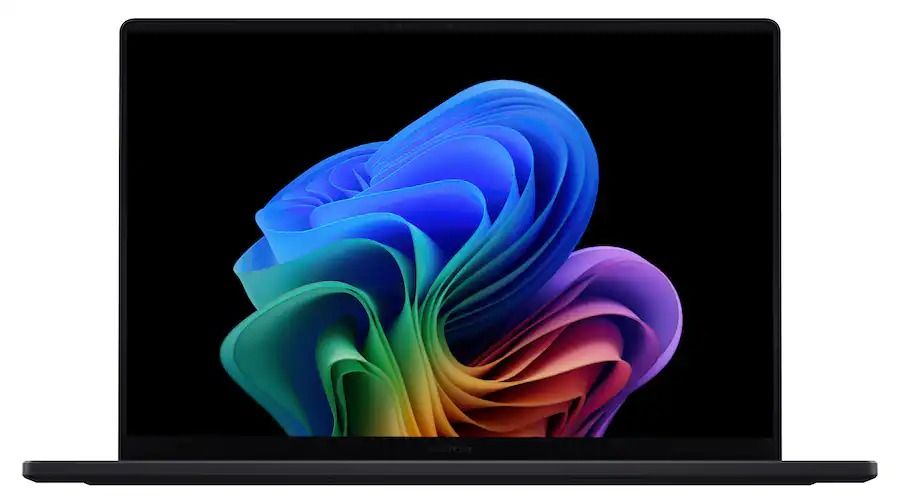
It even has more memory than the MacBook Pro 16 M4 Max. With 64GB of LPDDR5X memory and 4TB of SSD, the laptop can handle large 4K and 8K video editing projects. And the 12-core Ryzen CPU has proven that it’s a multi-core beast when it comes to sustained performance. Of course, it guzzles more power than the MacBook, but if you can’t move from the Windows ecosystem, the Asus ProArt P16 is for you.
Pros Cons Best Windows laptop for video editing Decent battery life 4K OLED screen RTX 5090 GPU
Alienware 18 Area-51
Everyone knows that Dell’s Alienware 18 Area-51 is one of the best gaming laptops, but it’s also the top laptop for video editing, thanks to the 18-inch screen. Instead of AMD’s processor, the Alienware laptop comes with the Intel Core Ultra 9 275HX processor with a whopping 24 CPU cores. And that is not all, you also get the Nvidia GeForce RTX 5090 GPU with 64GB of memory and 2TB of SSD storage.

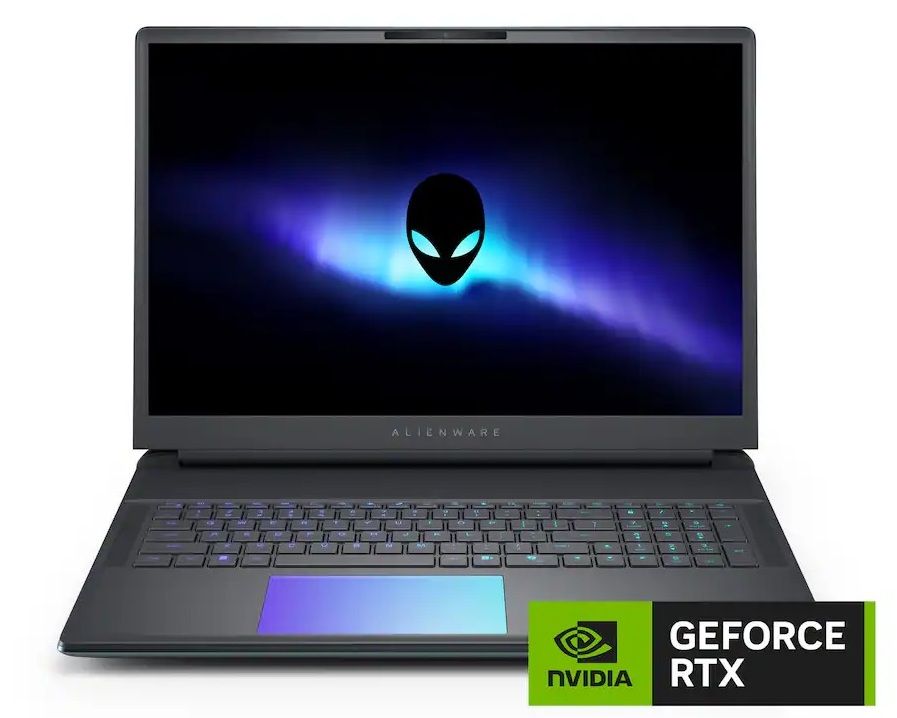
For 4K and 8K video editing, the Arrow Lake processor is more than capable. It can reach up to a massive 5.4GHz, which is incredible for a portable laptop. I would say if you want a laptop for both video editing and gaming, the Alienware 18 Area-51 is an amazing choice.
Pros Cons Powerful CPU and GPU performance for faster exports Not travel-friendly 18-inch large screen Powerful RTX 5090 GPU
Best AI-Powered Laptops for Video Editing
For AI-powered video editing, I would highly recommend the MacBook Pro 14 M4 Max. Its Neural Engine can accelerate many AI features in FCP. The new Dell XPS 16 is a Copilot+ PC and packs a powerful NPU for AI-powered video editing workflows.
MacBook Pro 14 M4 Max
When it comes to AI-powered video editing, Apple’s MacBooks are again leading the race. The 14-inch MacBook Pro M4 Max is like a portable Pro Studio that packs the powerful media engine and a 16-core Neural Engine. While Apple doesn’t disclose the TOPS figure, MacBooks are one of the rarest machines that tap into the Neural Engine to perform many AI-powered video editing operations.

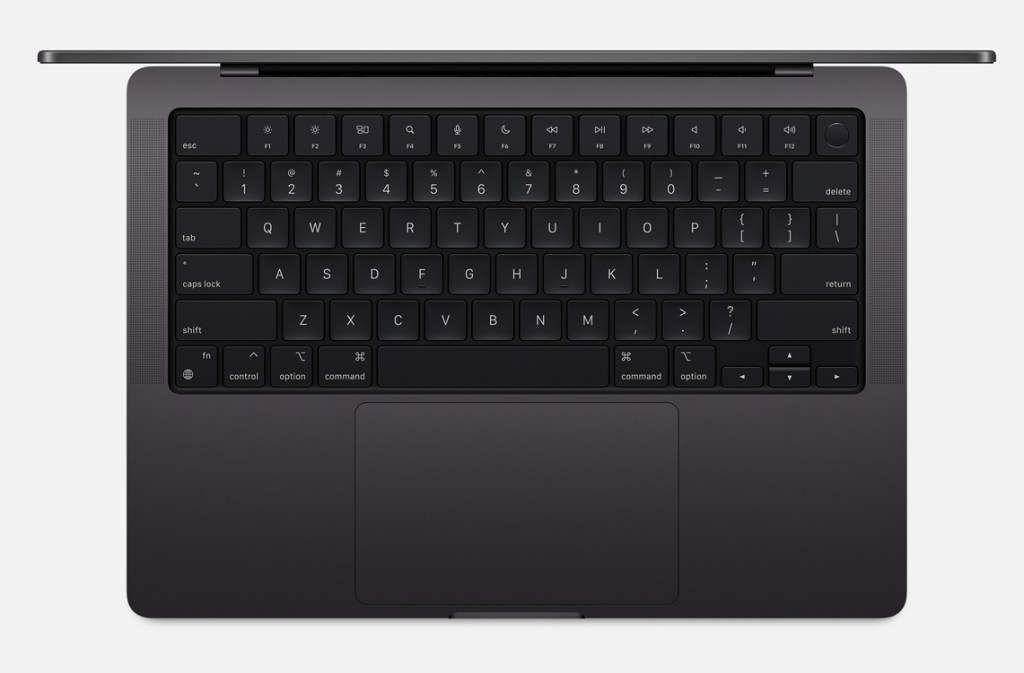
Final Cut Pro (FCP) has many AI features for video editing and they use the Neural Engine, GPU, and the CPU. Features like smart clipping, and noise reduction run directly on the local hardware. Not to forget, the Liquid Retina XDR screen is excellent for video editing. You get 36GB of unified memory and 1TB of SSD with this machine.
Pros Cons Strong on-device AI performance 14-inch screen may be limiting ProRes acceleration, excellent battery life Best for traveling and editing
Razer Blade 16
Besides being a gaming laptop, the Razer Blade 16 is a Copilot+ PC which means it comes with excellent hardware to power many local AI features. You can use the local hardware capability for AI-powered tools in video editors. It packs the AMD Ryzen AI 9 365 processor and the Nvidia GeForce RTX 5080 GPU with 16GB of GDDR7 VRAM. All considered, it can deliver up top 50 TOPS of AI performance.

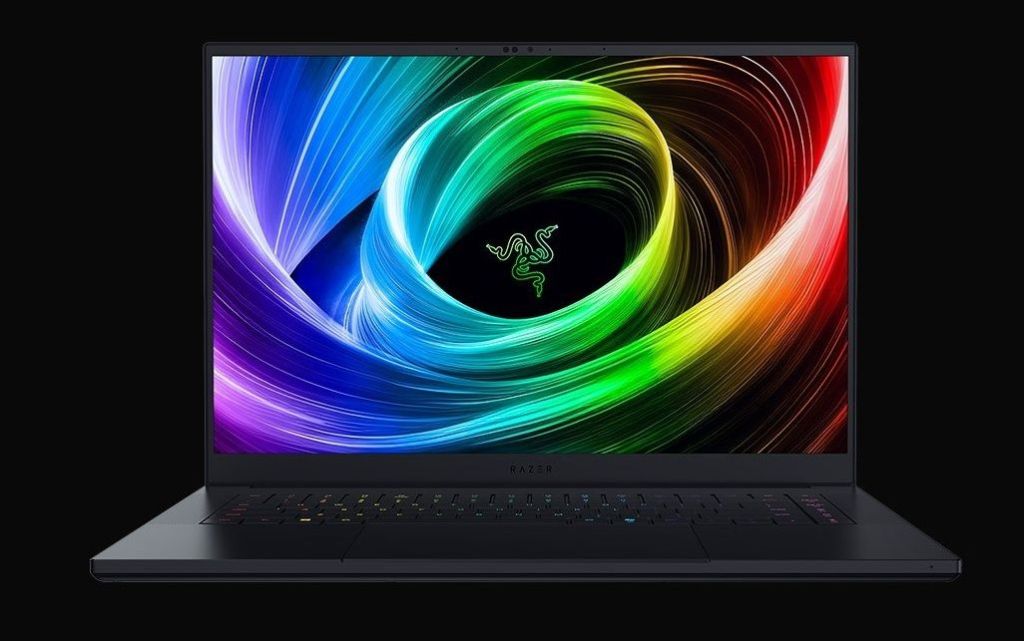
On the display front, you have an excellent 16-inch QHD+ 240Hz OLED panel. Not to mention, the laptop packs 64 of RAM and 2TB SSD storage. For video editors and games too, the Razer Blade 16 is a worthy choice. You can easily do 4K video editing and leverage all the local AI features as well.
Pros Cons Powerful CPU and GPU performance Decent thermals and battery life AMD Ryzen AI 9 365 processor RTX 5080 GPU
Dell XPS 16 (2026)
At CES 2026, Dell announced that the XPS lineup is back and you guessed it right, the 16-inch Dell XPS (2026) model is a powerhouse for video editing. It brings a beautiful 3.2K 120Hz OLED touchscreen display. Next, this is one of the only laptops with Intel’s latest Core Ultra X9 388H processor. Yes, the Dell XPS 16 packs the Panther Lake processor that can go up to 5.1GHz with 16 CPU cores.

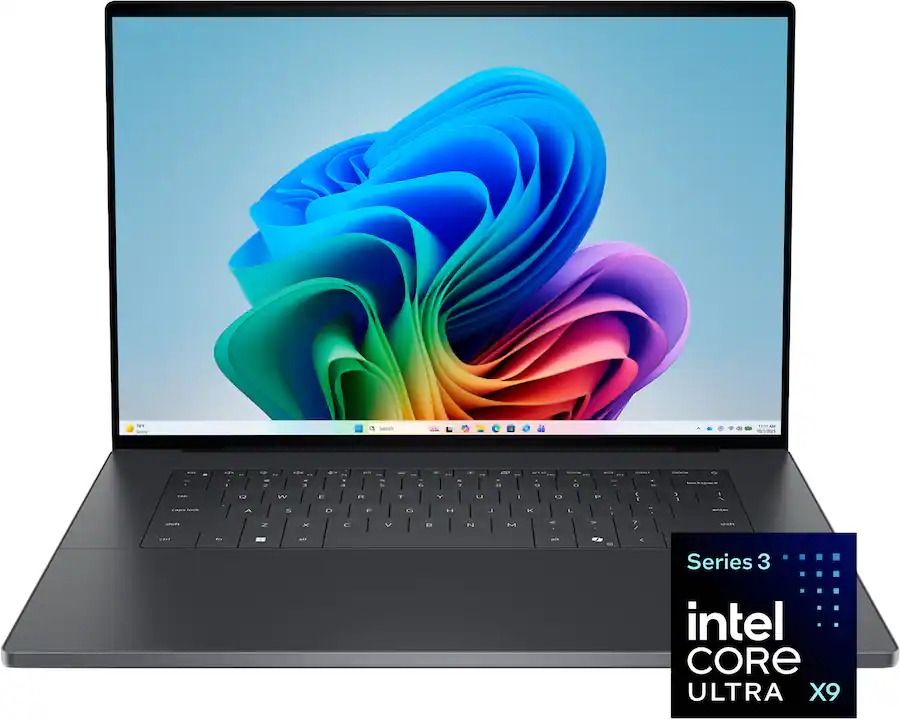
In addition, you get 32GB of LPDDR5X RAM and 1TB of SSD storage. On the graphics front, the laptop features Intel’s Xe3-based Arc GPU and it’s plenty powerful to deliver a great video editing experience. It’s not positioned as a gaming or video editing laptop, but you will surely get great performance from the latest Panther Lake chipset.
| Pros | Cons |
|---|---|
| Premium OLED screen | A bit pricey |
| Intel’s latest Core Ultra X9 388H processor | |
| 32GB memory |
Best Mid-Range Laptops for 1080p and 4K Editing
The Asus ROG Zephyrus G16 is a great mid-range laptop for 1080p and 4K video editing. The Lenovo Legion 7i is another option you can consider in the mid-range segment.
ASUS ROG Zephyrus G16
If you are looking for a mid-range laptop for video editing, take a look at the Asus ROG Zephyrus G16. It has got a 16-inch 2.5K OLED screen with refresh rate of 240Hz. And the laptop is powered by the Intel Core Ultra 9 285H processor from the Arrow Lake lineup with 24 CPU cores. To deliver faster rendering, Asus has packed the Nvidia RTX 5070 GPU with 8GB of VRAM.

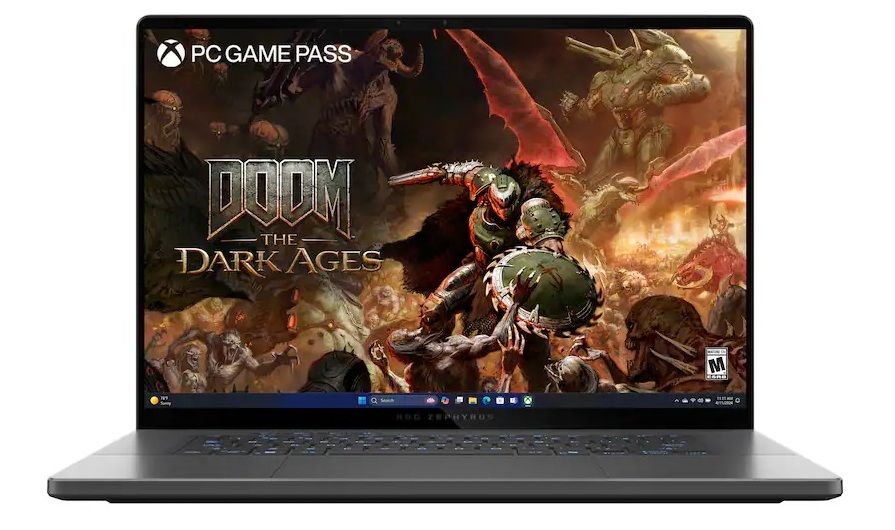
Moreover, you have 16GB of LPDDR5X RAM and 1TB of SSD storage. I think if your budget is hovering around $2000, you can definitely consider the Asus ROG Zephyrus G16. By the way, its NPU can deliver up to 13 TOPS of AI performance.
Pros Cons 16-inch 2.5K OLED screen 16GB RAM Intel Core Ultra 9 285H processor Great for 1080p and 4K editing
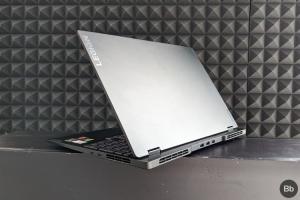
Lenovo Legion 7i
The 16-inch Lenovo Legion 7i is one of the best mid-range laptops for video editing. It packs a 2.5K OLED screen and the processor is the Intel Core Ultra 9 275HX from last year. You also get the Nvidia GeForce RTX 5070 GPU with 8GB of faster GDDR7 memory. On the inside, there are 24 CPU cores that can reach up to 5.4GHz.

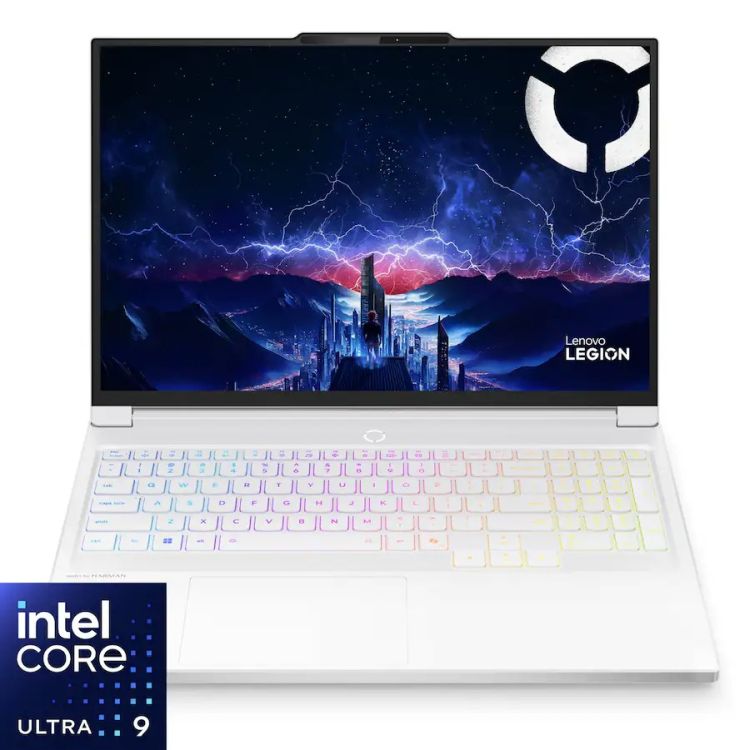
For video editing needs, the Lenovo Legion 7i comes with 32GB of RAM and 1TB of SSD. Frankly, at this price, you are getting last year’s top-of-the-line Intel processor and you can’t easily beat that. For a budget around $2000, this laptops packs powerful hardware for video editing.
| Pros | Cons |
|---|---|
| RTX 5070 GPU | Power hungry |
| Powered by Intel Core Ultra 9 275HX | |
| 32GB memory |
Best Budget Video Editing Laptops
The Apple MacBook Pro M5 is simply the best budget video editing laptop you can buy in the market right now. Apart from that, the Asus ROG Strix G16 is quite affordable under the $1,500 price segment.
Apple MacBook Pro M5
In the budget segment too, Apple’s latest MacBook Pro M5 is a better video editing laptop than many Windows laptops. Priced at $1,449, it has got a beautiful 14-inch Liquid Retina XDR display with plenty of ports. The M5 MacBook Pro packs a 10-core CPU and a 10-core GPU with 16GB of unified memory and 512GB of SSD storage.

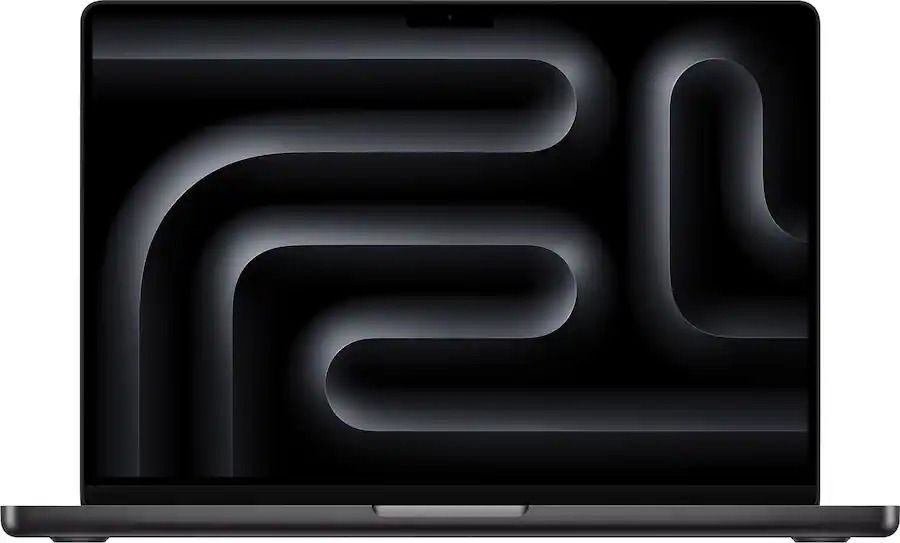
Considering these specs, you can easily edit 1080p videos and even do 4K editing. Not to mention, the 16-core Neural Engine helps AI-powered video editing tools. There is also an SDXC card slot, a headphone jack, an HDMI port, and 3x Thunderbolt 4 ports. Overall, you can beat the M5 MacBook Pro if you want a budget video editing laptop.
Pros Cons Beautiful Liquid Retina XDR display Smaller 14-inch screen Best budget laptop for video editing Can handle 4K editing too
ASUS ROG Strix G16
The ASUS ROG Strix G16 is slightly older at this point, but at $1,399, you get a solid budget laptop for video editing. The laptop has a 16-inch FHD+ screen with a refresh rate of 165Hz. You also get the Intel Core i7 14650HX processor with 16GB of DDR5 RAM and 1TB of Gen4 SSD. For processing videos, you have the Nvidia GeForce RTX 5060 GPU with 8GB of VRAM.

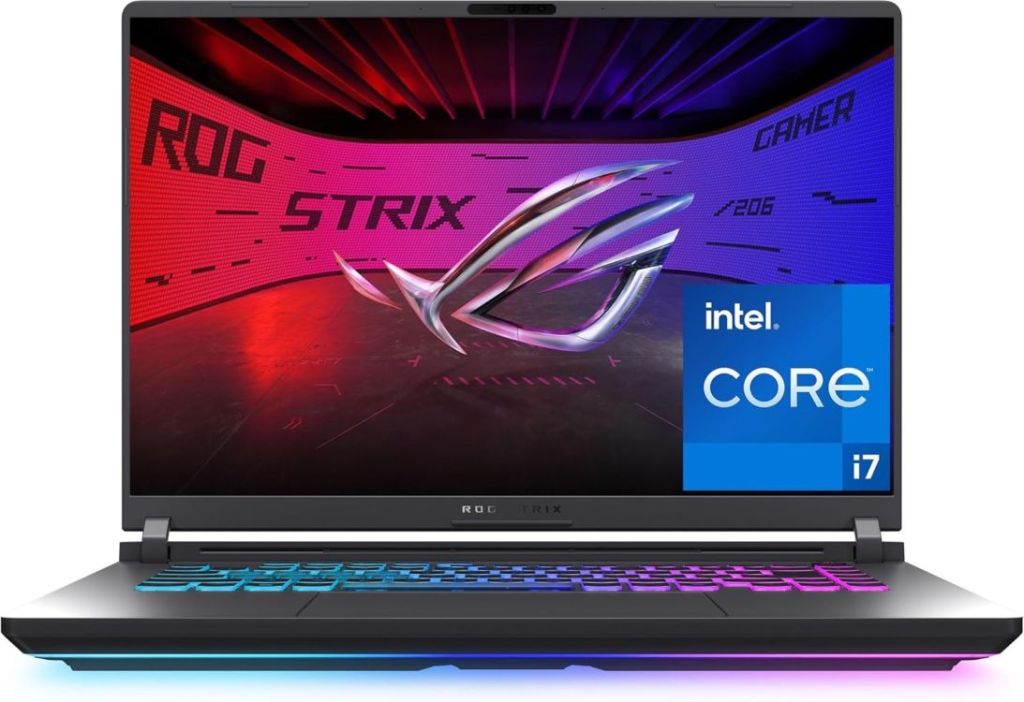
Sure, it’s a gaming laptop, but the 16-core CPU and the capable Nvidia GPU let you edit videos without much limitations. You can easily do 1080 and 4K video editing on this machine. To sum up, if you want an affordable video editing laptop, check out the Asus ROG Strix G16.
| Pros | Cons |
|---|---|
| Good for 1080p editing | A bit dated hardware |
| Intel Core i7 14650HX | |
| RTX 5060 GPU |
Choosing by Software: Premiere Pro vs. DaVinci Resolve vs. Final Cut
Finally, your choice of video editing software is important as it can influence your laptop requirements. For instance, if you use Adobe Premiere Pro, powerful CPU performance is required along with an Nvidia GPU for hardware acceleration. In addition, you will need more RAM for complex projects as Premiere Pro consumes too much memory. 32GB is the bare minimum.
Next, DaVinci Resolve heavily relies on the GPU over the CPU. It uses Nvidia’s CUDA cores for multiple functionalities including color grading and Fusion effects. An RTX 4070 may outperform CPU-dependent video editing workflows. DaVinci Resolve also runs much better on Windows so keep that in mind.
Final Cut Pro, on the other hand, is a video editor exclusive to macOS and it’s optimized for Apple Silicon. MacBook Pro with M4 or M5 chipset can easily render 4K timelines while using less power than the competition. It’s also more efficient at using memory. Even with 16GB unified memory, you can do decent 4K video editing on MacBooks.
The 14-inch or 16-inch Apple MacBook Pro with the M4 Max chipset is the best laptop for 4K video editing.
You should at least have 32GB of RAM for 4K video editing.
In 2026, an Intel i5 processor is outdated and it can’t edit 4K videos. You should at least get an Intel Core Ultra 7 or 9 processor for seamless 4K video editing.