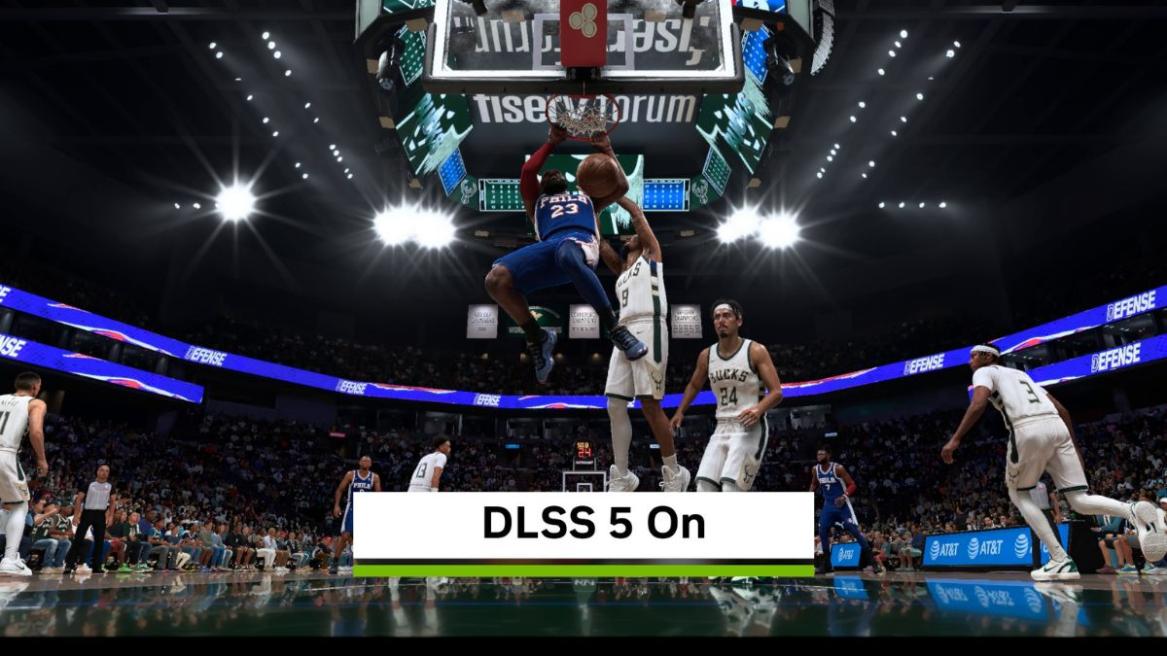
Ever since Nvidia revealed DLSS 5 at the GTC 2026 with ‘that’ Resident Evil Requiem clip, there’s been a significant amount of debate around what AI-enhanced graphics should look like. The facial models shown in the early showcase looked drastically different than the original and unnecessarily AI-generated. So I can understand why the internet has its icks against DLSS 5 and labeled it “AI-slop”.
But let’s not forget that that was an early build we all saw. Testers too reportedly got hands-on with a few different, more restrained models of DLSS 5 at Gamescom 2026 before the final version was shipped, and after spending a week testing it with NBA 2K27, I can see why this technology needs to be judged by the games it actually ships in rather than its face value.
DLSS 5 Graphics: AI Rendering Isn’t as Weird as I Thought It Would Be
When Nvidia sent me the game-ready driver for DLSS 5 and a copy of NBA 2K27 to run it, I was a bit skeptical about whether it would deliver on the promise the company is claiming. So I rigged it up on my PC with an RTX 5080 Founder’s Edition and ran the game at 1080p with ray tracing enabled, settings maxed to Ultra, and DLSS 5 on, set to Quality. And the results were quite surprising.
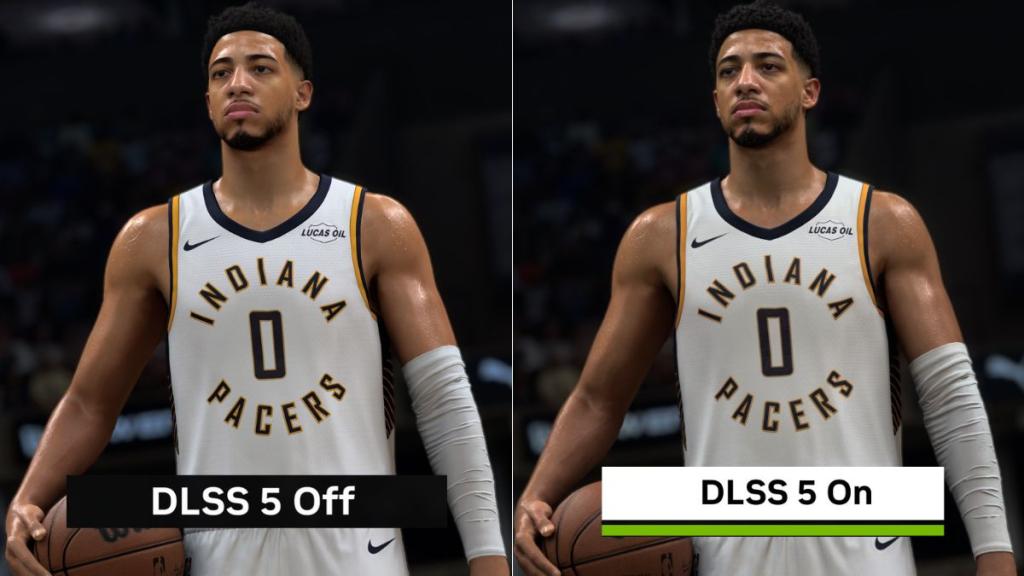
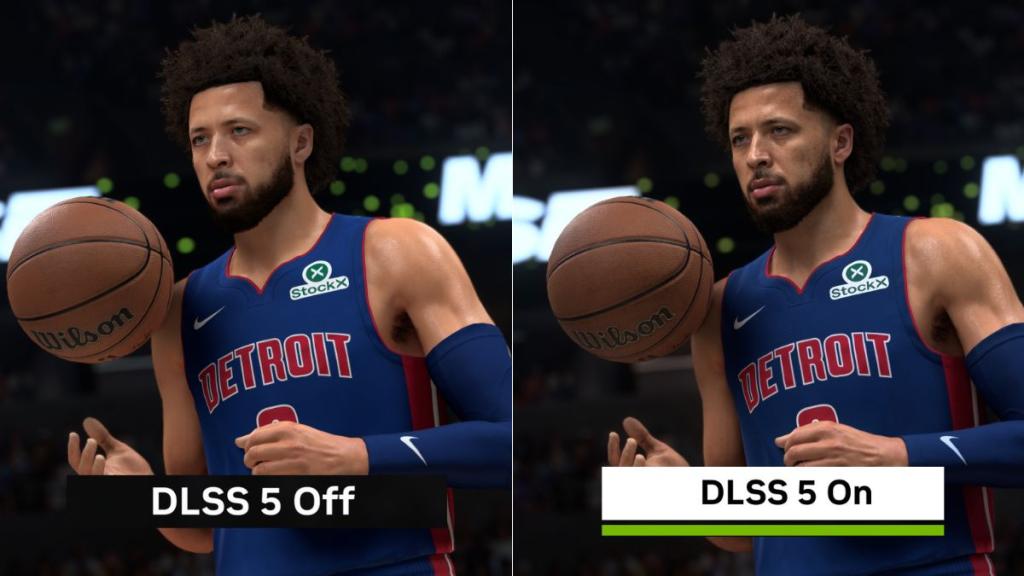
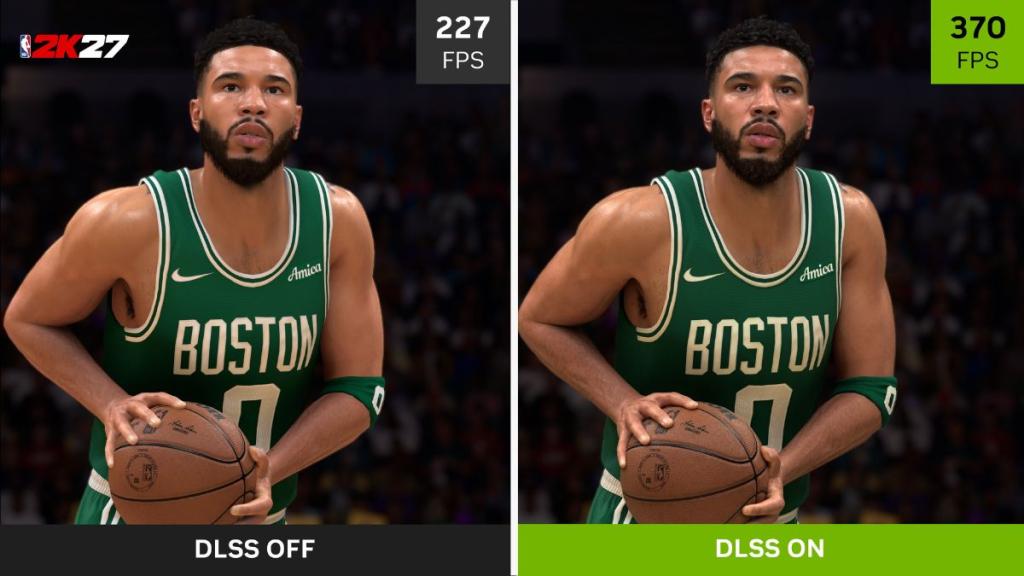
I played a match with DLSS 5 off, where I wanted to experience the native rendering of Visual Concepts’ engine, and I noticed considerably more shimmering, jagged edges, and instability around characters and objects as they moved, with fast breaks, and even the basketball itself leaving a bit of ghosting behind. This was all on Ultra settings with RT on, and anti-aliasing and motion blur off. So yeah, pretty much on brand with Visual Concepts if I’m honest.
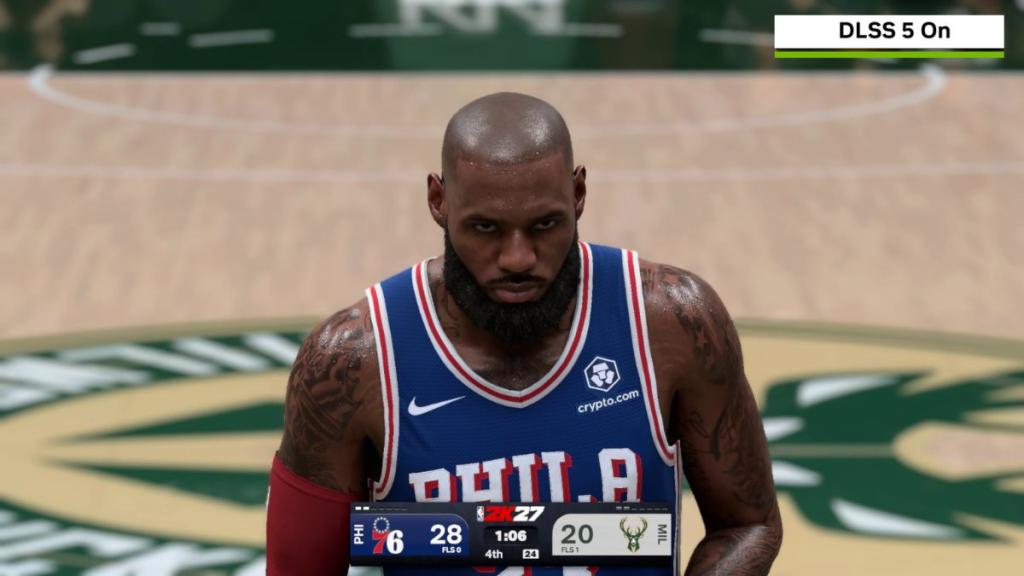
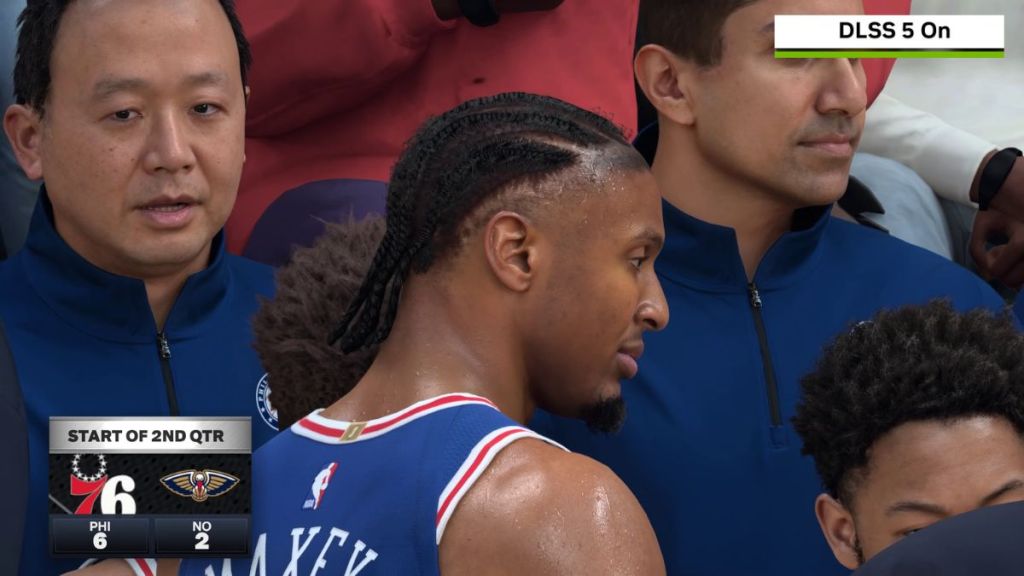
Enter DLSS 5; when I turned it on, it cleaned much of that up. It gave the scene more personality through improved reflections and lighting, and made the image feel substantially more stable and sharpened everything from uniform material to the basketball’s texture. Sweat highlights on player bodies, fingertip edges, and facial stubble all got noticeably crisper.
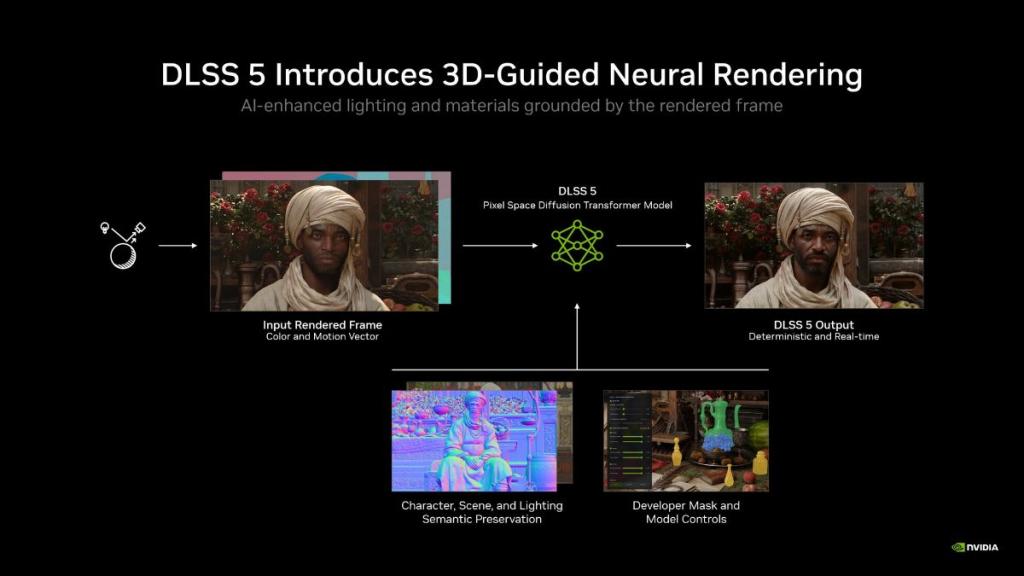
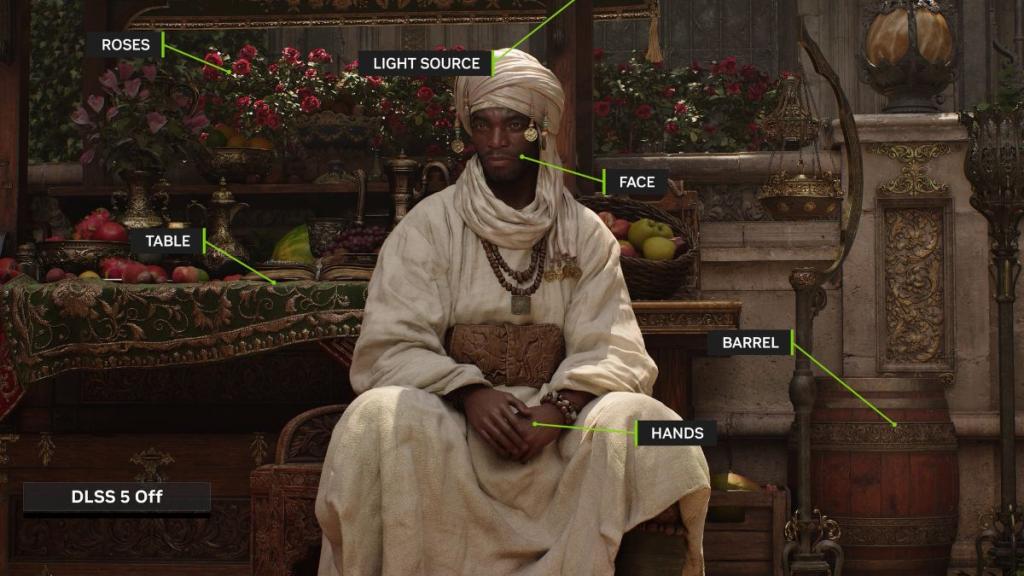
That checks out with how Nvidia describes that DLSS 5’s tech actually works: it reads the frame’s own color and lighting data with an object-level rendering and adds detail rather than generating something entirely new from scratch, which is probably part of the reason why it doesn’t come off as artificially plastered the way it did in that early RE9 Requiem demo.
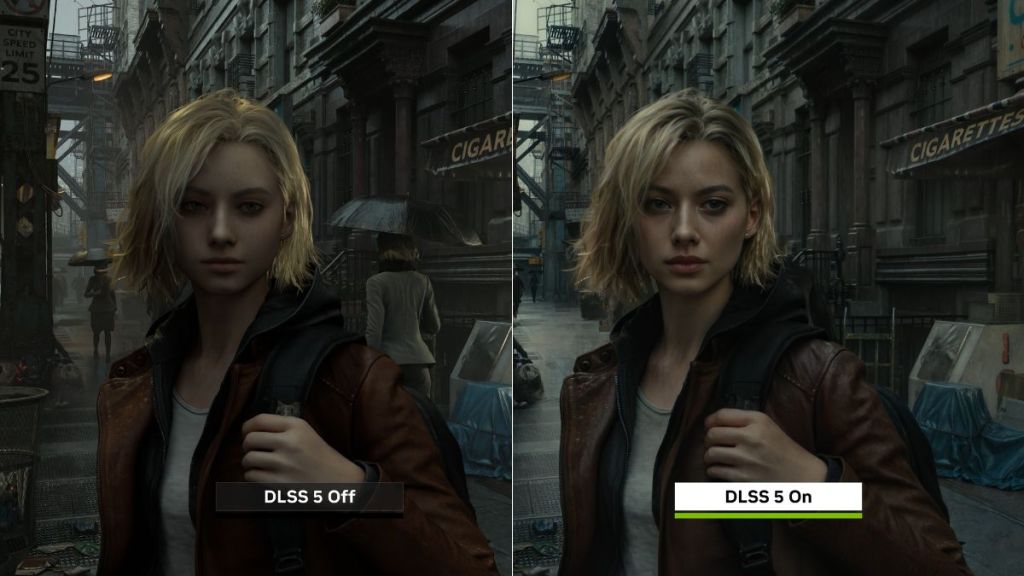
Although there were some icks I had about the technology. The sweat was overly enhanced; under the arena lights, players could look extremely glistening, almost to the point where their skin appeared artificial, and it reminded me of the same concerns I had going into testing DLSS 5.
But the more I played, the less I cared, because this didn’t ultimately make my NBA 2K27 experience feel like “AI slop,” as trolls would brand it. It honestly felt like an enhancement of what Visual Concepts was trying to achieve with their in-house engine for its character models, materials, and lighting.
Even the studio’s senior producer Peter Kavic said that DLSS 5 gave the team’s materials and lighting a genuine jump towards photorealism. However, there’s one trade-off you’ll need to make if you play NBA 2K27 with DLSS 5 on.


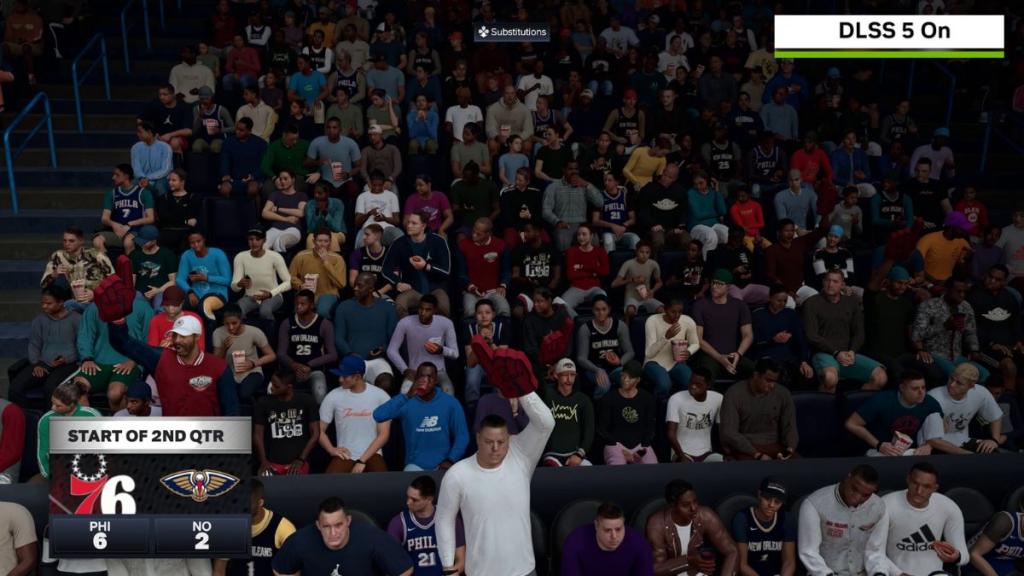
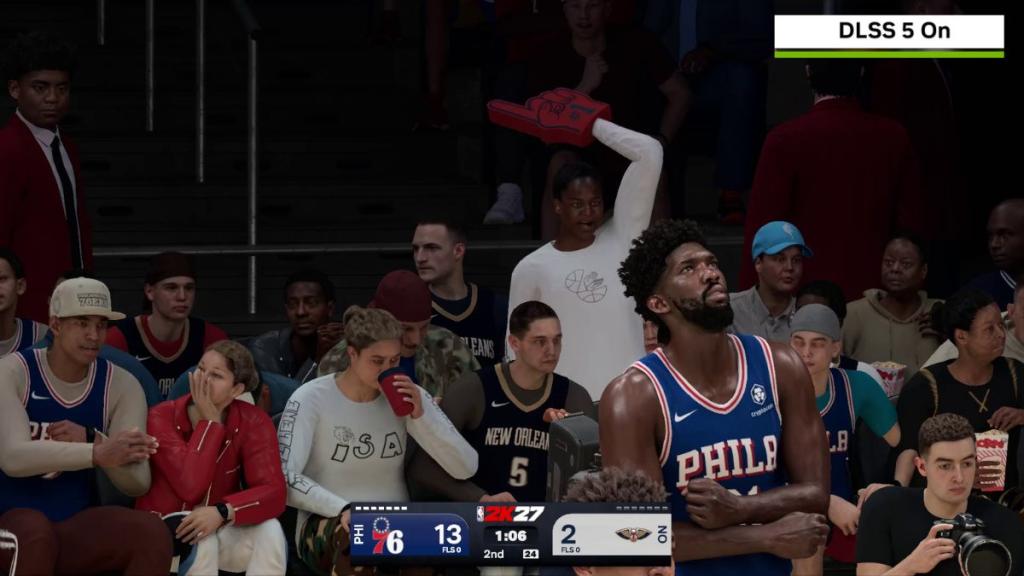
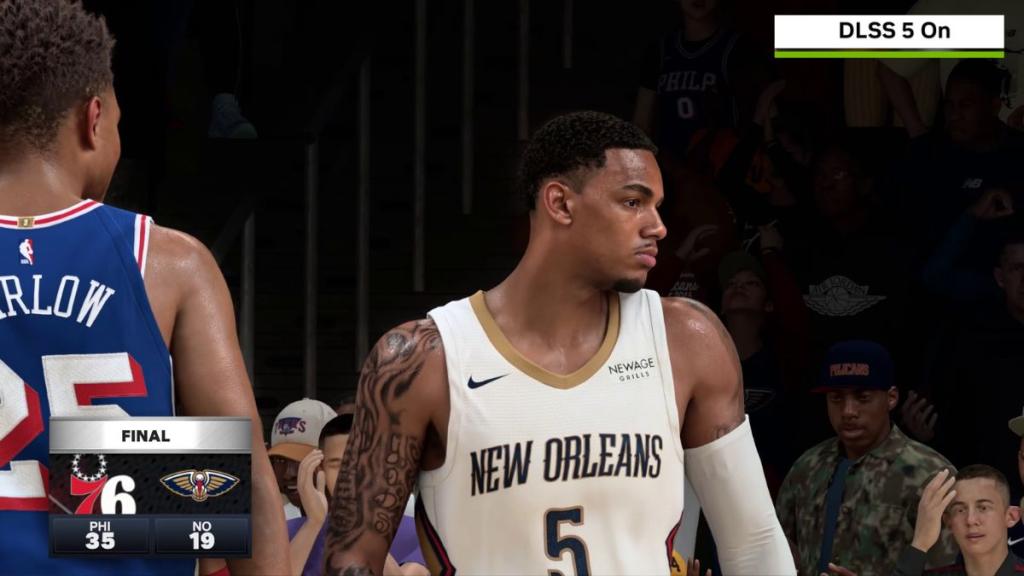
Cutting away to spectators and on-stage performers during timeouts, quarter breaks, or replays made their low-poly models more noticeable, not less. Nvidia claims that the crowd gets the same lighting as players, but the tech can only enhance materials on top of whatever geometry the engine already gives it, which means DLSS 5 isn’t adding any polygons.
So the gap between a fully rendered player up close and a flatter NPC in the background didn’t go away; instead, it stood out more than it should have. But honestly, I didn’t mind that tradeoff. I’d rather my actual players, court, and lighting look miles better than have the audience get equal visual attention. And that’s where I didn’t mind keeping DLSS 5 on for the rest of my playthrough.
DLSS 5 Performance: The Frame-Rate Boost That Made Me a Believer
Since the graphical overhaul convinced me on DLSS 5, the performance cemented that faith even further and sold me on Nvidia’s new neural rendering technology. I put NBA 2K27 through several high-stress tests on my RTX 5080 with DLSS 5 enabled and disabled, running the Nvidia overlay on to log my PC stats and HW monitor to keep a check on my GPU’s power draw and temps.
With DLSS 5 off, ray tracing enabled, Ultra settings, and an uncapped frame rate setting, NBA 2K27 averaged around 81 FPS. CPU utilization (I use an Intel i7 14700K) hovered around 42%, while my RTX 5080 sucked a massive 320W power draw out of my 1000W PSU. This definitely gave me a reality check on how well Visual Concepts “optimized” their game.
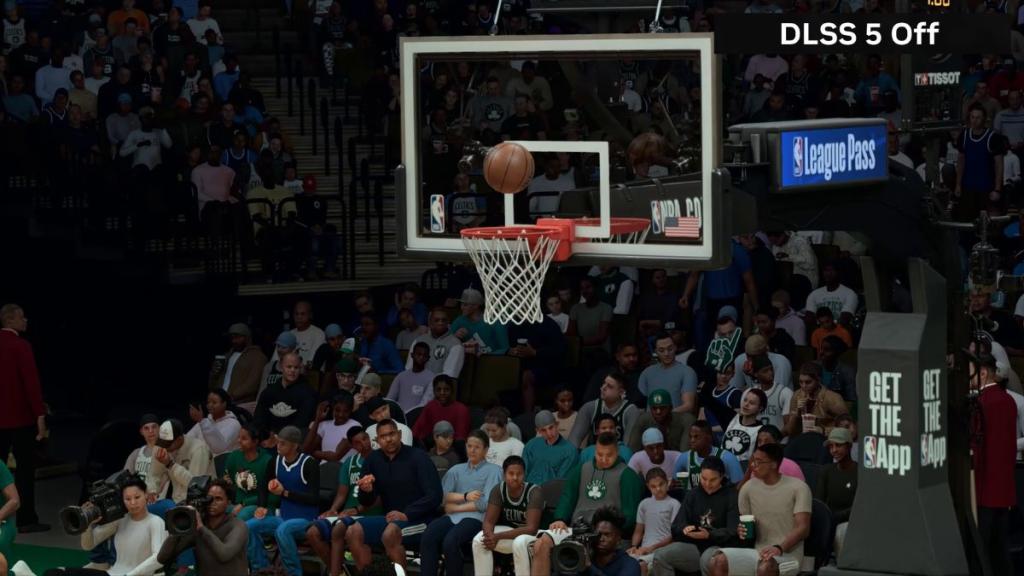
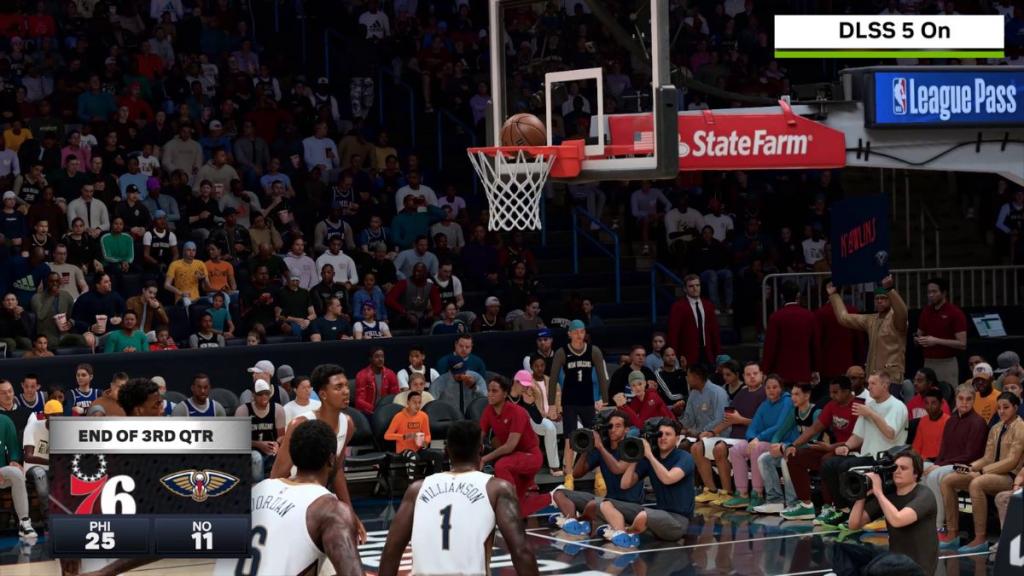
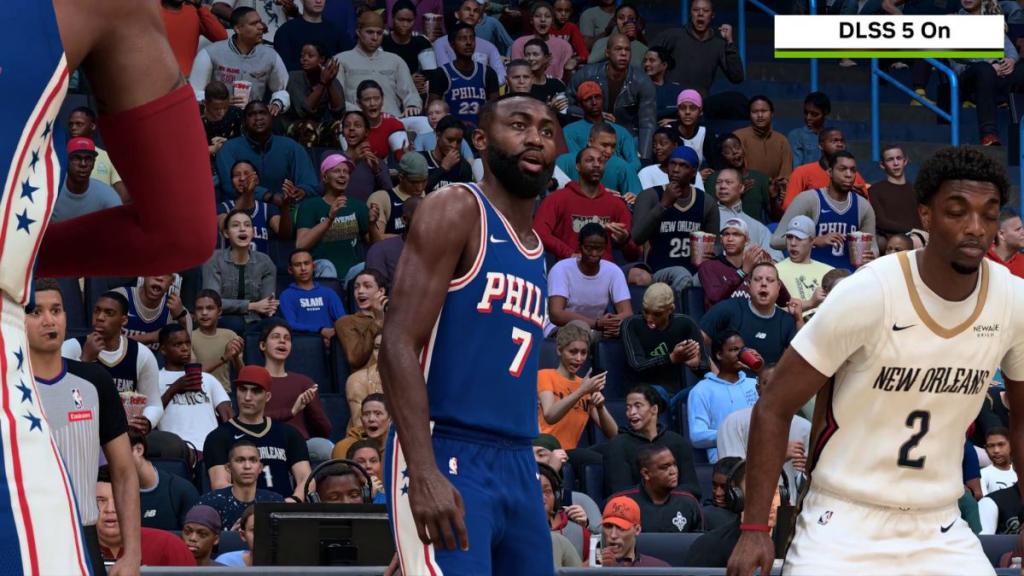
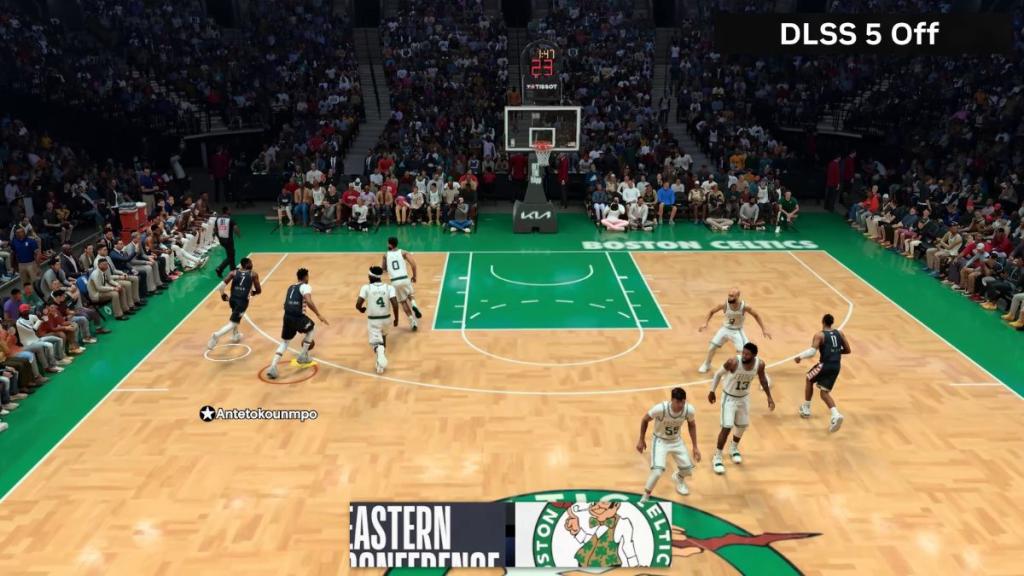
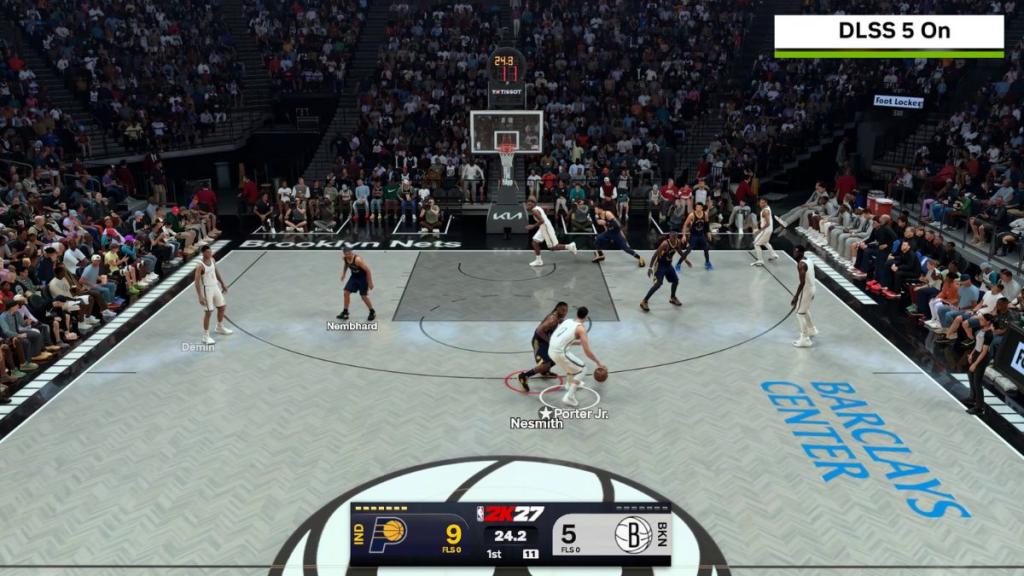
Then I switched to DLSS 5 on, and the difference was day and night. The game averaged around 600 FPS (of course, my monitor could only render 180 FPS with its 180 Hz limitation), peaking near 641 FPS in certain scenarios. Yes, yes, I know you’ll say these are artificially generated frames, which DLSS boasts, but wait till you try it in an actual gaming session you’re locked into.
The CPU usage dropped to 25%, sometimes as low as 20%, while my GPU power consumption fell to roughly 235W, just as I like it, without blowing a fuse in my house or bricking my PC.
That was the part I genuinely wasn’t expecting. I’ve seen unofficial DLSS 5 mods being used around the internet and behave abruptly, with reports of FPS drops by more than half and absurd GPU power draws as high as 830W. So it made me realize that this is precisely why an official version integrated natively in a game matters. I can’t wait for it to be integrated into Control Resonant when it comes out.
NBA 2K27 has native DLSS 5 support, so Nvidia’s technology works as part of the game’s actual rendering pipeline rather than fighting against it. I could feel that difference while playing it. Player and ball movement felt cleaner, and the game stayed extremely responsive when switching between players, pulling off quick layups, or trying to get around opponents for a slam dunk. For a sports game where speed is key, that matters more to me than artificial sweat on a player’s face.
The thermal behavior of my GPU told the same story: with DLSS 5 disabled, temps climbed toward the 94-95°C range under heavy load. But when DLSS 5 was on, GPU temps settled around 75-80°C, which is a meaningful difference if you look closely.
While I initially planned to play five or six games for this test, I instead ended up playing more than 20 matches in Quick Play and Multiplayer in a single session. If that’s not the strongest endorsement I can give to DLSS 5 staying enabled on my PC, I don’t know what is.