- Xbox disc-to-digital feature lets owners of eligible physical games claim a digital license without buying it again.
- All Xbox console owners can access the disc-to-digital feature now.
- The converted games can offer digital benefits such as Xbox Play Anywhere on supported titles.
Xbox has introduced a new disc-to-digital feature that lets you turn eligible physical game discs into digital entitlements. The process is relatively straightforward and particularly useful for players who own the Xbox One or the Xbox Series X. However, not all discs are eligible, and some limitations apply. So, here’s everything you need to know about how to use the Xbox disc-to-digital feature and convert your games.
Editor’s Note: Last updated on September 30, 2026, to include the latest information about eligible users of Xbox’s disc-to-digital feature.
How Does Xbox Disc-to-Digital Work?
The Xbox disc-to-digital feature essentially grants your physical games a free digital license. Players can simply insert the supported disc into an Xbox One or Xbox Series X console with a disc drive and claim the game digitally.
Once the game is claimed digitally, it can be accessed digitally, without keeping the disc in the console. However, the new feature announced during the Xbox Gamescom broadcast won’t make the physical disc useless after you claim its digital version. The disc can be used normally, and the conversion doesn’t permanently destroy or invalidate the physical copy.
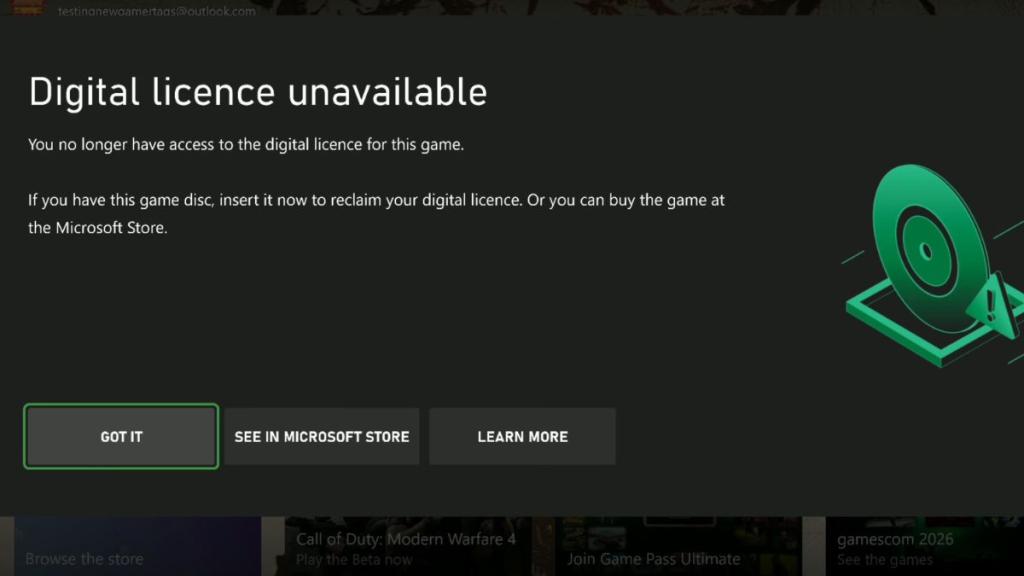
If you give away or sell the disc and its new owner inserts it into their Xbox and claims the digital license, your existing digital entitlement will be removed. The next time you try to launch the game, you will see a screen informing you that you no longer have access to the digital license.

One of the biggest advantages of the Xbox disc-to-digital feature is its potential to unlock access beyond the Xbox console. If the converted title supports Xbox Play Anywhere or Xbox Cloud Gaming, you can get digital access to the game on your PC or even on the ROG Xbox Ally X.
How to Convert Xbox Disc Games to Digital
The process to convert your physical Xbox game discs and obtain their digital version is quite easy. So, perform the following steps to convert an eligible Xbox game disc to digital:
- Update your Xbox so that the console runs the latest preview system that has the disc-to-digital feature.
- Insert the physical game disc into your Xbox One or Xbox Series X disc drive.
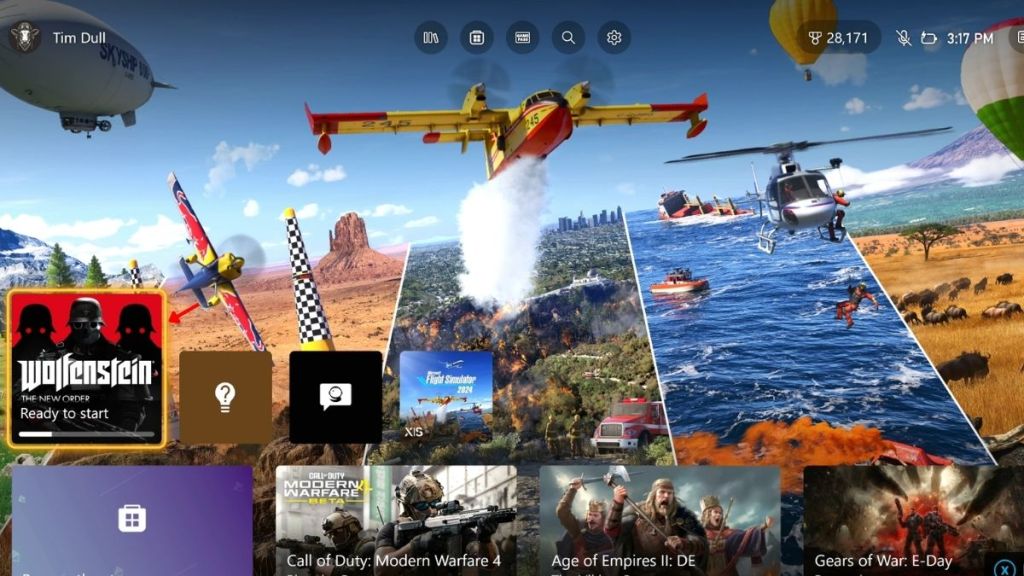
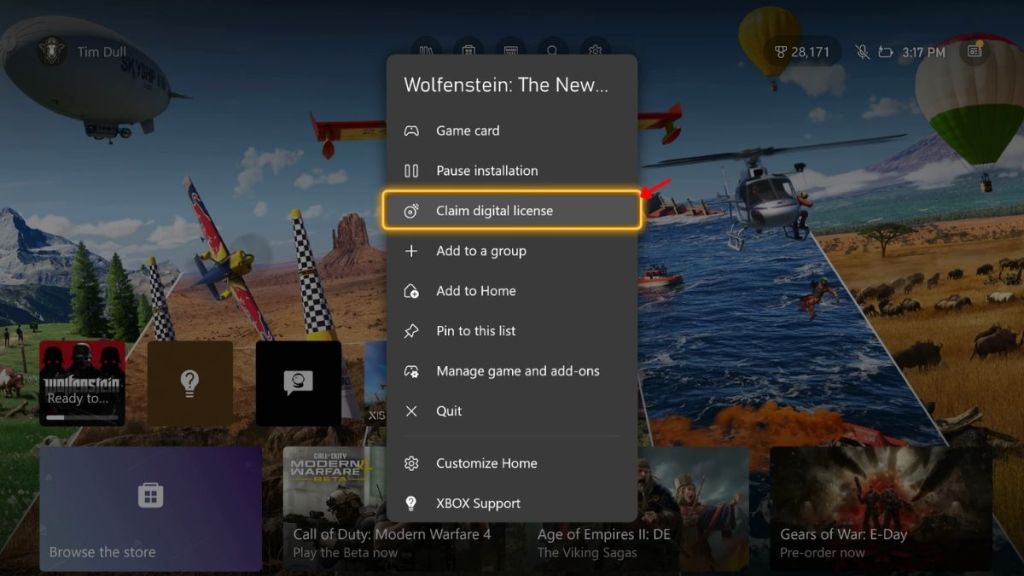
- Allow the game to install on your console, then select it and press the Menu button.
- You can then select ‘Claim Digital License‘ and choose the ‘Claim‘ option in the next window.
- If the game supports the feature, you will own the game digitally. You can then remove the physical disc and keep it stored safely.
- The converted game can now be launched without inserting the disc.
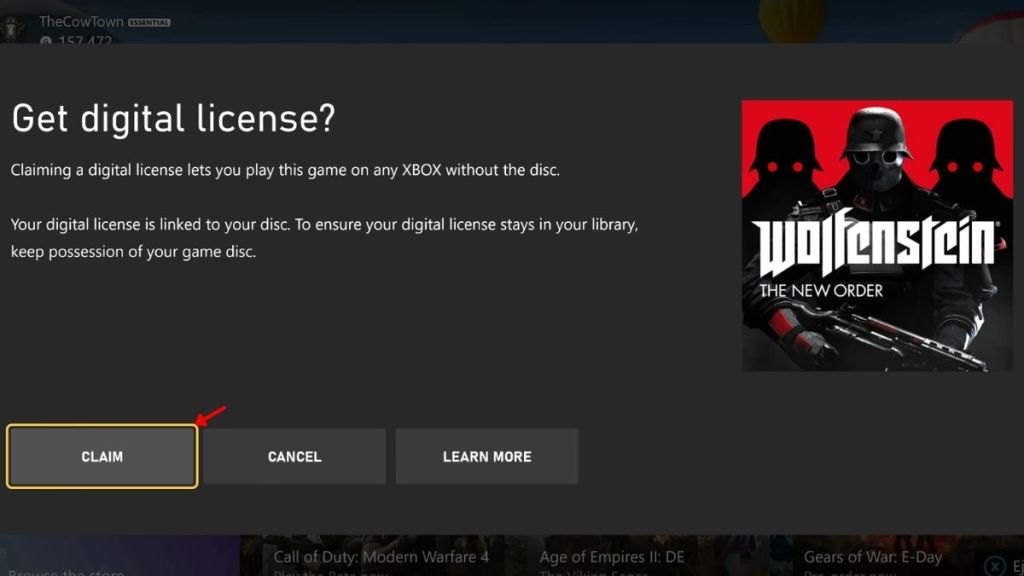
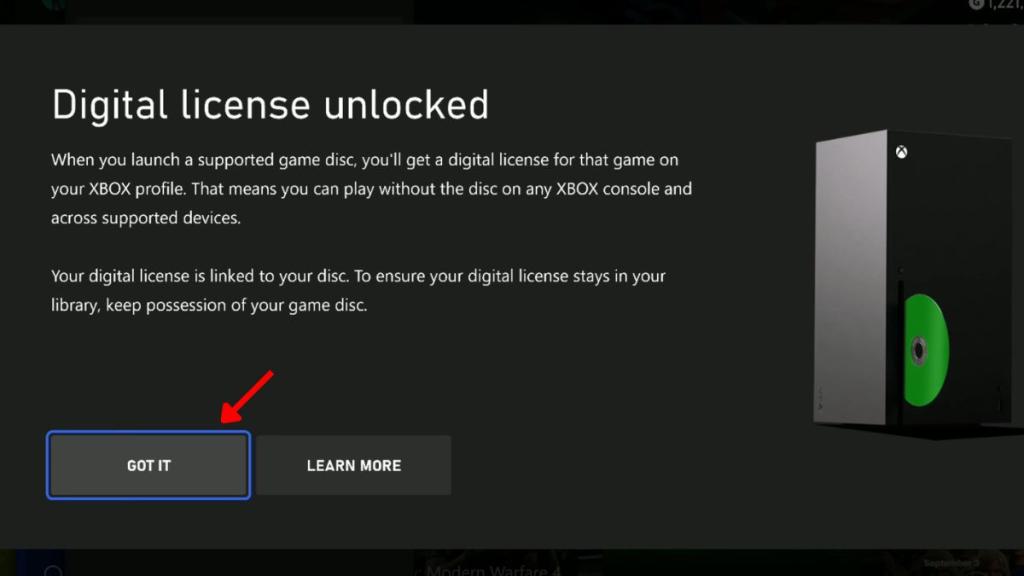
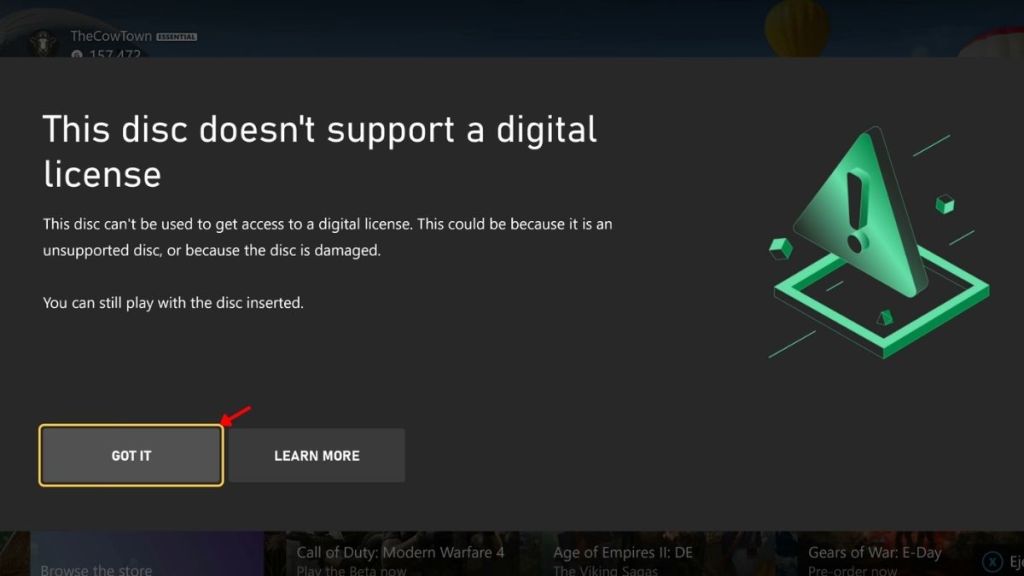
If the game isn’t eligible for a digital license, an error screen will show up prompting you that you cannot convert this Xbox game disc-to-digital. So make sure to check our full list of Xbox disc-to-digital games that you can convert.
Xbox Discs to Digital Eligible Users
Xbox disc-to-digital feature was announced at Xbox Gamescom 2026. The feature initially went live on August 31, 2026, for all Xbox Insiders in the Alpha and Alpha Skip-Ahead rings. After a month, Xbox has confirmed that all Xbox console owners can now access the disc-to-digital feature in an X post:

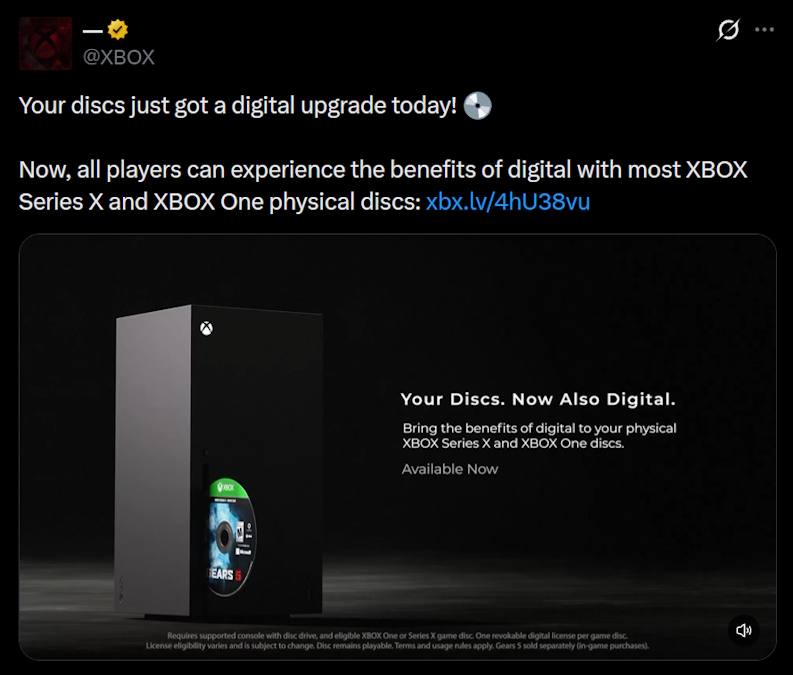
So, that is all you need to know about how to use the Xbox disc-to-digital feature and convert your games. What Xbox games are you going to convert first with this feature? Tell us in the comments below.
You can sell the Xbox disc after converting it to digital, but the next person won’t be able to claim the digital entitlement again.
No, only eligible Xbox One and Xbox Series X discs can receive a digital entitlement through the feature.