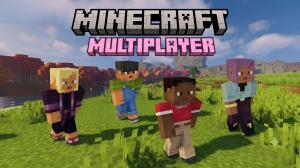
- Minecraft Dungeons 2 supports parties of up to four players in multiplayer gameplay.
- You can enjoy local couch co-op, online multiplayer, and mixed co-op with your friends.
- Matchmaking and party codes are available, alongside crossplay.
Minecraft Dungeons 2 is a terrific action RPG experience for anyone who enjoys battling mobs and collecting powerful gear with friends. While you have the option to explore the world solo, the game’s co-op features let you team up with others for chaotic combat and double the fun. So, here’s everything you need to know about how to play online multiplayer and co-op in Minecraft Dungeons 2.
Can You Play Multiplayer Co-Op on Minecraft Dungeons 2?
Yes, Minecraft Dungeons 2 supports both solo and multiplayer gameplay with parties of up to 4 players.
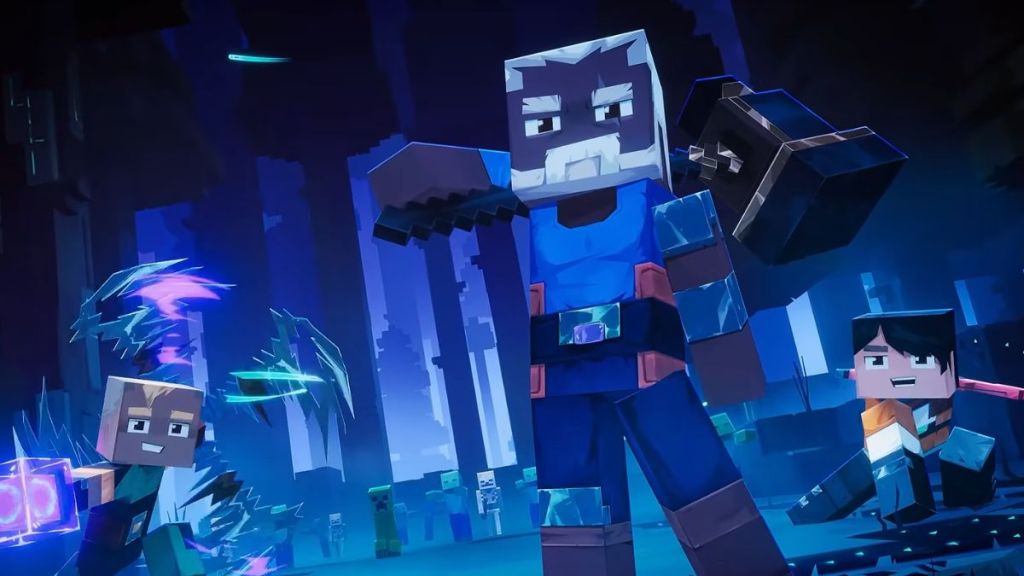

This means that you can bring up to three friends along as you explore the mysterious Sift dimension in Minecraft Dungeons 2.
How to Play Online Multiplayer in Minecraft Dungeons 2
Playing the online multiplayer mode in Minecraft Dungeons 2 is fairly straightforward. However, you should have selected the Play Online mode before creating your hero. For more such tips, the Minecraft Dungeons 2 beginner’s guide will help you out. The two main ways include using a party code to call in your friends or joining a public party available online. So, here are the steps to do that:
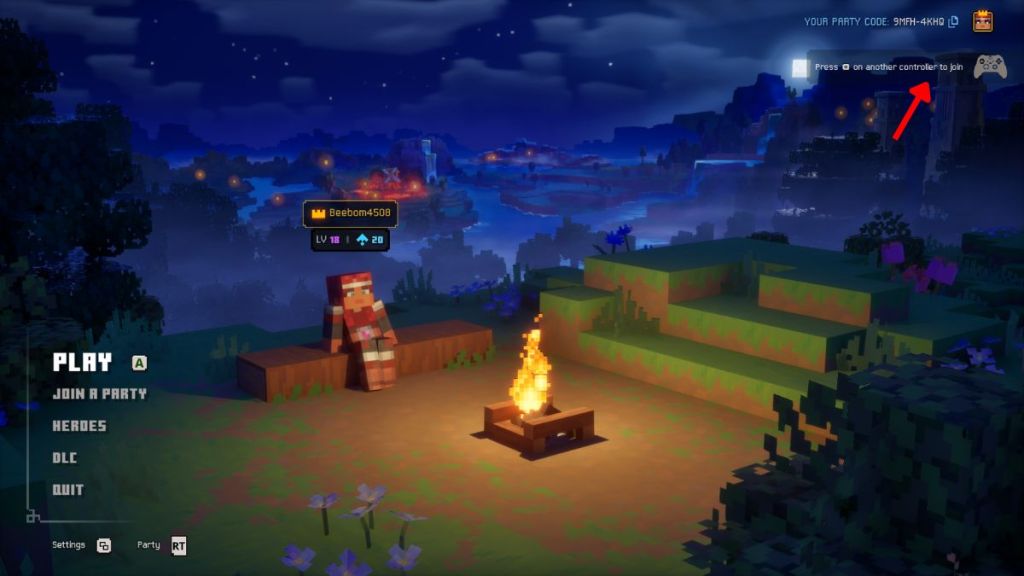
- Launch Minecraft Dungeons 2 and select the Join a Party option from the main menu.
- If you want to play with your friends and they have already created a party, you can join it by selecting the Enter Code option.
- Alternatively, you can select the Matchmaking option to join a public party available online.
- If you want to create a party, first select the Play option from the main menu to start the game.
- Open the in-game menu and navigate to the Party tab.
- Here, you will find your party code that you can share with your friends.
- Alternatively, you can simply invite any of your Online friends from here by sending them an Invite.
- Lastly, you can modify the Party Settings to keep it private or public, depending on the scenario.


How to Play Couch Co-Op in Minecraft Dungeons 2
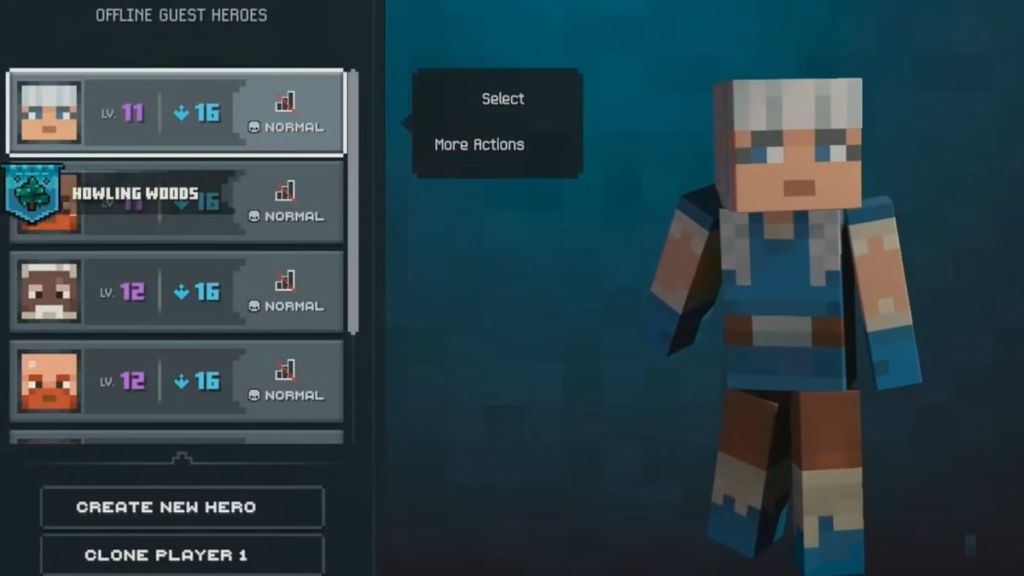
Minecraft Dungeons 2 also supports local couch co-op, allowing all of your friends or family to play together on the same system. To start a local couch co-op session, you need 4 controllers. There’s no need to select the Online Play option while creating a Hero as well, since couch co-op is supported in Offline Play. Now, here’s what you need to do:
- Connect the additional controllers to your system.
- Launch the game, and press the Menu (or the Hamburger option) button on the additional controller to add their heroes in the local couch co-op session.
- Once all 4 heroes are added, they will appear at the camp, and then you can select the Play option.
How Does Co-Op and Multiplayer Work in Minecraft Dungeons 2?
The first thing you must do after launching the game is select Play Online, so that you can access all the multiplayer options such as couch co-op, online matchmaking, and more. That being said, here’s how the different multiplayer modes work in Minecraft Dungeons 2.
Local Couch Co-Op
If you prefer playing with your friends and family in the same room, Minecraft Dungeons 2 supports local couch co-op. Up to four players can join the same session and fight as a team on the same screen.
A perfect setup for anyone who loves a classic couch multiplayer where everyone can pick up a controller without needing separate gaming devices.
Online Multiplayer
The ARPG sequel also allows players to team up online. You can invite your friends to your sessions and explore the Minecraft Dungeons 2 open world together.
There will be a matchmaking room as well where you can find other players looking for a party to take on the Minecraft Dungeons 2 enemies and complete objectives as a group. The party codes provide another way to connect with online players.
Mixed Co-Op
One of the most useful Minecraft Dungeons 2 multiplayer features is the mixed co-op. This allows players to combine local and online multiplayer in the same session.
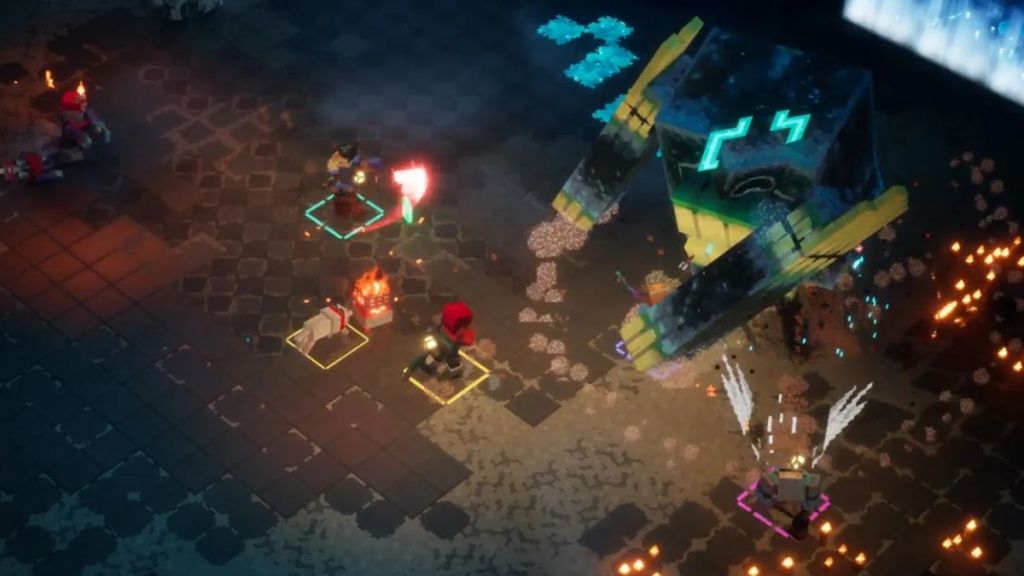
For example, two people playing on the same console can team up with two friends joining remotely. It becomes flexible for groups who cannot all play from the same location.
Does Minecraft Dungeons 2 Support Crossplay?
Minecraft Dungeons 2 supports crossplay, as disclosed in Mojang’s official promotion for new gameplay system details. It is confirmed to be released on Xbox Series X/S, PC, PlayStation 5, and Nintendo Switch, with the Minecraft Dungeons 2 pre-order available till release.
Although we know about the crossplay, multiplayer, and co-op support in Minecraft Dungeons 2, more details are yet to be revealed.
What Can You Do Together in Minecraft Dungeons 2 Multiplayer?
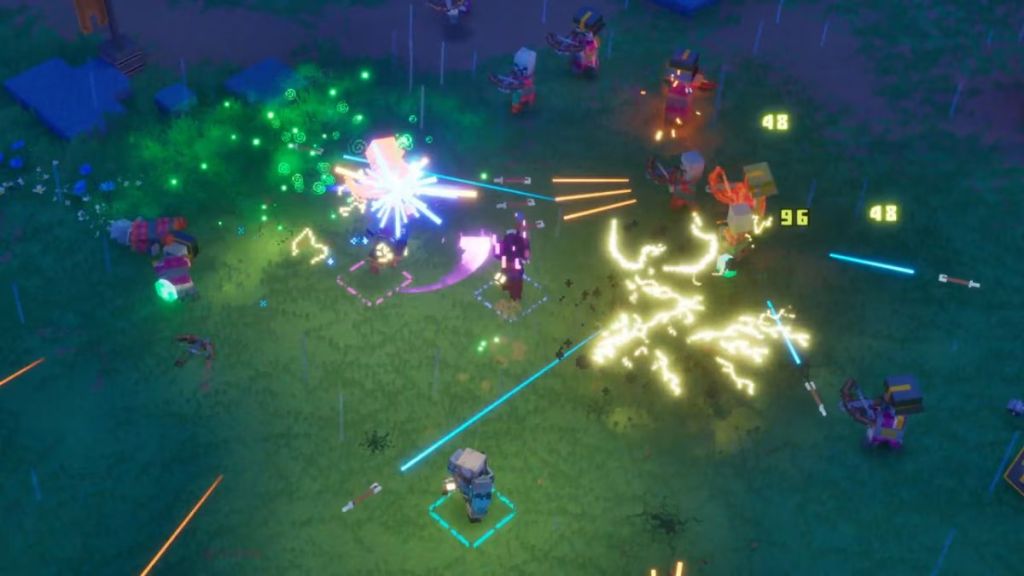
Co-op in Minecraft Dungeons 2 revolves around exploring the large environments, fighting mobs, collecting gear, and taking on the powerful bosses. New movement options, such as jumping and jump attacks, are also introduced that you can use during combat.
Similar to the original game, you can revive and heal players in Minecraft Dungeons 2, thereby acting as an advantage for prolonged boss fights in the game. One unique mechanic is that the more players are actively reviving a fallen player, the faster they get their health back.
So, there are plenty of options to enjoy this dungeon crawling experience, whether you want to go on a solo adventure or call in your friends. How are you going to play Minecraft Dungeons 2? Tell us in the comments below.