- Marvel Rivals Error Code 10 means you're facing server-side issues.
- Error Code 4 is common for PlayStation users with bad connectivity.
- Error Code 21 is common among Xbox users facing network problems.
Whenever you are ready to hop into Marvel Rivals with your squad, unexpected errors sometimes occur, preventing you from enjoying the game. Since the launch of the game, various error codes have been popping up. While NetEase is actively rolling out fixes every season, players continue to hit a roadblock. Thus, we have compiled all Marvel Rivals Error Codes to date and have listed possible fixes for each of those in our guide here.
Editor’s Note: Checked and added fixes for a few more errors in Marvel Rivals on October 1, 2026
All Marvel Rivals Error Codes List
Before we expand on how to fix every issue in the game, check out all the error codes and what means as of Marvel Rivals Season 10 here:
Error Code Meaning 2100 Connection Error 10 (also displayed as 5) Server Connectivity Issues 4 (also displayed as 270) Network and Server-related Error 21 DNS-related Issue (Xbox) 211 Steam Issue 220 Server Connectivity Issues 258 Login Error 2103 Server load error LS-0014 Epic Games-related issue 99% Loading Screen Error
What Is Error Code 2100 in Marvel Rivals and How to Fix It?

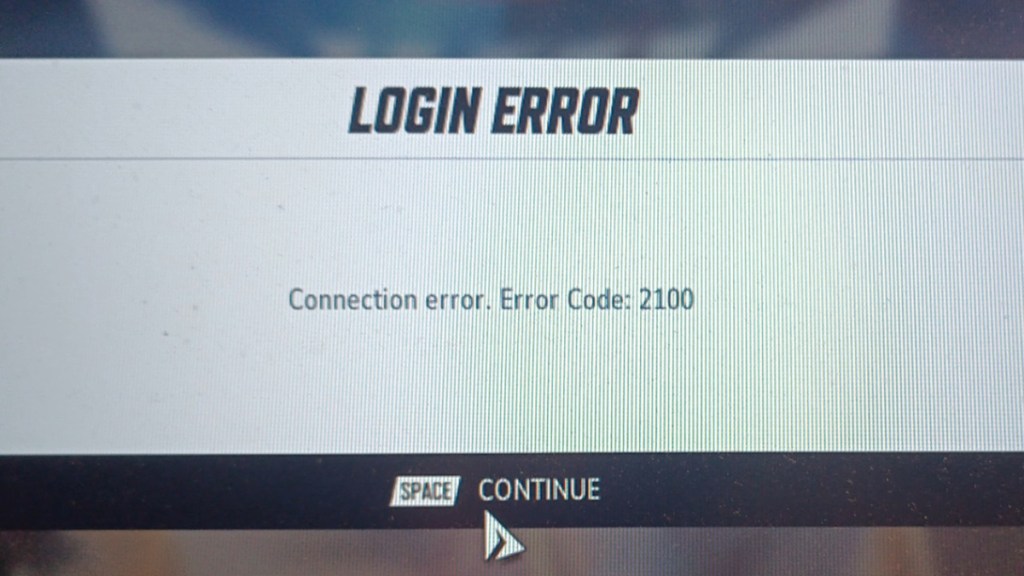
Next up, we have one of the most common login errors, Error Code 2100. This error occurs on almost every platform, preventing you from getting into the lobby, so you can’t even reach Marvel Rivals’ Times Square to just chill. Thankfully, there is an easy fix for Marvel Rivals error code 2100, and here is how you do it:
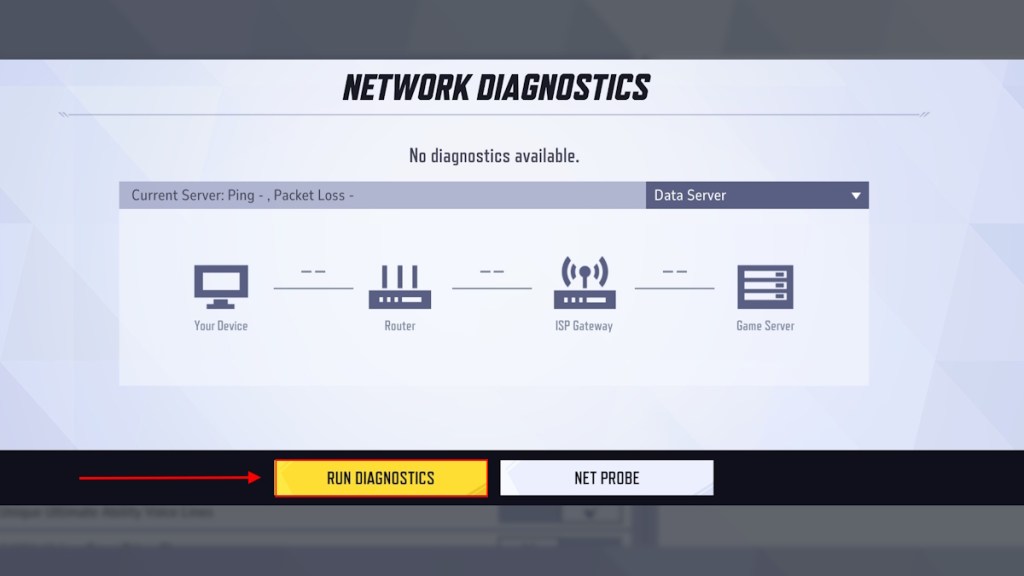
- Head over to the settings menu and run the Network Diagnostics. Once it’s done, close the game and relaunch it. This will certainly fix the error code 2100.
- In case running Network Diagnostics didn’t work for you, some players have noted that restarting the console/PC solved the problem.
- Also, try unplugging and restarting your router once. Many have found this restart trick works for them.
What Is Error Code 10 in Marvel Rivals and How to Fix It?
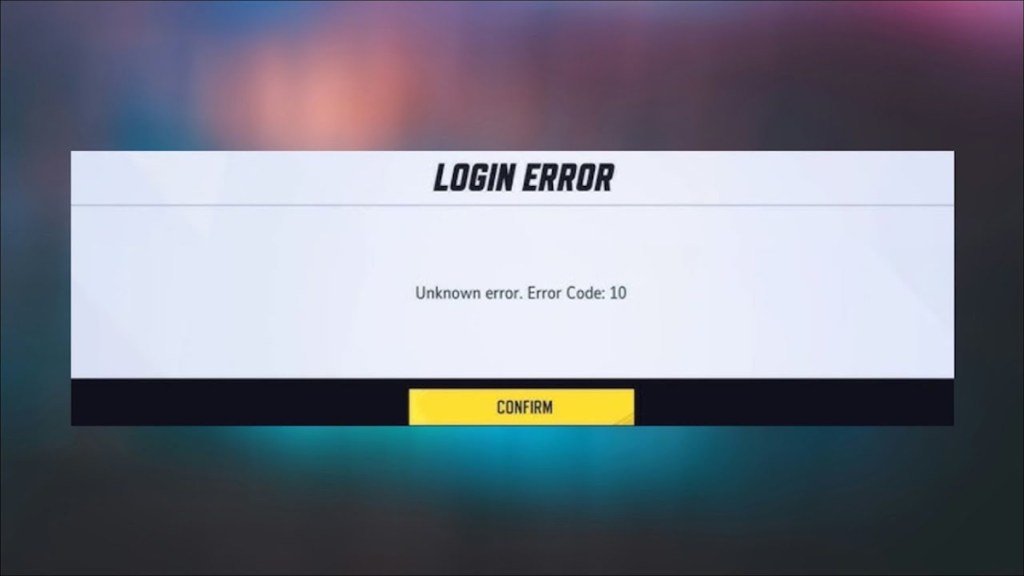
Error code 10, sometimes listed as code 5, has been around since Marvel Rivals Season 1. This error is related to server connectivity issues. Since this is a server-related issue, the problem could stem from various causes, such as official server downtime, a poor internet connection, and so on. So, here are the fixes you could try to resolve error code 10 in the game:
- First, check if the game’s servers are down by visiting Marvel Rival’s official X account or a third-party website like Down Detector.
- If the servers are live and you are still facing the issue, try restarting your router and relaunching the game.
- If you are playing on Steam, verifying the integrity of the game files (available in the Properties section) is a trick for many.
- Try running the Network Diagnostics in the game’s settings menu and launch the game again.


What Is Error Code 4/270 in Marvel Rivals and How to Fix It?
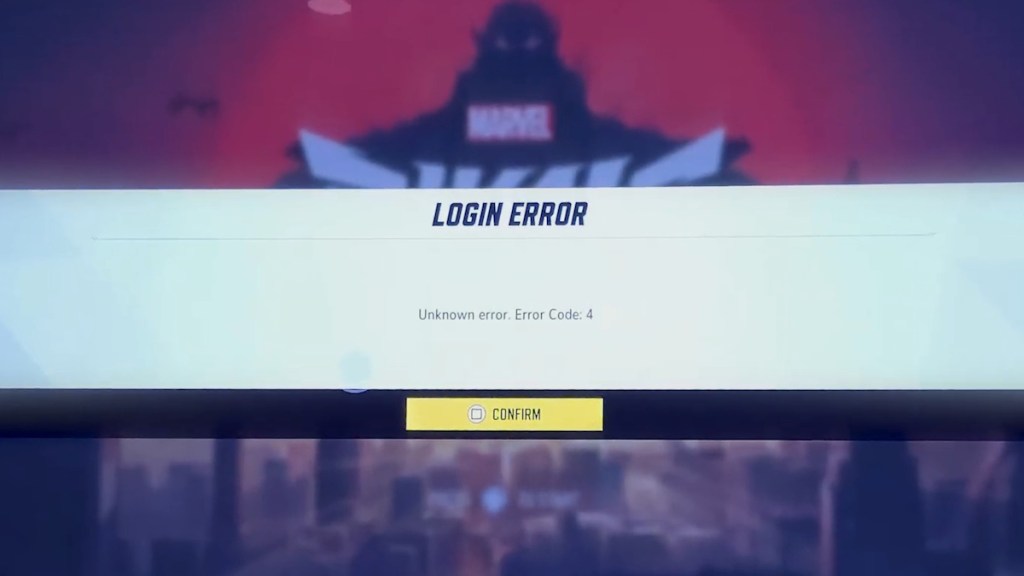
Error Code 4, sometimes also appearing as Error Code 270, is related to connectivity issues with the server after an update, primarily on PlayStation Consoles. So, if you are playing Marvel Rivals on PS4 or PS5, you will likely receive this error code when there is a network error. Thus, we have narrowed down a couple of fixes that can help you get back into the game on consoles:
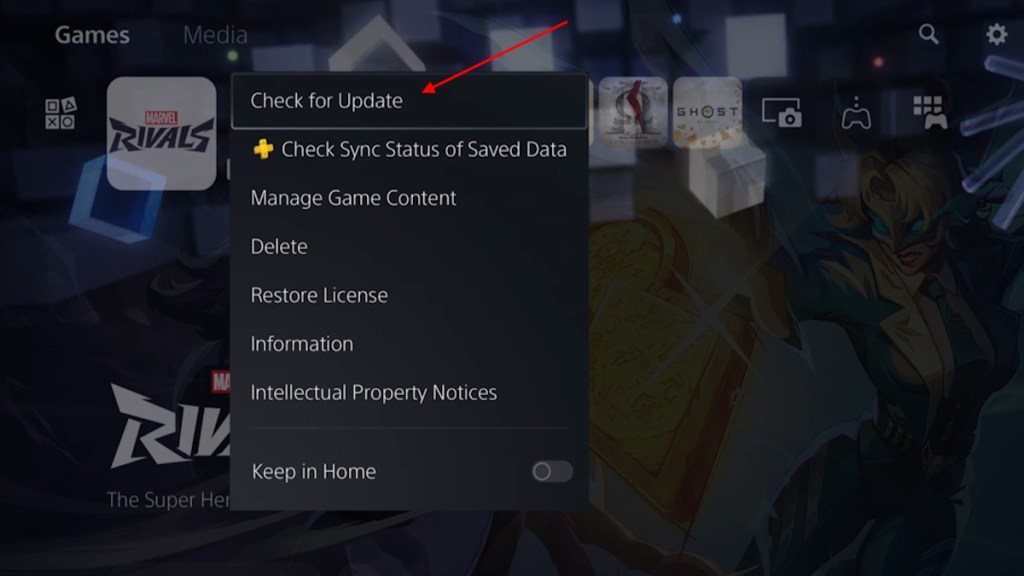
- Make sure to update the game to the latest version, as this issue popped up during a major update.
- Try restarting the game and see if that does the trick.
- Then, try switching off your wifi and turning it on after a few minutes.
- Some players have noted that spamming the Square button when the error message pops up lets you in.
- Try joining the game through a friend’s invite on your PlayStation console
- Lastly, you can check whether the PlayStation Network is currently under any maintenance, as this issue has caused network errors previously.
- If that’s the case, there is no other option but to wait until the servers are back online.
What Is Error Code 21 in Marvel Rivals and How to Fix It?
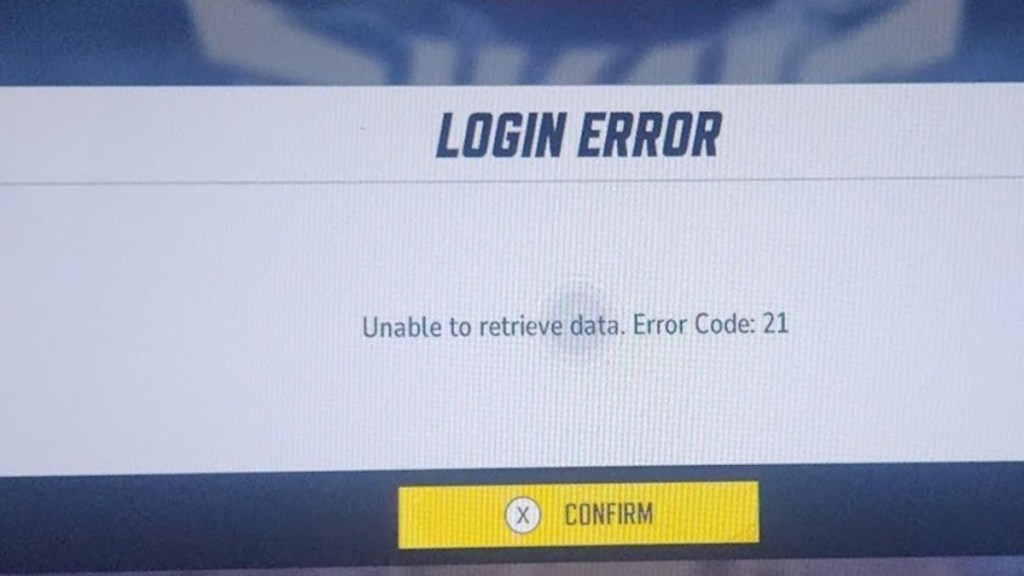
In line with how PS players get error code 4, Xbox players also get Error Code 21 whenever they experience network issues on their side. If this is stopping you from cross-progressing in Marvel Rivals on Xbox, check out a few solutions here:
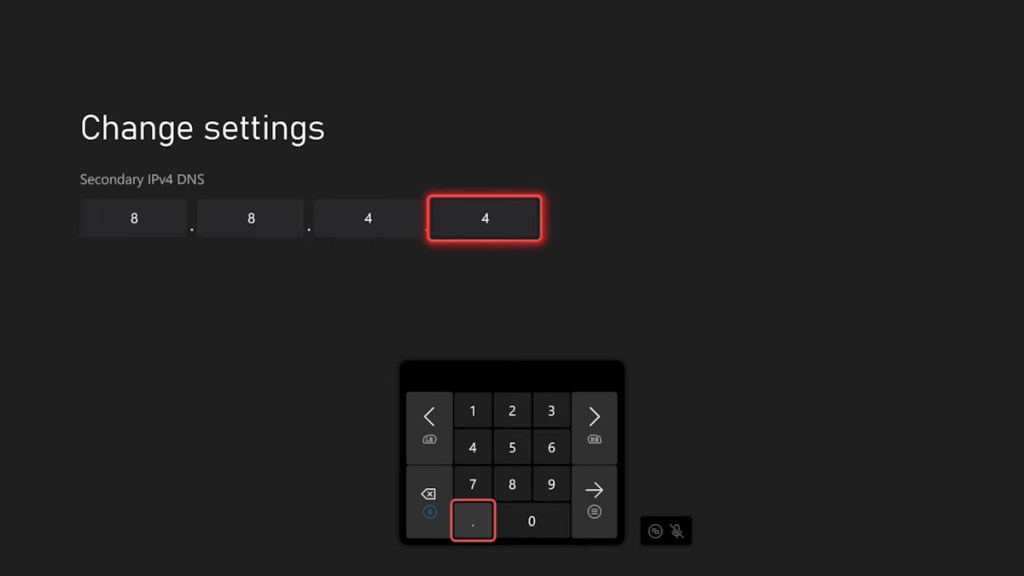
- Try switching your DNS from 8.8.8.8 to 8.8.4.4 in the Xbox’s advanced network settings.
- Connect to your mobile/laptop’s hotspot while the VPN is working on the respective device.
- Try restarting the game and check if that works.
- At last, you can try reinstalling the game as a last measure.
What Is Error Code 211 in Marvel Rivals and How to Fix It?
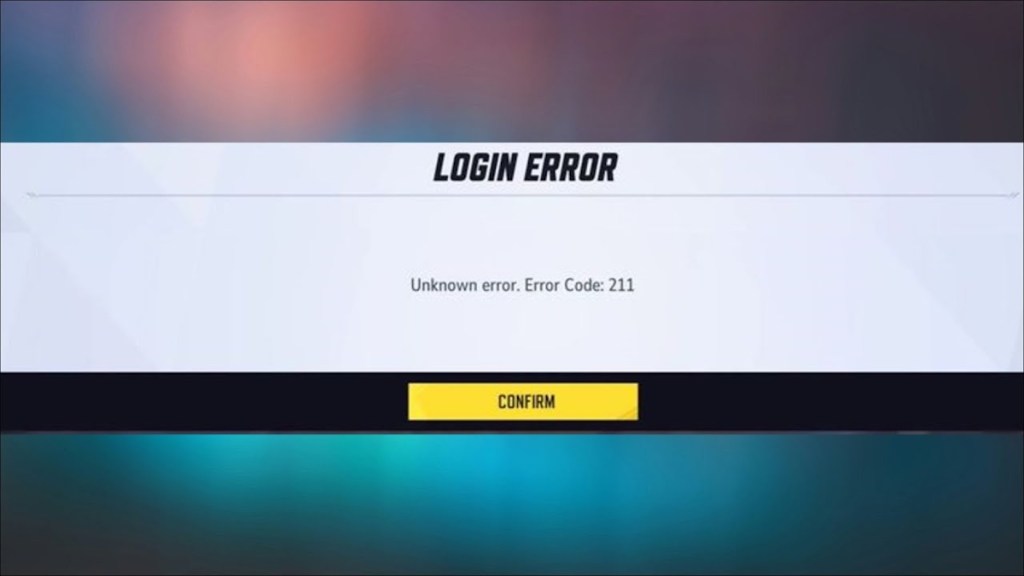
Players who mainly play Marvel Rivals on Steam (including Steam Deck) are no exception to getting different errors as well. One of the common errors Steam users run into is Error Code 211. There is only one solution to fix Error Code 211 in Marvel Rivals:
- Marvel Rivals Error Code 211 shows up whenever the Steam servers undergo weekly maintenance. So your only option is to wait until the servers are back up.
What Is Error Code 220 in Marvel Rivals and How to Fix It?
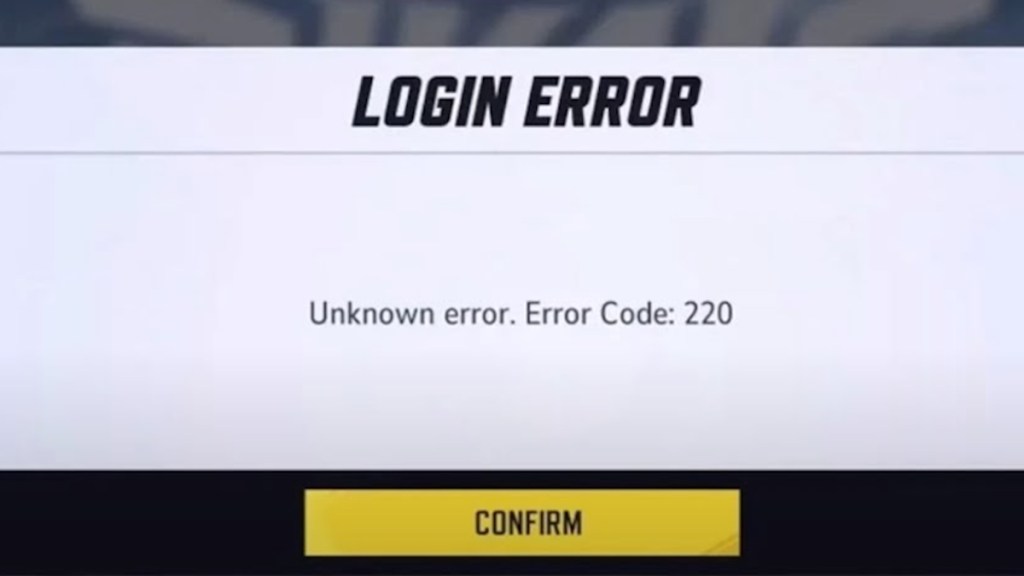
Once again, we have yet another server connectivity issue-related error. Error code 220 is classified as an unknown error, but it is most likely tied to your network. This error has been haunting players regardless of the platform since launch. So, here are the possible fixes for Marvel Rivals error code 220:
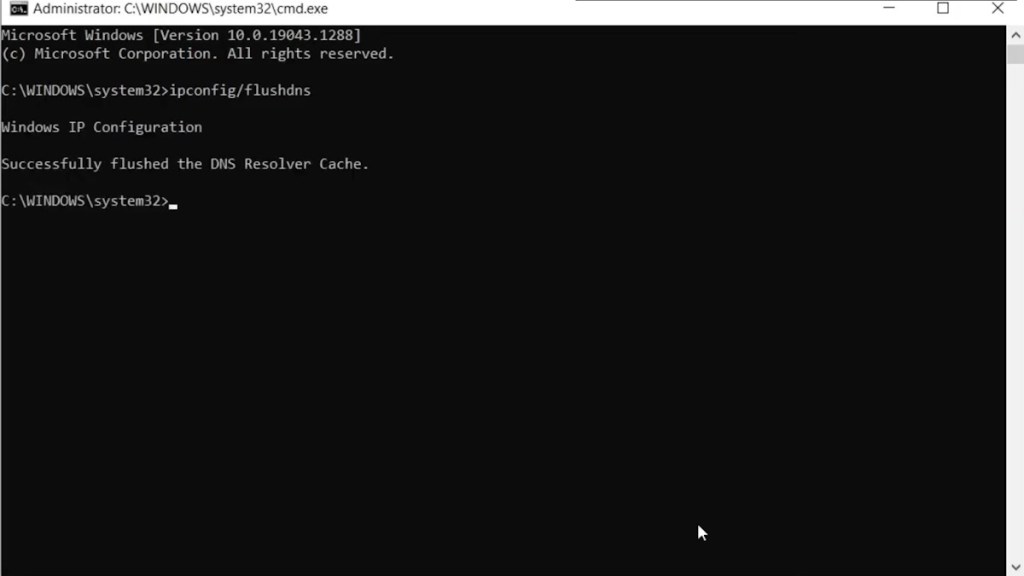
- The first thing you can do is try flushing your DNS.
- Then, check whether your current Antivirus is tampering with the Marvel Rivals game files. If so, make the game an exception to protection.
- Try switching the DNS and restarting your game.
- Disable the firewall as a last measure to see if it gets the job done.
What Is Error Code 258 in Marvel Rivals and How to Fix It?
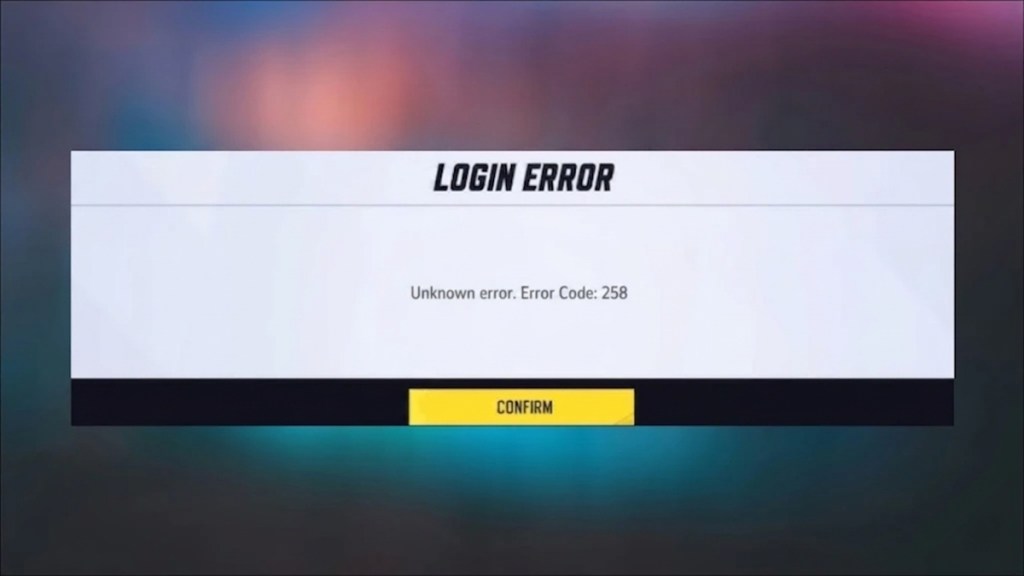
Marvel Rivals Error Code 258 is tied to a login issue. The only fix for this error is to try logging in repeatedly until you can get into the game. This error used to pop up frequently during the launch of Marvel Rivals. Nowadays, players aren’t running into this error.
What Is Error Code 2103 in Marvel Rivals and How to Fix It?
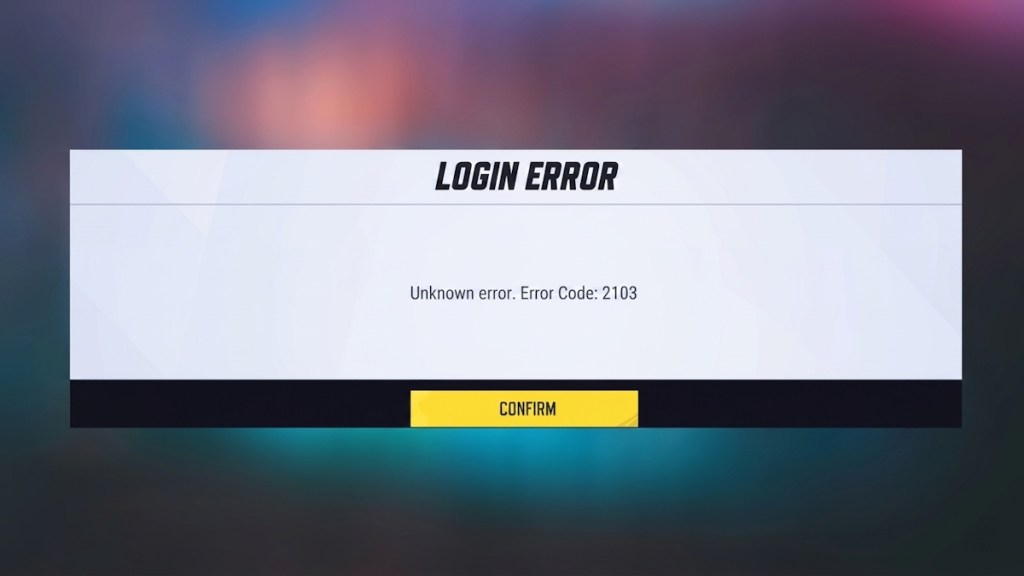
Sometimes, when you try to log in to play during a new Marvel Rivals season, you may receive error code 2103, which further says, “Operation frequency is too high.” As you might guess, this error arises when too many people try to log in at once or are already playing.
This error was prevalent in the early days, but devs regularly perform server maintenance. So, if you run into this error, your only option is to wait until devs fix the server issue.
What Is Error Code LS-0014 in Marvel Rivals and How to Fix It?
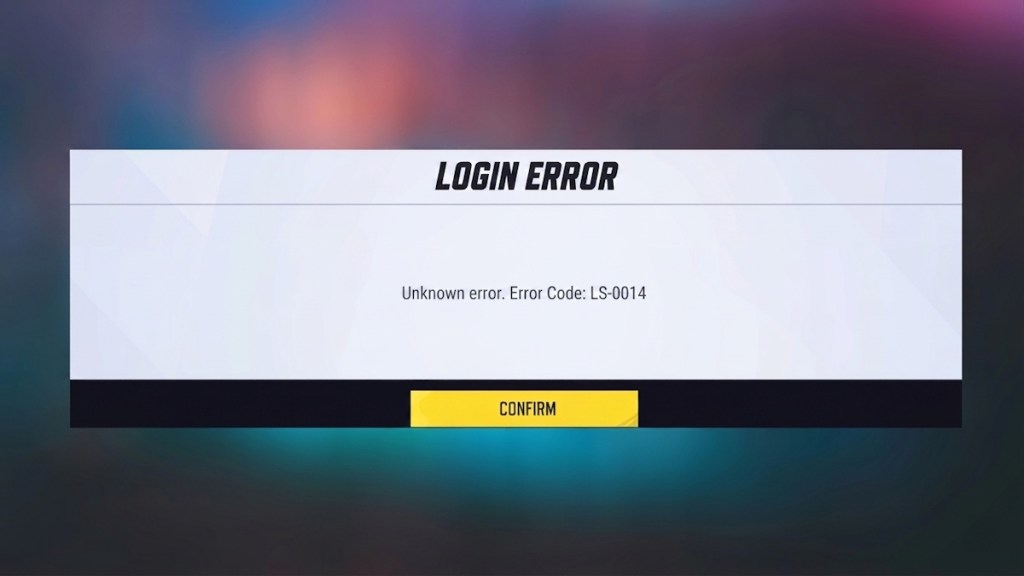
If you are playing Marvel Rivals through the Epic Games client, then you may run into the error code LS-0014. Surprisingly, this error occurs due to the antivirus software you use. The best way to avoid the Marvel Rivals error code LS-0014 is to make your Marvel Rivals folder an exception in the respective antivirus software, and that should do the trick for you.
What Is the 99% Loading Screen Error in Marvel Rivals and How to Fix It?
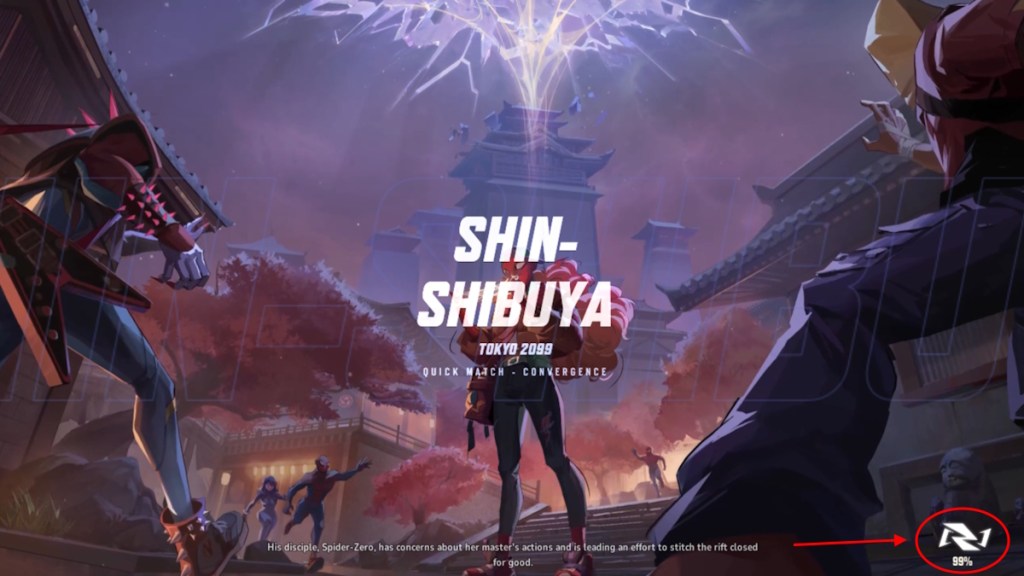
An annoying error Marvel Rivals PC players have been facing since the Closed Beta test is the 99% loading error. This happens either when you boot up the game or during matchmaking, as the loading screen gets stuck at precisely 99%, preventing you from playing. The best solution for this problem is to install the game on your SSD rather than an HDD.
If you are facing this issue even if the game is already installed on an SSD, then you can verify the integrity of the installed files on Steam. Turning off anti-aliasing and Super Resolution in the game’s settings has also fixed this issue for many players. Thankfully, the loading screen 99 error is less prevalent these days.
And that’s a wrap on our guide on how to fix all the different error codes in Rivals. Mostly, updating the game to the latest version fixes the majority of the problems. Devs have been noticing every error players encounter and patching them out with every update. However, if you are still experiencing other new error codes, let us know in the comments below, and we will help you out.
Error Code 10 in Rivals is related to an issue while connecting to the game’s server. So, check if the server is down or if your internet connection is stable to resolve the issue.
Running the Network Diagnostics in the settings menu can fix the Rivals error code 2100.
Marvel Rivals error code 4 pops up whenever there is a network issue while you are playing the game on PlayStation consoles.