It still feels like a dream, but we are only a few days away from Grand Theft Auto 6’s blockbuster release. As expected, console owners will be the first in line to experience Rockstar Games’ latest GTA title. Whether you own a current-gen PlayStation or Xbox console, here is the prep work you can do to get ready for GTA 6.
GTA 6 Preload Kicks Off Early

Worried about GTA 6 taking all day to download when the game finally launches on November 19? Fortunately, Rockstar Games has confirmed that players can preload GTA 6 on their consoles from November 10, 2026, nine days before the global launch.
Rockstar initially announced that GTA 6 preloads kick off on November 12, 2026, but now starts two days early. So, if you pre-ordered GTA 6, you can start preloading now without any hassle. No matter how slow your internet is, you can download the game over the week and be ready for the global launch on time.
The preload option isn’t exclusive to owners of the GTA 6 digital edition. Rockstar has already confirmed that the GTA 6 physical edition, which contains a code instead of a disc, is also eligible for preloading.
Make More Room on Your SSD
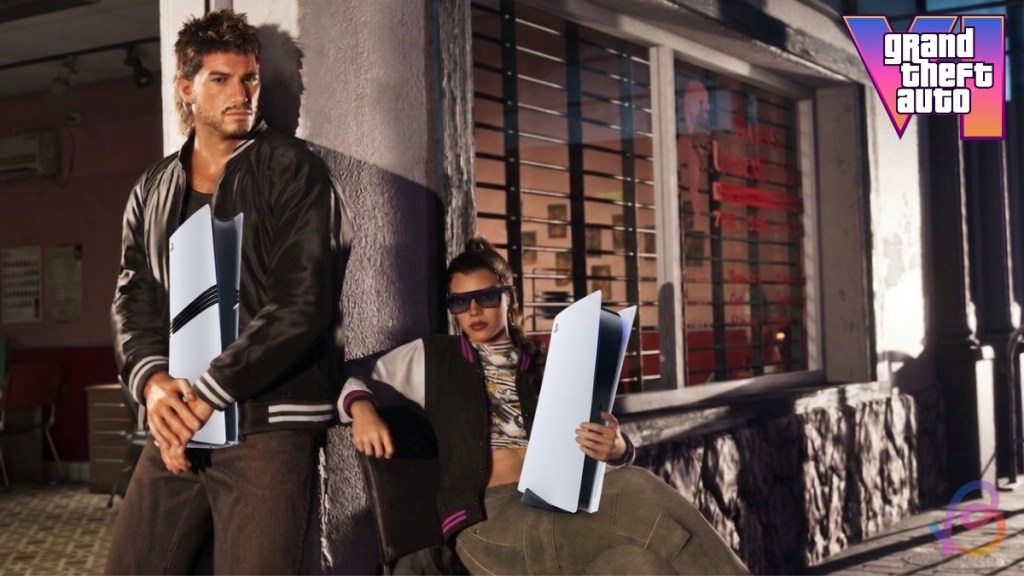
It shouldn’t surprise you, but you’ll need to free up space on your SSD ahead of GTA 6’s release. Now, Rockstar Games has officially revealed GTA 6’s game size: a whopping 212 GB. So, you can free up space of up to at least 300 GB in advance by uninstalling games you don’t plan on playing anytime soon.
If you don’t want to delete installed games, we suggest you upgrade your storage beforehand by getting an extra SSD for PS5 or Storage Expansion for Xbox Series X|S.
The last thing you want is to waste time deleting games and then begin the installation of GTA 6 late. So, be ready for GTA 6’s launch by freeing up space on your console’s SSD.
Protect your PS and Xbox Account

This may seem like a trivial tip at first, but let me explain. In case you didn’t know, the GTA 6 early access scams emerged online quickly after GTA 6 pre-orders went live. Rockstar hasn’t revealed any early access for GTA 6 yet. So, don’t fall for these cheap scams and lose your console account, which contains GTA 6 in your game library.
Instead, go to account settings on your console and enable two-factor authentication to secure your account. Additionally, you can also set up a passkey on your console for extra security. Even with protection enabled, don’t click on any unknown links or share your account information with strangers.
Put Your Consoles in Standby Mode

Once you have preloaded GTA 6, don’t think you are all set for launch. Rockstar may release a patch or a hotfix right before launch or shortly after release. So, the best way to tackle this is to enable the automatic downloads and updates option. In addition, put your console in standby mode (Rest on PlayStation consoles and Sleep on Xbox consoles) in the days leading up to launch.
In this way, your console can automatically download the latest update even when you are away from your console. So, once you return home, the game will be ready, and you can hop back in right away. There is no need to waste time downloading additional updates on launch day if you have automatic updates enabled and your console in standby mode.
Switch to Ethernet
Instead of relying on Wi-Fi, which can fail or run slowly at times, make sure to set up an Ethernet connection on your console. If you are wondering why, the answer is simple. Ethernet is the most reliable connection, and the best gaming Ethernet cables can make a difference.
Just leave your console in rest mode connected to the internet via an Ethernet cable at all times. This way, you can complete your GTA 6 preload or download updates much faster. In addition, your console system updates will be automatically completed, so you can experience GTA 6 in the best way possible.
Keep Your Consoles Clean

Last but not least, make sure to safely clean your console at least once before GTA 6 drops. The GTA 6 extended look and trailers show that the latest GTA game is truly offering next-gen levels of visual fidelity with advanced Ray Tracing support at launch. As GTA 6 will be extremely demanding, it will, of course, strain your console, which may lead to overheating.
If your console is already covered in dust, overheating will result in frequent crashes. That is exactly why we recommend cleaning your consoles right before the game’s launch. If you struggle to clean the console on your own, you can visit a nearby service centre to have it cleaned.
And that’s a wrap on how to prepare your PlayStation and Xbox console for GTA 6. After completing the steps we mentioned above, you will be all set for GTA 6’s colossal launch in November. That said, if you have done any other console prep work for GTA 6, let us know in the comments below.
You can prepare for GTA 6’s launch by preloading the game, clearing up space on your SSD, securing your accounts, and more.
In case you don’t own a console yet, you must get a current-gen console like a PS5 or Xbox Series X to play GTA 6 without any hassle.
Yes, it is totally worth buying a console for GTA 6 if you are a longtime fan who has been patiently waiting for this game.




















 Ajith Kumar