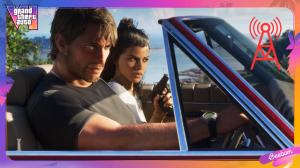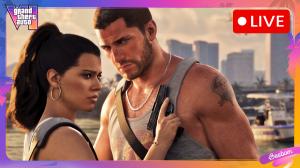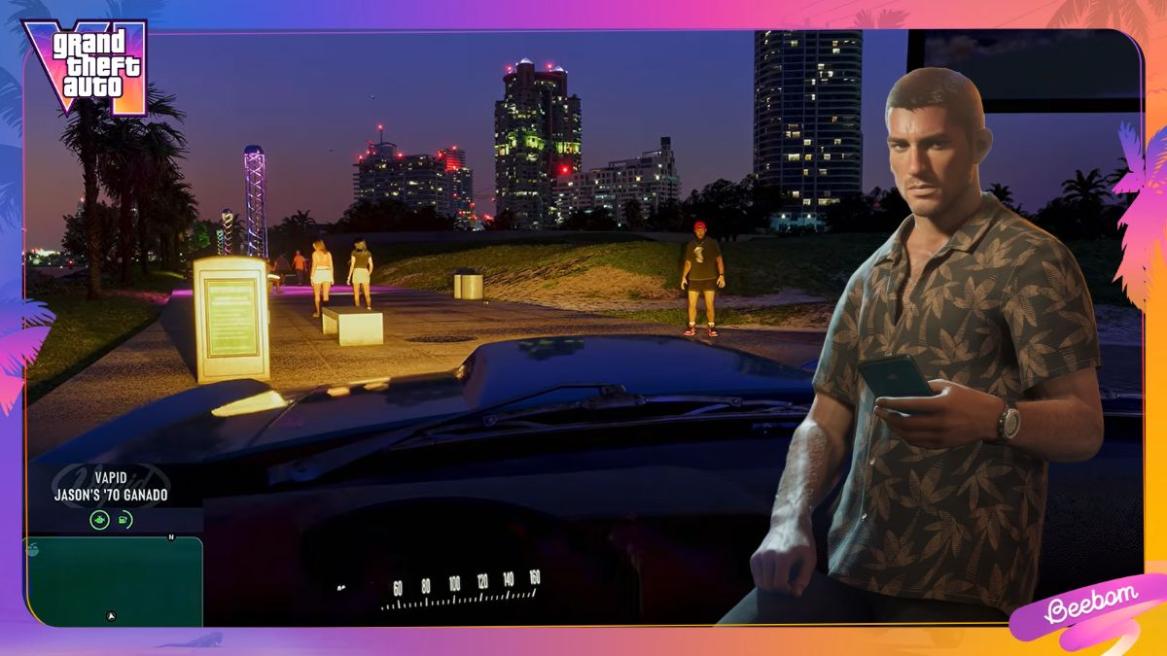
- GTA 6 player has discovered a glitch that allows players to explore Leonida in first-person.
- The glitch involves changing a controller setting and repeatedly pressing the camera button after closing the in-game phone.
- The first-person perspective offers decent animations, but players must reload their save to return to third-person.
GTA 6 finally launched on November 19, 2026, and if you’re already playing it, you know that the game does not have a dedicated first-person mode like GTA 5. While players can use limited first-person views when using their smartphone or aiming with certain weapons, regular gameplay is restricted to third-person. However, just a day after launch, a player discovered a glitch that allows players to experience GTA 6 from a first-person perspective.
How to Do the First-Person Mode Glitch in GTA 6
YouTuber oneboyler shared a video demonstrating the glitch, which appears to work surprisingly well. Interestingly, the footage shows working first-person weapon animations, despite the feature not being officially available.
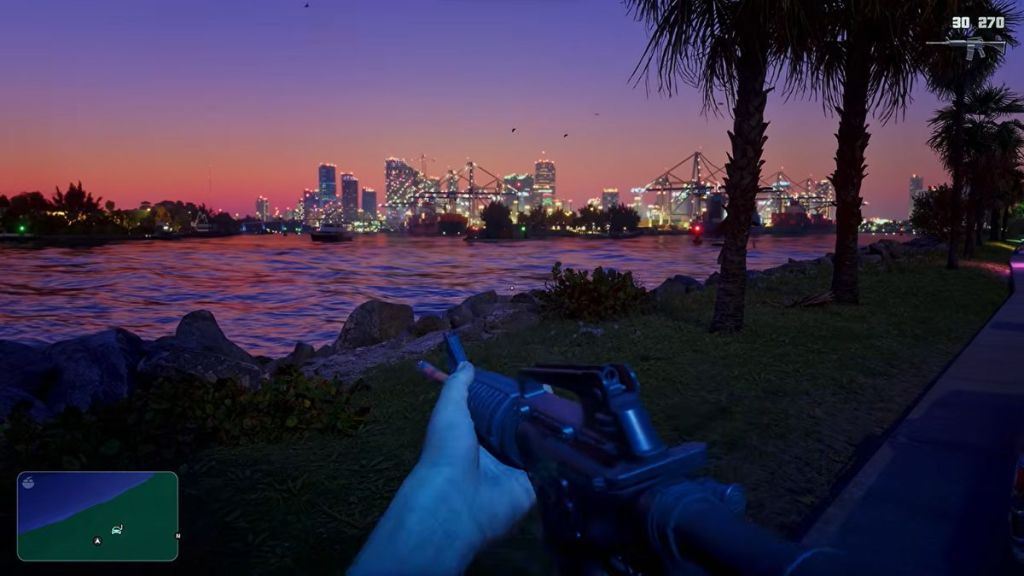

The glitch involves changing a GTA 6 controller setting and performing a few actions while sitting inside a vehicle. According to oneboyler’s video, here’s how players can activate first-person mode in GTA 6:
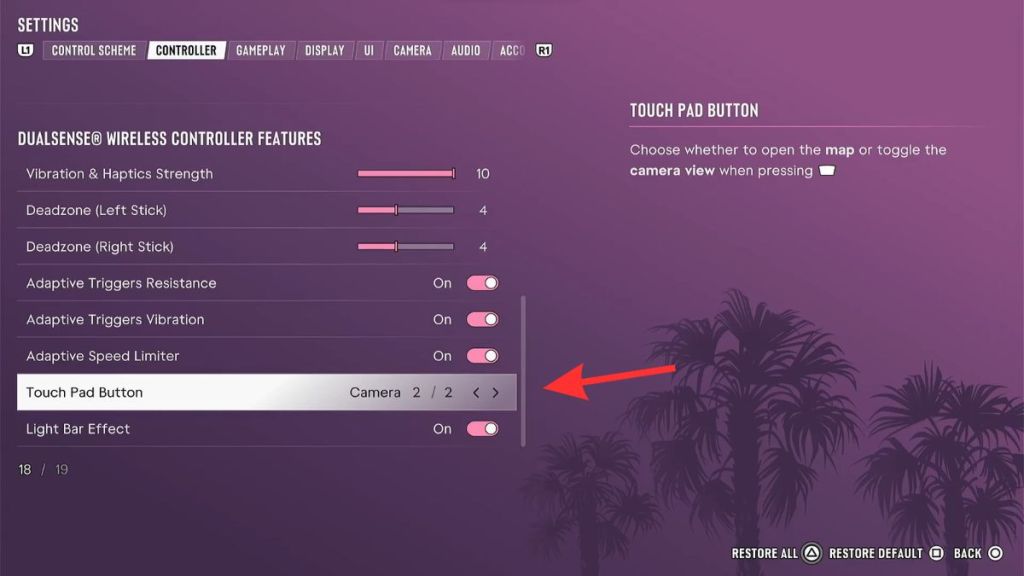
- Open Settings -> Controller and scroll down to change the Touch Pad Button setting from Map (1/2) to Camera (2/2).
- Sit in the driver’s seat of a vehicle.
- Press Up on the D-pad to pull out your in-game phone.
- Put the phone away by pressing Circle on PS5 or B on Xbox, then immediately spam the touchpad or Back button.
- Repeat the last step a few times until the camera switches to first-person.
Once the glitch works, players can exit their vehicle and explore the GTA 6 map in first-person. The video also shows the player using weapons and driving the vehicle, with animations that appear to be already present for even small details in first-person view.
However, the glitch is not entirely perfect, and some animations may look awkward. There is also no simple way to switch back to third-person once the glitch activates. Players must reload their save to restore the normal third-person camera.
For now, Rockstar Games has not confirmed whether a dedicated first-person mode will officially arrive in GTA 6. Still, the discovery suggests that some of the necessary functionality already exists in the game, even if players cannot access it through the regular settings. It will be interesting to see whether Rockstar expands on it in a future update.