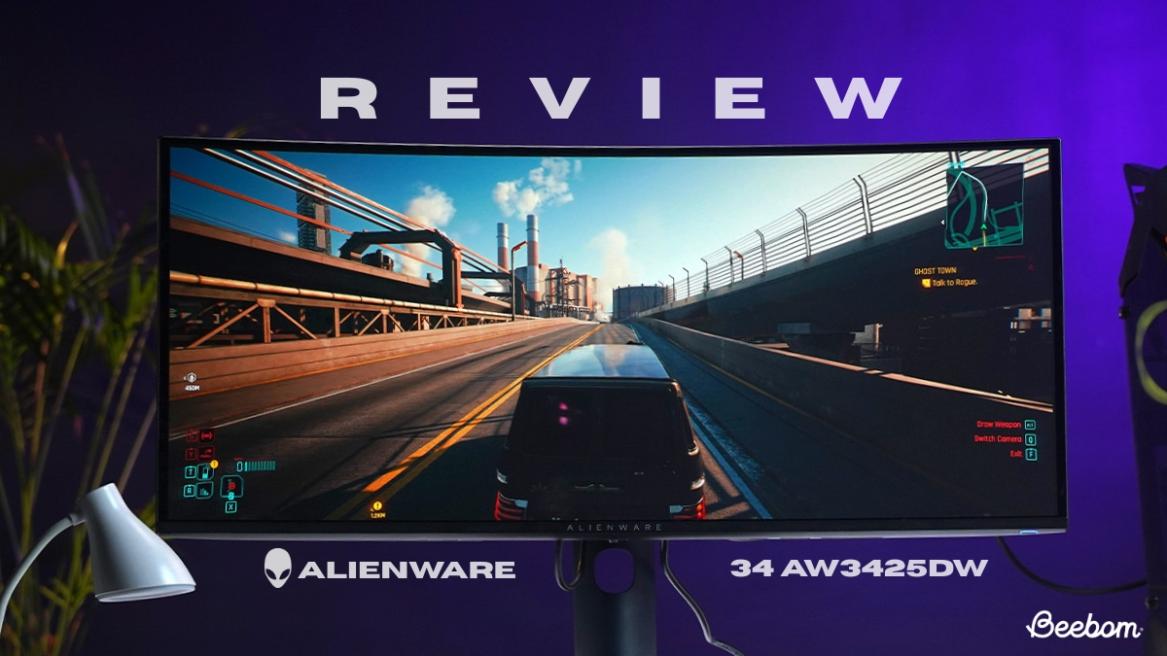
Beebom Score
A few years ago, Alienware basically kickstarted the OLED monitor revolution with the AW3423DW, and now they are back to see if they can catch lightning in a bottle twice with the Alienware 34 AW3425DW. I have spent the last week with this 240Hz QD-OLED beast parked on my desk, and to be honest, it has made my previous monitors look like relics from the past.
On paper, it might seem like a logical evolution from the 175Hz refresh rate. But, as any enthusiast knows, specs don’t always tell the whole story of how a panel actually feels when you are deep in a late-night gaming session. Doesn’t matter if you’re trying not to lose Deadlock matches or carrying out a successful extraction in Arc Raiders; if your monitor gives up on you, it’s game over.
In this review, I am going to break down whether the jump to 240Hz is actually noticeable for the average gamer, how the QD-OLED panel performs for both work and gaming, and ultimately, if the Alienware 34 AW3425DW is the definitive ultrawide upgrade we have been waiting for.
Alienware 34 AW3425DW: Specs Overview
| Feature | Details |
|---|---|
| Screen Size, Aspect Ratio, & Panel | 34.2-inch / 21:9 UltraWide / QD-OLED (Quantum Dot OLED) |
| Display Coating | Anti-reflective, high-gloss finish (AR Coating) |
| Resolution & PPI | 3440 x 1440 (WQHD) / 110 PPI |
| Brightness | 250 nits (SDR typical) / 1,000 nits (HDR peak @ 3% window) |
| HDR Support | VESA DisplayHDR True Black 400 |
| Contrast Ratio | 1,500,000:1 (Infinite) |
| Refresh Rate | 240Hz (Native via DP 1.4 & HDMI 2.1) |
| Response Time (GtG) | 0.03ms (Extreme Mode) |
| Color Gamut | 99.3% DCI-P3 / 149% sRGB (CIE 1976) |
| Color Depth | 1.07 Billion Colors (True 10-bit) |
| Color Accuracy | Factory calibrated Delta E < 2 (sRGB & DCI-P3 modes) |
| Built-In Speaker | None (Alienware prioritizes a thinner chassis and airflow) |
| Connectivity (I/O) | 1x DP 1.4 (DSC), 2x HDMI 2.1 (FRL), 1x USB-B Upstream, 1x USB-A Downstream, 1x USB-C (15W Power Delivery) |
| Flicker-free (PWM) | Yes (TUV Rheinland Certified) |
| Certifications | NVIDIA G-SYNC Compatible, AMD FreeSync Premium Pro, VESA AdaptiveSync 240 |
Alienware 34 AW3425DW: What’s In the Box?
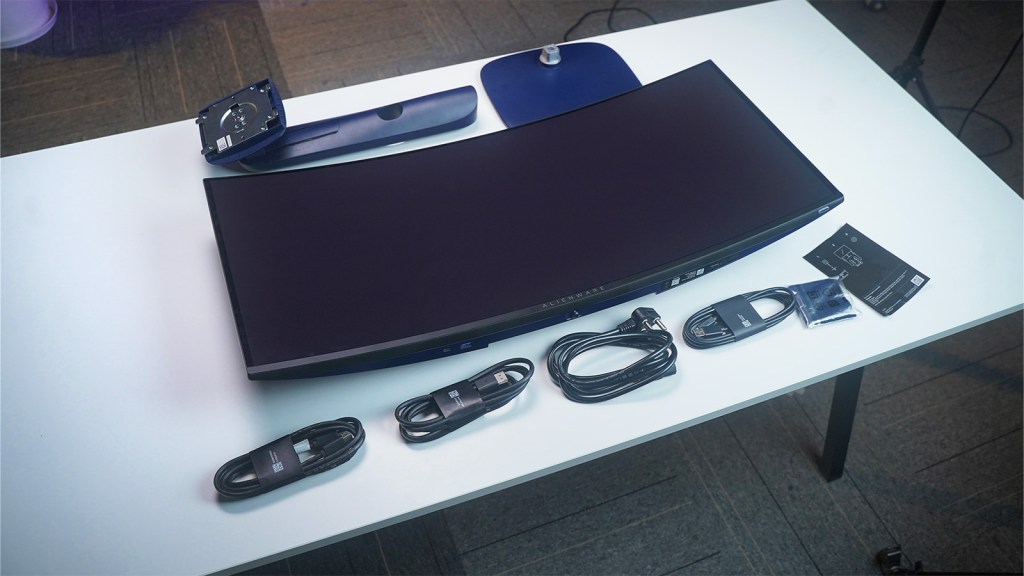
Alienware 34 AW3425DW Box Contents:
- Alienware 34 AW3425DW Monitor (with stand)
- Power cable
- 1 DisplayPost-DisplayPort cable (1.80 m)
- 1 HDMI cable (1.80 m)
- 1 USB Type-A to Type-B 5Gbps cable (1.80 m)
- 1 Microfiber Cloth
- 1 Setup guide
Despite the stand components being fairly heavy, the monitor is not too much of a hassle to set up by yourself. The clamp in the back slides in relatively smoothly, and I was able to finish setting up the monitor by myself within 5 minutes. Also, the monitor required little to no setup when plugged in, and I was able to get it going immediately with my PC.
Alienware 34 AW3425DW: Panel Build Quality
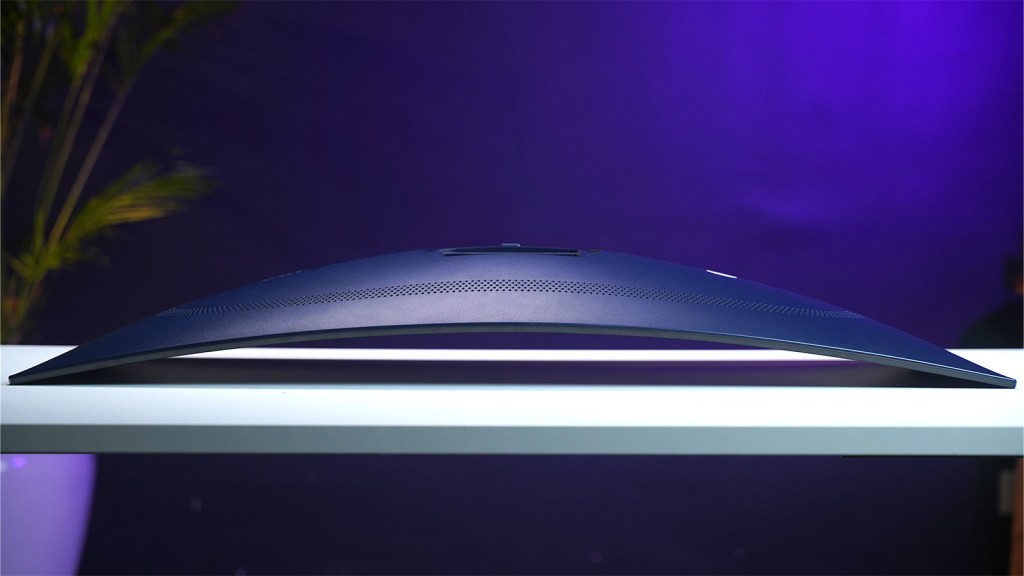
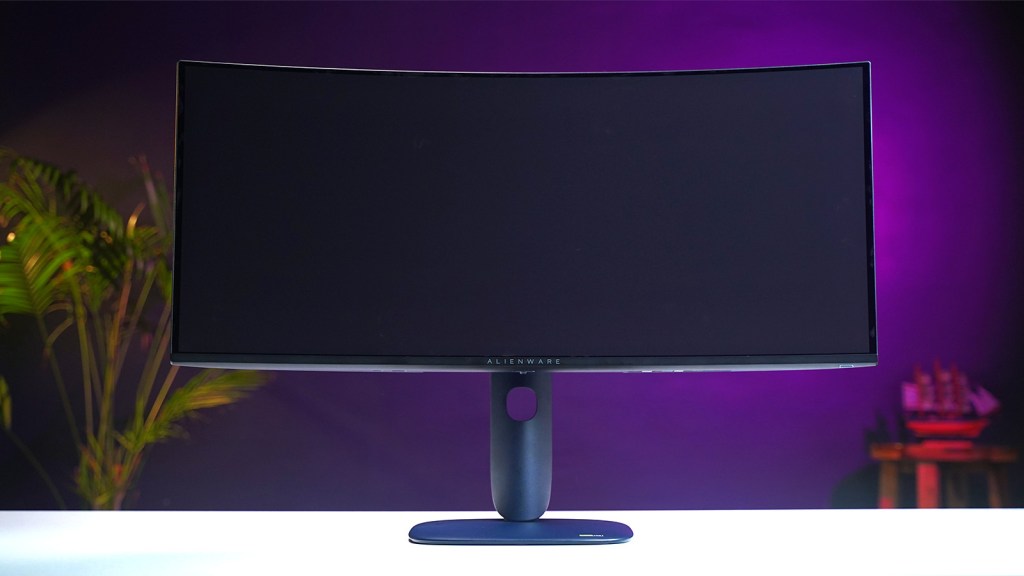
Alienware’s industrial design on the 34 AW3425DW stands as one of my favourite things about the monitor. It has that sleek, futuristic design that feels and looks like a huge step up from the usual gamer plastic look that I am used to when it comes to some of the best gaming monitors. The chassis has moved away from the Lunar Light vibe of the previous generation, featuring an Interstellar Indigo finish that gives the monitor a truly premium feel.
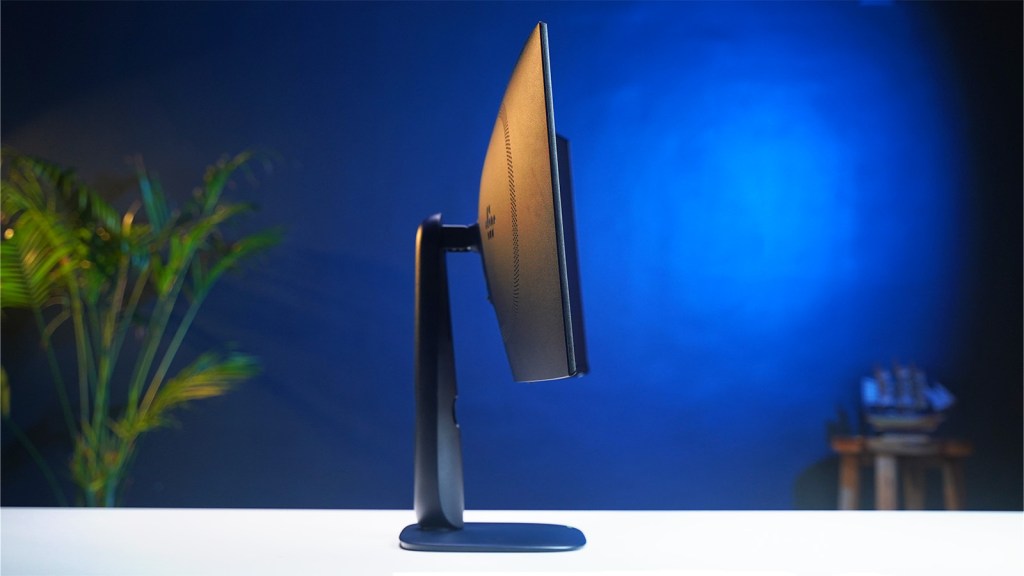
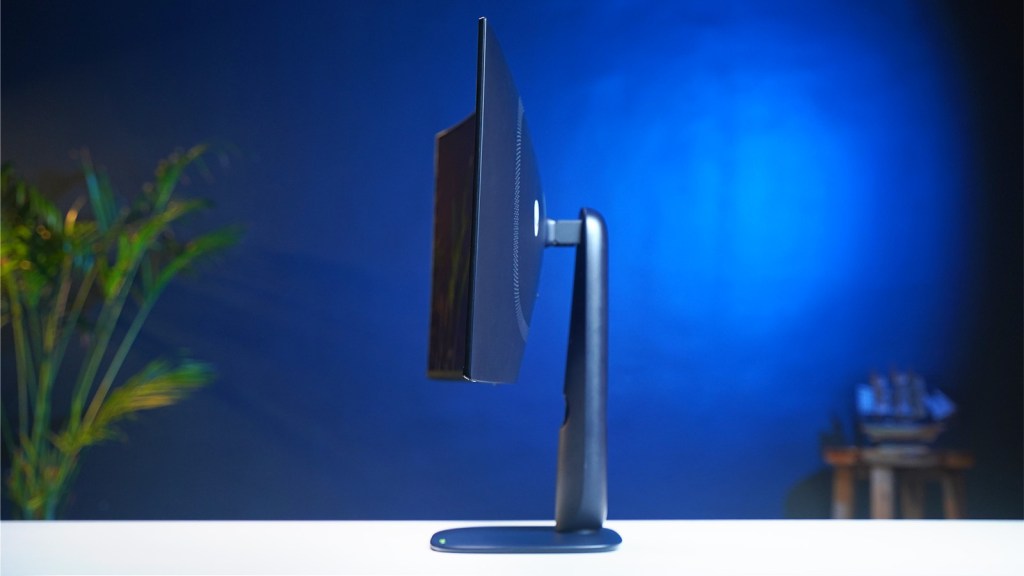
The 1800R curve on the monitor feels aggressive, but in a good way. It pulls my peripheral vision into whatever game I’m playing while keeping lines straight, just in case I need to switch to work. The back of the monitor has ventilation for heat regulation that feels necessary for an OLED like this, and it keeps it nice and clean, with the RGB elements adding a nice touch to the overall design.
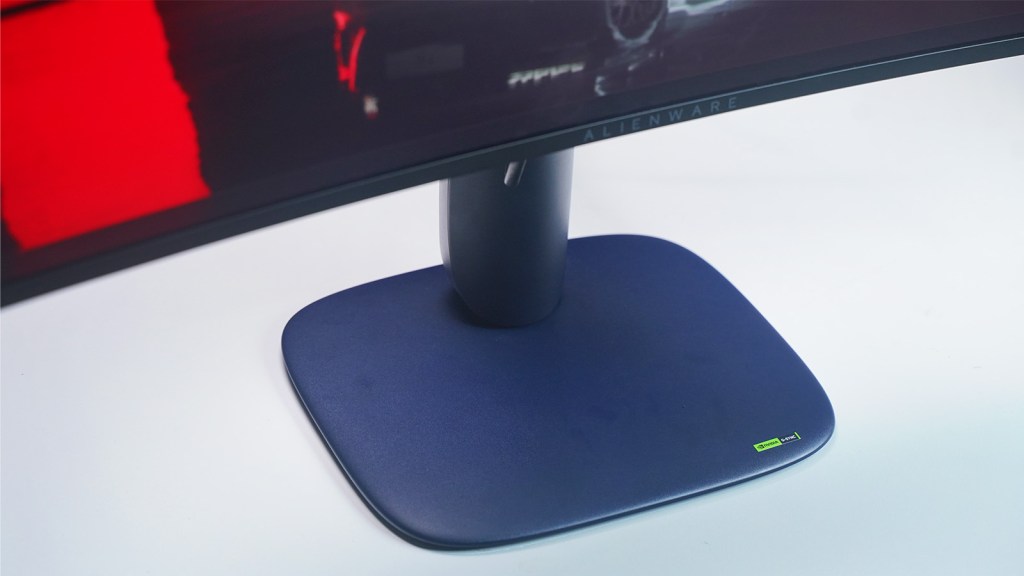
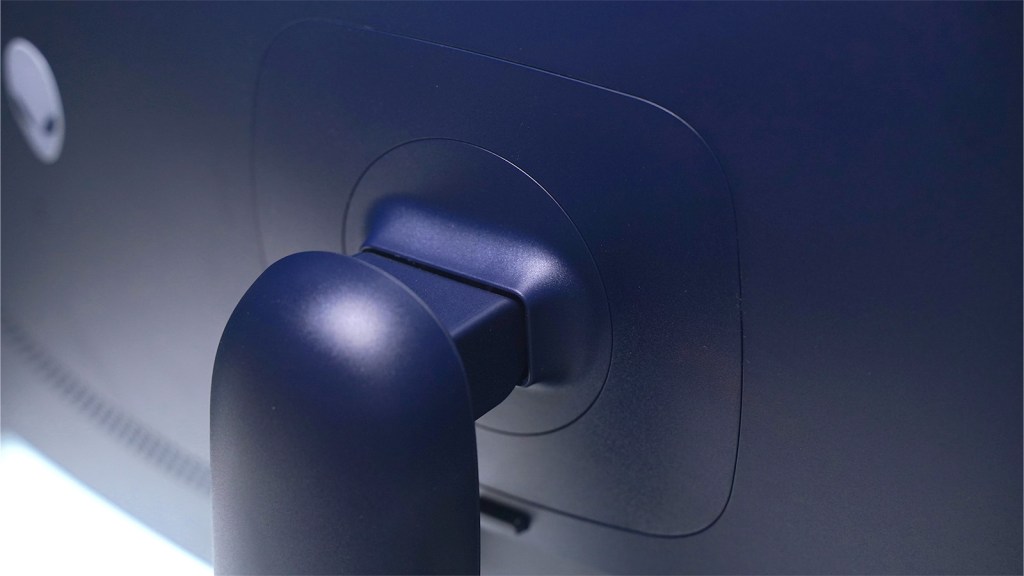
The desk space savings that come with the stand on the Alienware 34 AW3425DW are another thing I appreciated. I can still have things like my controller or snack bowl on my desk without things feeling cluttered. The 110mm height-adjustable stand, mixed with tilt and swivel capabilities, makes the monitor feel solid without any wobble. I can type or smash my keyboard as hard as I want, and the monitor manages to stay in place.
While the glossy finish of the panel feels better than the usual matte look, it can be a pain to manage because of its strong reflections if you have a light source right behind you.
Alienware 34 AW3425DW: Resolution & Color Performance
As a gamer, the 3440 x 1400 resolution of the Alienware 34 AW3425DW almost feels like cheating when playing games like Fortnite. The 110 PPI pixel density allows the image to stay clean and sharp without the massive hardware burden that 4K requires. The monitor provides a 21:9 aspect ratio that literally lets me see a lot more of the battlefield and gives me a heightened sense of spatial awareness, something that 16:9 monitors have a hard time replicating.
Of all the benefits of the Alienware 34 AW3425DW, the one that stands out the most is its flawless performance. The difference in experience in gaming between a 175Hz and a 240Hz refresh rate is phenomenal, and the responsiveness of the cursor to my mouse feels almost instantaneous.
Since OLED pixels react as fast as the frame rate, the Alienware 34 AW3425DW has incredibly good clarity of motion, which can feel even smoother than the 360Hz refresh rate on some LCDs. No ghosting, no smearing, and no visual mush with annoying, blurry images when you whip your in-game camera around.
The standard 250 nits brightness can feel a bit suboptimal, but work quite well if your focus is on editing text documents or spreadsheets. The HDR mode does feature 1000 nits of brightness, allowing you to crank up the visuals during an intense work or gaming session. Speaking of text, the Alienware 34 AW3425DW, despite all its technical prowess, is not immune to text fringing with those annoying green and magenta highlights, which can cause eye strain after continuous use.
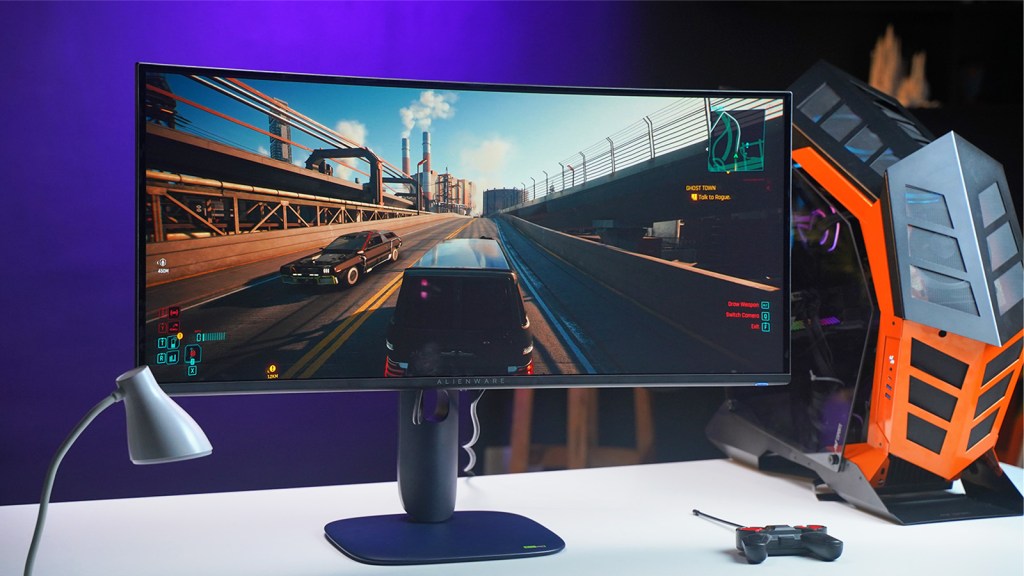
The colors on the Alienware 34 AW3425DW are just incredible, and it’s all because of its QD-OLED Quantum Dot technology. Everything looks super vibrant and full of life, which really makes games like Cyberpunk 2077 and Elden Ring feel much more intense and visually stunning. On top of that, the monitor comes color-calibrated to cover almost the entire DCI-P3 range, meaning the colors you see are exactly what the game creators intended. The color contrast on the monitor is infinite in theory, and it definitely feels like it.
Setting the monitor up is pretty much plug-and-play, especially with the Creator Mode. This mode is already tuned for really accurate colors, so I didn’t have to spend ages messing with settings to get the look I wanted. Plus, it shows good whites and natural skin tones, and thankfully, none of that annoying blue tint you often find on other gaming monitors.
Alienware 34 AW3425DW: Power Consumption & Heat
The AW3425DW is pretty good with how much power it uses, especially for such a high-performance ultrawide monitor. When you’re doing everyday tasks, it only eats up about 36.7 W, which is quite impressive for a screen of this size. However, if you really crank up the brightness for HDR and push the panel to its limits, the power draw can hit around 190 W. When it’s in standby mode, it uses just half a watt, even though it stays active for a few minutes after you shut down your PC to run its automatic Pixel Refresh maintenance.
With a G-Sync module and a high-brightness QD-OLED panel, it can generate a ton of heat during long gaming sessions. While Alienware has included an active cooling fan that you likely won’t notice, if you are sitting in a silent office room, you might hear a low-frequency hum once the fan kicks in after a few hours of work. It is mostly an inconsequential trade-off to maintain the panel’s longevity.
Alienware 34 AW3425DW: Ports & Connectivity
The Alienware AW3425DW finally gives users the modern ports its earlier models missed out on. You get two HDMI 2.1 ports and a DisplayPort 1.4. Each one of them handles the full 240Hz at native resolution. It feels like a huge improvement, as you can plug in a high-end PC and a PS5 at the same time, and both will run at their best. It doesn’t require a lot of fiddling with cables or worrying about maxing out the bandwidth.
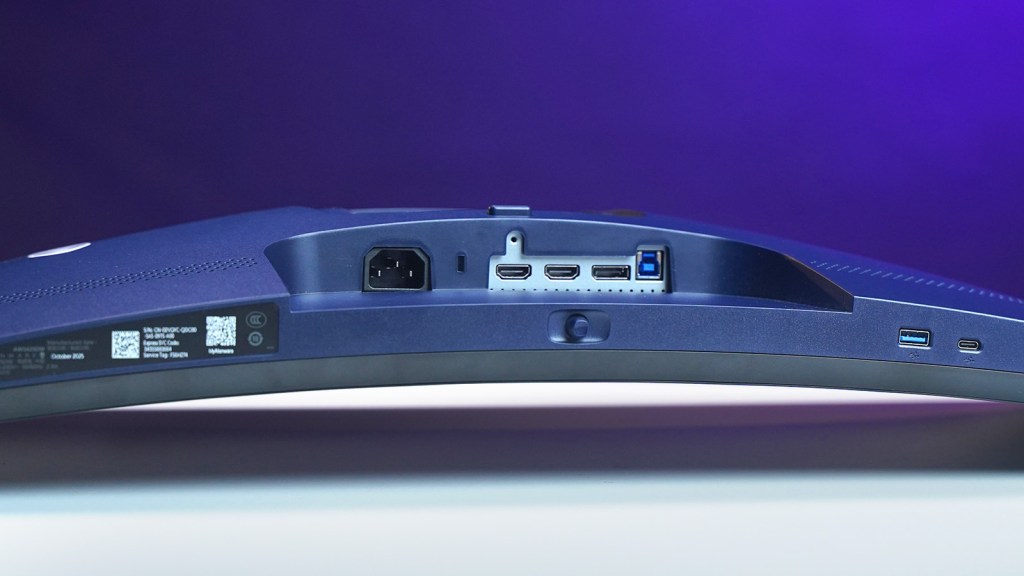
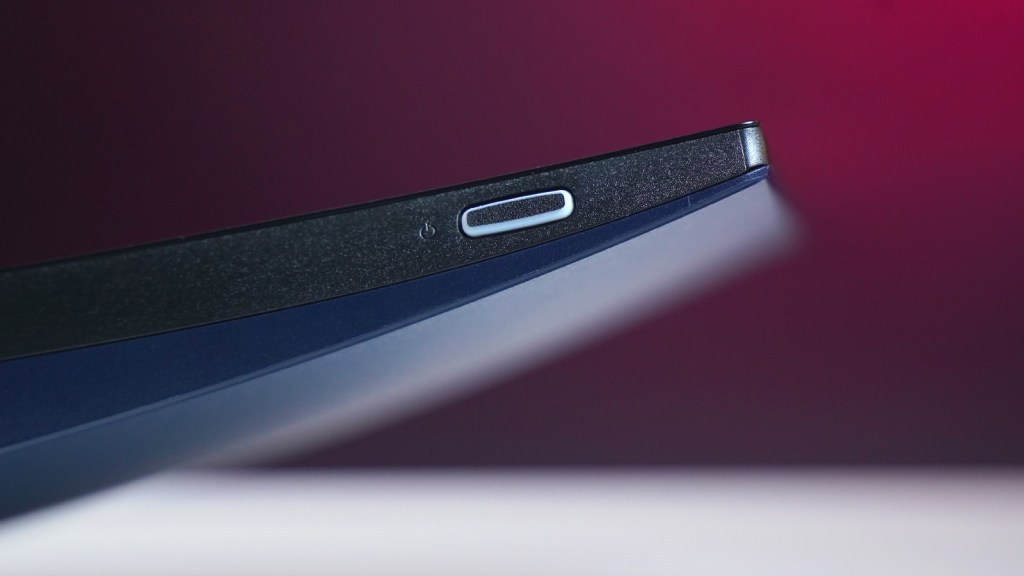
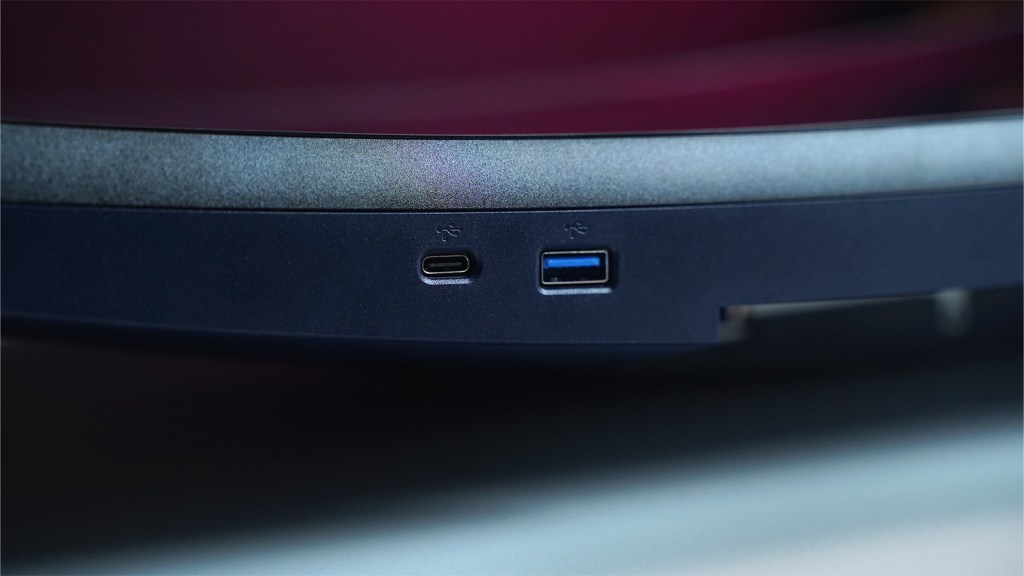
When it comes to the USB hub, it feels a little behind the times. The monitor has a USB-A port and USB-C on the bottom edge, which is handy for plugging in your accessories. The catch is that the USB-C only puts out 15W for charging.
That’s just not enough power if you are hoping to charge a laptop while you work. The biggest downside here is that there is no built-in KVM switch. So, if you are someone who likes to switch between a MacBook for work and a desktop for gaming, you will still have to get a separate device to share your mouse and keyboard.
Alienware 34 AW3425DW QD-OLED Monitor: Should You Buy?
Now, for the question that matters the most: should you buy the Alienware 34 AW3425DW? If you find yourself spending 90% of your screen time grinding in Fortnite or taking out ARC enemies in Arc Raiders, then the AW3425DW is an easy yes. The monitor is built from the ground up for players who want the visceral impact of a game over everything else. When you are in the zone, the monitor lets you feel the fluid speed of that 240Hz refresh rate and the ink-black shadows only an OLED can deliver.
However, if your day-to-day involves eight hours of staring at spreadsheets or writing articles like me, the slight text fringing might eventually wear on your eyes. You will also find yourself wishing for the simplicity of a built-in KVM switch to swap between your work laptop and gaming rig. It isn’t really a perfect all-rounder office monitor, but it doesn’t really want to be.
My Verdict? If your GPU has the horsepower to actually feed this panel 240 FPS at 1440p, your eyes will thank you every single time you hit the power button on the Alienware 34 AW3425DW. But if you’re playing Excel Esports, you may want to reconsider your choices.






 Ishan Adhikary
 Ishan Adhikary