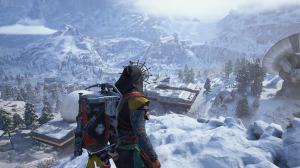
- Players can obtain the Camera gadget in various ways: as normal loot and quest supply, or from Shani in Arc Raiders.
- Players can also craft both Cameras in Arc Raiders: Basic and Advanced.
- Equip the Camera, aim it, and press the LMB to take pictures in the game's photo mode.
When Embark Studios discovered that players loved taking pictures in the world of Arc Raiders, they decided to introduce a Camera gadget. The Camera gadget is the photo mode players have wanted for a long time, and it arrived with the Frozen Trail update. If you are eager to use the photo mode in the game, learn how to get the Camera gadget in Arc Raiders here.
How to Get the Camera Gadget in Arc Raiders
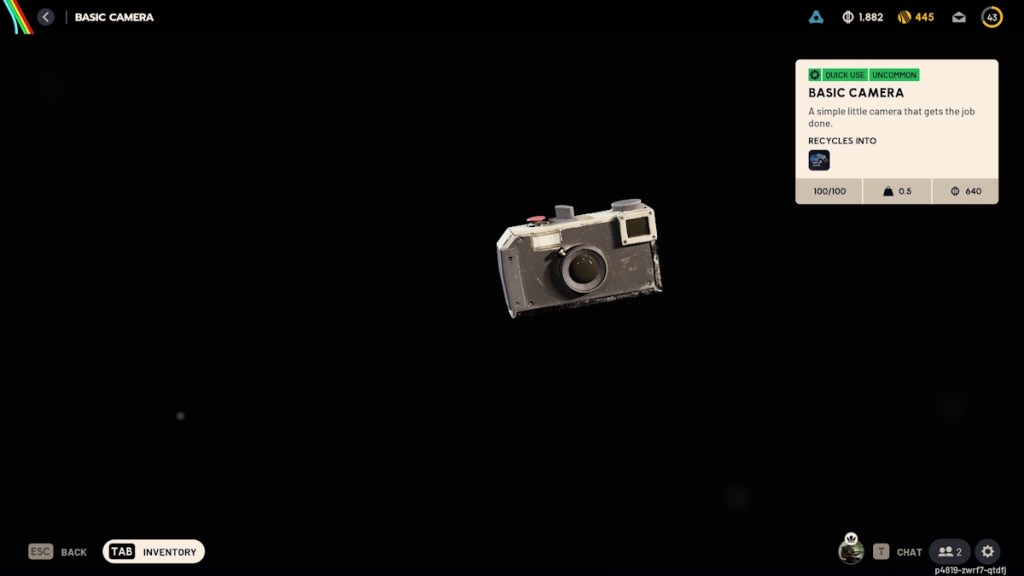
With the Grappling Hook and Tether Launcher, the Camera is one of the new gadgets added in the Arc Raiders Frozen Trail update. Cameras come in two types: Basic and Advanced. Since it is also a gadget at the end of the day, players can obtain the Camera in various ways in Arc Raiders:
- Can be found inside containers, cupboards, etc., i.e., basically in all loot spots.
- Can be bought from ‘Shani – Security’ (Basic – 1.9K coins, Advanced – 3K coins)
- Can be obtained for free by accepting Celeste’s “Sizing Things Up” quest.
- Players can kill another raider with the Camera to steal the gadget.
How to Craft the Camera in Arc Raiders
If you want to craft as many Cameras as you want, you can do it in Arc Raiders. Luckily, Arc Raiders blueprints are available for both the Basic and Advanced cameras.
Crafting Basic Camera in Arc Raiders
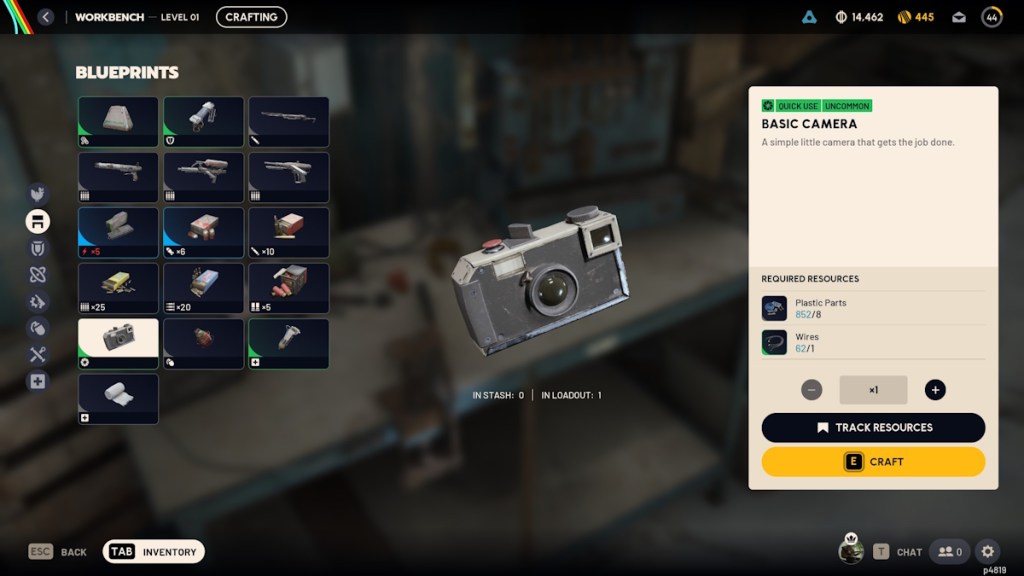
The Basic Camera blueprint is automatically unlocked at the start of the game. Here are the items you need to craft the Basic Camera in Arc Raiders:
| Required Crafting Resources | How to get it |
|---|---|
| 8x Plastic Parts | Can be crafted, recycled, scavenged, or bought from Celeste |
| 1x Wire | Can be crafted, recycled, scavenged, or bought from Celeste |
Once you have all the required resources, here is how to craft the Basic Camera in the game:
- Head to the Workbench section. You don’t need a fully upgraded Workbench in Arc Raiders to craft Cameras.
- Select the Basic Camera. As mentioned earlier, you need 8x Plastic Parts and 1x Wire to craft one.
- Hold E to craft the Basic Camera. The gadget will now be available in your inventory.
Crafting Advanced Camera in Arc Raiders
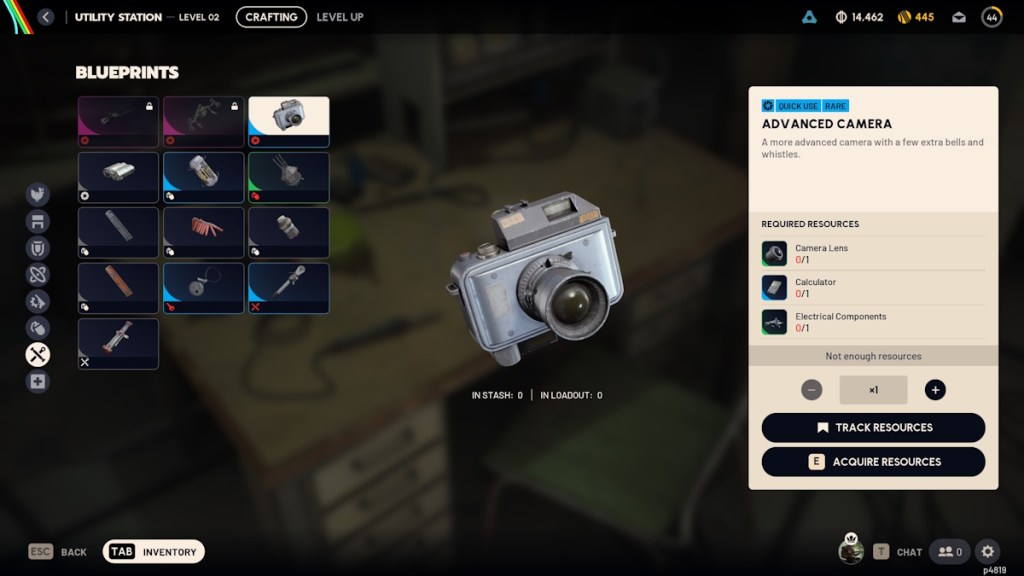
Unlike the Basic Camera blueprint, you need to unlock the Advanced Camera blueprint by completing the Topside Living Conditions quest as part of setting up the Outpost in Arc Raiders. Once you have the blueprint ready, here are the materials required to craft the Advanced Camera in Arc Raiders:
| Required Crafting Resources | How to get it |
|---|---|
| 1x Camera Lens | Can only be scavenged from topside |
| 1x Calculator | Can only be scavenged from the Pendola Pass map |
| 1x Electrical Components | Can be crafted, recycled, and scavenged from topside |
After you collect all the required crafting resources, here is how to craft the Advanced Camera in Arc Raiders:
- Head to the Utility Station (it must be at least level 2).
- Select Advanced Camera and press E to craft the Advanced Camera with the collected materials.
How to Use Camera to Access Photo Mode in Arc Raiders
Once you get either a Basic or Advanced Camera gadget in Arc Raiders, here is how to use the gadget to enter photo mode and take pictures in-game:
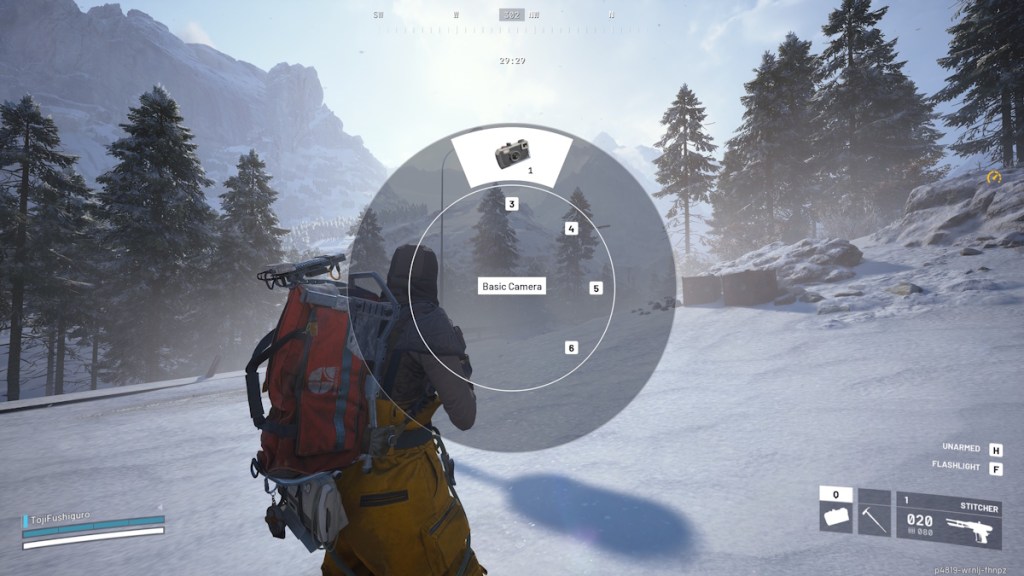
- First, move the Camera to the Quick Use slot.
- Then open the gadget selection wheel by holding ‘Q’ and select the Camera gadget.
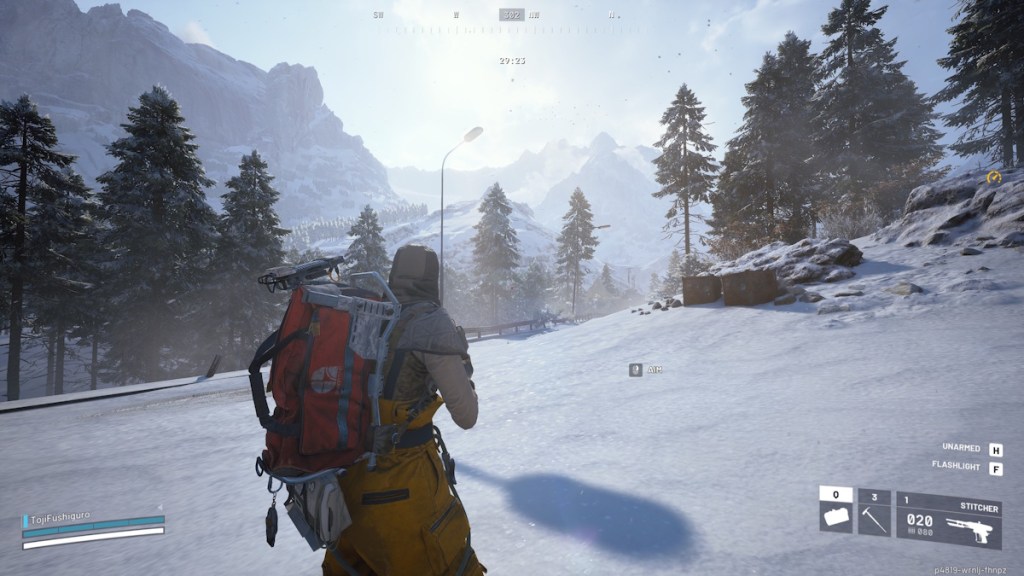
- Once equipped, aim using the right mouse button to enter Photo Mode.
- Then start taking pictures by clicking the left mouse button.
- You can also take selfies with both cameras. So press R to enter Selfie mode and snap some amazing Selfies in-game.
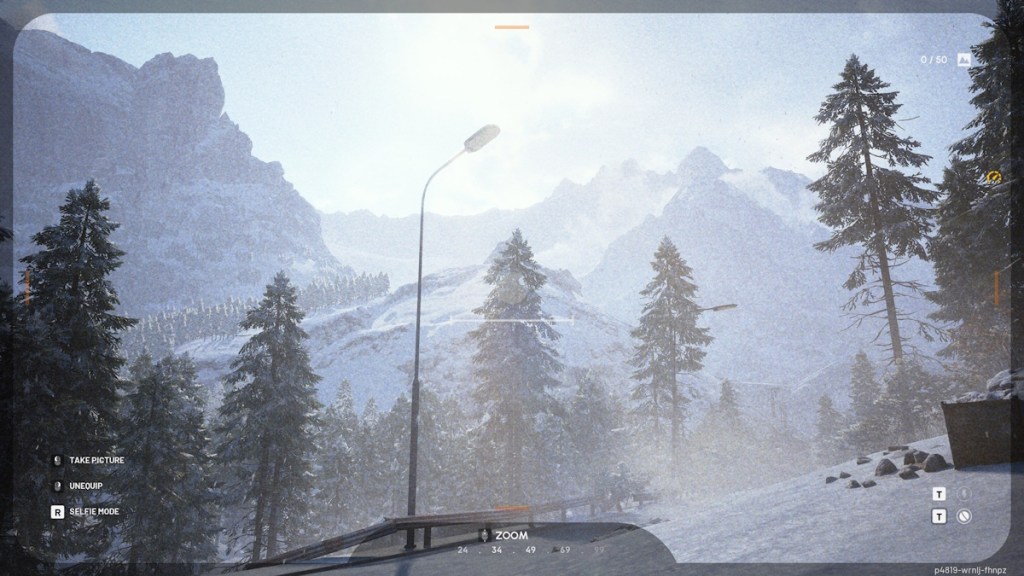
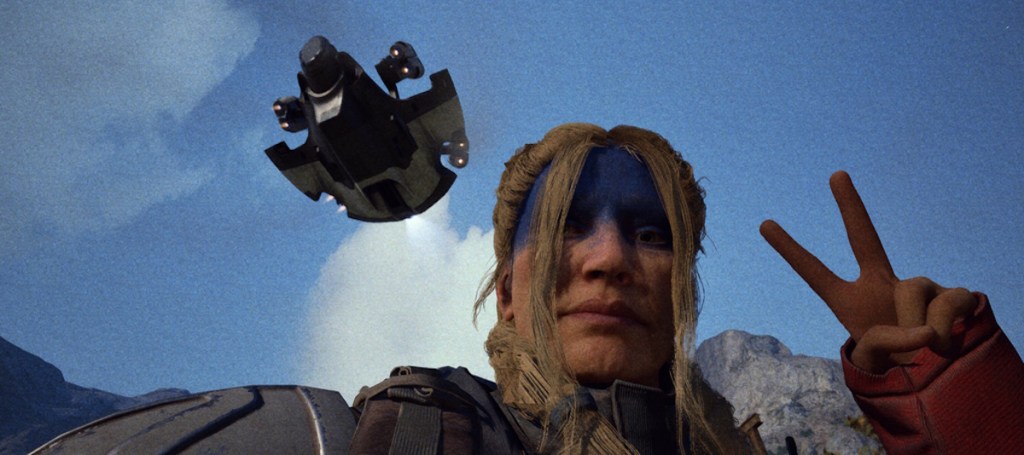
The extra settings, such as aperture, autofocus, zoom, etc., are exclusive to the Advanced Camera gadget.
And that’s how you can get the Camera gadget in Arc Raiders. The all-new photo mode is much easier to use, but always be careful before using the Camera, as raiders/ARC threats are nearby. While you are here, check out how to get the Emperor Gateway Conduit key in Arc Raiders to enter the giant walker’s body.
That said, let us know your thoughts about Arc Raiders’ camera gadget in the comments below.