- Players can remove map fog in GTA 6 by flying over unexplored areas in Leonida with a crop duster.
- The Bottcher Duster is the best plane for exploration because it has plenty of fuel and does not attract enemy fighter jets.
- Fully uncovering the GTA 6 map unlocks The Goodtime State trophy and achievement.
Leonida is a massive map, and much of it remains covered in fog when you first start playing Grand Theft Auto VI. However, you can remove map fog early in GTA 6 by flying over unexplored areas with a crop duster.
Fully uncovering the GTA 6 map also unlocks The Goodtime State trophy and achievement, which requires you to explore all of Leonida.
How to Remove Map Fog in GTA 6
The easiest way to remove map fog in GTA 6 is to use a double-decker crop duster. You can start exploring the map as early as Chapter 1, once Jason gets access to free roam. Free roam is available as soon as you complete the Gone Fishing mission in GTA 6.
Once you unlock the plane early in GTA 6, fly over unexplored locations of Leonida to reveal them on your map. The map is divided into several small segments, and flying through a segment briefly uncovers that entire area.
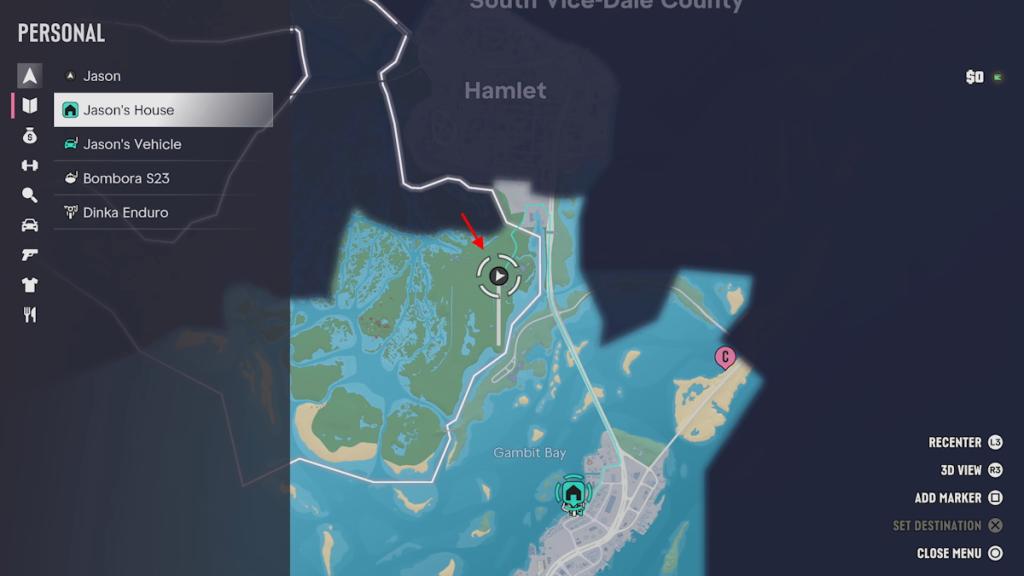
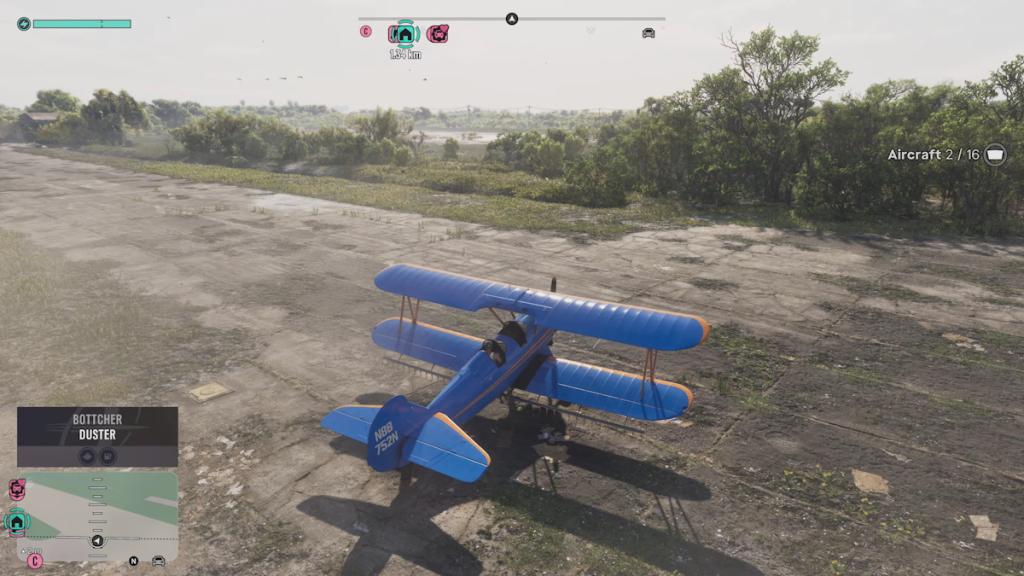
You don’t need to circle around a location or land in every region. Simply fly through each unexplored segment until the map is fully visible.
Best Plane to Remove Map Fog in GTA 6
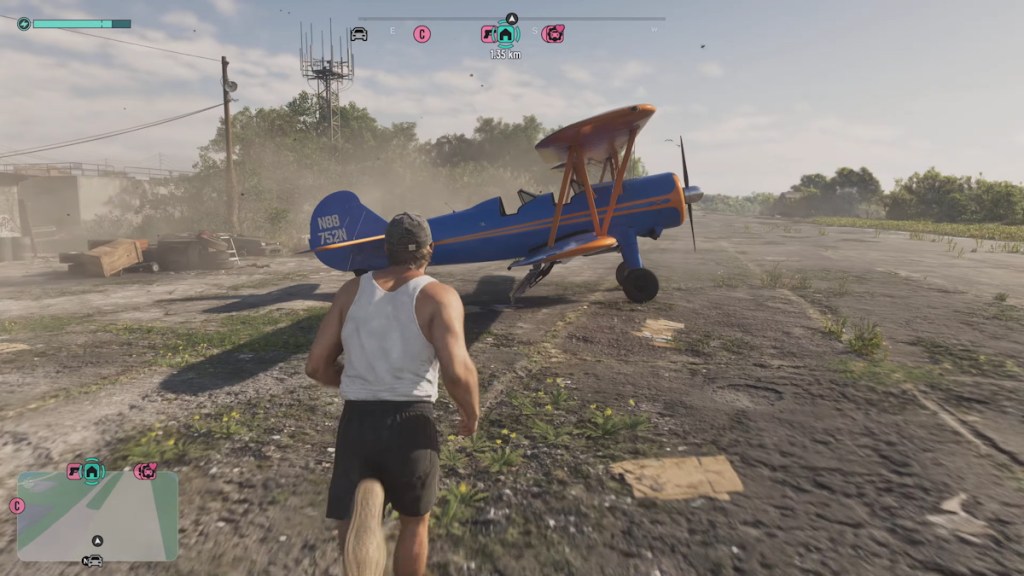
The Bottcher Duster is the best aircraft for removing map fog in GTA 6. It has plenty of fuel and doesn’t attract enemy fighter jets, making it suitable for long exploration trips.
You can find one on a small airstrip off Boundary Road in Mariana County. Avoid using military jets in GTA 6 for this task. Their advanced trackers can summon enemy fighter jets, and their fuel doesn’t last as long as that of crop dusters.
All Plane Locations for Removing Map Fog in GTA 6
There are three useful GTA 6 airstrips where you can find crop dusters to continue your exploration.
| Plane Location | Area | Best Use |
|---|---|---|
| Airstrip 1 | South of the map, near Key Lento of Leonida Keys | Starting your exploration |
| Airstrip 2 | Mariana County | Alternative if the first plane doesn’t spawn |
| Airstrip 3 | Kelly County, central map | Refueling after exploring the southern region |
The first two locations are accessible early in Chapter 1 of GTA 6 missions. You can also call Paradise Taxi from your phone contacts to fast travel closer to the southern airstrips. The third airstrip is particularly useful because it lets you grab another plane without flying all the way back south.
Tips and Tricks to Remove Map Fog Faster in GTA 6
Keep these tips in mind while exploring the map, and you want to unlock all regions of Leonida faster:
- Explore one region at a time: The map reveals itself in small segments, so work through one area before moving to another.
- Watch your fuel: Your fuel gauge appears above the minimap when enabled in the UI settings. Keep an eye on it and land at the nearest airstrip when it turns yellow.
- Use the nearest airstrip: Crop dusters respawn, so you can grab another plane whenever your fuel gets low.
- Save your progress: Manually save your game every so often because autosaves are infrequent during exploration.
- Avoid military jets: Their tracking systems can attract enemy fighter jets and interrupt your exploration.
That is how you can remove map fog early and fast in GTA 6. Have you already unlocked the Vice City location yet? Let us know in the comments.
Fly over unexplored map segments using a crop duster like the Bottcher Duster. Each segment you fly through will become visible on your map.
The Bottcher Duster is the best choice because it has a longer fuel range and does not trigger enemy fighter jet encounters.

















 Sanmay Chakrabarti