Grand Theft Auto 6 brings several new mechanics to the franchise, including dual protagonists, a unique wanted system, an honor profile, changes to how cash is handled, and much more. With so many new features, GTA 6 has introduced new icons to help players keep track of them. So, here is a rundown of all GTA 6 UI and HUD icons to help you understand the meaning of every new symbol you encounter in the game.
Meaning of All GTA 6 Icons
GTA 6 releases on November 19, 2026, but we already got a detailed look at the gameplay with the Netflix Extended Look. Though it did not reveal every small or new mechanic Rockstar has baked into the game, it revealed a lot for us to go by.
Check out the complete list of symbols and icons you will see on the GTA 6 UI and HUD, along with their respective explanations.
GTA 6 Icons Description 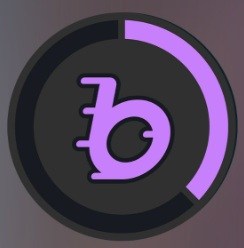
BUCKMEShows cash stored inside the BUCKME bank account.
Funds in the bank account are safe.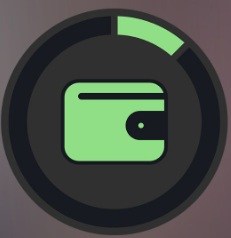
Cash WalletShows cash you have on you in person, and it can be up to $20,000.
This money is at risk if you are on an active mission and can be lost if you get arrested or die in action.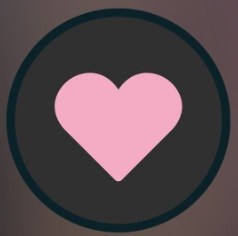
HealthGTA 6 health icon, paired with the health bar. 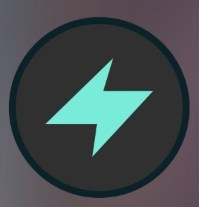
StaminaAffects your strength, and it’s paired with the stamina bar.
Stamina is depleted when you sprint, cycle, or perform other physical GTA 6 activities.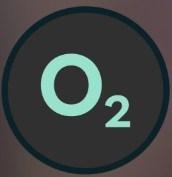
OxygenOxygen tank capacity in GTA 6, paired with the oxygen bar.
It only appears when you go underwater with a scuba tank.
Decreases based on how long you stay submerged.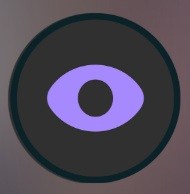
FocusThis focus icon is paired with the focus bar in GTA 6.
It offers heightened awareness and precision, giving you the ability to scan surroundings, find weak points, and slow down time to shoot enemies.
Relationship StatusRepresents the relationship status between Jason and Lucia. 
Good DeedsNotifies when committing a good deed, like petting a dog.
Affects your GTA 6 Criminal Profile positively.
Neutral DeedCriminal Profile is not yet updated or is in unknown status.
Also, possibly notifies when committing a neutral act that doesn’t affect the Criminal Profile.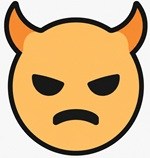
Violent DeedNotifies when committing a violent act or being evil, for the Violent Criminal Profile state. 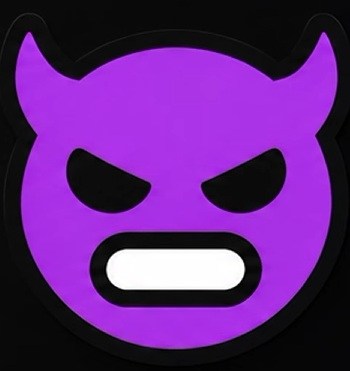
Psycho DeedNotifies when acting like a Psycho, like punching a random person for no reason and adds negatively to the Criminal Profile. 
Wanted Star LevelGTA 6 Wanted System star. The more stars you have, the higher the wanted level. 
CCTV ProfilingThe player’s criminal act has been seen or recorded by a surveillance camera. 
Weapon ProfilingThe player’s GTA 6 weapon used in an act of crime has been identified. 
Couple ProfilingThe police know that a couple is responsible for the crime.
Read about the dual protagonists in GTA 6 and their Bonnie-and-Clyde dynamics here.
Appearance MarkerThe police know when either Jason or Lucia is responsible for the crime. 
Clothing ProfilingThe player’s clothing worn during an act of crime has been identified. 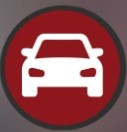
Vehicle ProfilingThe player’s GTA 6 vehicle used during an act of crime has been identified.


These are most of the GTA 6 UI and HUD icons that have been revealed so far. All these icons were showcased in the GTA 6 Netflix Extended Look, and we will update this guide as more information comes out. Do you think we missed out on any icons? Let us know in the comments section below.