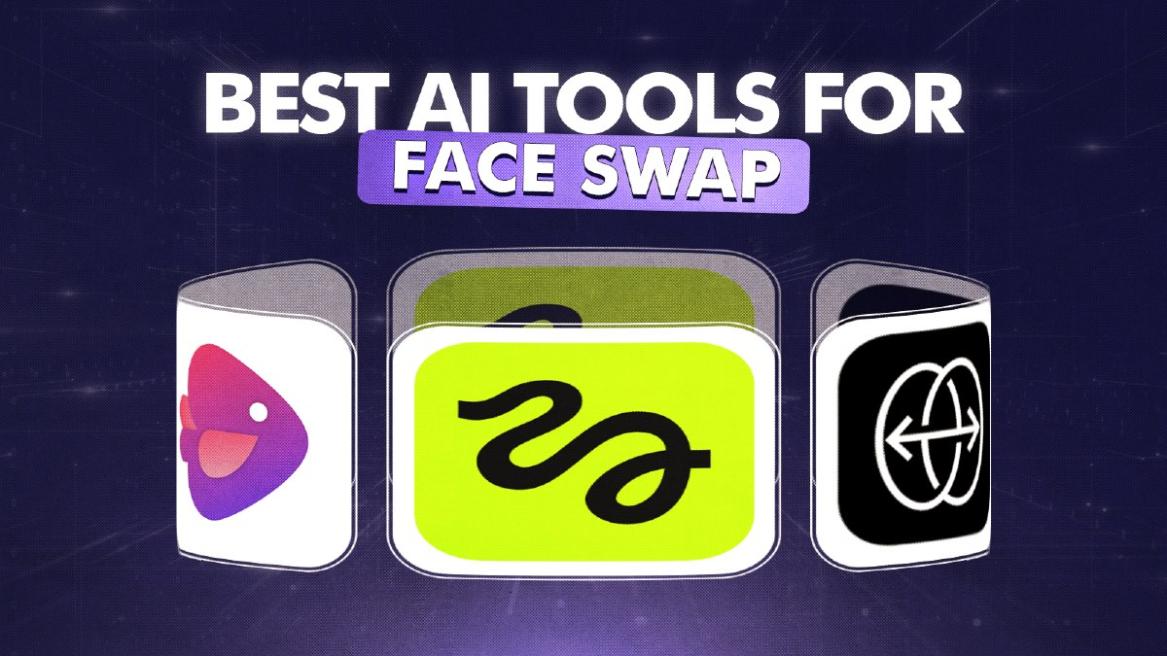
Generative AI has opened many new use cases, from media generation to seamless transformation of images. AI tools can now effortlessly swap faces between images while keeping the overall image intact. This allows users to create some funny and engaging content. So if you are looking for the best face swap AI, here are the 5 tools that I tested and are worth using.
Best Face Swap AI Tools Compared
| Face Swap AI Tools | Best Suited For | Limitations | Pricing |
|---|---|---|---|
| Higgsfield AI | High-quality face swapping for free | Limited free usage | 5 images per day, Paid plan available |
| Pixlr AI Face Swap | Casual users who want fast face swaps | Less realistic results | Free with limits, Paid plan available |
| Deep Live Cam | Real-time face swapping for videos | Requires powerful GPU | Free |
| Reface | Mobile users creating fun face-swap videos | Watermarks under the free version | Free with ads, Paid plan available |
| Fotor AI Face Swap | Simple face swapping with editing tools | Inconsistent realism | Free with limits, Paid plan available |
1. Higgsfield AI
If you are looking for the best face swap AI, I would highly recommend Higgsfield AI. It’s an all-in-one platform where you can generate AI images and videos, among other things. It offers a realistic AI face swap tool, which allows you to upload your image and a target image. Within seconds, Higgsfield AI blends the new face into any image.


The best part is that you get 5 free daily face swaps. It maintains the lighting, environment and everything consistent while generating a high-resolution image. You can even swap faces between images, paintings, and 3D models without any issues. So for seamless face swapping, go ahead and check out Higgsfield AI.
Pros Cons Fast and easy web-based AI face swapping Quality caps on free outputs 5 free swaps per day Export as animation or video
Pricing: Free up to 5 images, Paid plan starts at $9 per month
2. Pixlr AI Face Swap
Pixlr, the popular AI photo editor, also lets you swap faces using AI. It’s one of the best face swap AI tools to instantly change faces between images. In fact, there are several templates to choose from, you can become a superhero, a sports person, or whatever you want. Just upload your image and the target image, and you are good to go.

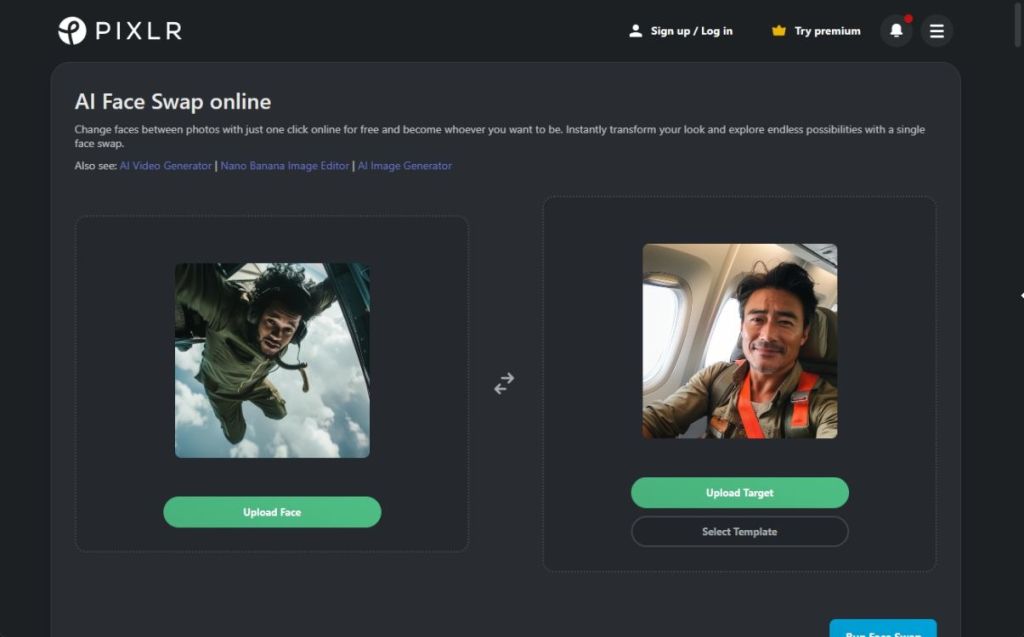
It blends the face from the source photo into the target image with an authentic look. You can even try different looks from the template if you don’t have a target image. Basically, for image transformation, Pixlr AI Face Swap is a fantastic solution.
Pros Cons Built into Pixlr’s web editor Output realism is not top-notch Fast and easy AI face swapping Best for fast social edits
Pricing: Free, Paid plan starts at $1.49 per month
3. Deep Live Cam
While the above AI tools are for swapping faces in images, Deep Live Cam does face swapping in real-time videos. With just a single image, it accurately swaps the face on any live video. It has built-in content restrictions to prevent processing inappropriate media so that is good. You can download the software on Windows and Mac and run it on your local hardware.

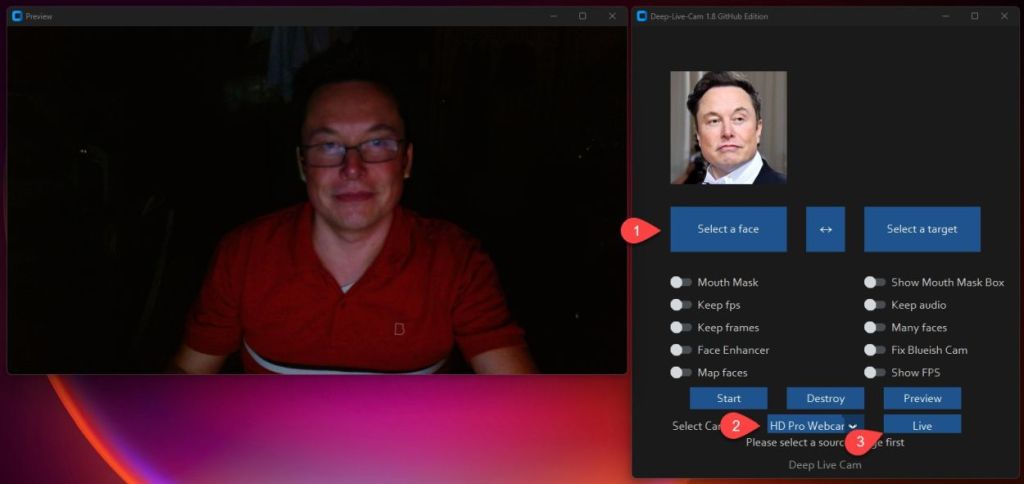
Deep Live Cam retains your mouth movement accurately and can also use difference faces on multiple subject simultaneously. If you are a pro user, you can install the software manually to access more features. I would suggest users to use the AI tool responsibly for face swapping in videos.
Pros Cons Face swapping for live videos Risk of misuse Designed for live streaming/ real-time use Local processing
Pricing: Free
4. Reface
Reface is another great AI app for Android and iOS that lets you swap faces in images and videos. It’s one of the highest-rated face swap AI tools as it uses advanced AI to turn selfies into AI face swap videos. You can use AI figures, generate new hairstyles, haircuts, and more. There are various viral AI filters and you can animate faces with your favorite songs and lip sync.
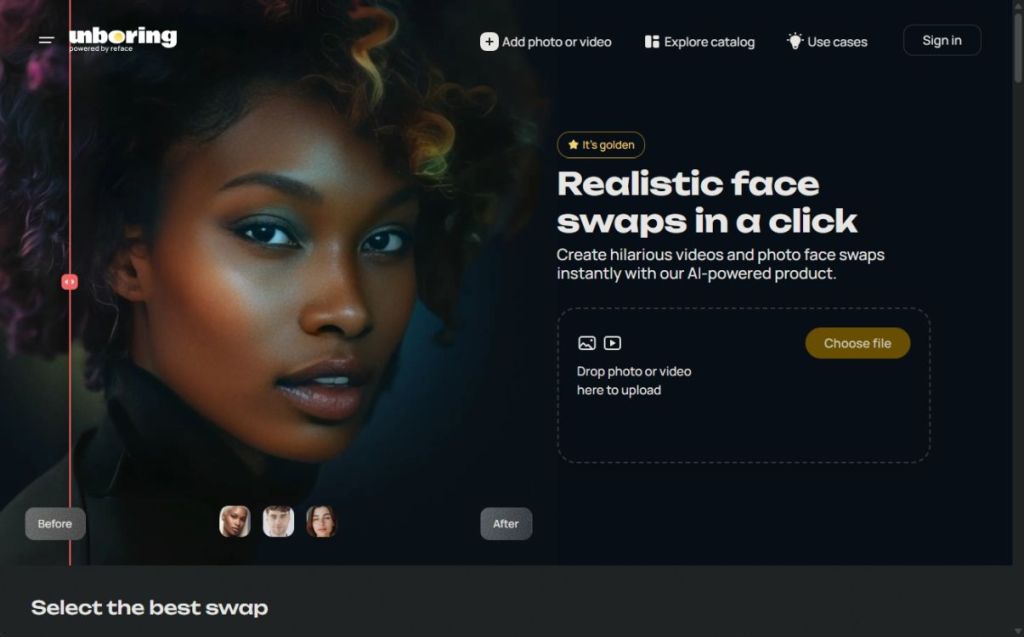
Reface also lets you experiment with gender swaps and face transformation to create surprising images. The app is available on both Android and iOS so you are covered on all mobile platforms. While some of the features are free inside the app, to access advanced AI features for face swapping, you will have to get the premium subscription.
Pros Cons User-friendly mobile apps for AI face swapping Premium subscription required to access more features Large library of templates Authentic images
Pricing: Free, Paid plan starts at $2.49 per month
5. Fotor AI Face Swap
Finally, the best face swap AI available for free is offered by Fotor. It can create hyper-realistic images after swapping the face from the original image. And all this is available for free. Its face morphing technology is quite advanced and Fotor can handle multiple faces as well. With just one-click, you can replace the face, and edit the end result as well.

It allows AI face swapping with friends, family, movie star, and even celebrities. You can also create funny memes by swapping your face on popular memes. And yes, you can transform the face in videos and GIFs too. All in all, for a free solution, Fotor’s AI face swapper is pretty capable.
| Pros | Cons |
|---|---|
| Web-based AI tool for face swapping | Result quality may not be the best |
| Built-in AI editor for tuning | |
| Good for casual users |
Pricing: Free, Paid plan starts at $8.99 per month
So these are the best face swap AI tools for images and videos. I have also included some free and paid tools so you can choose one depending on your requirement. If you are looking to edit images using AI, we have a dedicated list ready for you. Finally, if you have any questions, let us know in the comments below.