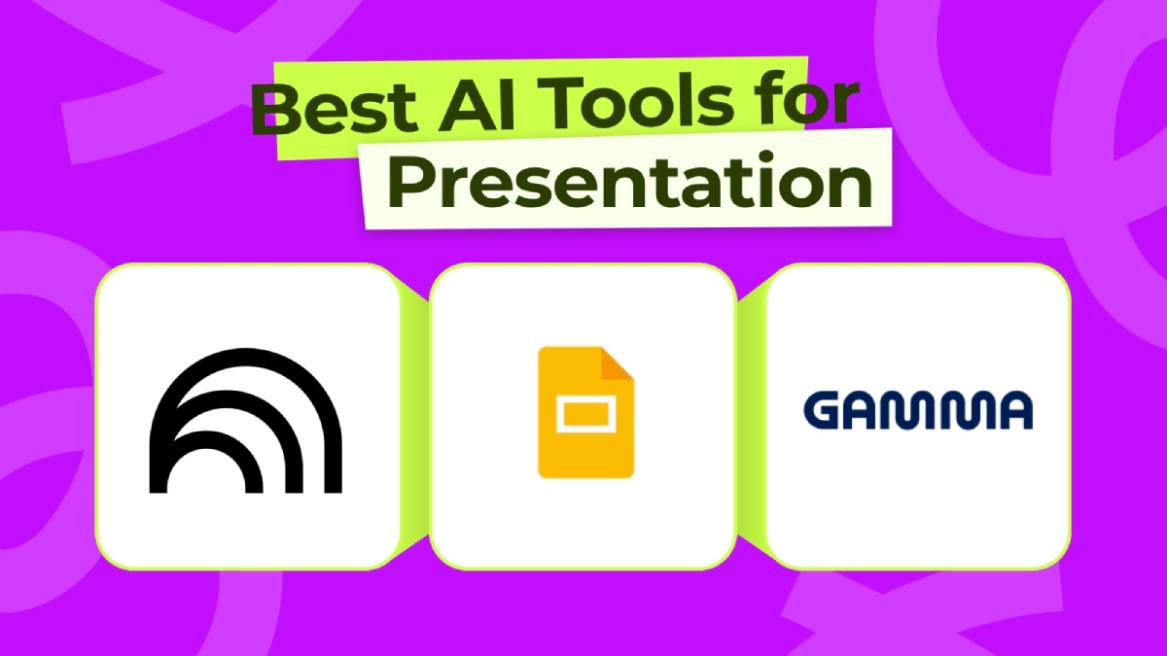
AI is not just limited to chatbots, but it can also generate presentations, images, videos, music, spreadsheets, and more. And that’s why we have compiled the best AI presentation makers in this article that produce excellent design for slides, insert images and infographics, and create a complete slide deck. While some of the tools are free, some require a paid subscription. Now, let’s go ahead and check out the top AI tools to generate slide decks.
Best AI Presentation Makers Compared
| AI Presentation Maker | Best Suited For | Limitations | Pricing |
|---|---|---|---|
| NotebookLM | Beautiful slide deck generations with images, infographics, etc. | Watermark on free/Plus plans | Free, Paid plan starts at $9.99 per month |
| Google Slides | Beautifying existing slides using AI, generating slides from prompt, adding images using Nano Banana | Limited credits for free users | Free, Paid Plan starts at $19.99 per month |
| Gamma | Generate beautiful, modern presentations using AI | Some compatibility issues with PowerPoint | Free, Paid plan starts at $10 per month |
| Microsoft PowerPoint with Copilot | Power users already using Office apps, Enterprise users | The slide design is not the best | Paid plan starts at $9.99 per month |
| Canva | Users who want an AI presentation maker with other design tools | Designs may look more like templates | Paid plan starts at $12.99 per month |
| Beautiful.ai | Teams needing fast and professional presentations | Limited customization | Paid plan starts at $12 per month |
| Claude | Accurate slides with minimal hallucination | No flashy design | Paid plan starts at $20 per month |
1. NotebookLM
Google’s NotebookLM is currently the best AI presentation maker and it’s absolutely free to use. Just go ahead and upload all your documents and materials on NotebookLM and it will process all the information. You can also add online sources from YouTube, Deep Research reports, and more. Now, simply click on “Slide deck” on the right side.
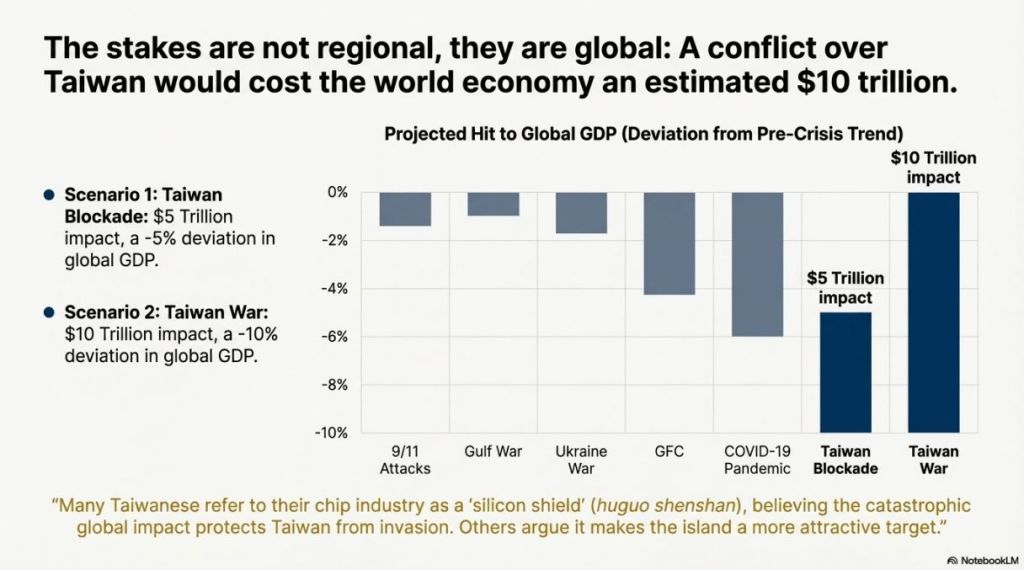
It will take around 10 minutes to generate the presentation for you, featuring suitable images and infographics generated by the fantastic Nano Banana AI model. Among all the AI presentation makers, I have found NotebookLM to be the best. It uses both text and image generation models to accurately render text and create an awesome slide deck.
| Pros | Cons |
|---|---|
| Integrated with Nano Banana for slide generation | Slide editing not available |
| Beautiful slide designs, adds images and infographics | |
| Great research tool as wel |
2. Google Slides
It may come as a surprise, but Google is absolutely killing it at generating professional-grade presentations using AI, and has surpassed Microsoft, thanks to its Nano Banana AI model. Recently, Google debuted its Nano Banana image model on Google Slides and it has made AI presentations so much better.
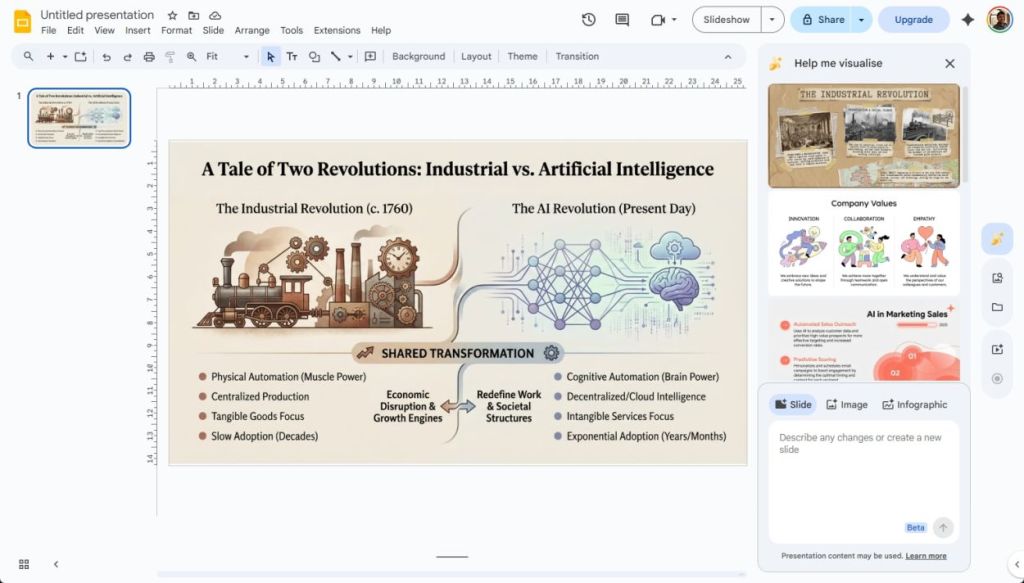
You can simply open Google Slides and click on the Nano Banana icon on the right side to get started. You can simply describe what you want to generate in simple language, and it will create a great presentation using AI. There are also options to generate custom images and infographics to embed them into your presentation.
Not only that, you can also “beautify” your existing slides with just a click in Google Slides. I think Google Slides is perhaps the best AI presentation maker in the market right now.
| Pros | Cons |
|---|---|
| Enter prompt to generate slides using Nano Banana | Needs some polish |
| Adds beautiful design and art | |
| Beautify existing slides |
3. Gamma
Gamma is often called the “ChatGPT of AI presentations” as it’s designed for generating beautiful slide decks using AI. It can produce stunning slides and match your branding style. You can upload documents, PDFs, or any material, and Gamma processes all the information to create an AI presentation that is beautiful to look at.
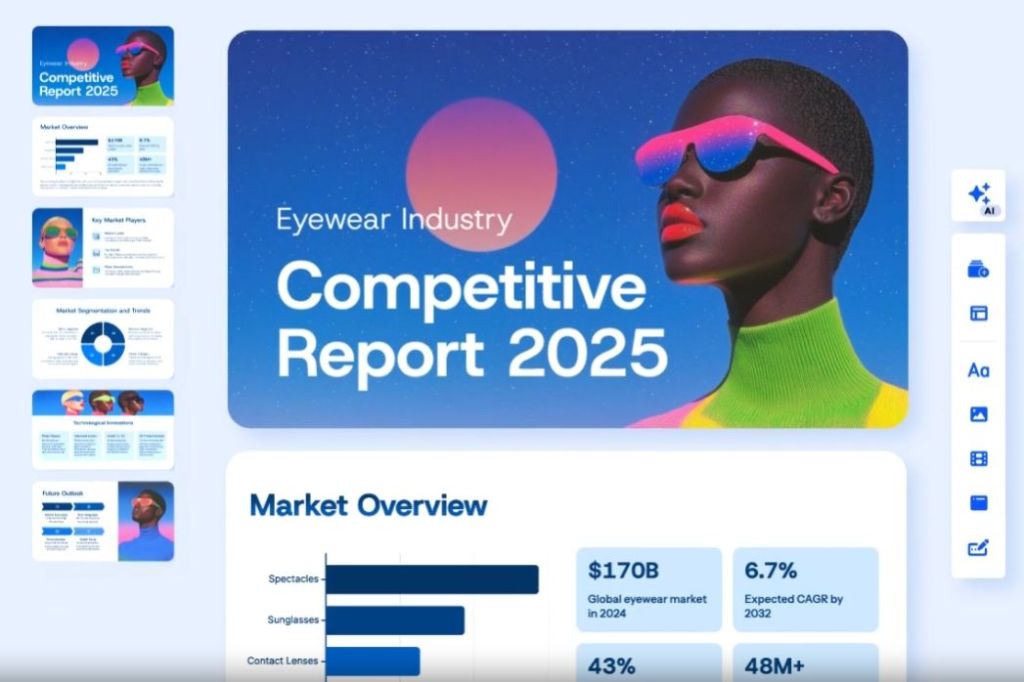
Apart from that, you can simply paste your text, pull results from the web or a particular source, generate AI images, and much more. It also offers more than 20 AI models so you can choose the model for the highest-quality output. Finally, you can export as PPT, PDF, PNG or Google Slides without any friction.
| Pros | Cons |
|---|---|
| Generate full decks with a single prompt | Not for data-heavy slides |
| Modern, beautiful design | |
| Great for pitches and explainers |
4. Microsoft PowerPoint with Copilot
Just like Google Slides, Microsoft has also upped its game and integrated an AI presentation maker inside PowerPoint. You can now create slide decks using Copilot in Microsoft PowerPoint. You simply need to click on “Create with Copilot” and describe your prompt to get started. It also lets you add reference files, define the number of slides, and customize the language style.
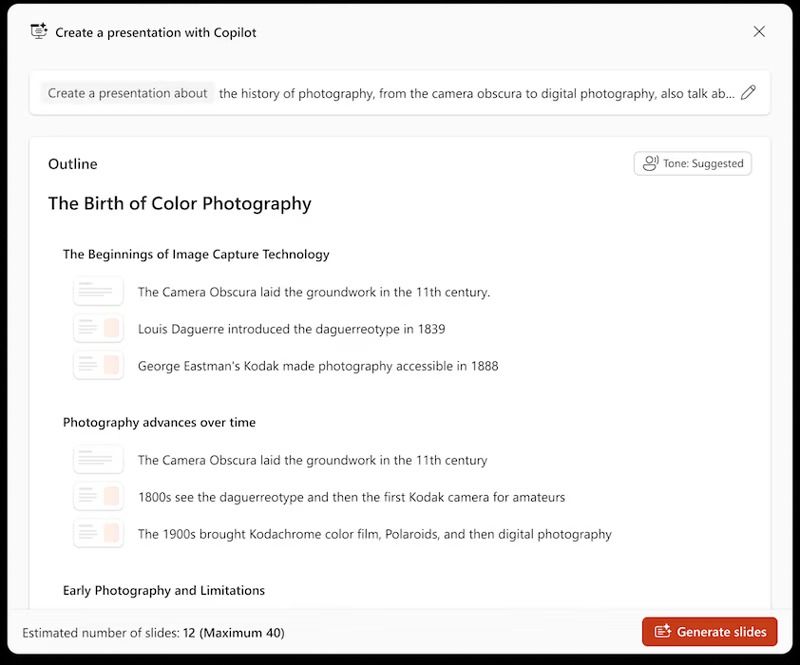
It first creates the outline with just text and improve it before generating the complete presentation. It adds AI-generated images, graphics, icons, cartoons, etc. with accurate text rendering. You can also choose a specific slide and prompt Copilot to change that slide right away. That said, note that you need a Microsoft 365 Copilot subscription to use the AI presentation maker inside PowerPoint.
| Pros | Cons |
|---|---|
| Best for Office users, generate AI slides on the go | Slides feel a bit generic |
| Customize each slide with custom prompts | |
| Decent design |
5. Canva
Apart from being a fantastic AI photo editor, Canva also offers an AI presentation maker that creates slides in seconds. You just need to click Canva AI and choose “Design for me” and “Presentation” to start creating AI slide decks. It allows you to enter your text prompt where you can describe your idea and presentation details.
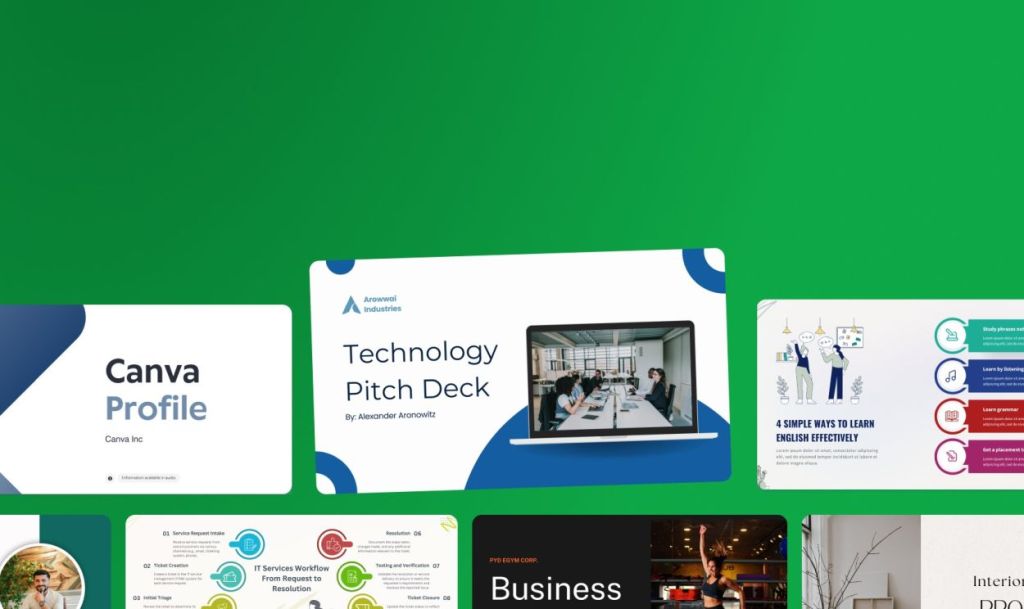
Now, it generates the presentation, letting you replace images with AI-generated ones. You can also improve the text drafts, reposition elements, add graphics, and videos too. As Canva has many AI tools, you can put all of them together to create beautiful AI presentations. Again, if you are looking for a platform that houses many design tools including an AI presentation maker, I think Canva would be a smart choice for you.
| Pros | Cons |
|---|---|
| Best for beginners, access Magic Design tools | Can look template-heavy |
| Create slides using AI or pick a template | |
| Access other AI tools for designing |
6. Beautiful.ai
For teams, Beautiful.ai is ranked among the best AI presentation makers for being the fastest service to create a compelling pitch deck. You can enter your prompt and the AI presentation generator takes your idea to create a full-fledge slide deck. You can now refine the slides and improve them using AI. For custom elements, you can drag and drop different design layouts and make the presentation stand out.
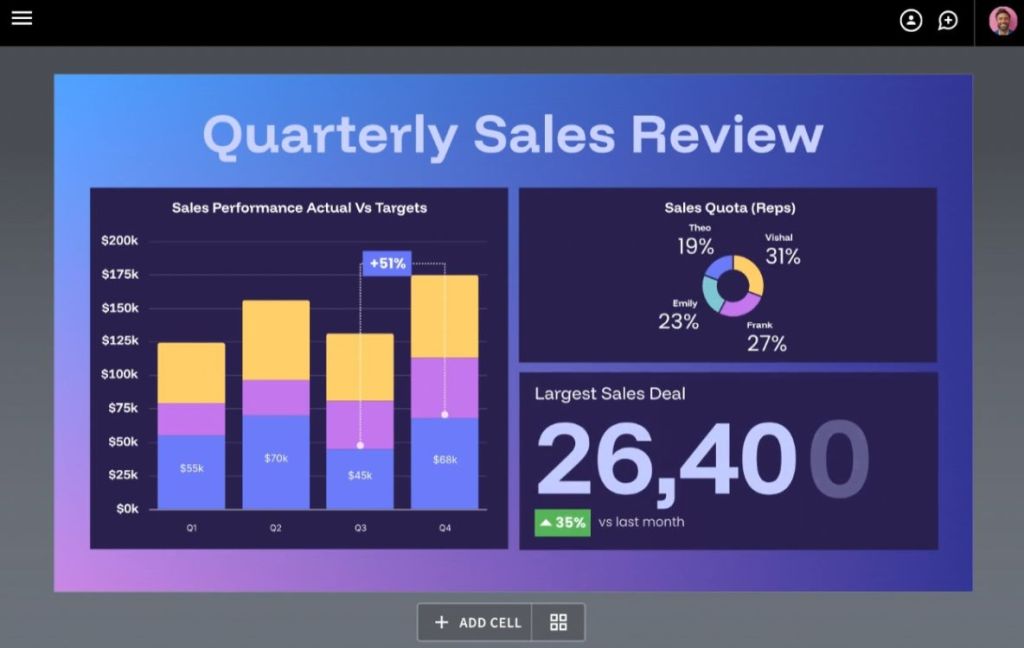
So be it revenue review, sales pitch, or marketing, Beautiful.ai can handle all of those tasks easily. Next, you can stay on brand with themes and styling. It lets you customize text, fonts, colors, icons and backgrounds. I think if you want a reliable AI presentation maker for your team, Beautiful.ai fits the bill perfectly.
| Pros | Cons |
|---|---|
| Clean and professional slides for teams | Repetitive designs |
| Fast deck creation | |
| Auto-layout smart slides |
7. Claude
You might not be aware, but Anthropic’s Claude can also generate AI presentations, besides being a powerful AI chatbot. In September 2025, Anthropic announced this feature that allows Claude to create and edit presentations, apart from spreadsheets and PDFs. It can seamlessly generate PowerPoint slide decks using your data and it’s available on both the web version and the desktop app.
Earlier, this capability was available to Max plan users and enterprise customers only. However, now all paid plan users can generate AI presentations using Claude. It’s much more reliable than other AI models as far as hallucination is concerned. So if you are looking for an AI presentation maker that remains consistent with your data, Claude is one of the best picks.
| Pros | Cons |
|---|---|
| Generate content-first decks | Basic slide design |
| Can generate PPTX | |
| Fewer hallucinations |
So these are the best AI presentation makers in the market right now. While ChatGPT can also generate slides and got better with GPT5.2 update, it’s still pretty barebones, and mostly inserts text with some graphics. In that case, I would highly recommend using NotebookLM and Google Slides if you want to produce excellent slide decks for free.