- You can easily run Clawdbot on a Windows PC or a Linux system, and you don't need a Mac Mini.
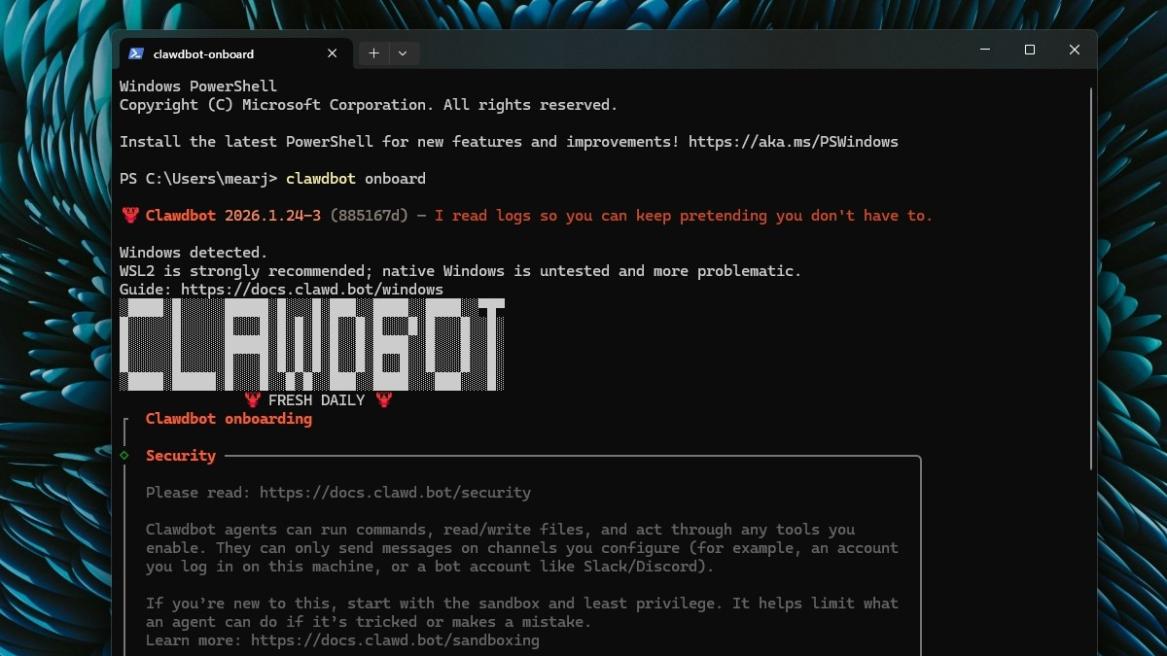
- To install Clawdbot, open PowerShell and run this command: iwr -useb https://molt.bot/install.ps1 | iex.
- It will set up Clawdbot and install Node.js along with it. You will have to provide your own API key.
Clawdbot has gone viral on the internet, and let me tell you, it’s not Anthropic’s Claude AI chatbot. The new open-source project acts like your personal AI agent that is always on, and you can ask it to perform tasks on your computer. Best of all, you don’t even need a Mac Mini to set up and use Clawdbot, as the chatbot also supports Windows. On that note, let’s go ahead and learn how to set up Clawdbot (now renamed OpenClaw) on a Windows PC.
Update (January 30, 2026): As of January 30, 2026, ClawdBot has been renamed to OpenClaw, replacing MoltBot. The reason prompting this change is that the first name was too similar to Anthropic’s Claude AI, forcing OpenClaw to change its name.
How to Install Clawdbot (OpenClaw) on Windows
While Clawdbot is free to use, you will have to set up a payment method to access APIs from model providers. I recommend using OpenAI‘s API as it offers $5 worth of API tokens for free.
The steps are similar to setting up Clawdbot on a Mac Mini, so here’s how you can do it:
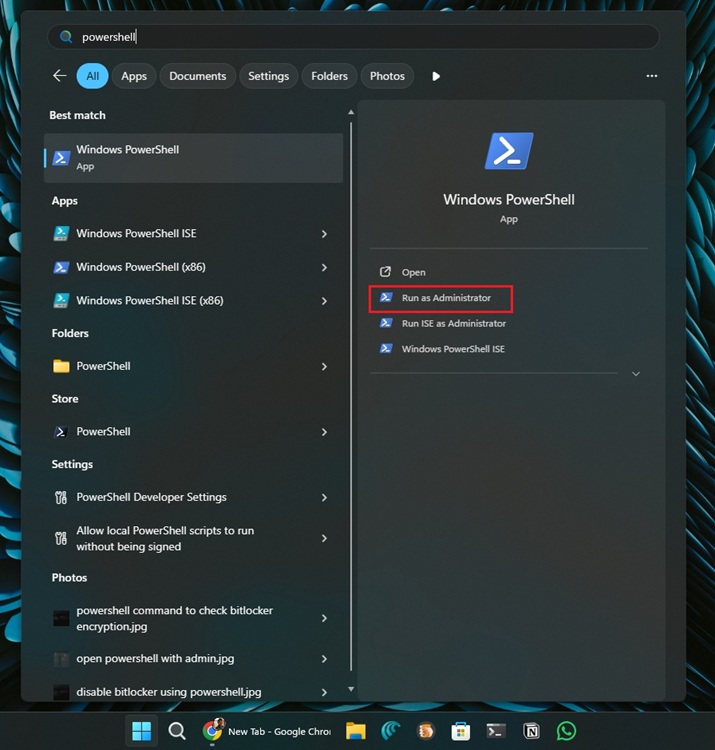
- First of all, open the Start menu and search “PowerShell“. Now, click on Run as Administrator.
- Next, paste the following command into the PowerShell window and hit the Enter key.
iwr -useb https://openclaw.ai/install.ps1 | iex
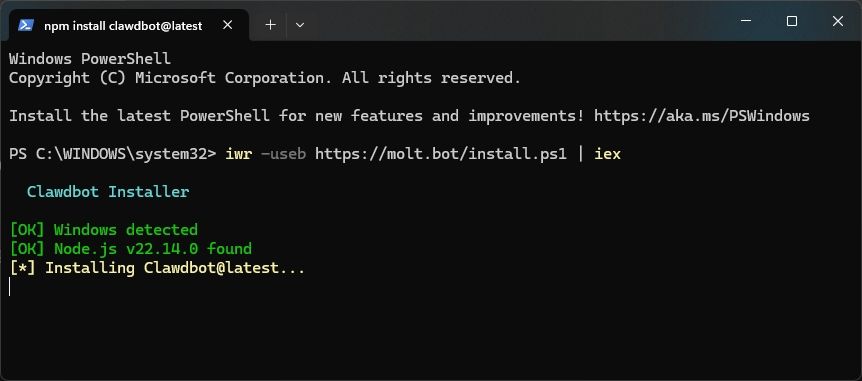
- It will start installing Node.js along with Clawdbot on your PC.
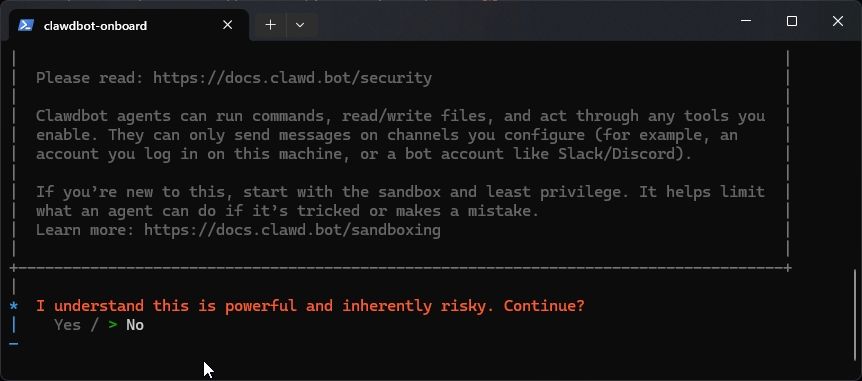
- The installer will ask you to continue. Here, select Yes.
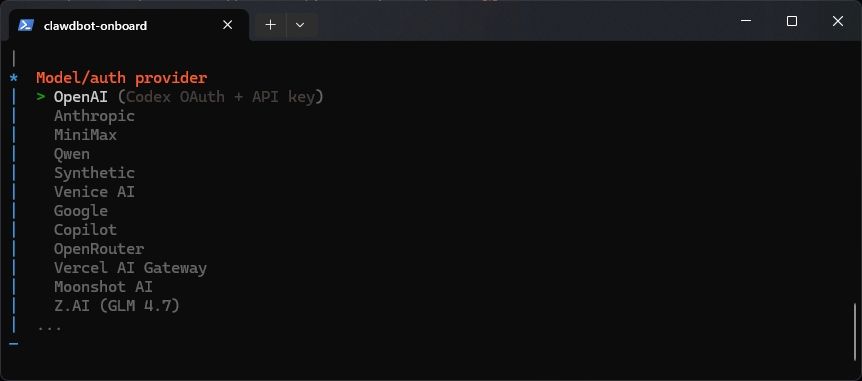
- Now, choose your model provider that will power the Clawdbot AI agent.
- I picked OpenAI, but you can choose Anthropic or any other AI model.
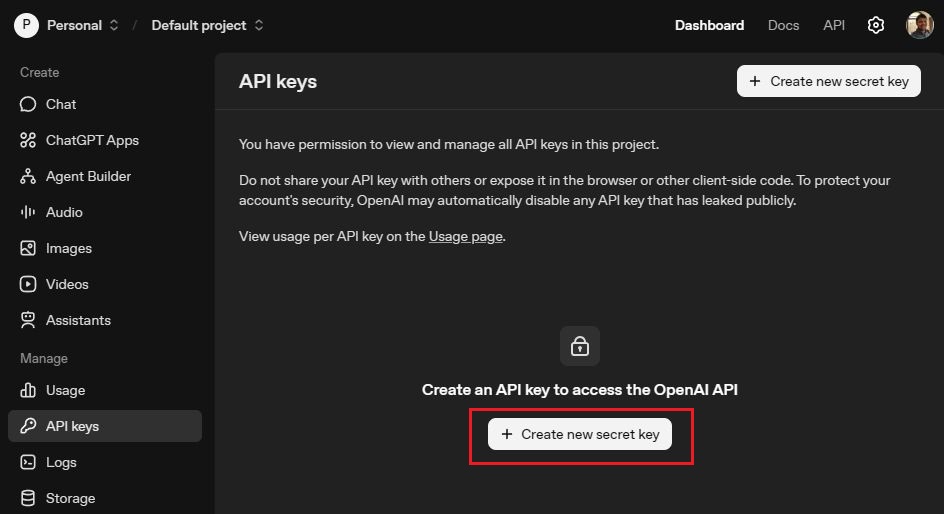
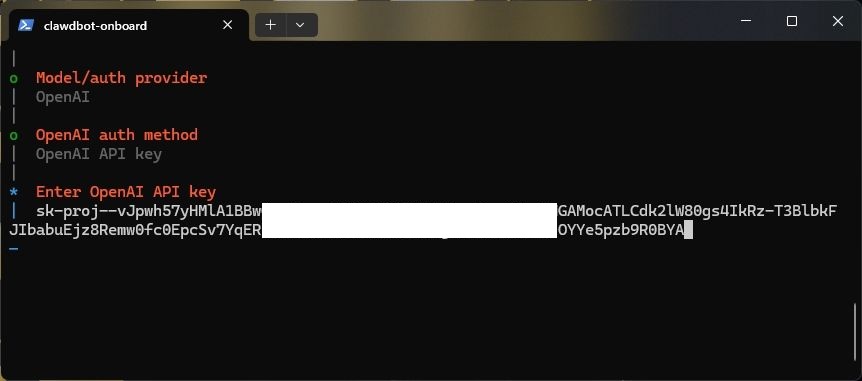
- Now, to get OpenAI’s API key, head to platform.openai.com/api-keys and sign in with your account.
- Click on Create new secret key and copy the API key.
- Paste the API key into the PowerShell window and hit the Enter key.
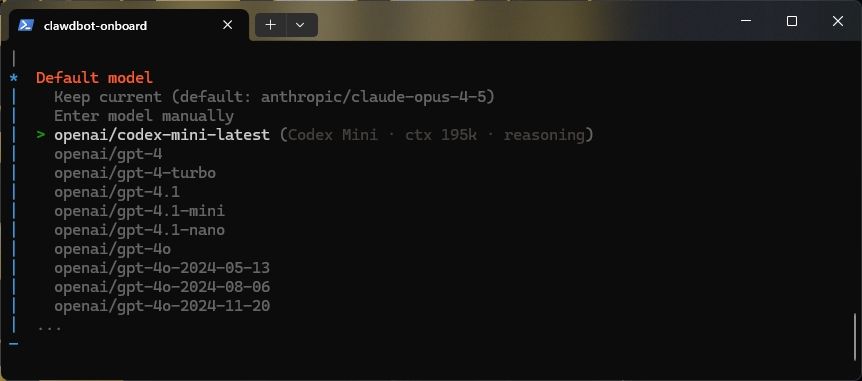
- Next, choose the AI model. I am going with codex-mini-latest.
- You may be asked to select a channel that you can skip.
- After that, choose No when asked to configure skills. You can do it later as well.
- Finally, skip the option to add hooks. It will start installing the Gateway service.
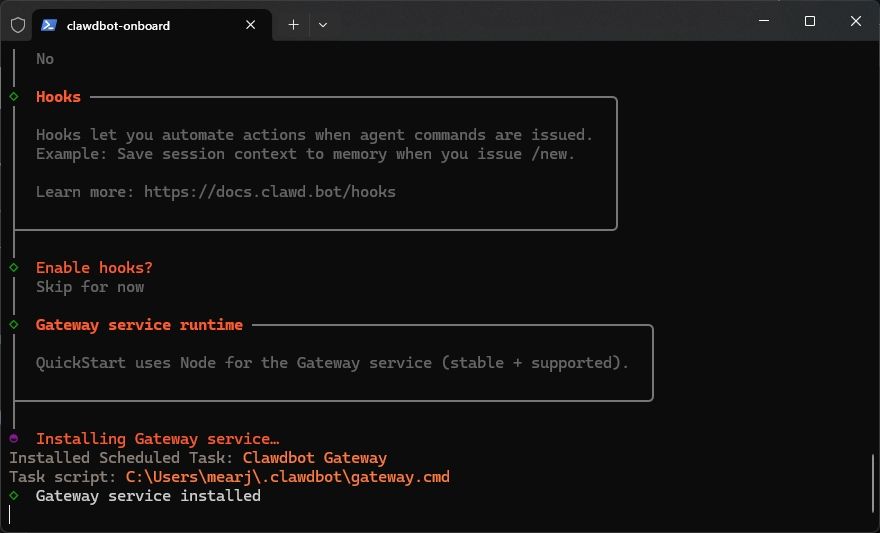
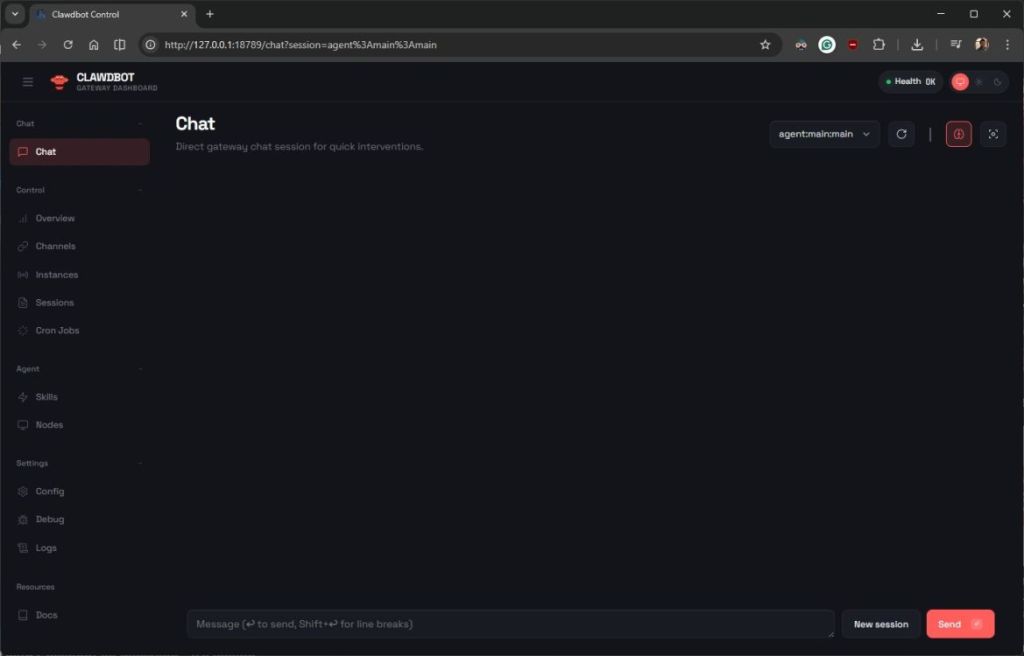
- After the installation, you will see Onboarding complete in the PowerShell and a new tab will open up in your browser.
- And there you have it! Clawdbot is successfully running on your PC, and you don’t even need a Mac Mini.
- Going forward, simply type
clawdbot gatewayin PowerShell to start the service.
So this is how you can install and run Clawdbot (OpenClaw) on your Windows machine. I would suggest users use Anthropic’s Claude Opus 4.5 model for the best agentic AI experience. It’s the best AI model for running AI agents. However, it will cost you a lot more money. Anyway, that is all from us. If you are facing any issues, let us know in the comments below.