- The Aurora Cape is available for Minecraft Java and Bedrock Editions from September 29 to October 14, 2026.
- Watch an eligible Minecraft Dungeons 2 Twitch stream for 15 minutes or a Game Rewards-enabled TikTok stream for 3 minutes for the cape code.
- Complete the watch time quest and visit the Minecraft Redeem page to claim the cape.
Minecraft has just dropped an exclusive cape that you can add to your collection in the vanilla experience. The new Minecraft Aurora Cape comes with a short watch-time challenge, thereby granting you an opportunity to customize your look without spending any Minecoins. So, go through this guide to learn how to get the Aurora Cape in Minecraft Java and Bedrock.
How to Get the Aurora Cape Code in Minecraft

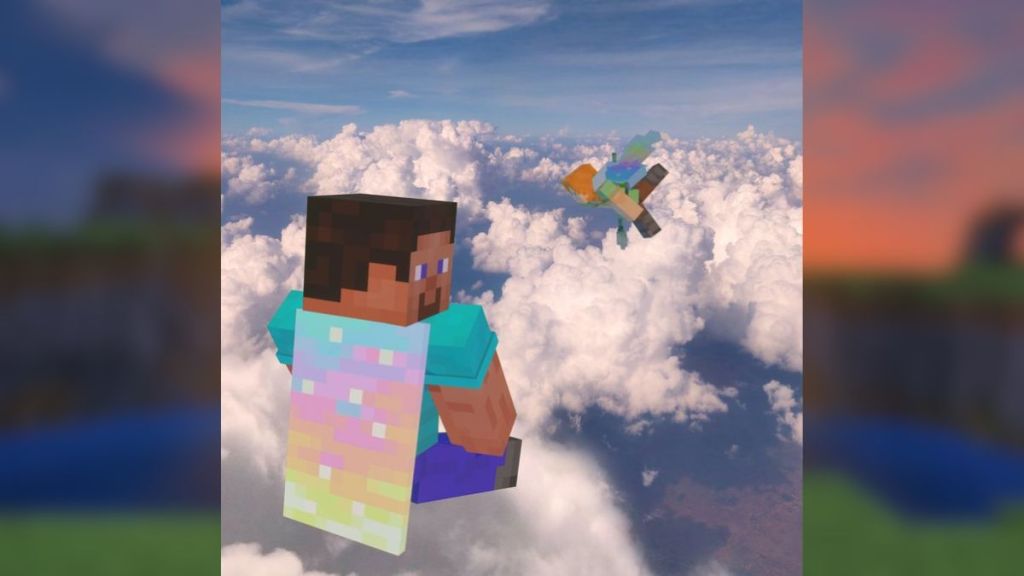
With just a few hours left in the release of Minecraft Dungeons 2, Mojang revealed a brand-new Aurora Cape, obtainable through a limited-time promotion. Do note that this is a vanilla-exclusive cape and can be claimed only if you complete the watch-time quest between September 29 (12:00 AM PT) and October 14 (11:59 PT), 2025.
Now, all you need to do is watch any eligible Minecraft Dungeons 2 livestream on Twitch or TikTok. Both platforms have their own set of time requirements, and completing either one will let you claim the cape. So, here’s how you can get the Aurora Cape in Minecraft Java and Bedrock:
From Twitch
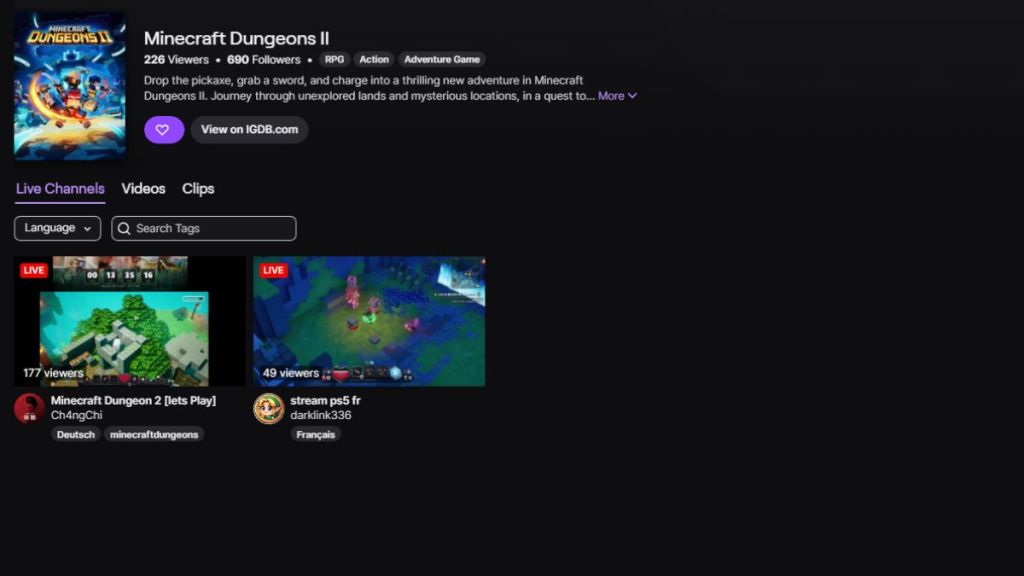
You can earn the Aurora Cape by watching an eligible Minecraft Dungeons 2 livestream for at least 15 minutes. Make sure that the streamer is a Twitch Partner or Affiliate and is broadcasting in the Minecraft Dungeons 2 category with the drops-enabled tag. Follow these steps to get the cape code:
- Open Twitch and log in to your account within the required time window.
- Search for a livestream in the Minecraft Dungeons 2 category.
- Choose a stream you would like to watch and keep it on for the next 15 minutes.
- Once the quest is complete, follow the reward notification and instructions provided to earn the Aurora Cape code.
From TikTok
If you prefer watching streams on TikTok, the time for the quest is reduced to 3 minutes. So, here are the steps you must complete to get the Aurora Cape code:
- Open TikTok and log in to your account during the promotion period.
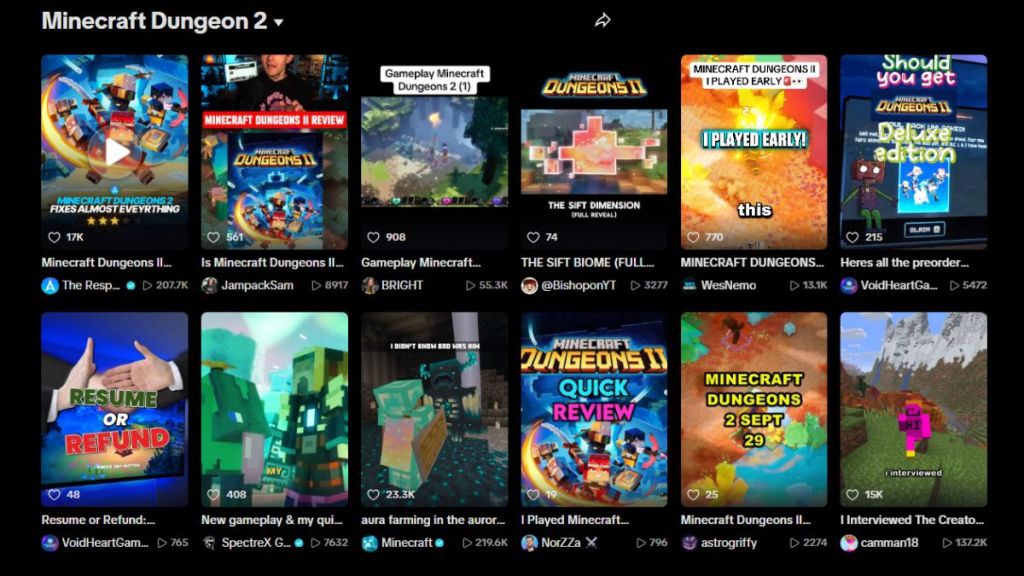
- Find a Minecraft Dungeons 2 livestream with the Game Rewards enabled tag.
- Watch that stream for at least 3 minutes to complete the quest.
- Now, follow the reward notification again to find the Aurora Cape code.
How to Claim the Aurora Cape in Minecraft Java and Bedrock
Once you have the cape codes from either of the above methods, all that’s left is redeeming them for your Java or Bedrock worlds. So, follow the steps to get the cape for your Minecraft character:
- Head to the official Minecraft Redeem page and make sure that you’re logged in through the same Microsoft account associated with your Minecraft world.
- Enter the 25-digit character code in the text box.
- Click on the Redeem button to claim your Aurora Cape.
Now, you can launch either of the Editions to try out the new cosmetic. If you’re a beginner, our guide on how to get and change a cape in Minecraft can help you out with the basics.
And that completes the guide on how to get the Aurora Cape in Minecraft. So, have you checked out the other Minecraft Dungeons 2 capes for Java and Bedrock? Tell us in the comments below.