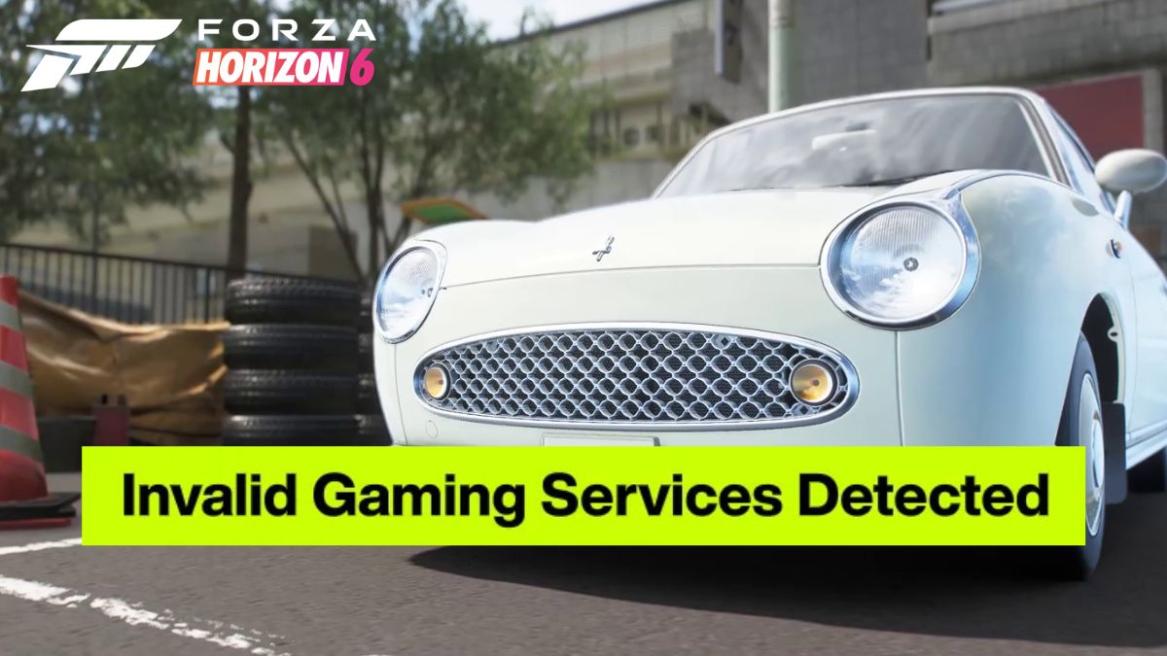
- To fix the Invalid Gaming Services Detected Error in Forza Horizon 6, update your PC Gaming Services.
- The game requires at least version 36.113.2002 for FH6 to run.
- You can also uninstall and install Gaming Services to fix the issue on PC.
Forza Horizon 6 is finally out, and millions of players across the globe are cruising down the streets of Tokyo in their favorite cars. However, what may make the experience quite terrible are in-game errors that disrupt your gameplay. One such error that frequently resurfaces while playing Forza Horizon 6 is “Invalid Gaming Services Detected.” If you’re looking for a quick fix to this annoying prompt window, we’ve got the solution for you right here.
What is the “Invalid Gaming Services Detected” Error in Windows?
The “Invalid Gaming Services Detected” error occurs on Windows PCs when the Gaming Services tool is not updated in your Windows settings. This error could also appear when you do not have a compatible version of Gaming Services installed on your PC.
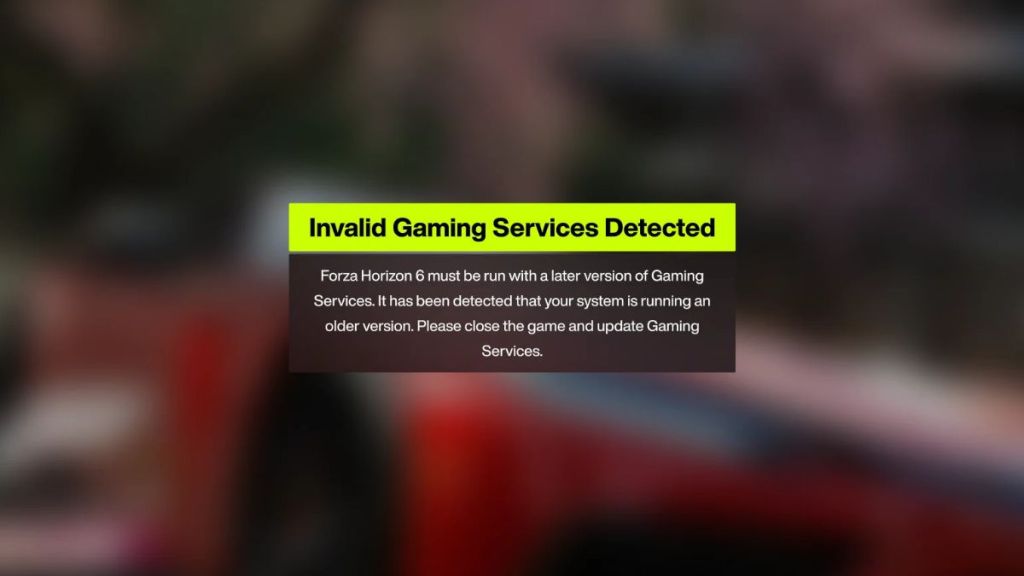

To make it simpler, Gaming Services is a crucial background process installed by default on a Windows PC that is required to download, update, and manage Xbox-related games and subscriptions. If you’re getting this error while playing the latest Forza Horizon 6 on PC via Game Pass or Steam, here are all the ways to fix it.
Easy Ways to Fix Forza Horizon 6 Invalid Gaming Services Detected Error
Updating Gaming Services
One of the simplest fixes for the Invalid Gaming Services Detected error to play Forza Horizon 6 is to update your Gaming Services from Windows settings. Here’s how to do it:
- Open Microsoft Store from your taskbar and launch it.
- Click the Downloads button in the bottom left corner and open the list of updates.
- Once you open it, click on the Check for Updates button located in the top right corner.
- Find Gaming Services on the list of updates and click the Update button.
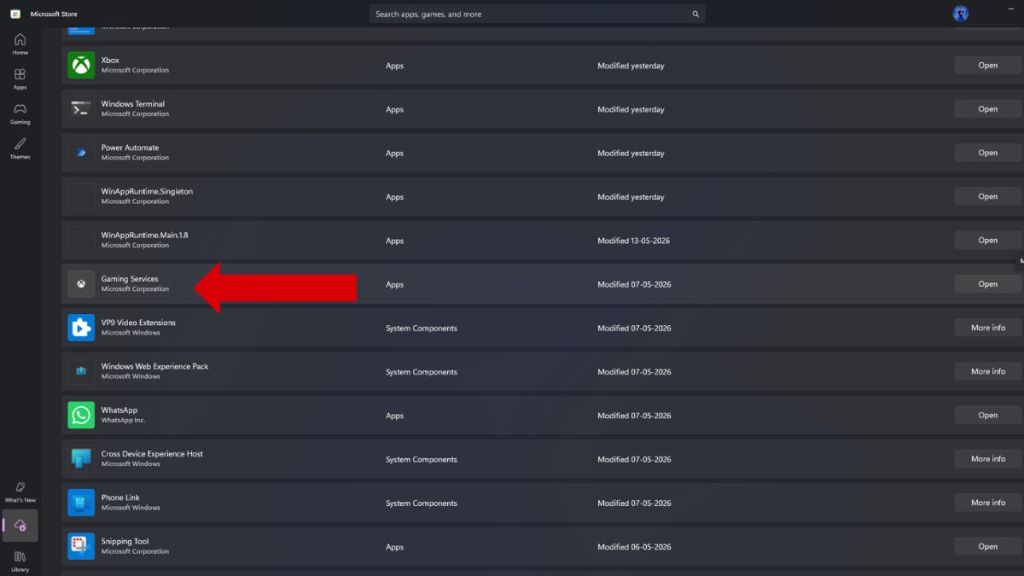
If your Gaming Services are already up to date and the error still shows up while playing Forza Horizon 6, try the alternate fix below.
Reinstall Gaming Services
If you’re still facing issues and the Invalid Gaming Services Detected error shows up on Forza Horizon 6, you should try the uninstall/install fix described below:
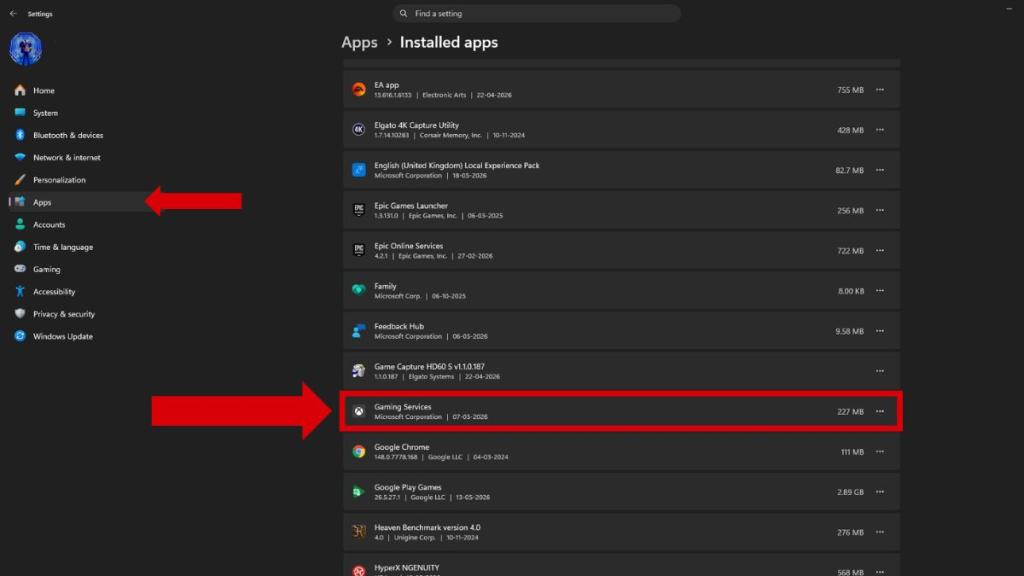
- Click on your system Settings by opening your Start menu.
- Click on Apps on the Sidebar and open the Installed Apps sub-menu.
- Then, scroll down the list until you spot Gaming Services or type it in the search field above.
- Click on the three dots and select Advanced Options next to Gaming Services.
- When a new window opens, scroll down and hit the Repair button to repair the tool.
- If Repair does not work, uninstall Gaming Services by hitting the Uninstall button.
- Restart your PC.
- Then, once you log back in, head to the Microsoft Store and search for Gaming Services or head to its official page from this link.
- Click on Install, and now you’re done!
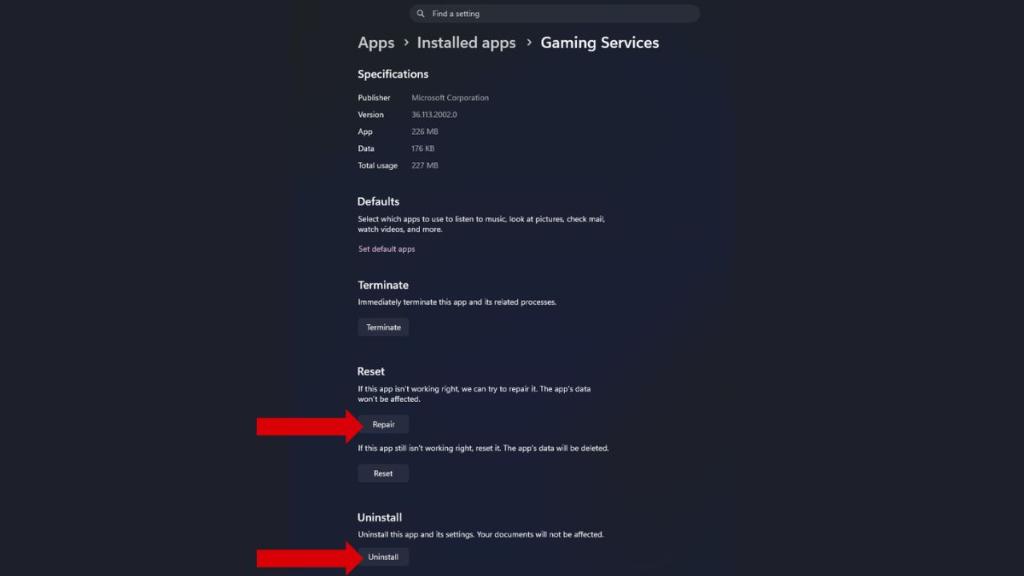
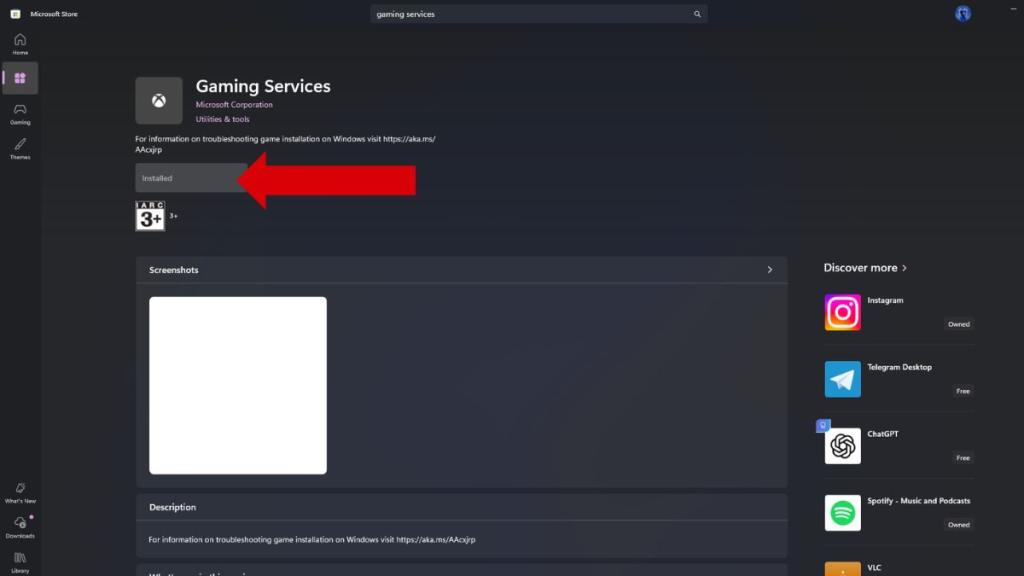
You’ll now be able to play Forza Horizon 6 without any errors. Remember, for Forza Horizon 6 to run on PC, your Gaming Services should be at the 36.113.2002 version at minimum. So make sure to check the version number as well once the service is updated or reinstalled on your PC.
Are you cruising through Japan and collecting all Forza Horizon 6 achievements to be a completionist? Or just casually listening to the radio and growing your car collection? Let us know in the comments below!