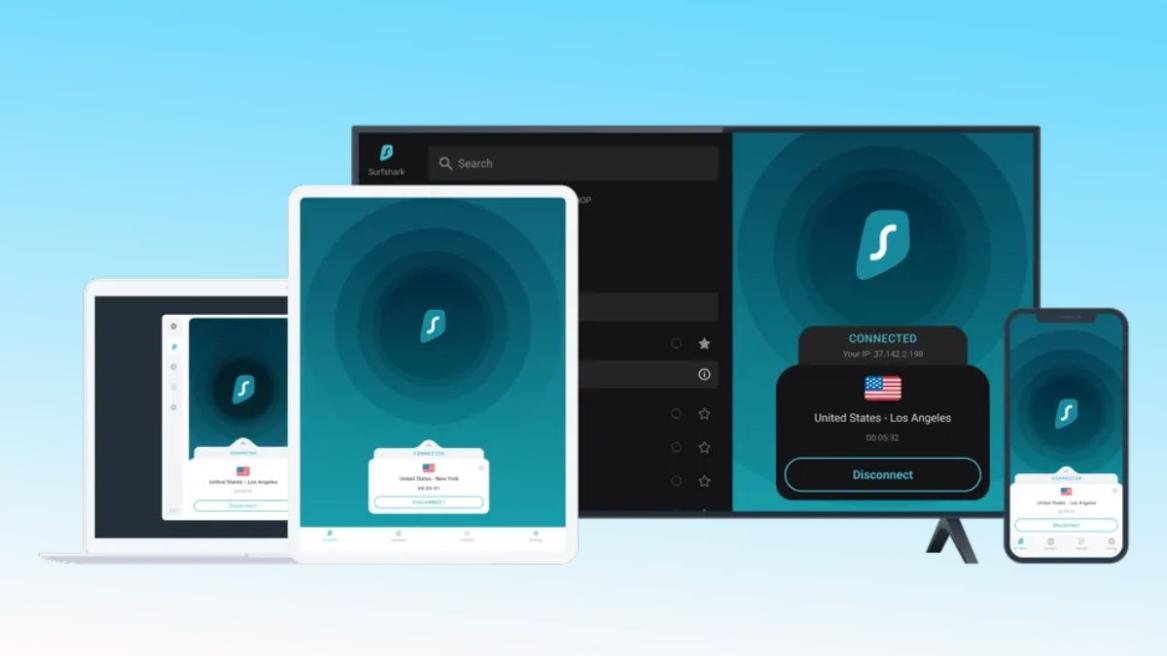
- Surfshark VPN is one of the best tools that players can have in their gaming suite.
- Players can protect themselves from hackers, access geo-restricted content, and access games early.
- Surfshark VPN isn't perfect and can sometimes lead to ping spikes and high traffic networks.
Online gaming is a tricky place to navigate, and if your connection skips even a single beat, it can cause you to lose out on an easy victory. Plus, nowadays, you are fighting lag, regional blocks, and toxic players as much as you are fighting against sweaty opponents.
This is where a Virtual Private Network (VPN) comes in. If you are not familiar, a VPN is essentially a secure, encrypted tunnel that hides your internet traffic and gives you a fresh IP address. These days, VPNs have become an essential part of a modern gaming setup. For the ultimate loadout, one of the best choices out there for gaming is Surfshark VPN.
Surfshark VPN Benefits
Surfshark VPN has a ton of benefits that make it the best VPN for gaming. Here is a quick breakdown of all of them:
Reduced Latency
For starters, we all know that, in online games like Fortnite, ping is king. If you have high latency, you experience rubberbanding and lag, which leads to missed shots, and ultimately it spirals into a bout of frustration.
This is an issue Surfshark can tackle efficiently, as it holds a huge network of 4,500+ servers in 140+ locations across 100 countries. All of the servers used by Surfshark are RAM-only, which means that the data is refreshed every time the server reboots, flushing out any long-term data.
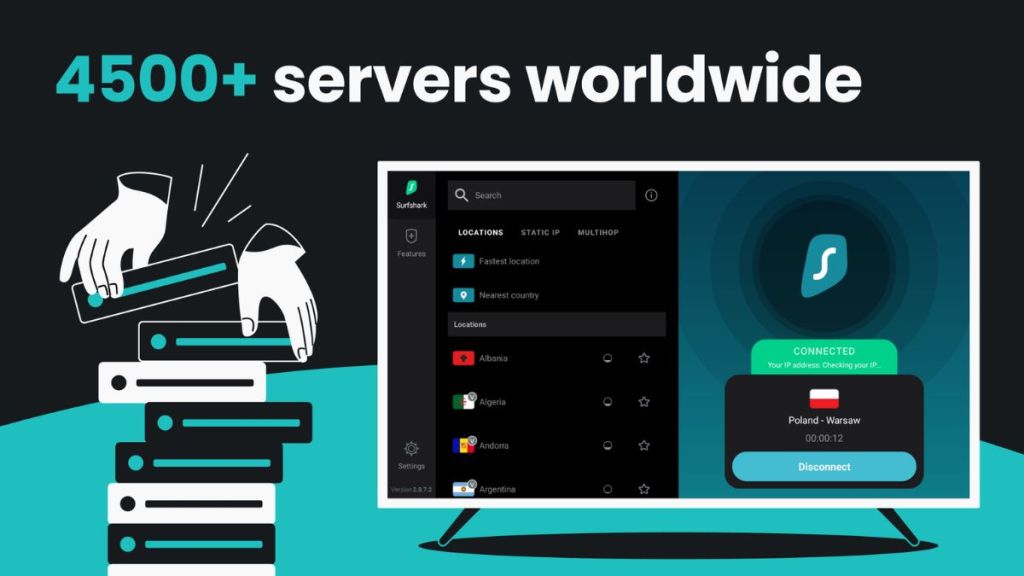
This allows players to hook up to a server physically closer to the game’s actual host server, giving them a cleaner, more direct routing experience. But the decreased latency isn’t Surfshark VPN’s only benefit.
Protection Against DDoS Attacks
No one can deny that gaming lobbies can get incredibly toxic. Call of Duty lobbies didn’t gain their notoriety out of nowhere, and sometimes players don’t know how to take a loss and take it too far. If a salty opponent gets hold of your IP address, they can launch a DDoS (Distributed Denial of Service) attack on your network, flooding it with fake traffic.
Here, Surfshark VPN can basically act as a meat shield. Since the service hides your real IP, any attack is redirected to Surfshark’s massive enterprise servers instead, which can handle much larger influxes of traffic.
Access to Geo-blocked Content
Now, the annoying feeling of having a game or a new expansion DLC drop in New Zealand or Japan hours, like the recent Forza Horizon 6, before it comes out in your time zone, is something we’re all familiar with. Or when certain cosmetics like Fortnite skins are locked to specific regions.
For this, Surfshark VPN can help by virtually teleporting your gaming setup anywhere around the world. This allows players to play brand-new games before their friends, grab region-restricted in-game loot, and even bypass some weird censorship rules on certain titles.
How Surfshark VPN Promises Enhanced Security
Safeguarding Against Cyberattacks
Online gaming isn’t always a friendly playground, and sometimes, a harmless gaming session can lead you to become a prime target for cyber threats. Here, Surfshark can act as your ultimate network shield. The service encrypts your entire connection with top-tier AES-2560GCM and ChaCha20 encryption, which is used by governments to protect sensitive data.
Additionally, features like CleanWeb automatically block links, trackers, and pop-ups that could be malicious. This is a great tool to have by your side if you are consistently browsing pages like GTA 5 mod forums or third-party gaming sites.
Furthermore, all of Surfshark VPN’s security protocols, like OpenVPN, WireGuard, and IKEv2, are tested rigorously, giving you fast connection speeds without compromising on security.
Anonymity and Privacy
Building on Surfshark’s capabilities for anonymity, the service also hides your digital footprint, which would usually be exposed for anyone to target. Surfshark VPN has extremely streamlined security protocols, which make it incredibly easy to use without configuring it manually. These protocols essentially put you in ghost mode, which further secures your data and keeps your real-world identity safe from creepy hackers.
The service changes your IP address every 5-10 minutes without disconnecting your VPN connection, protecting your online identity even more. As an added layer of protection, Surfshark has a strict no-logs policy, which means the service does not track or store any user activity.
Surfshark VPN Allows Access to Geo-Blocked Content
Bypass Geo-Blocked Games
Surfshark VPN allows you to bypass digital borders by swapping your real IP address with one from a country of your choice. This can trick platforms like Steam, Xbox, or PlayStation into thinking you are logging in from a different part of the world, which opens up access to restricted titles. For example, an extremely popular title like Mortal Kombat 11 is inaccessible in countries like Indonesia due to its high gore content. Players can easily get around this using Surfshark and enjoy the bloody combat that the game has to offer.
Importance of Wide Server Network
Slipping past geo-blocks smoothly without running into lag needs a massive global footprint, and Surfshark talks the talk with its impressive network of 4,500+ servers across 100 countries. Each of these servers is upgraded with ultra-fast 10 Gbps ports. This wide distribution makes sure that you always have an available connection point near any game’s host server for a stable connection. This also allows Surfshark to prevent events like overcrowding, as the massive network spread means you won’t get stuck on a congested server.
Additionally, the Nexus infrastructure, which is exclusive to Surfshark, connects all of the VPN servers into a global network. This paves the way for optimal routes and IP rotation.
Surfshark VPN Reduces Latency and In-Game Ping
Improves Latency Issues for Online Games
As mentioned earlier, high ping is the quickest way to ruin a competitive match. Here, Surfshark can tackle latency issues by optimising the route your data takes when travelling to and fro. Usually, your ISP sends your data through a messy web of networks before it finally reaches the game server. If you connect to a Surfshark closer that is located closer to the game’s data center, it creates a more direct route for your traffic.
Dedicated Gaming Servers
Stability is just as important as speed if you want to maintain a buttery-smooth connection while tearing your enemies down in the new Marvel Rivals season. For this, Surfshark features optimized server infrastructure, which allows players to find and connect to heavy-duty servers with ease. With features like the WireGuard protocol, the service makes sure your ping never takes a hit in the middle of a match.
Surfshark VPN is Easy to Use
User Friendly Interface and Easy to Install
You don’t want to spend an hour messing with the settings while you’re already trying to squeeze a gaming session in at the end of a busy day. For this, Surfshark has a clean interface that lets you connect to the fastest servers around the world with a single tap.
Compatibility Across a Variety of Devices
In today’s age of gaming, it can be quite a hassle to set up and maintain, especially when you are constantly switching between multiple platforms. Surfshark has you covered here, too, as it also offers unlimited simultaneous connections and works across your entire setup, including:
- PC (Windows, Mac, Linux)
- Mobile (iOS & Android)
- Consoles (PlayStation, Xbox, and Nintendo Switch via a VPN router)
Potential Issues Users Face When Using Surfshark VPN for Gaming
Now, let’s be real, no piece of tech is 100% flawless. While Surfshark is an awesome ally to have by your side while gaming, using any VPN comes with a few trade-offs that you should be aware of.
Reduced Internet Speed
Let’s start with the internet speed tax. Since the VPN encrypts your data and sends it through a middleman server, it can sometimes take a bit longer for your data to travel back and forth. If you have an internet connection at home that is already sluggish, you might notice some minor drops in your overall download and upload speeds.
Server Congestion
Also, just like real highways, popular hubs like major US or European cities can get crowded when you connect to them during peak gaming hours. These periods of congestion can cause major ping spikes and potentially ruin a perfectly good match. Luckily, Surfshark has a quick-connect feature that usually locates and places you on an underloaded server to avoid this.
Subscription Costs
Finally, Surfshark is a premium service. However, that’s not surprising. Free VPNs are usually terrible for gaming, with their data caps, awful speeds, and shady privacy policies making them unreliable choices. So, while Surfshark is one of the more budget-friendly options on the market, it still requires you to pay a subscription fee. Plans range from ~$15.45/month for a standard monthly plan to as low as ~$1.78/month for a 2-year commitment.
All in all, adding Surfshark VPN to your gaming setup should be a no-brainer. While it isn’t flawless, with occasionally slightly crowded servers or small speed taxes here and there, its massive network of servers can help you smash high ping and keep your gameplay smooth. Also, you basically get a digital passport to global gaming content, which means nothing stops you from unlocking region-locked loot.