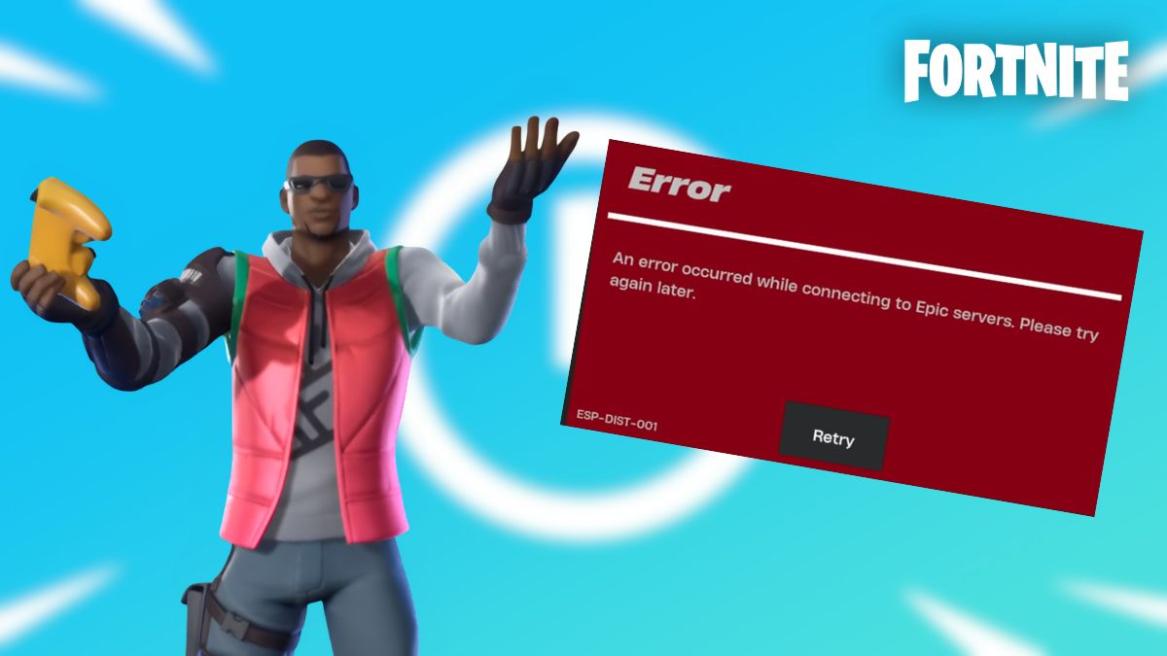
- The Fortnite Esp-Dist-001 error is caused by a failed handshake between your console and Epic servers.
- Players can fix this error by clearing their console's crash.
- Esp-Dist-001 error can also be caused by server side issues from Epic.
Fortnite players hate nothing more than sitting down for a game only to be met with an error that stops them from playing. Among these, the Fortnite Esp-Dist-001 error is quite notorious within the community, particularly bothering console players regularly. If you want to learn how you can fix this error, here is everything you need to know.
What is the Fortnite Esp-Dist-001 Error?
Esp-Dist-001 is a network handshake and connectivity error in Fortnite, much like matchmaking error 1. The ESP codes usually refer to a breakdown in communication between the device you’re playing on and the Epic Games servers.
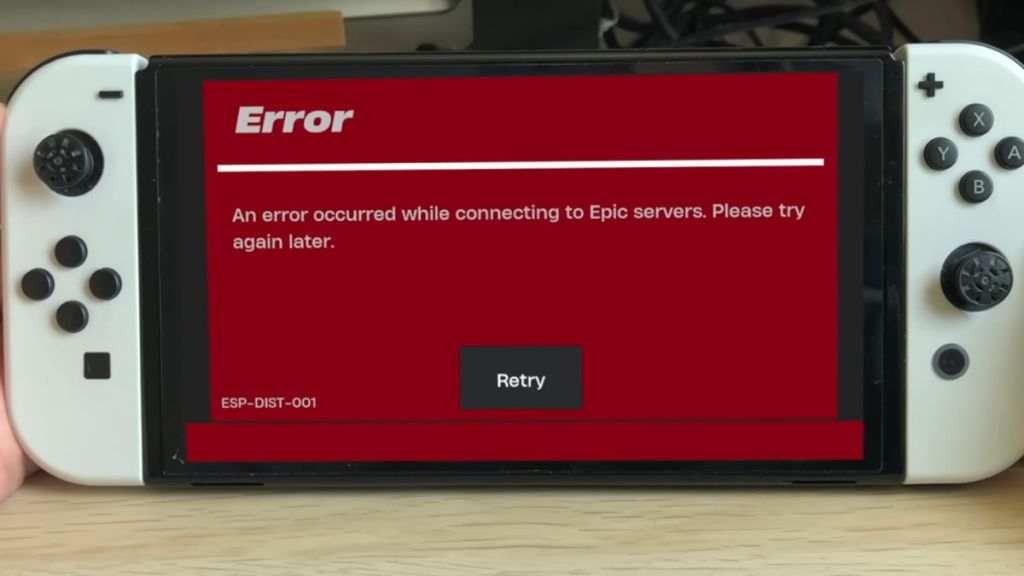

When you launch Fortnite, your system tries to validate your login credentials, retrieve your account data, and sync your inventory, like Fortnite skins and V-Bucks balance. If your console’s temporary memory cache holds any corrupted data, or if your network fails to secure a handshake with the game servers, you will receive the Esp-Dist-001 error and fail to load into the game.
How to Fix Fortnite Esp-Dist-001 Error
Since this error is usually tied to corrupted local files or network discrepancies, you can typically fix the Fortnite Esp-Dist-001 error without redownloading the entire game.
Clear Your Console Cache
Because local cache corruption is the primary cause behind Esp-Dist-001, clearing it can help the game reset its temporary login data without impacting your Fortnite locker or current Battle Pass progress. The process of clearing your cache is different for each platform.
Nintendo Switch
- Head to the System Settings from the Nintendo Switch home screen.
- Scroll down to System, and then select Formatting Options.
- Select Reset Cache at the very top of the list. Choose the user profile you use to play Fortnite, and confirm by clicking Reset.
- Hold down the Power Button for 3 seconds. Select Power Options, and then choose Restart.


PlayStation & Xbox
- Shut down your console completely. Make sure not to put it into Rest/Sleep mode.
- Unplug the power cable from the back of the console.
- Wait roughly 60 seconds to drain the internal capacitors completely, which flushes the cache memory.
- Plug the power cable back in and relaunch Fortnite.
Check Epic Games Server Status
Sometimes the Fortnite Esp-Dist-001 error does not stem from your side of things at all. If Fortnite is down or any other Epic matchmaking services are experiencing an outage, your platform can also throw an ESP error. Before you mess with your home network, you can visit the official Epic Games Server Status page. If Fortnite or Epic Online Services show degraded performance, it is recommended that you wait until Epic deploys an official fix.
Power Cycle Your Internet Router
If all of Epic’s services are functioning properly and clearing the cache didn’t work, your router might be experiencing a DNS or IP glitch. To possibly fix this, follow these steps:
- Unplug your modem and router.
- Leave them unplugged for 30 seconds.
- Plug them back in and wait for the light to stabilize before booting up your console and launching Fortnite.
With these steps, you should be able to fix the notorious Esp-Dist-001 error for Fortnite. Do you think we missed a possible fix? Tell us in the comments below!
The Esp-Dist-001 error means your platform is having trouble connecting to the game servers.
No, Esp-Dist-001 is purely a connectivity issue and not caused by a ban.