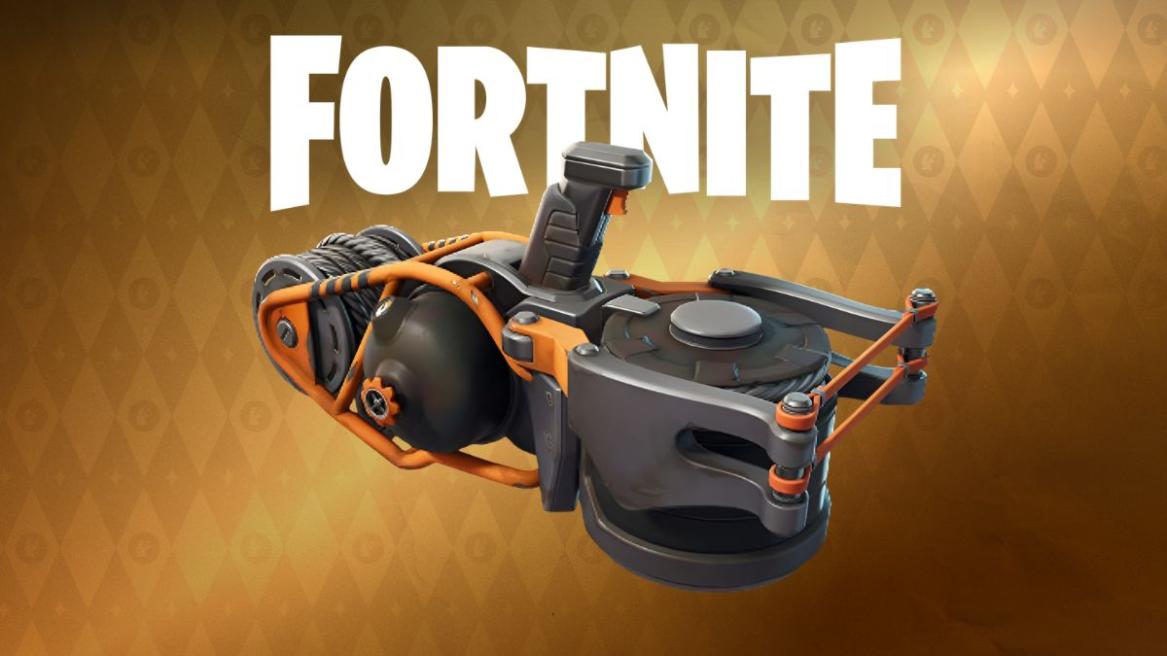
- The Skyline Deployer was added to the Fortnite loot pool in Chapter 7 Season 2.
- The item can be used to deploy a zipline anywhere, even in the sky.
- The Skyline Deployer features a glider redploy mechanic when players jump off the skyline.
Fortnite Chapter 7 Season 2 is finally here, and it brings a massive overhaul to the Golden Coast island, establishing itself as a battlefield for the conflict between The Foundation and The Ice King. As you take part in this epic rivalry, you will need to learn about Skyline Deployer, a new movement item added in Chapter 7 Season 2. If you want to take advantage of this powerful utility item, here’s everything you need to know about Skyline Deployer in Fortnite Chapter 7 Season 2.
Where to Find Skyline Deployer in Fortnite
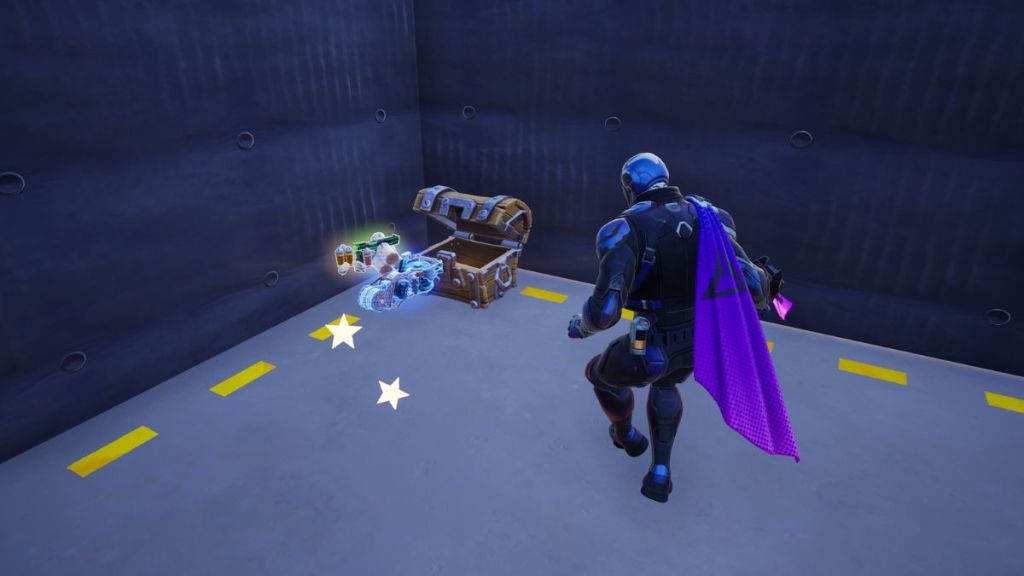
You can find the Skyline Deployer in Fortnite by opening chests, floor loot, supply drops, and vending machines. Since it is a blue rarity item, it is relatively easy to find compared to Mythic or Legendary gear like the Fortnite Seven Cluster Cannon. You don’t have to beat a boss or specific vault to obtain this item. Just go around looting as you usually do, and you should run into this item easily.
It is also important to remember that, since the Skyline Deployer is tied to the first week of the Fortnite Weekly quests for Chapter 7 Season 2 (“Use a Skyline Deployer”), many players are likely carrying this item in their inventory. Make sure to check every loot pile you come across to see if you can find any spare Skyline Deployers lying around.
How to Use Skyline Deployer in Fortnite
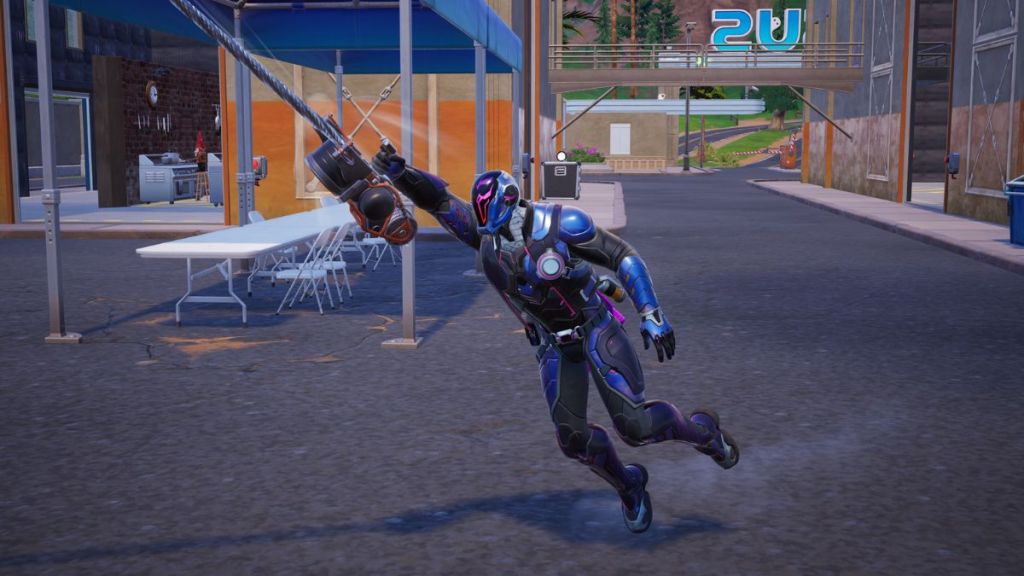
The Skyline Deployer in Fortnite functions as a portable zipline launcher, allowing you to create your own paths through the air or even between buildings. Learning how to use it can help you gain a high-ground advantage during a fight. Here are the steps you can follow to use the Skyline Deployer in Fortnite:
- Equip the Skyline Deployer and aim it at a building or into the open sky.
- When you are ready, press Fire to launch a projectile.
- As soon as the tethered hitline materialises, you will jump onto the zipline toward the flying balloon.
- You can jump to get off the Skyline at any height, as it grants a low gravity effect to you.
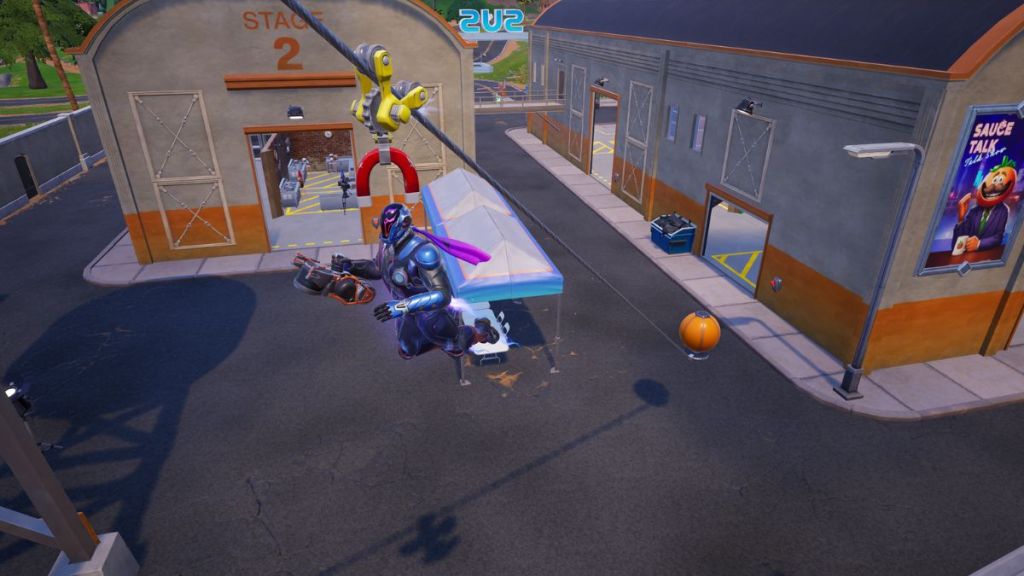
The Skyline Deployer also features a glider redeploy feature, which can be an excellent tool for escaping the Storm or repositioning during an intense build fight. It is also important to remember that the zipline, once put down, will stay active until destroyed by players or the Storm. This means that enemy players can chase you across the Fortnite Chapter 7 Season 2 map using your ziplines, so be careful.
That’s everything you need to know about finding and using the Skyline Deployer in Fortnite Chapter 7 Season 2. Have you used this fun utility in-game yet? What do you think about it? Tell us in the comments below!








 Pranav Maytray