- Minecraft Dungeons 2 supports crossplay, allowing players on different platforms to play together.
- The exact activation process has not been fully revealed, but a Microsoft account is expected to be central to it.
- While crossplay is confirmed, the details about a cross-progression system and save transfers have not been revealed.
Minecraft Dungeons 2 is built around co-op combat, so being able to team up with friends on different platforms is an important part of the experience. This action RPG spin-off of Minecraft is releasing on Xbox consoles, PC, PS5, and Nintendo. So, players are wondering whether there is any crossplay in the game. If you’re one of those, check out this guide to learn more about how to turn on crossplay in Minecraft Dungeons 2.
Does Minecraft Dungeons 2 Have Crossplay?
Yes, Minecraft Dungeons 2 supports crossplay. The game is launching on PC via Steam or Xbox PC, PlayStation 5, Xbox Series X/S, Xbox Cloud Gaming, Nintendo Switch, and Switch 2. Additionally, the standard edition of Minecraft Dungeons 2 will also be available for Xbox Game Pass from day one, so subscribers can get it for free.
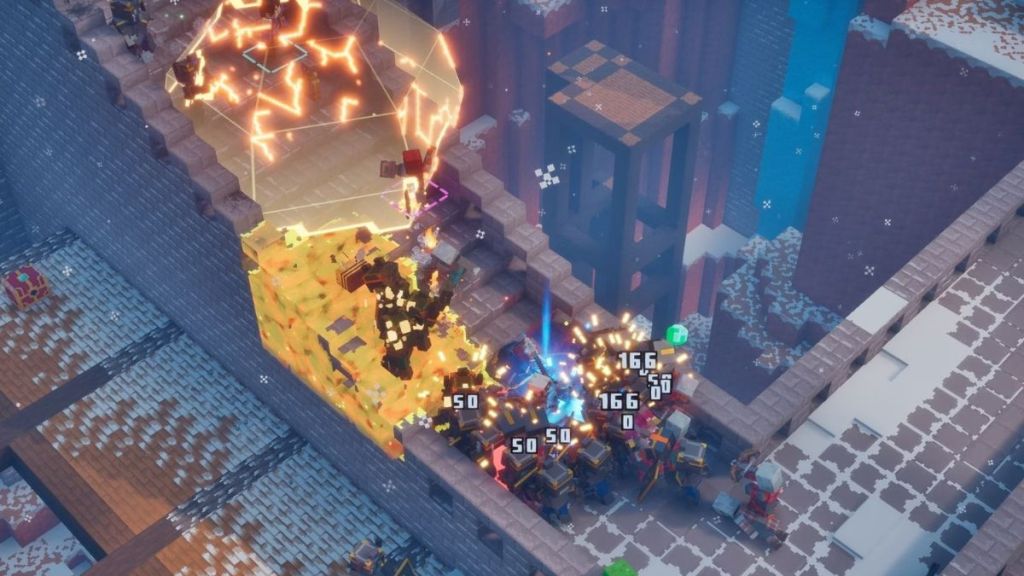

Players with different gaming consoles and hardware can therefore join together in a co-op party through crossplay. Since the game is not out yet, and Mojang has not provided enough details about how crossplay would work inside the game, some of the following steps are based on the original Minecraft Dungeons game. The method to enable crossplay is therefore subject to change.
How to Enable Minecraft Dungeons 2 Crossplay
The first thing you likely need to turn on crossplay in Minecraft Dungeons 2 is a Microsoft account. Players on Xbox may already have one on their Xbox profile. Players on other platforms may need to connect their existing Microsoft account before accessing the cross-platform multiplayer.
The steps to turn on crossplay in Minecraft Dungeons 2 can look something like this:
- Open Minecraft Dungeons 2 and enter the main menu.
- Open Settings or Game Options, where you can find an option related to Crossplay, Cross-Platform Play, or Online Play.
- Activate cross-platform multiplayer and link your platform account to a Microsoft account if prompted.
- Follow the instructions on the screen to complete the account connection.
- Now, you can open the multiplayer or friends menu and add your friends using their Gamertag.
- Invite them to your game party once they appear on your friends list.
If you’re having trouble with online multiplayer, our guide on how to invite friends in Minecraft Dungeons 2 will help you out.
Does Minecraft Dungeons 2 Have Cross-Progression?
While Minecraft Dungeons 2 crossplay has been confirmed, the complete details surrounding cross-progression are still in the fog.
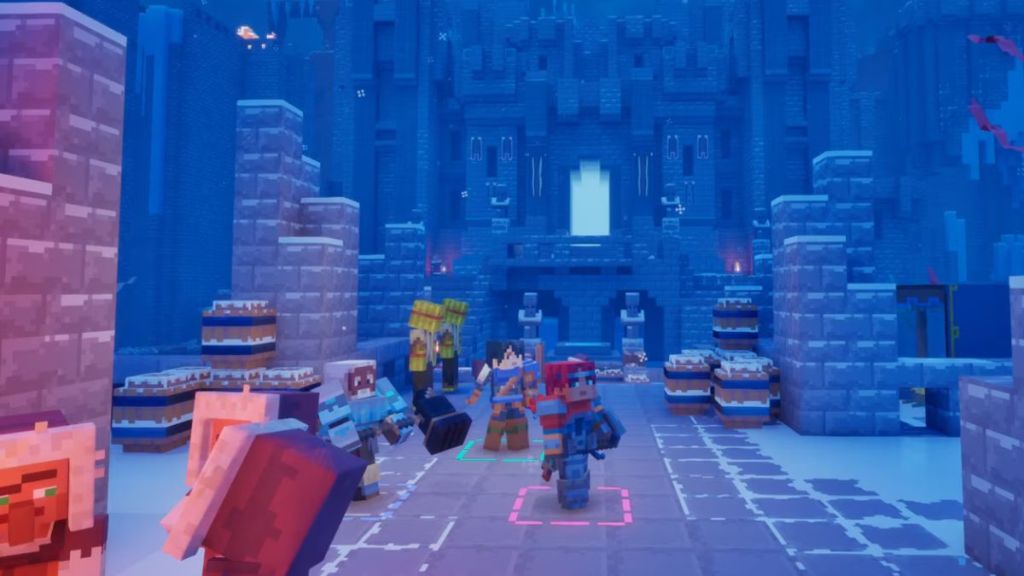
Crossplay and cross-progression are two separate features. Crossplay is about allowing players on different platforms to connect together in the same matchmaking menu or the same world. Cross-progression is about saving your progress on one platform, such as Xbox, and continuing it on a different one, such as PC.
If the sequel follows the same account-based approach used by other Minecraft experiences, linking the same Microsoft account across platforms could be a way to access your purchases on separate platforms. There could also be a way to access the saved world from an Xbox console to PC because Minecraft Dungeons 2 is available on Game Pass.
And that ends this guide for Minecraft Dungeons 2 crossplay. So, if you’re preparing to play Minecraft Dungeons 2 with your friends, make sure you have the Microsoft account ready. The full setup will become clearer once the game launches on September 29, 2026, and all of us can explore the Sift in Minecraft Dungeons 2.