- Minecraft Dungeons 2 has couch co-op, mixed co-op, and online multiplayer matchmaking.
- Players can join an online session from the Friends menu, similar to the original game.
- Multiplayer supports up to four players, and players from different gaming systems can join because crossplay is confirmed.
Minecraft Dungeons 2 has a few multiplayer options, including couch co-op, mixed co-op, and online matchmaking. If you’re planning on calling over a few friends to explore the Sift, or looking for players online, learning how the multiplayer invitation works is essential. So, if you’re looking for how to invite friends in Minecraft Dungeons 2, here’s everything you need to know.
How to Invite Friends on Minecraft Dungeons 2: Step-by-Step
At the time of writing, Mojang has not officially revealed the complete step-by-step process for inviting friends in Minecraft Dungeons 2. However, based on how multiplayer worked in the original game, the sequel could follow a similar system:
So, here’s how you may be able to invite friends when Minecraft Dungeons 2 launches:
- Completing the tutorial is a must before you start the multiplayer mode in the game.
- Once multiplayer is available, look for an Online Game option in the main menu or within your hub area.
- Access the Friends menu from the Online Game area and view those who are online.
- Send an invitation to your friend or accept the incoming multiplayer invites.
- If you’re the leader of the party, you can manage it by selecting the players with whom you want to play.
- When this is done, exit the multiplayer screen and start exploring the dungeons to begin playing.
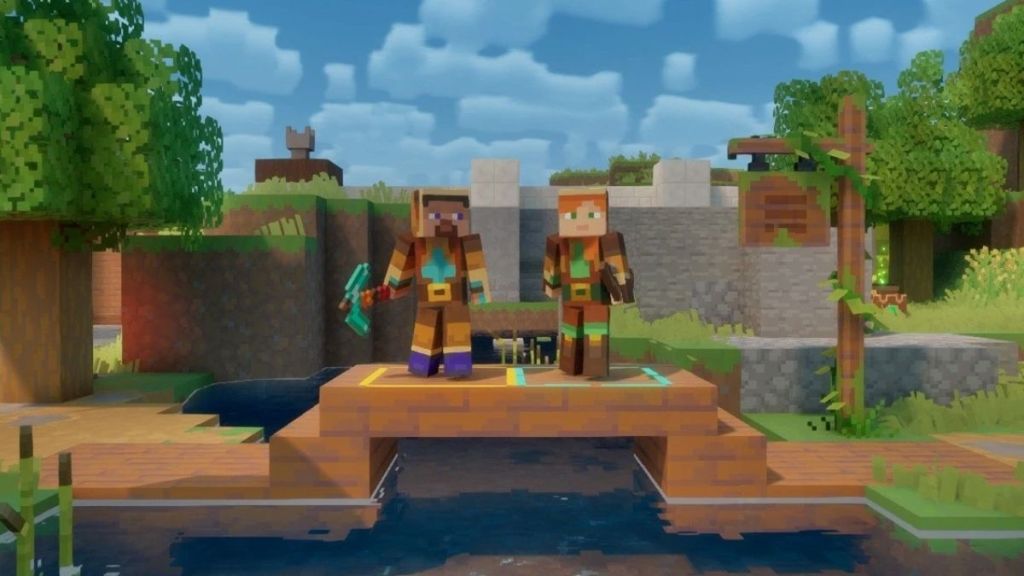
So, this was about how to start matchmaking and make your party in online multiplayer. Since Minecraft Dungeons 2 supports couch co-op, players in the same room can just connect their individual controllers to the gaming setup to play together.
Minecraft Dungeons 2 supports co-op gameplay for up to four players, so it won’t be long before you find players online for matchmaking. The game also supports Xbox Play Anywhere and crossplay. So, if your friends are on a different platform such as Xbox, PC, cloud, or supported handheld devices, all of them can hop on the same match.
That’s everything we currently know about how to invite friends in Minecraft Dungeons 2. Although the precise process remains unconfirmed, the original game’s multiplayer system gives us a reasonable idea of what to expect.