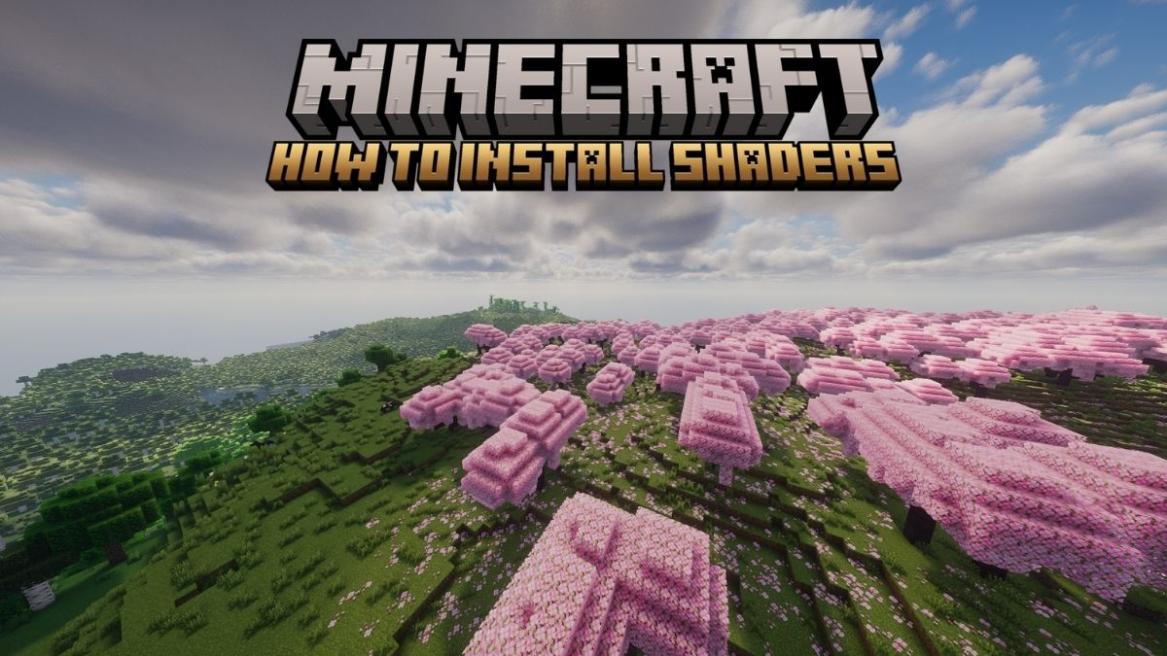
- Players need Minecraft Java edition and a mod like Optifine or Iris to run a shader pack.
- Download the shader pack from a trusted source and store the zip file in an accessible place.
- Launch Minecraft using the mod, and enable the shader from the Video Settings in the game.
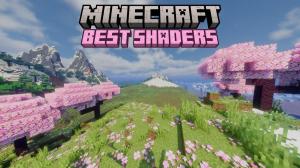
The Minecraft world can feel blocky and low-poly in appearance. Shaders are an easy way to elevate the cinematic appeal and lighting in Minecraft. These mods can transform Minecraft’s blocky visuals into something straight out of a fantasy. With the right shader mod, you can adjust the shadows, sun rays, lighting, grass textures, water reflections, clouds, and much more. To help you get started, here is a step-by-step guide to installing shaders in Minecraft.
Requirements to Install Shaders in Minecraft
Before you dive into the installation steps, ensure that your device meets a few requirements.
- You need an official, legal copy of Minecraft Java Edition since shaders are exclusive to it. The Bedrock edition game can’t run them.
- Secondly, you’ll need a compatible mod, which can be either Optifine or Iris, the two most popular options.
Shaders cannot run on vanilla Minecraft and needs a mod for support. Once you’ve installed either of them in your system, move to the next section.
How to Install Shaders in Minecraft
Having met all the requirements, it’s time to install the shaders and run them. The whole process involves three simple steps – installing a mod , downloading the shader pack, and running it in your game. Now, let’s go through all of them in detail.
1. Install a Compatible Mod
For running any kind of shader pack in Minecraft, a compatible mod is a must, and for that, you can either choose to install Optifine or Iris. To install them, you can follow the steps below:
- Head over to the official download site for Optifine or Iris and click the download option.
- Ensure that you download the one that matches your Minecraft version or the one you want to run your shaders on.
- Once downloaded, click on the ‘.jar‘ file to run it using Java.
- Now, install the mod in the given path (.minecraft folder), and you’re done.
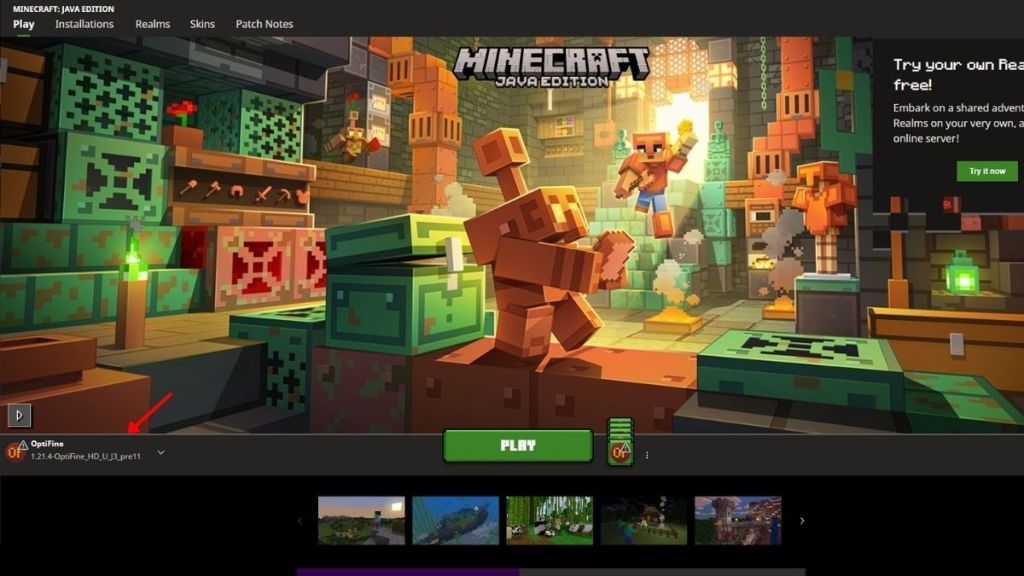
As you open up your Minecraft Launcher, you’ll notice a new installation by the name of the mod you installed. If you’re still having trouble, go through our guides on how to install Optifine and Iris in Minecraft.
2. Download the Shaders Pack
The next step is to pick your favorite shader pack and download it. Have a look at some of the most popular and best shaders in Minecraft if you’re confused about what to choose. So, to download a shader pack, you can follow the steps below:
- Head over to a trusted source like Curseforge or Modrinth to look up the shader pack you want.
- Click on the shader pack and press the download option. Here, you must first select the mod and your respective Minecraft version before downloading the pack.
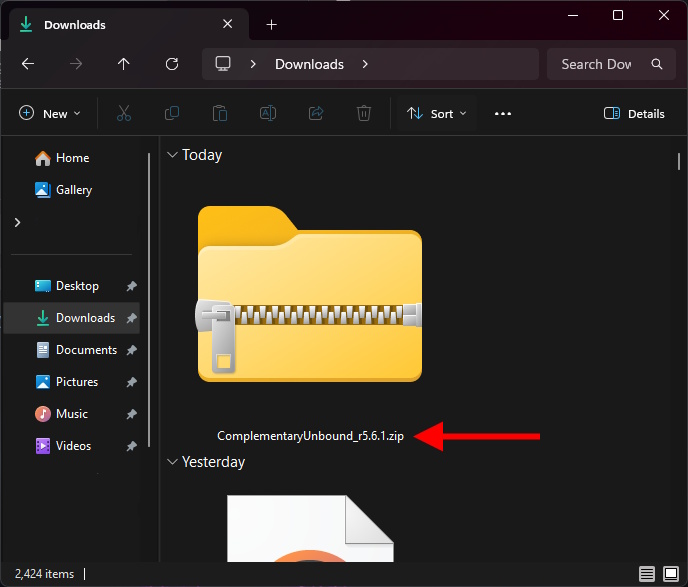
- Save the downloaded zip file in a location that you can easily access.
3. Run the Shaders Pack in Minecraft
Having installed both the mod and shader pack, it’s time to bring it all together and run it inside Minecraft. So, follow the steps below:
- Launch Minecraft using the Optifine or Iris profile you installed.
- From the main menu, go to Options, then select Video Settings.
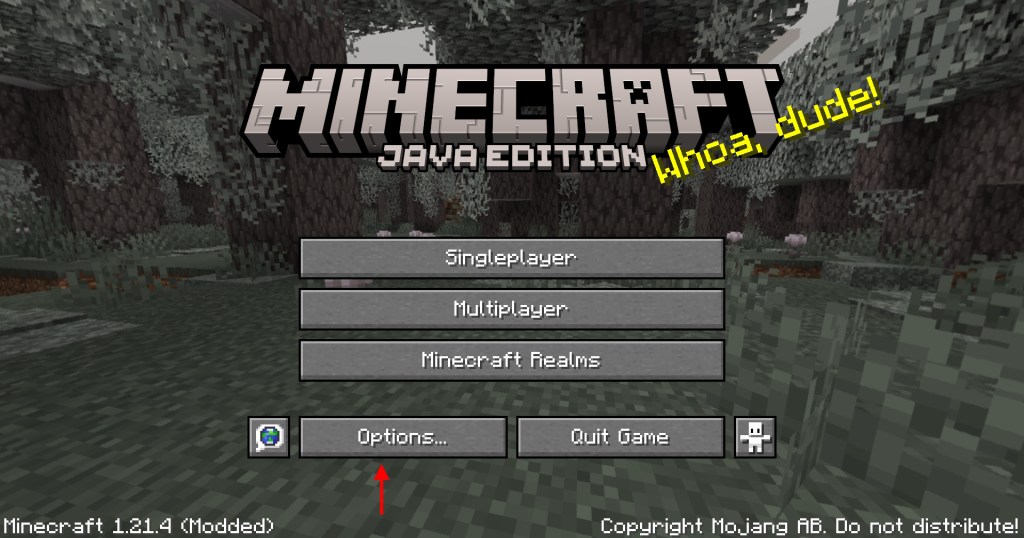
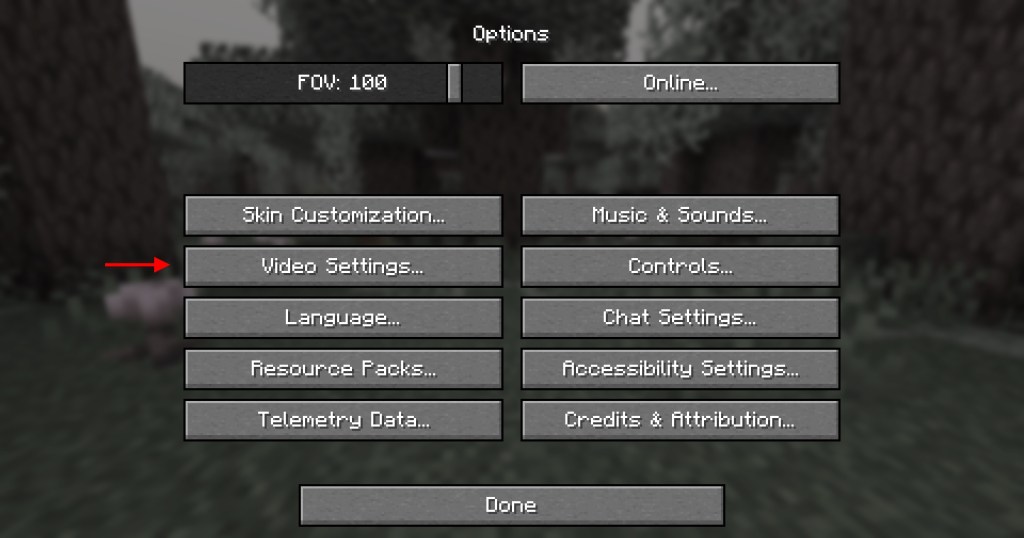
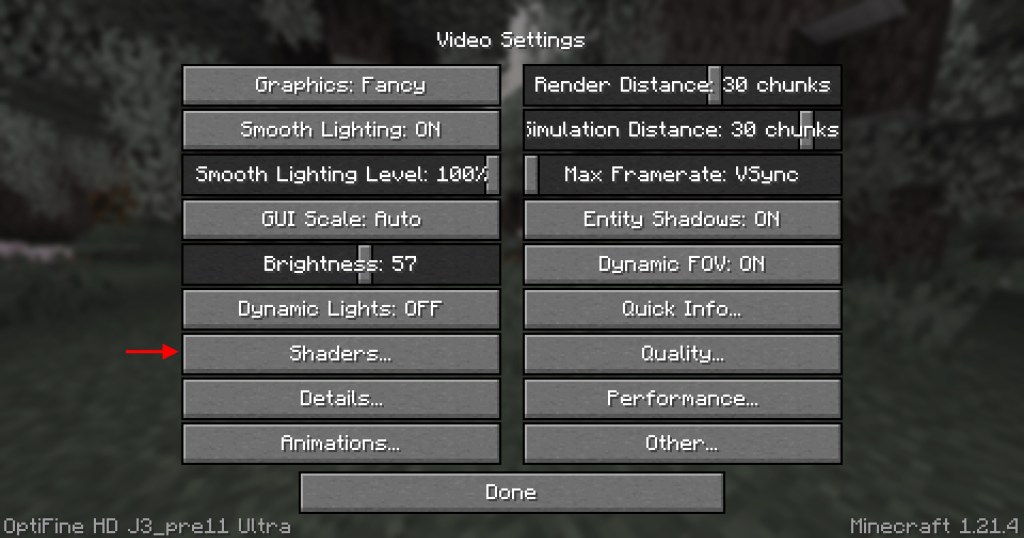
- Click on the Shaders tab, and select the Open Shaders Folder button.
- This will open up the directory where the shader files are stored in Minecraft.
- Now, drag and drop the zip file you downloaded in the previous step to this location. Wait for a few seconds to load and reflect in Minecraft. Once done, close the shaders folder.
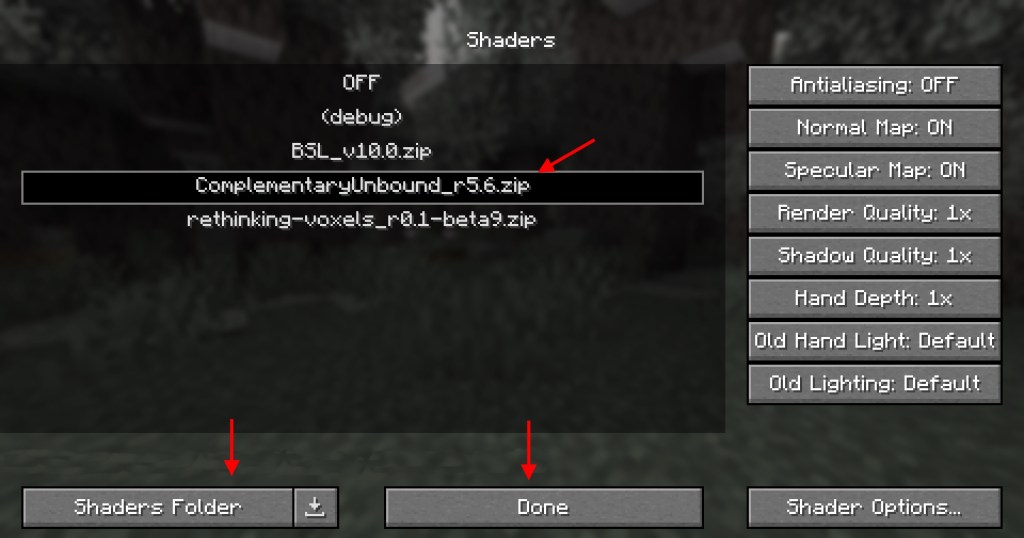
- Click the shader pack you want to run, then click the Apply or Done button.
Return to your game world, and you’ll find the graphics have completely changed. The final step is almost the same for both Optifine and Iris, except for a few UI changes in their appearance. Now, if you want to truly feel how satisfying the Minecraft graphics are with the shaders, consider going into creative mode, getting an Elytra, and flying around your world.
That completes the easy guide on how you can install the shader pack in Minecraft. So, which is the first shader you’re looking to install in the game? Tell us in the comments below.
Simply drag the shaders zip file you downloaded and drop it inside the shaders folder of Minecraft. This folder can be opened by going to Video Settings from the Options menu in Minecraft, and then selecting the Open Shaders Folder option from the Shaders tab.
Yes, you do need a mod, either Optifine or Iris, to download shaders in Minecraft.
Yes, shaders reduce FPS in Minecraft; however, there are a lot of options that will give you a smooth and balanced gameplay output while using shaders.