In 2026, AI has become an integral part of our daily lives, yet most people don’t know how to use it effectively. You need to know the right kind of prompts to get the desired results from AI, whether you use ChatGPT, Gemini, or some other AI app. This is why we have compiled a list of the best AI prompts to help you get work done faster and improve your AI experience.
How do you create an effective AI prompt?
To understand how to create an effective AI prompt, you must know the concept of prompt engineering. It’s a craft of writing prompts to get the exact results you are looking for from AI, rather than using vague-sounding words and letting AI do the guesswork. Now, there are many schools of thought on making your prompts efficient, but here are the best tips I have tested out:
- Keep it Concise: When writing a prompt, keep it simple, concise, and to the point. Use a comma “,” if you need to add more details.
- Suggest a clear goal: Be very clear in describing the outcome you want. Rather than saying, “suggest some good title ideas,” you can say, “Create 10 descriptive titles that are catchy, intruiguing and increase CTR.”
- Be descriptive for images/videos: For images/videos, you can be as descriptive as you want. Describe the scene, the kind of photo you want, the lightning, the camera, the angle, everything that you can, which will help the AI generate the best and most accurate results.
- Break prompts into steps: If you have a long prompt, involving multiple stages, then it would be best to break it down into steps rather than writing it all up in a paragraph.
Best AI Prompts for Programming
Engineers, coders, and people working in web development already use AI frequently, but here are some helpful prompt suggestions to output the highest quality string of code.
| Use Case | Prompts |
|---|---|
| Optimizing the performance of your code | Go through the following (programming language) function and suggest optimizations to improve its (performance/memory usage/time complexity): [code snippet] |
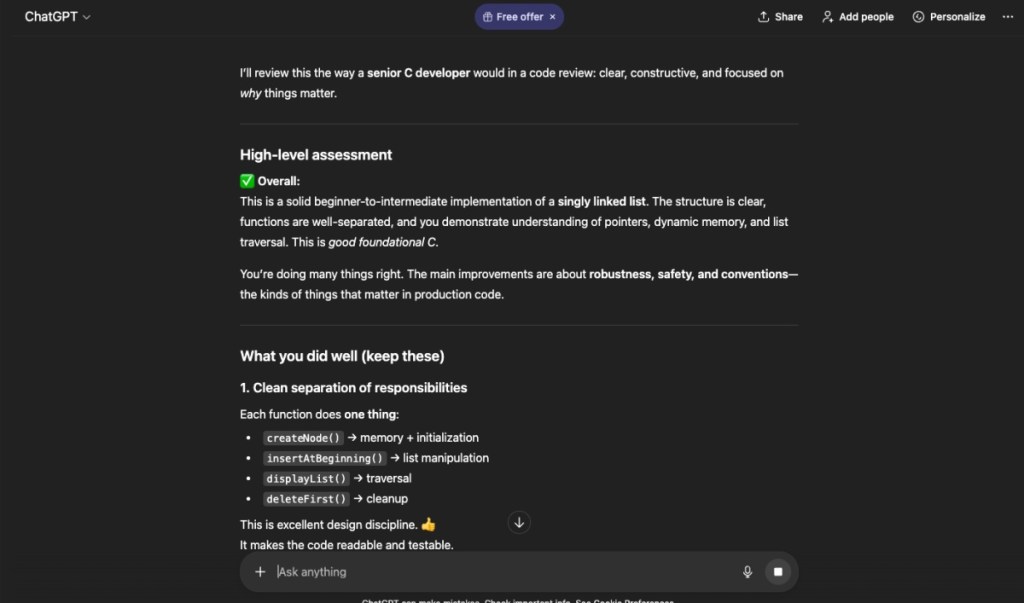
| Review project and suggest improvements | Analyze my project in (programming language). Review it, then provide feedback like a senior developer. Explain what’s good, what could be improved, and why: [code snippet] |
| Explaining unexpected output | I want you to debug this code. It is supposed to do (output 1), but instead it is showing this output (output 2). Analyze it and provide suggestions: [code snippet] |
| Debugging error | I am getting this error (programming language): [error code snippet]. Based on this error and my stack, suggest what is causing the error and at least one way to solve it. |
| Refactor code for readability and optimization | Refactor the following code to be more readable, modular, and aligned with (programming language) best practices. Avoid redundant code and suggest naming improvements: [code snippet] |
| Convert nested logic into smaller interconnected functions | Breakdown this deeply nested logic into separate, smaller, reusable functions, while preserving functionality and reducing complexity: [code snippet] |
| Write dev unit tests | Write unit tests in (testing framework) for this function, covering edge cases, invalid inputs, and normal operations: [code snippet] |
| Create a CI/CD pipeline | Generate a GitHub Actions workflow that does the following: Runs tests on push Builds a Docker image Deploys to (hosting provider) on success |
| Improve your system design and architecture | (Describe architecture) Here is a system design for my application. Evaluate it for scalability, redundancy, and performance. Suggest improvements and suggestions. |
| Write API Endpoint with Validation | Write a REST API endpoint using (framework) that accepts a POST request with (necessary fields). Handle errors, validate its input, and respond with appropriate status codes. |
Best AI Prompts for Image Generation
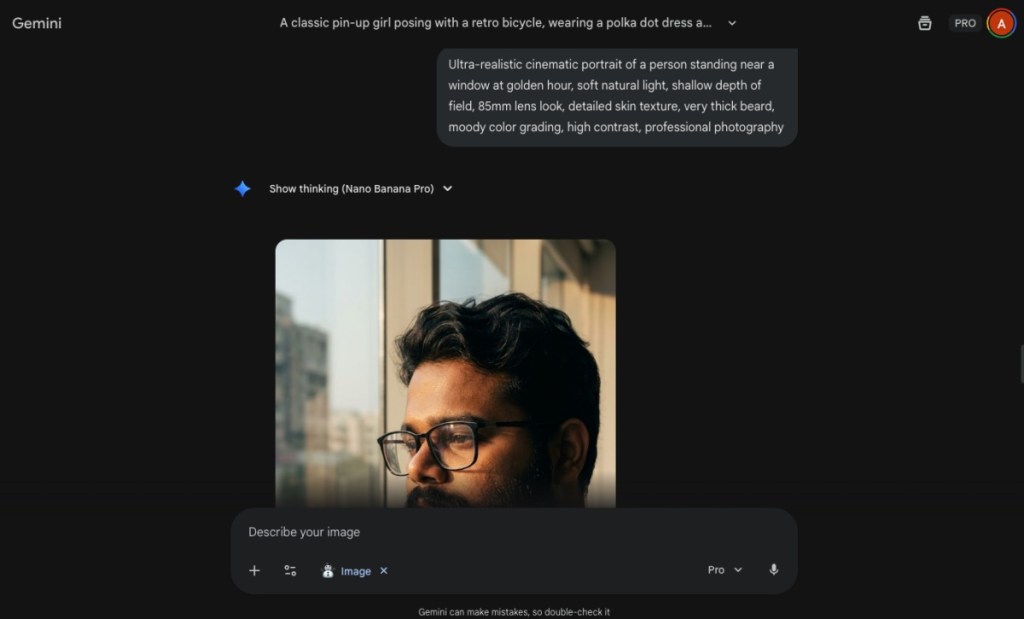
Whether you are using Gemini’s Nano Banana or any other AI image generator, these basic prompts will help you achieve some stunning results.
| Use Case | Prompts |
|---|---|
| A cinematic portrait shot | Ultra-realistic cinematic portrait of a person standing near a window at golden hour, soft natural light, shallow depth of field, 85mm lens look, detailed skin texture, moody color grading, high contrast, professional photography |
| Imagining a futuristic city | Massive futuristic city at night with neon lights, flying vehicles, cyberpunk architecture, rain-soaked streets reflecting lights, ultra-detailed, wide-angle shot, cinematic atmosphere, 8K resolution |
| Creating a fantasy character | Epic fantasy character concept art of a battle-worn warrior wearing ornate armor, glowing runes, dramatic lighting, painterly style, dark background, high detail, AAA game concept art |
| A simple and minimal product shot | Clean minimalist product photography of a modern gadget on a white background, soft studio lighting, subtle shadows, sharp focus, great detail, commercial advertising style |
| Surreal Dream Scene | Surreal dreamlike landscape with floating islands, oversized moon, soft clouds, pastel color palette, ethereal lighting, fantasy art style, highly detailed, magical atmosphere |
| Design an anime character | Anime-style character illustration of a teenager standing in the rain at night, glowing city lights in the background, expressive eyes, detailed clothing, dramatic lighting, Studio Ghibli-inspired style |
| Macro photo of a butterfly | Extreme macro photography of a butterfly on a flower, ultra-sharp focus, detailed wing texture, natural lighting, blurred background, professional wildlife photography |
| Brand design, Illustrations concept | Modern flat illustration for a tech startup website, people collaborating around digital screens, clean UI-friendly design, soft gradients, friendly color palette, professional SaaS style |
| Retro 90s Aesthetic Image | 1990s retro aesthetic illustration, neon colors, VHS grain, pixel art elements, nostalgic cyber vibe, bold lighting, high contrast |
| Luxury Product Ad | Luxury watch product photography on a black marble surface, dramatic lighting, sharp reflections, premium advertising style, ultra-detailed |
Best AI Prompts for Productivity and Office Professionals
I bet you already use AI for drafting those boring emails, but here are some of the best AI prompts to improve productivity and streamline your workflow.
| Use Case | Prompts |
|---|---|
| Prioritize task list | Prioritize this list: [insert list of tasks]. Rank them based on urgency, importance, time required, and explain why. |
| Get breakdown of your problems | I am stuck on (problem/decision). Outline 3 potential solutions, pros/cons of each, and your recommended next step for the given situation. |
| Get clear and accurate results | Before answering, ask me up to 3 clarifying questions if anything is ambiguous. Then provide a concise solution. |
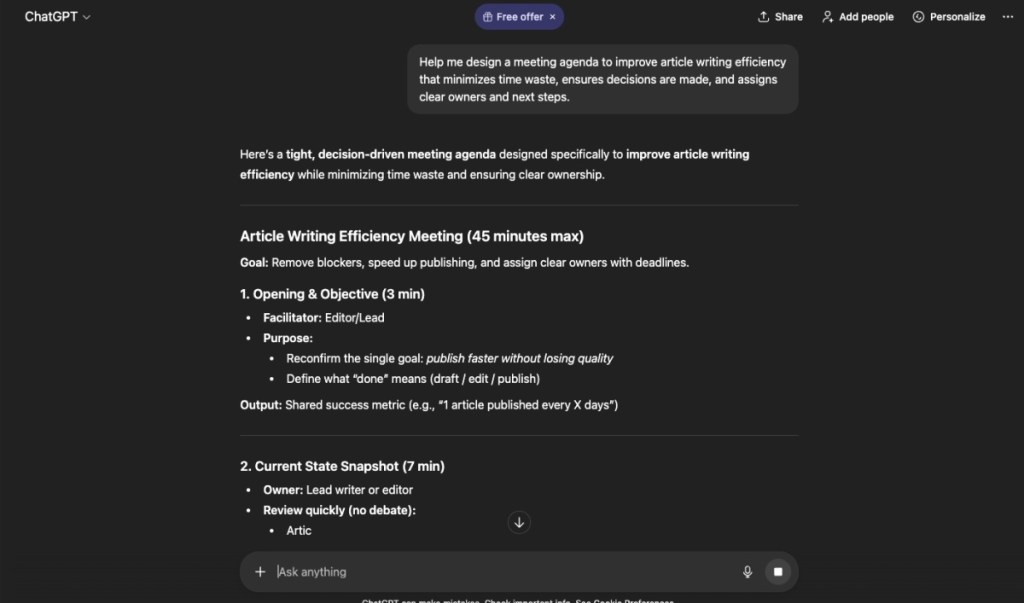
| Improve meeting agenda | Help me design a meeting agenda for (goal) that minimizes time waste, ensures decisions are made, and assigns clear owners and next steps. |
| Generate Email subject lines | Suggest 10 email subject lines that are designed to increase open rates for an e-commerce store. |
| Creating an Email template | Write an email template that will be used to (insert use case). Keep it short, concise, and refrain from using complicated words. The template should be easily reusable. |
| Optimize current workflow | Review my current workflow for (task or process). Identify inefficiencies, unnecessary steps, and automation opportunities, then propose a streamlined alternative. |
| Executing vague ideas | I have an idea (explain idea) but no execution plan. Break it into concrete steps, required resources, risks, and a realistic starting action I can take today. |
| Reduce work fatigue | Analyze my workload and identify signs of overcommitment. Suggest what to delegate, delay, or decline without harming outcomes: (explain work and tasks assigned) |
| Plan out day’s work | I have limited energy today. Based on my tasks, identify the 1–3 actions that will create the highest impact and suggest what to ignore. |
Best AI Prompts for Content Writing
Even after years of innovations, AI still writes like AI, which makes it easily susceptible to online AI detector tools. So if you are a content writer, try out these prompts to make your chatbot write more fluently with a natural tone.
| Use Case | Prompts |
|---|---|
| Build an outline for the article | Create a clear, logical outline for an article on (topic), with section goals, key questions to answer, and a strong opening and conclusion. |
| Get ideas for intro | (Insert your intro) Based on this, write 3 alternative introductions for this article. One narrative-oriented, one data-led, and one SEO-friendly, so I can choose the most compelling hook. |
| Improve clarity of your copy | Edit this draft to improve flow, structure, and readability while preserving my original tone, intent, and reporting accuracy: (insert your draft) |
| Fact-check your copy | Review this article and flag statements that may require verification, sourcing, or clarification to avoid factual or legal issues. Check for the latest available details till (current date) on this topic: (insert article) |
| Turn interviews into stories | Transform this interview transcript into a coherent narrative article, highlighting key quotes, themes, and a strong throughline. |
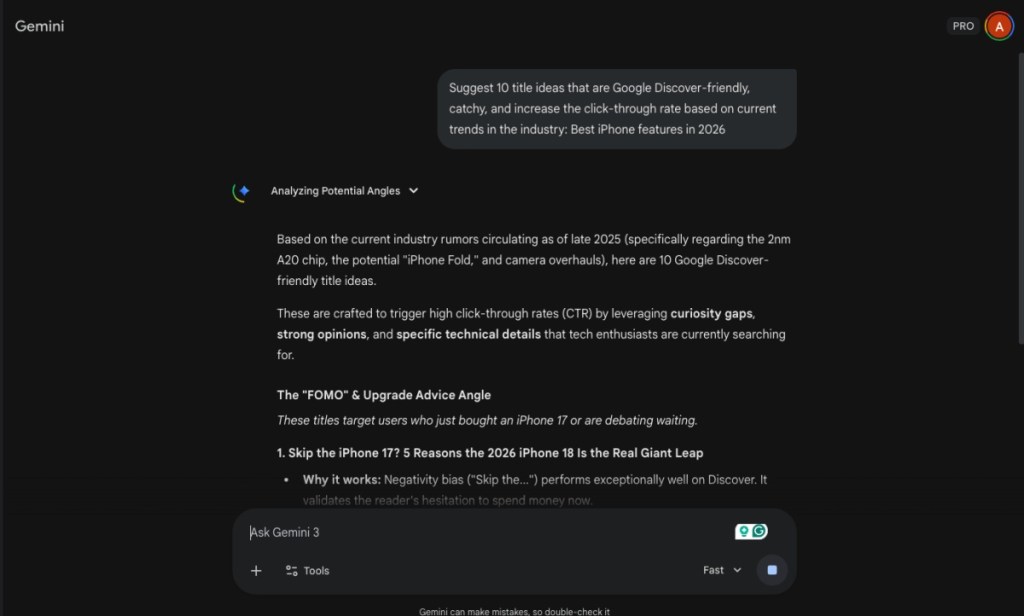
| Get title suggestions | Suggest 10 title ideas that are Google Discover friendly, catchy, and increase the click-through rate based on current trends in the industry: (suggest idea or story angle) |
| Make your article to the point | Go through this article, and reduce fluff by (x%) while preserving meaning, key arguments, and storytelling impact. Remove redundancy and weak transitions. |
| Optimize article for readers, not SEO | Suggest headline options, subheads, and structure that improve scannability and engagement without sacrificing editorial integrity. |
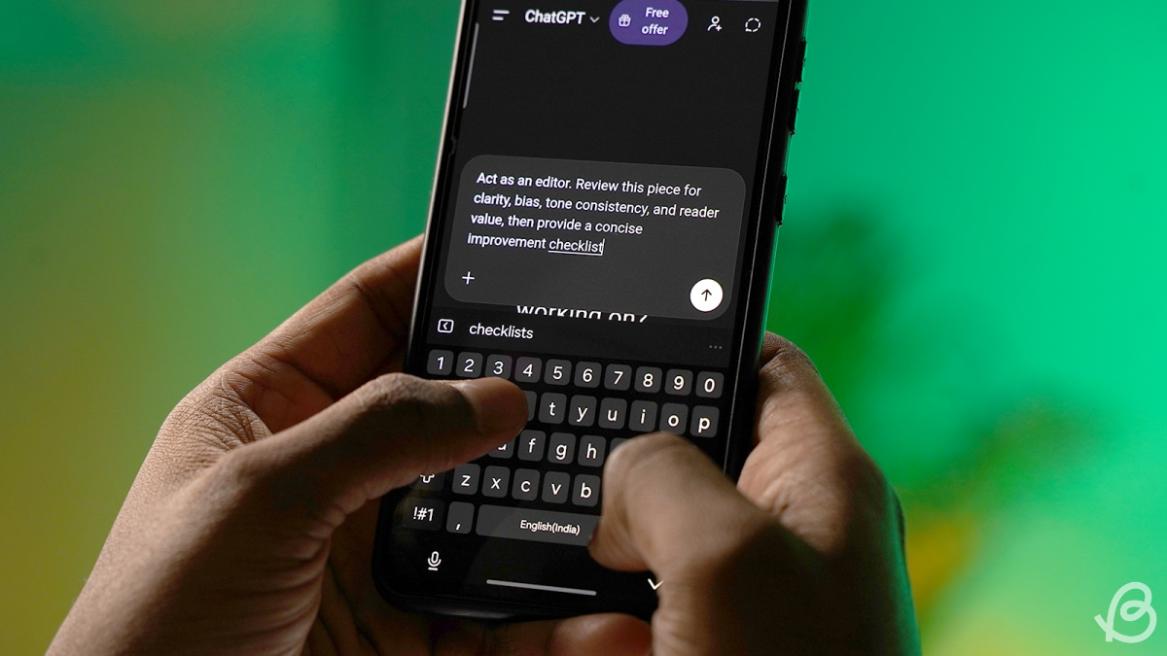
| Check your content before publishing | Act as an editor. Review this piece for clarity, bias, tone consistency, and reader value, then provide a concise improvement checklist. |
| Get a review of your writing | Identify where this piece lacks context, nuance, or counterpoints, and suggest additions that strengthen credibility and balance. |
So these were the best AI prompts that can help you do less and get more from your favorite AI tool. The prompts I have listed above are mere suggestions, and you can tweak them further to suit your use case. Did we miss any category? If you need more prompt suggestions then let us know in the comments below.