Subnautica 2 is a true survival game, and the game doesn’t joke around when it comes to making your life hard on a foreign planet. With the game filled with sea monsters, and it being a constant hassle to look for crafting materials, the game can become quite a hassle sometimes. That’s why you should always keep Subnautica 2 console commands handy to use them in a truly difficult situation. Here is a full list of all console commands in the game, including steps on how to unlock the console.
Full List of Subnautica 2 Console Commands and Cheat Codes
Here is a full list of all Subnautica 2 console commands that will let you breeze through the game’s difficulty. Don’t forget to check out the Subnautica 2 Leviathans while you are here.
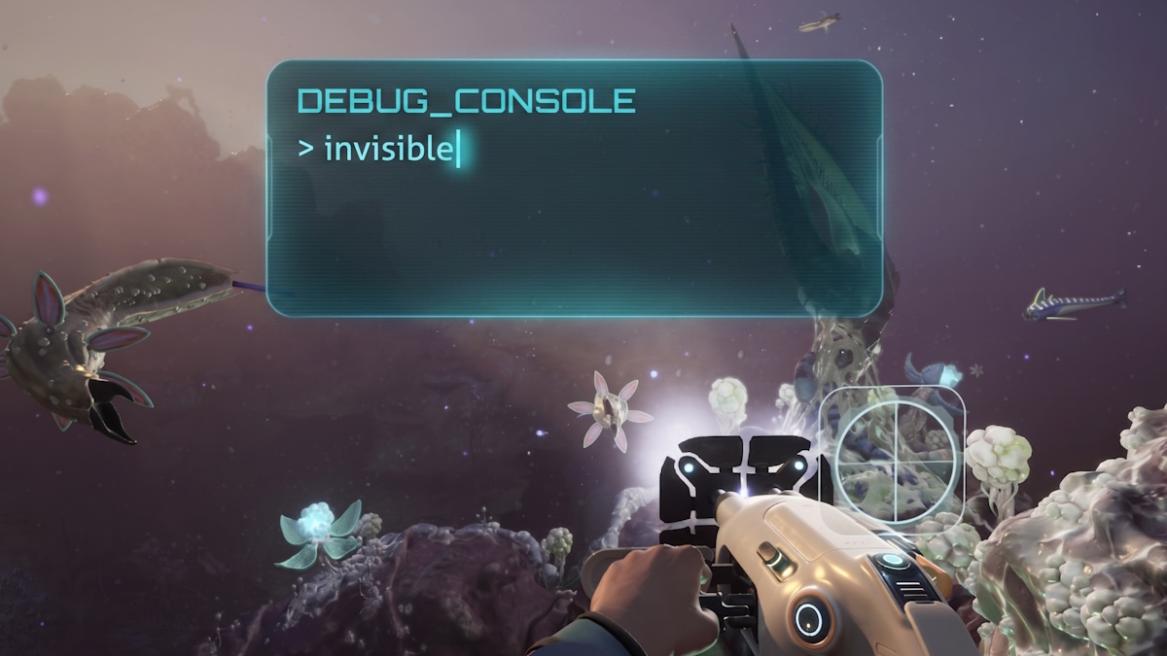
Command Effects god The player won’t take damage or will need to consume food, water, or oxygen invisible Hostile lifeforms won’t be able to see you nocost Craft or process without spending resources unlock all Gain all recipes, blueprints, and journal entries kill Kills the player and respawns them instantly night Sets time to nighttime day Set the time to daytime daynight # Sets a specific time of day FOV # Changes FOV to a number (like FOV 100) Item [name] [amount] Spawn any item in the game.
For example: ‘item lithium 5.’oxygen Prevents oxygen from rising and falling togglehud Hides your HUD
There are more commands in the game, and we are slowly adding them to the list as we find them. Drop any commands we have missed in the comments section below. Also, if you are having trouble progressing in the game normally, learn how to find silver in Subnautica 2 to craft important equipment.
How to Use the Console in Subnautica 2
Unlike the previous Subnautica games, Subnautica 2 doesn’t come with an accessible console on release. So, to use Subnautica 2 cheat codes, you have to first unlock the console. To unlock the console, players have to install a specific mod and use it. Here is a step-by-step guide on how to open the console in Subnautica 2:
- First, you will have to download the UE4SS mod and then the Console Commands mod from NexusMods.
- Navigate the following path in the game’s installation folder: \Subnautica2\Subnautica2\Binaries\Win64.
- Extract the UE4SS mod files in this location.
- Now, open the UE4SS folder and then the mods folder.
- Extract the Console Commands mode files inside this folder.
- Launch the game and then press the F2 key to open the Subnautica 2 console.
Now, you can enter the Subnautica 2 console commands as listed above to use them in the game. That is everything you need to know about Subnautica 2 cheat codes or console commands. Have any questions? Let us know in the comments section below.