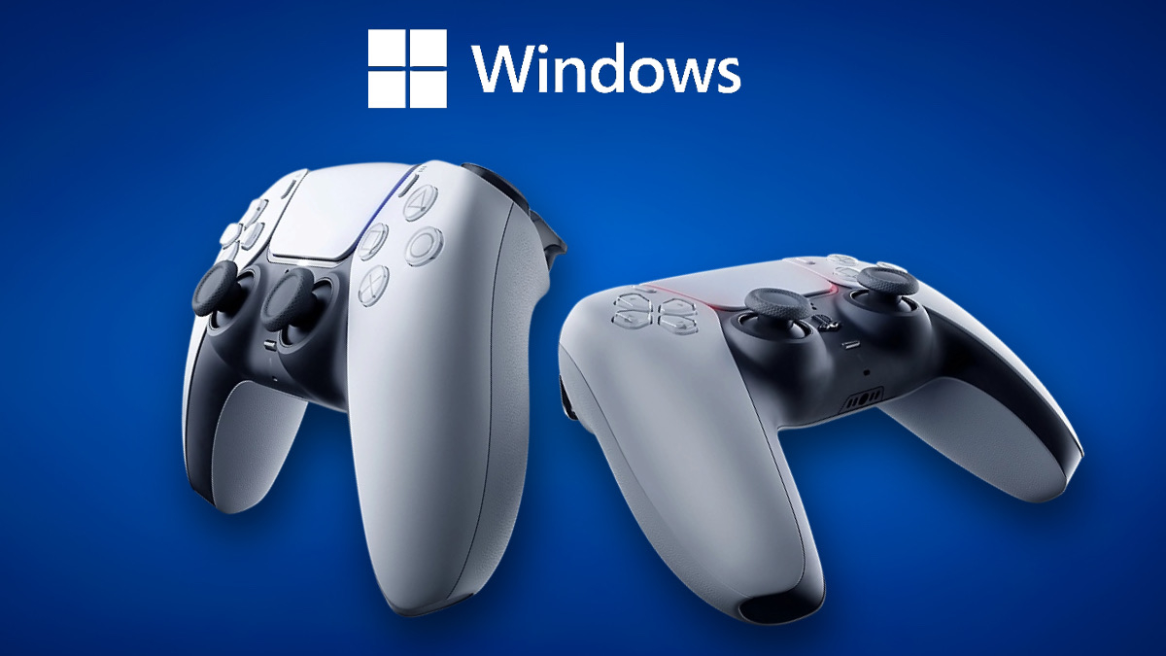
- Microsoft GameInput SDK 3.5 introduces a new companion helper for PS5's DualSense and DualSense Edge controllers.
- The update lets PC developers tap into DualSense features like adaptive triggers, the RGB light bar, player LEDs, and more.
- However, this does not add system-wide native support for the PS5 DualSense controller on Windows.
Microsoft has released GameInput version 3.5 on PC, introducing support for Sony’s PlayStation 5 DualSense and DualSense Edge controllers on Windows. This update lets PC developers access DualSense’s landmark features, including the RGB light bar, adaptive triggers, and more such functionalities.
Microsoft GameInput 3.5 Expands DualSense Support for PC Developers
To begin, GameInput 3.5 allows developers to tweak adaptive trigger sensitivity, weapon feedback, and vibration effects, and enable player LEDs and the microphone mute LED. This could give PC developers more opportunities to replicate the kind of DualSense integration as seen in PlayStation titles like Saros and Ghost of Yotei.
According to Microsoft GameInput’s GitHub, here’s a list of all the new controls added with the latest 3.5 version:
- Added support for Agility SDK style side-by-side deployment.
- Added support for XInput and background GIP raw device reports.
- Added companion header for PlayStation 5 DualSense features
- Updated public header and static library (lib) license to MIT.
- Fixed issues with input loss after suspend/resume on Xbox.
- Fixed missing display names for input devices on Xbox.
- Fixed PlayStation®5 DualSense Edge® input duplication for some Windows.Gaming.Input games.
- Stability and performance improvements.
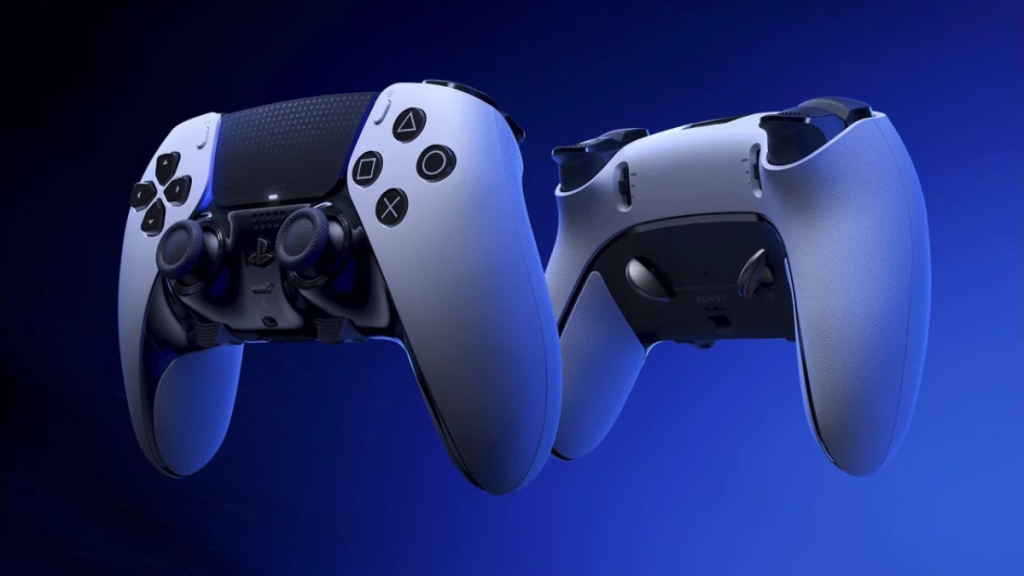
Microsoft GameInput 3.5 does not add system-wide native support for the PS5 DualSense controller. Instead, developers can use Microsoft’s new companion header to communicate with the controller through GameInput and send the required output data.
For now, the implementation is built around USB-format reports, while Microsoft has not indicated that the same functionality works over Bluetooth. GameInput 3.5 also addresses the DualSense Edge’s duplicated input problem, as seen in select Windows.Gaming.Input games.
This isn’t Microsoft’s first attempt to bring DualSense functionality to GameInput. Earlier versions added advanced haptics while GameInput 3.3 introduced gyroscope support.
The 3.5 version builds on those capabilities by giving developers a dedicated helper for sending DualSense output commands to implement features such as adaptive triggers, haptics, and controller lighting in future PC games.
This should make it easier for PC developers to take advantage of the DualSense controller features. That said, Microsoft has been busy not only in the PC gaming space, but also on its own platform.
Recently, Xbox rolled out customizable startup screens for Insiders and introduced the new Xbox Disc-to-Digital feature. So, what do you think about Microsoft GameInput 3.5? Tell us in the comments section below.






 Bipradeep Biswas