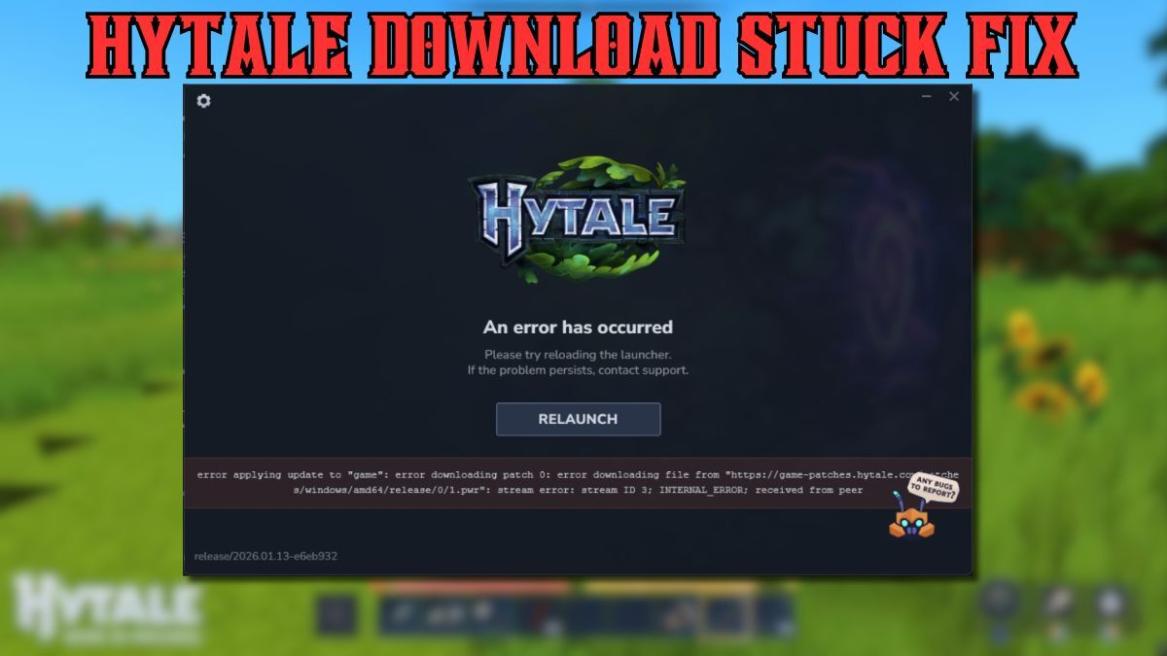
- The Hytale download stuck error is caused by server overload during launch.
- Relaunching or restarting the client often resumes the download.
- If nothing works, waiting it out is the safest fix.
Minecraft’s ultimate survival sandbox competitor, Hytale, is here, and with many players trying to join, it has already struck the error wall. Players who are trying to download the game or install the client are heading into an error message saying, “error applying update to game.” In this guide, learn how to fix the Hytale download stuck error.
What Is Hytale Download Stuck Error?
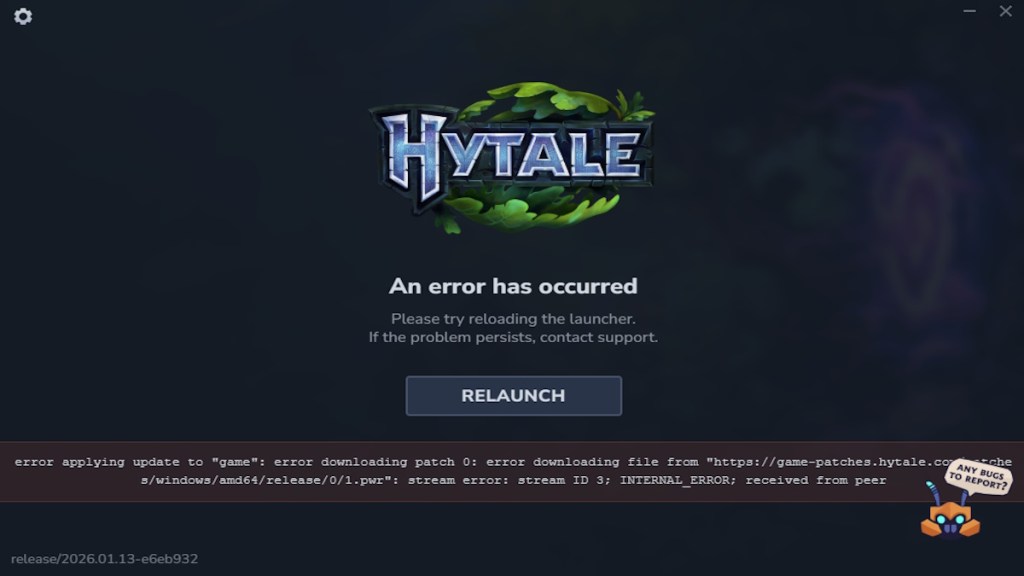
While downloading Hytale on release, players are heading into a known error. According to the error, it is a patching error. The full error message says, “error applying to game; error downloading patch 0; error downloading file….” This installation error is happening due to the Hytale server overload.

How to Fix Hytale Download Stuck Error
If you are also heading into this Hytale download stuck error, here is how you can patch it up:
- Relaunch: There is a relaunch button you can use to restart the installation right away. Do it a few times, and the download will continue.
- Restart the client: Close the Hytale client and run it again to check if the installation is fixed.
- Check internet connection: Many times, the internet you are using blocks the download on your device. So, make sure your internet is running properly.
- Wait for developers to fix it: For many players, the Hytale server is already live. So, wait for the developers to fix the error, and your Hytale download will continue.
How to Fix Hytale Verification Email Not Sending
Some players are also facing the email not sending error in Hytale while creating an account. If you are not getting Hytale email verification, you are far from alone right now. The main reason the Hytale email not sending issue is happening comes down to overloaded servers struggling to keep up with demand.
With huge numbers of players trying to buy and verify accounts at the same time, emails are getting stuck in a backlog. This problem is separate from the game servers themselves, which are otherwise running as expected. If you are not getting Hytale email messages, the best option is to wait, keep checking spam folders, and request a new verification after some time. The email will arrive eventually, but patience is the only real fix for now.
And that is how you can fix the Hytale download stuck error. Are you already in the game? Let us know in the comments.
The Hytale download stuck error happens due to server overload at launch, which causes a patching failure during installation. You can usually fix it by relaunching the installer, restarting the client, checking your internet connection, or waiting for the servers to stabilize.
No, the Hytale download stuck error is temporary and tied to launch traffic, and most players are able to install the game once servers stabilize or after a few retries.