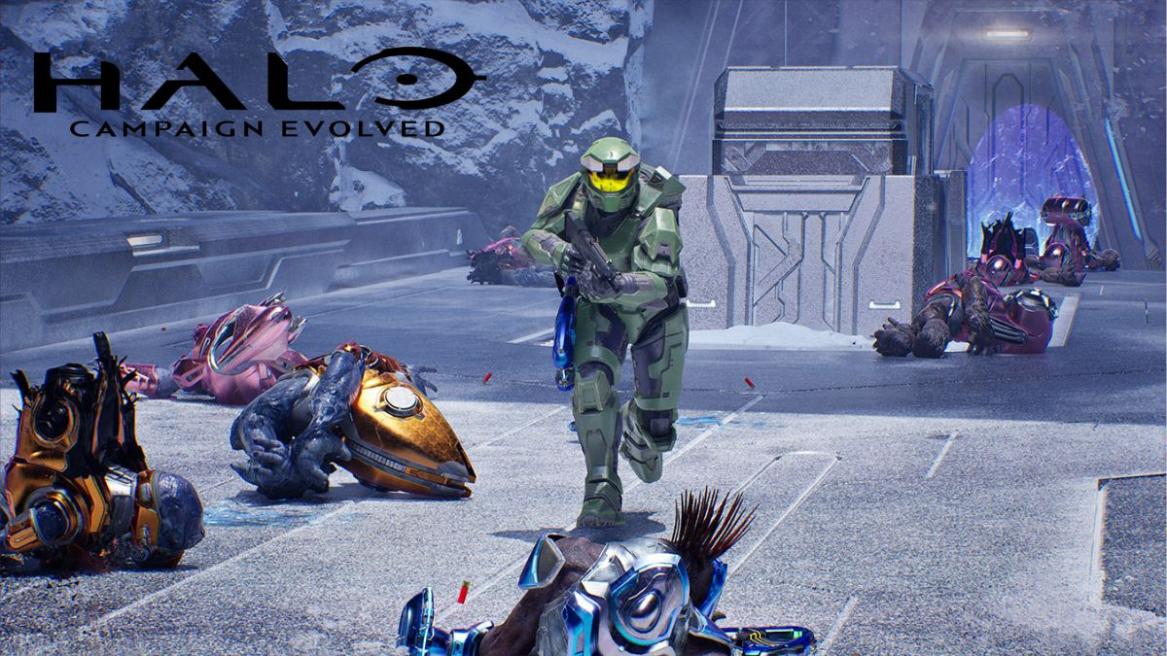
- Players can switch the player camera to third-person in Halo Campaign Evolved.
- To do so, players will need to find the Perspective skull in the spaceship's cockpit area in the first mission.
- Then, players can switch to the third-person camera mode by enabling the Perspective skull in the select skull menu.
When Halo Studios introduced a third-person camera mode in Halo: Infinite, it quickly became a fan-favorite feature. Therefore, the developers have once again added a third-person camera mode in the latest remake, Halo Campaign Evolved. Unlike its predecessor, the new camera mode isn’t available from the get-go. So, here is how to unlock third-person in Halo Campaign Evolved.
How to Enable Third-Person Camera in Halo Campaign Evolved
If you are wondering how to unlock the third-person camera mode in Halo Campaign Evolved, you can unlock the new camera feature in the first main mission right away. All you need to do is collect the ‘Perspective’ skull during the Pillar of Autumn main mission.
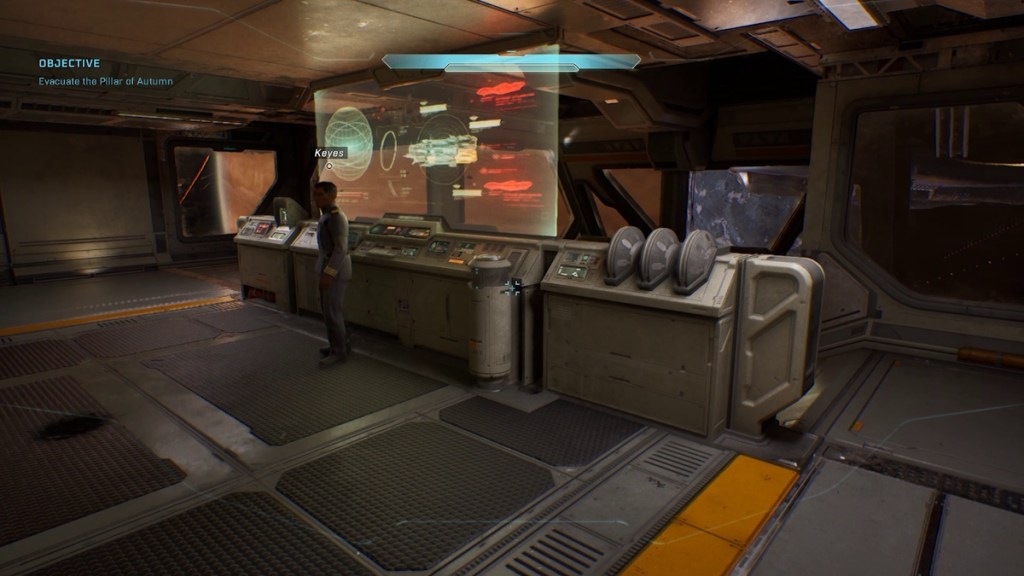
During this mission, Captain Keyes will hand over Cortana to Master Chief. Once the cutscene ends, follow these steps to get the Perspective skull in the game:
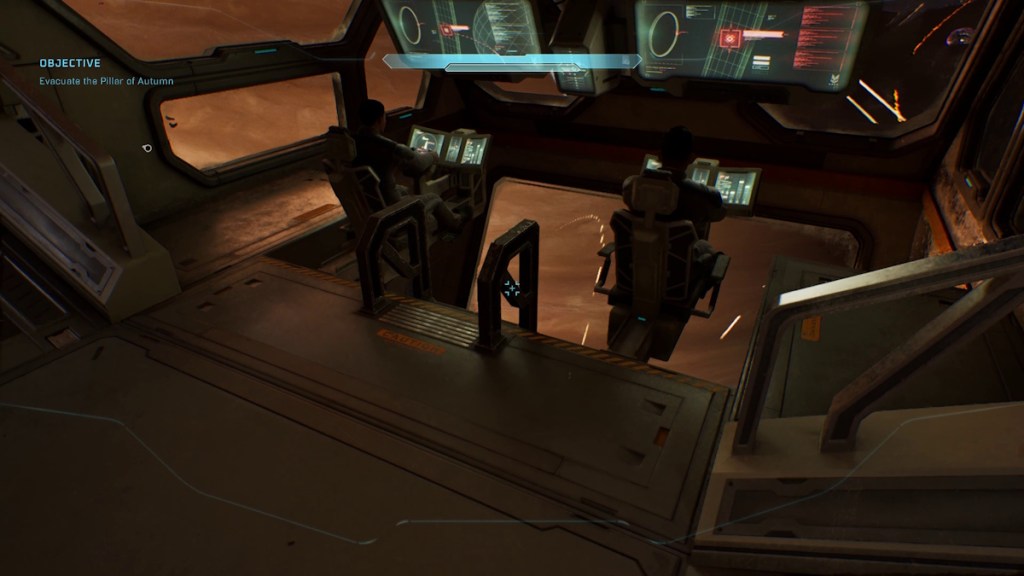
- Head to the cockpit area where you can see two pilots.
- Either use the ladder or fall into the pit area below the pilots.
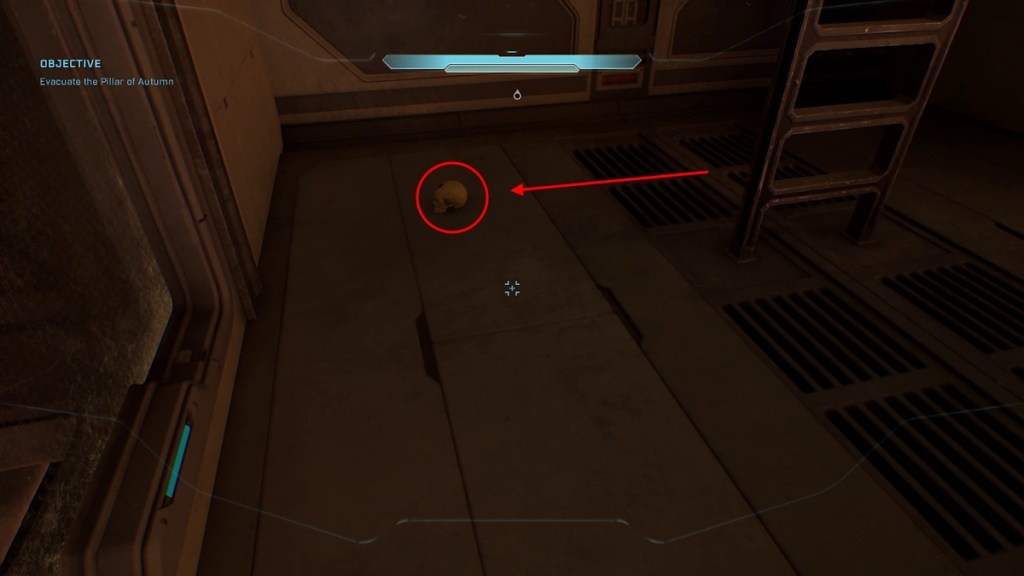
- Now you can find the Perspective skull lying on the ground to the left of the ladder.
- Pick up the skull, and you’ll be able to see the third-person camera symbol on top of the skull.
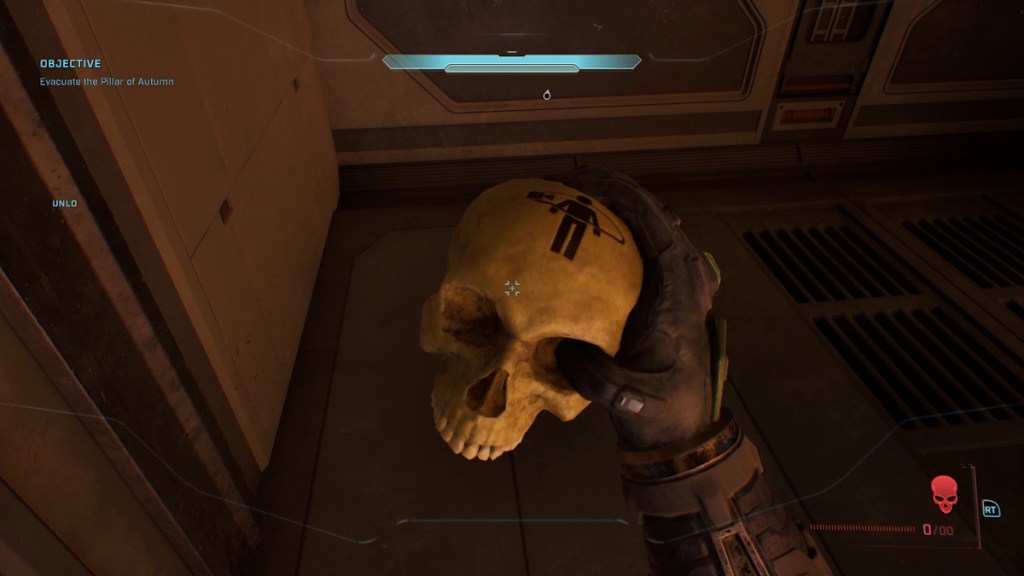
How to Switch Camera in Halo Campaign Evolved
Now that you have learned how to unlock the third person in Halo Campaign Evolved, it’s time to learn how to switch the camera mode in the game. In case you didn’t know, the game doesn’t automatically switch to the third-person camera mode once you have picked up the Perspective skull in Halo Campaign Evolved.
Instead, you have to switch the camera mode manually at the beginning of the game, and here is how to do it in the remake:
- As you start a new mission or resume the ongoing one, you will be prompted to select Skulls.
- Look for the Perspective skull among all the other collectibles.
- Then select the Perspective skull here to change the player camera to third-person.
- Voilà, now you can play Halo Campaign Evolved in complete third-person camera mode.

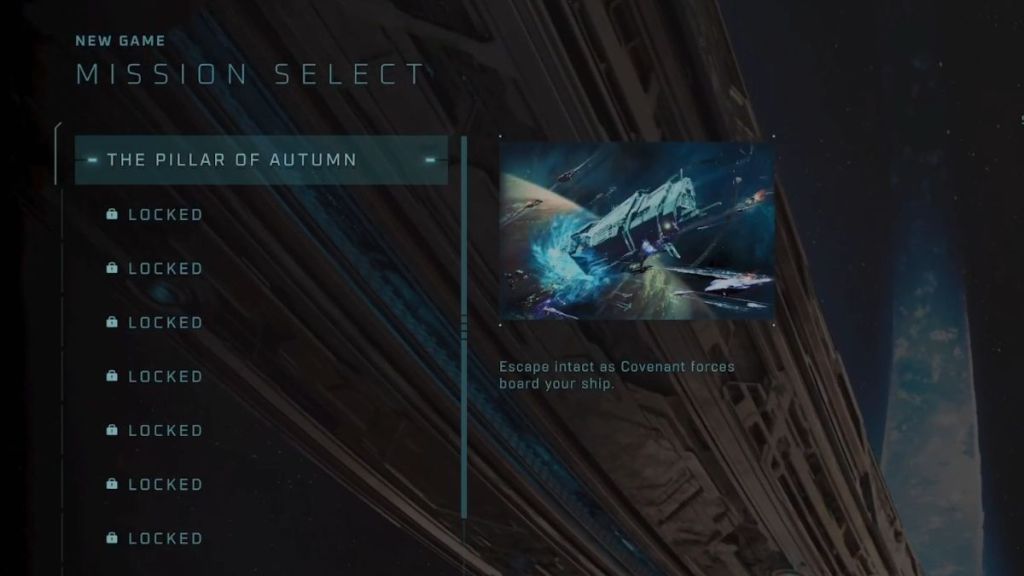
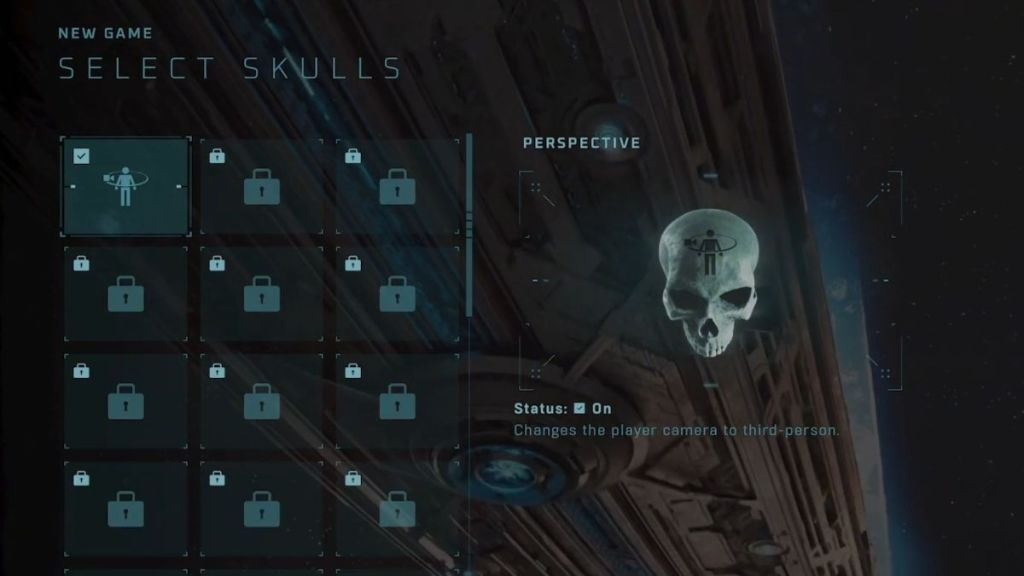
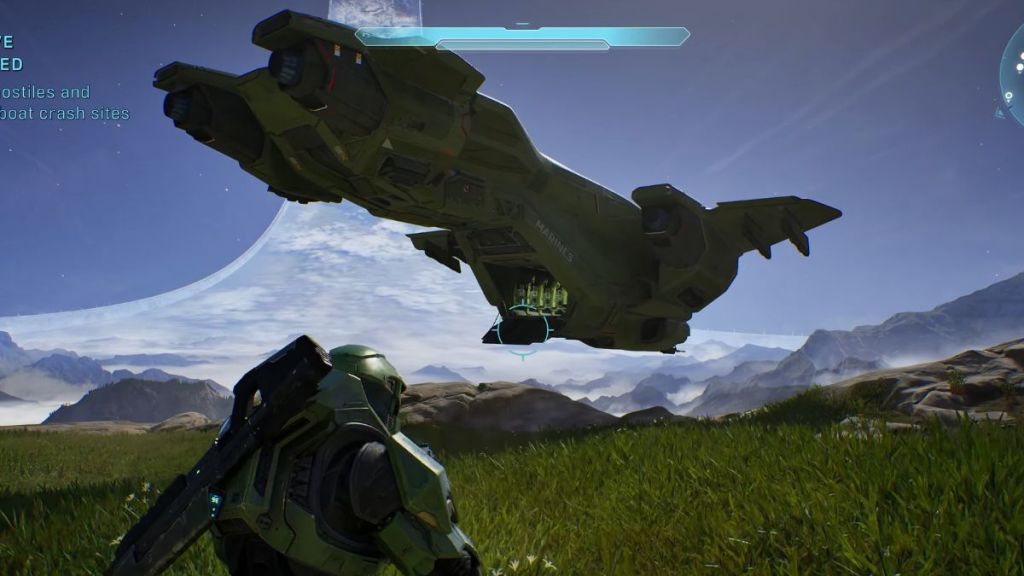
After years of playing as Master Chief in first-person camera mode, the third-person camera mode is a refreshing experience. While you are here, check out the Halo Campaign Evolved Trophy guide to unlock all the trophies and achievements in the game.
Are you currently playing Halo Campaign Evolved in first-person or third-person camera mode? Let us know in the comments below.
You can play Halo Campaign Evolved in both first-person and third-person camera modes. However, you need to unlock third-person view by collecting the Perspective skull in the game.
Yes, you can play Halo Campaign Evolved in third-person by enabling the Perspective Skull modifier in the Select Skull menu.
You can switch to the 3rd-person mode in Halo Campaign Evolved by selecting the Perspective Skull modifier in the Select Skull menu before you begin playing a mission.