-
- Fortnite players on PS4, PS5, Xbox One, or Xbox Series X/S can use the split-screen co-op mode.
- To play Fortnite on split screen mode, join a duos or squads lobby, connect the second controller, hold X on PlayStation, A on Xbox, and start matchmaking.
- You cannot play Ranked, Creative, or Limited Time events on a split screen, and the inventory will not be shared.
Fortnite, like everything else in life, is more fun when you play it with your friends. Although the best way to play with friends is by partying up, split screen is another option. So, if you are looking to take part in the Fortnite Lantern Fest 2026 with your couch buddy, learn how to play split screen on Fortnite right here.
How to Play Split Screen in Fortnite: Check Requirements
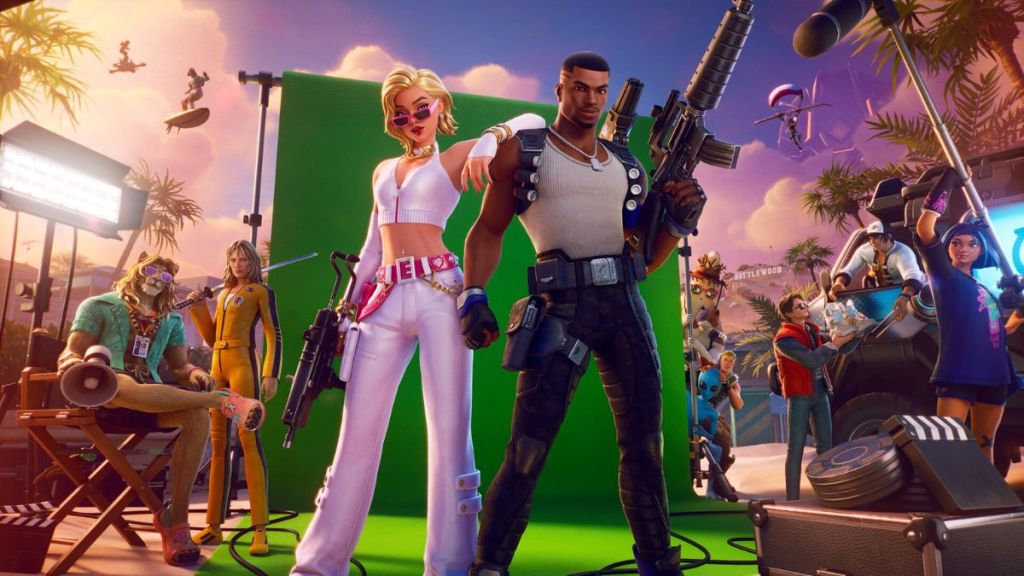
There are some important things you must know about the Fortnite split screen mode before we jump to the steps. For starters, split screen is only available on select consoles. You can play split screen only on PS4, PS5, Xbox One, or Xbox Series X/S. If you are on PC, Android, iOS, or Nintendo Switch, you cannot use the split-screen mode.
Moreover, you cannot share inventory in a split screen mode. So, no sharing Power Rangers Dino Thunder skins for your friend unless they own one in their account. Both you and your friend will be using individual accounts, as it works like a party game. Furthermore, the lobby and other menus will also not be available in split screen mode. This means you will only see the split screen when a match starts.
Note: Playing Fortnite split screen will disable 120 FPS on both PS5 and Xbox, capping the game at 60 FPS for both players.
Which Fortnite Modes Support Split Screen in 2026?
Fortnite split screen is only available in the Battle Royale, Zero Build, and LEGO Fortnite modes. This means you cannot play any Fortnite Reload or Blitz Royale matches with your couch teammate. It is important to remember that you cannot play split-screen Ranked. This means you cannot climb the Fortnite Ranks with your duo either. Additionally, it is also possible to Creative maps in split-screen mode. However, the map owner needs to have specific permissions enabled for you to do so.
How to Use Split Screen Mode in Fortnite
With the important things out of the way, follow the easy steps below to play with split-screen mode, whether you are on Xbox or PlayStation:
- To begin the process, first, open Fortnite and join a Duos or a Squads lobby.
- Connect the second controller and use the PlayStation button or Xbox button to turn it on.
- Select the new user from the user profiles and sign in to it.
- In the Fortnite lobby, hold the [P2] LOG IN (HOLD) button on the second controller (X on PlayStation, A on Xbox).
- You will see the second player in the lobby, and once the game loads, you will be able to play Fortnite on a split screen.


That is how you can play Fortnite split screen on PlayStation or Xbox consoles. Have you tried the split-screen mode yet? Share your experience in the comments below.
No, you cannot play split screen Fortnite on PC and Switch, as it is only available on PlayStation and Xbox.
No, the split screen option is not available for Ranked modes. Players have to play solo if they want to climb the Fortnite ranks.
Yes, you need two separate accounts (one for each player) signed in to your console to play Battle Royale in split screen mode.


 Rishabh Sabarwal
 Matthew Wilkins