If you run a business or are trying to build a brand, then you must understand the importance of a logo. It is the backbone of your marketing and how people will come to recognize your trade. Therefore, it is crucial to get the logo right. While traditional methods can be costly, there are numerous AI logo generators that can accomplish the task for free. So join us, as I take you through the best AI logo generators that I have tried and tested in 2026.
Best AI Logo Generators Compared
If you are in a rush and need a quick answer, then here are the best AI logo generators that I have tested in 2026, their use case, limitations, and pricing, all ranked right below.
| AI Logo Generator | Best Suited for | Limitations | Pricing |
|---|---|---|---|
| Brandmark | Hassle-free clean and polished logos and ready-made brand kit mockups | Buying a single logo could seem expensive for small businesses | Basic option starts at $35/per logo |
| Logomaster.ai | Fast and professional style logos | Limited creativity in logo designing | Basic one-time fee is $12.1 |
| BrandCrowd | Small businesses looking to set up their digital identity | Not suitable for brands that want an unconventional style | Premium plan costs $9/month |
| Trailor Brands | Companies want end-to-end branding solution | Not ideal if you want a one-time logo | Basic option available for $9.99 |
| LogoAI | Safe and professional looking logos | Generic-looking icons | Basic one-time purchase costs $29 |
| Google Gemini Nano Banana Pro | Creators looking for flexibility and highly personalized logo | Quality of logo depends on prompt | Free to use |
| Designs AI | Quick and easy-to-make logos | Basic in approach, does not rely on AI for more creative approach | Basic plan starts at $29 |
| Looka | Polished logos and ready made brand assets | Limited creative freedom in logo designing | Low-res logo starts at $20 |
Overview of the Best AI Logo Generators
To help you make a wise decision, I have personally tested all these tools by creating some custom logos for my own hypothetical business, listing down their pros and cons, prices, and any special advantages that they offer. So get your moodboard by your side, and let’s check out these options.
1. Brandmark
First on the list is Brandmark, one of the best AI logo generators, which encompasses a beautiful website design as a precursor to what you can expect. Users only need to provide basic brand details and choose from a color palette. Within a few seconds, it outputs a variety of beautiful designs that look pretty cool. The logos vary in colors, but you can always experiment with your entered details to get even more AI-generated logos.
However, the most beautiful part is that Brandmark shows you detailed mockups of your logo on different products to show how it will look. To get your logo, you must pay $35 for basic or shell out $195 for full enterprise use. It’s a bit expensive, but Brandmark is one hell of an AI logo generator.
| Pros | Cons |
|---|---|
| Create a logo in few simple steps | Buying a single logo is quite expensive |
| Plenty of fonts, colors, themes to pick from | |
| Shows mockups of logo on different items | |
| Shows various styles to choose from |
Pricing: Basic option starts at $35/per logo
2. Logomaster.ai
Logomaster.ai is a great platform to get a perfect logo for your business in a few seconds. It’s beginner-friendly, attempts to understand your idea behind the logo, and features selective but useful options to tweak the logo just the way you want it. It can generate a generous number of mockups for the logo so you can go with the exact style that’s on your mind.
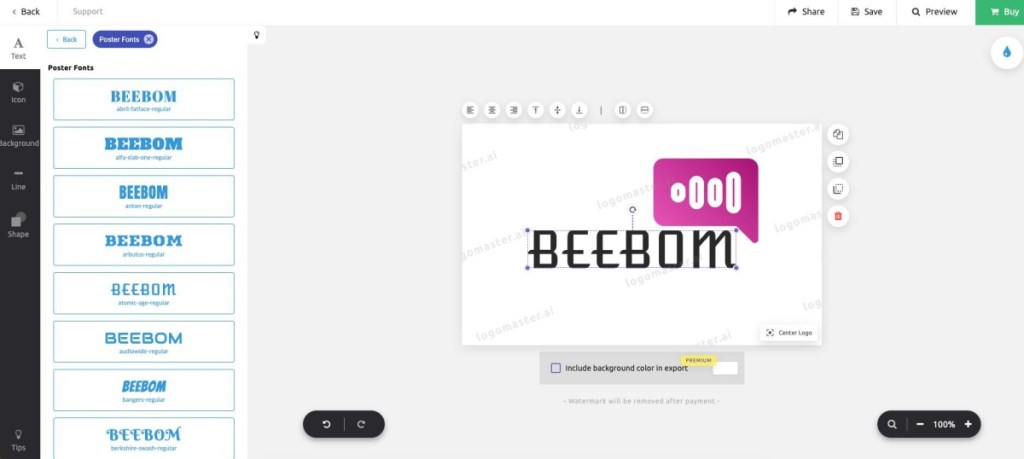
In my testing, I found that it is not as creative as Brandmaster when it comes to creating a logo. Like you cannot suggest it to use only the initial of the company. This can be off-putting for some users. That said, its creations and handy customizations make it a really useful option for people wanting a quick and easy AI logo generator.
| Pros | Cons |
|---|---|
| Let’s you create logo in 5 simple steps | Not quite as creative when it comes to logo designing |
| Creates a generous number of variations | Does not feature an option to use initials |
| Handy customization options | |
| Tons of custom icons to pick from |
Pricing: Basic one-time fee is $12.1
3. BrandCrowd
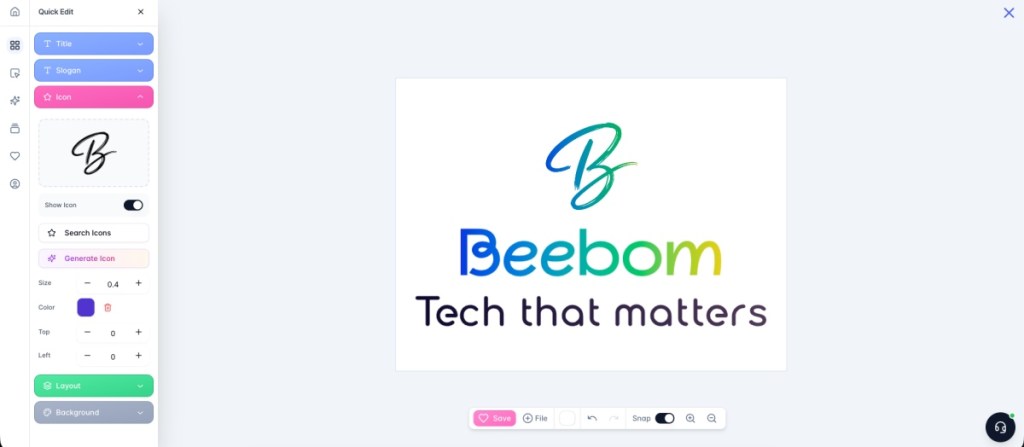
BrandCrowd is not just an AI logo generator; it’s an all-in-one platform, handling everything from business cards, social media pages and posts, website building, posters, t-shirts, and everything in between. But I especially enjoyed its logo creator, as it produces some clean and attractive logos for your brand, and lets you personalize them to match your vision.
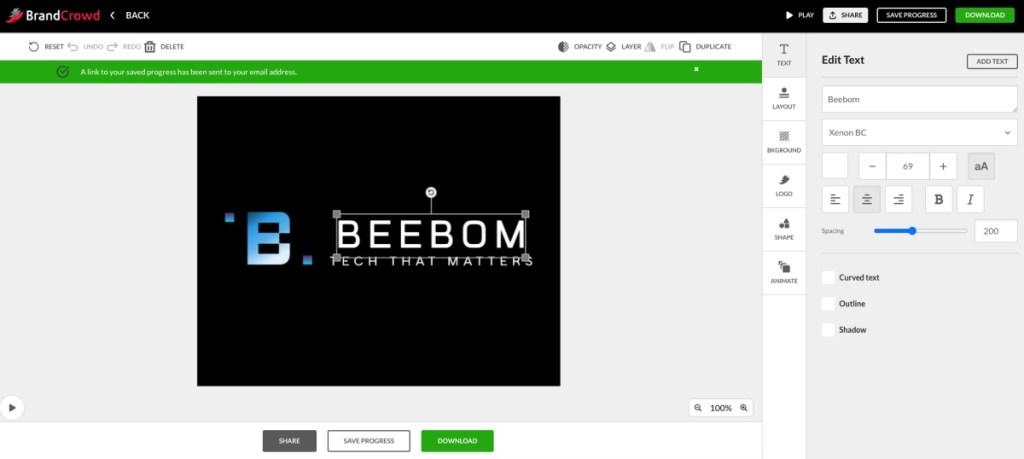
It even allows you to add animations, change the color, orientation, and other small features of the logo, text, background, and even the tagline. Plus, it can also do mockups for media kits if you are interested. The setup process is also pretty straightforward, but beginners could struggle with further editing their logo.
| Pros | Cons |
|---|---|
| Quick and intuitive logo generation | Has a learning curve for its editing options |
| Large variety of logo concepts | |
| Lots of useful editing options | |
| All-in-one digital business building platform |
Pricing: Premium plan costs $9/month
4. Tailor Brands
Tailor Brands is one of the only AI logo generators that tries to personalize your logo and design even more to your taste. And to be fair, their font database is appealing. However, it also adds on a few elements we liked. For starters, Tailor Brands is one of the only AI generators that let you choose from a vast selection of font styles. Furthermore, the AI logo generator also requests the user to describe their company briefly for the AI to get a better sense of what it’s creating.
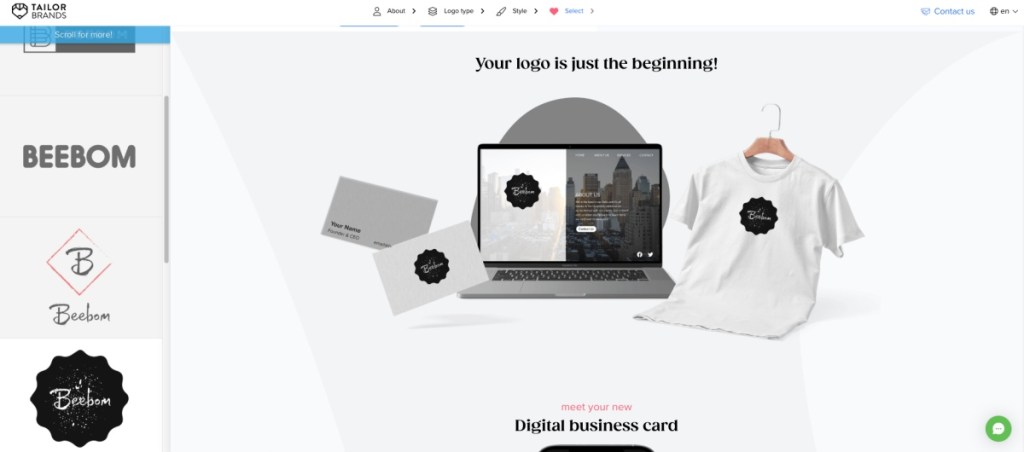
Once done, the generator dishes out a few designs that show appealing mockups. The high-quality logo files start with a subscription plan that costs $48 annually or $9.99 monthly. Don’t worry, though, as the company promises you get to keep your design after the plan expires.
| Pros | Cons |
|---|---|
| All in one branding tool | Logo creation itself is not too flexible |
| Simple and great for beginners | |
| Creates brand kits and social media assets too | |
| Basic plan is quite affordable |
Pricing: Basic option available for $9.99
5. LogoAI
LogoAI is an intelligent AI engine that claims not only to understand the logo data, but also the best design practices for a unique design. Since your use case may vary from personal to commercial, this AI logo generator supports all needs. The logo generator starts by asking about your design requirements, including your product/service name and an optional slogan. You must then provide optional details like your industry, color scheme, and font style.
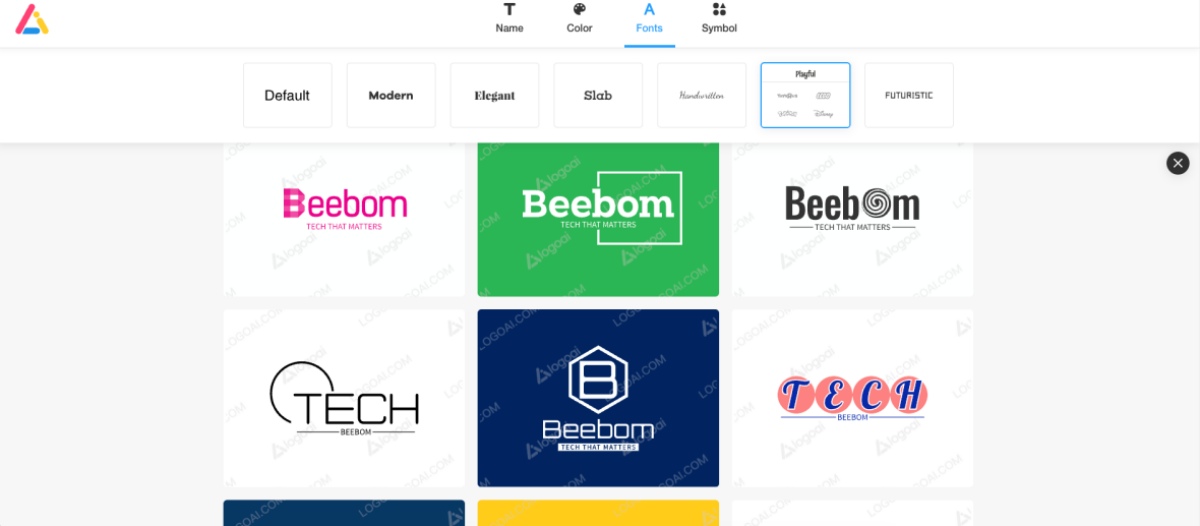
For your convenience, logoAI even shows famous companies that adopt a similar manner. The output logos are a good mix and can be edited further. The customization options are limited, but the results are pretty unique and eye-catching. If you are thinking about getting a modern logo for your brand or updating your current one, then you must try LogoAI.
| Pros | Cons |
|---|---|
| Creates unique and modern logos | Barebones customization options |
| Pick from logos inspired by other popular brands | One time purchase is quite pricey |
| Quick and simple setup process | |
| Can pick from a number of different styles |
Pricing: Basic one-time purchase costs $29
6. Gemini Nano Banana Pro
While we have taken a look at some dedicated AI logo generators, Google’s Gemini Nano Banana Pro is another great option to create a unique and stylized logo for your company. It has already made its name in several trends, and it can sure as heck make one damn good logo. I tested it by sharing the same details as other logo generators, and the output turned out to be quite good.
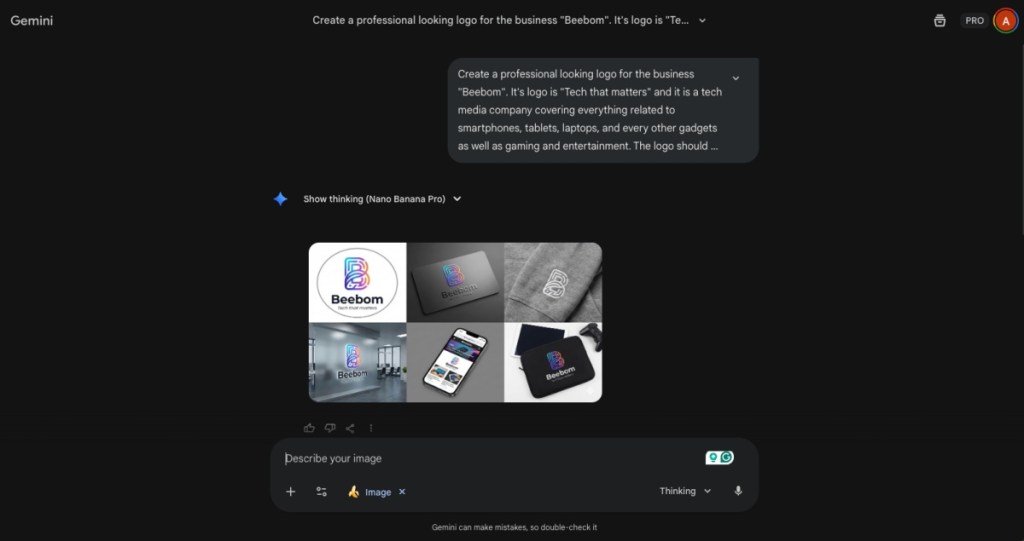
You can suggest further notes for more refinements, and even ask it to create mockups for the media kit, as I have done here. The best part is that it is a free AI logo generator, since there is no charge for downloading the generated logo from Gemini. However, the only downside is the fact that there are no customization options, as seen in other logo creation tools.
| Pros | Cons |
|---|---|
| Strong understanding of nuanced text prompts | No customization like other logo tools |
| Can generate high quality logos | Quality of logo depends on the prompt |
| Shows mockups and multiple iterations if asked | |
| Allows you to download logo for free |
Pricing: Free to use
7. Designs AI
Designs AI packs a neat design with a smart and interactive AI logo generator. Like many other tools in this list, it is basic in its approach, as it asks about your company name, tagline, colors, and the icon to go with it. However, I feel it rarely justifies the AI tag in its name, since it only allows you to pick from preselected options, and there is barely any generation happening here.
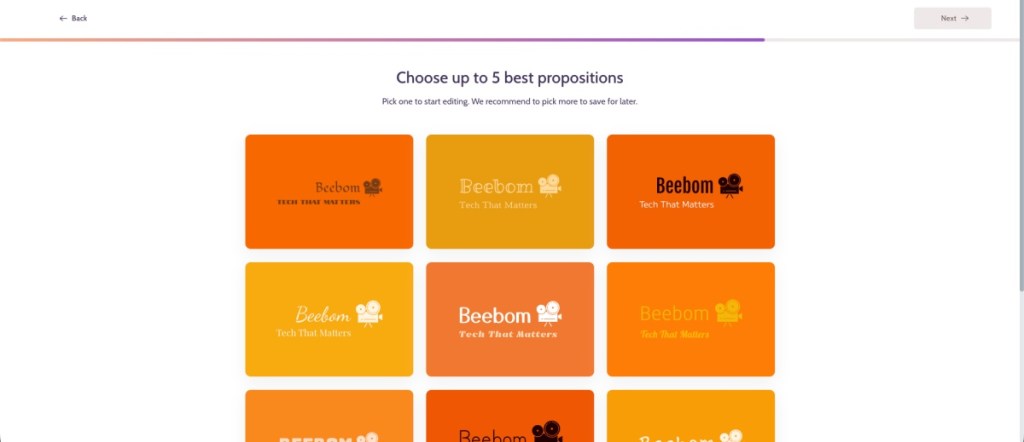
It’s not something like you can’t make up in MS Paint or Canva, for that matter. However, it still takes longer to generate a logo than other logo generators in this list. While I do like the collection of fonts, icons, and styles provided here, the fact that there are limited customization options is why I have ranked Designs AI so low.
| Pros | Cons |
|---|---|
| Features clean and modern logo styles | Logos feel generic with limited options |
| Built in customization for fonts, colors and icons | Cannot design a custom logo using AI |
| Easy to use, design a logo in minutes | Limited customization options |
Pricing: Basic plan starts at $29
8. Looka
Our last AI logo generator on the list is Looka, a no-nonsense, easy-to-use tool that creates some beautiful designs. Looka works using your own inputs to give you the desired output. However, like some other tools, Looka doesn’t let users choose from font styles, so if that’s a priority for you might want to go with the other AI logo generators.
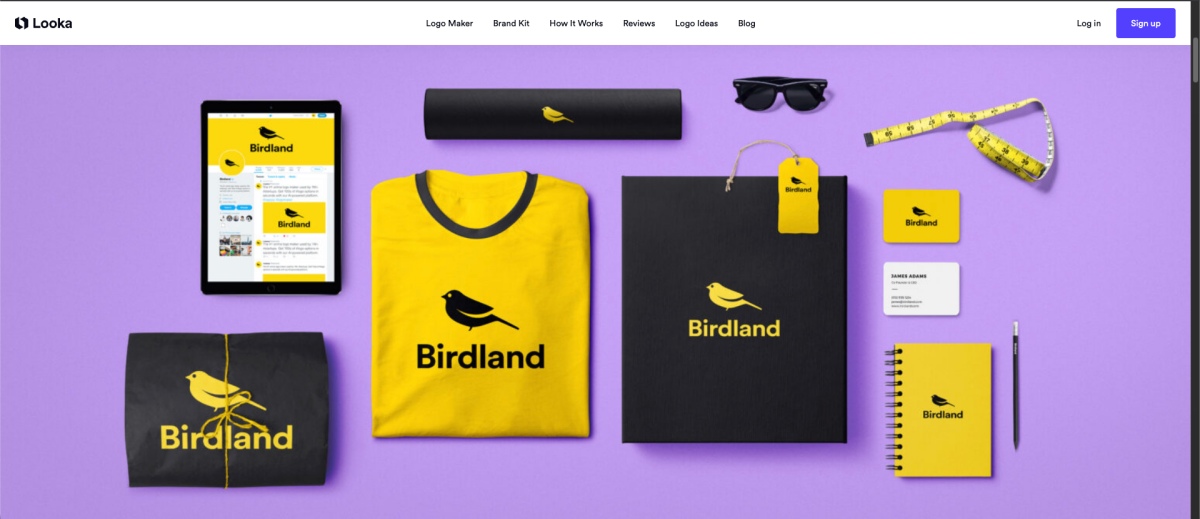
However, Looka does allow considerably more customization, as you can tinker with almost every element in the logo design. This includes things like the background, name, palette, container, and even the full layout. Looka offers its logos in a variety of price formats. You can get the low-res logo package for $20 or get the brand kit subscription for $96 per year.
| Pros | Cons |
|---|---|
| Professional-looking logo designs | Limited creative freedom besides preset options |
| Includes full brand kits | Logos can seem similar |
| Easy-to-use logo editing tool | |
| Good amount of customization options |
Pricing: Low-res logo starts at $20
So these were the best AI logo generators that I have found and tested on my own. Given the fact that there are so many AI art generators and other free AI tools available out there, it can be confusing to pick the one that actually offers consistent results. Therefore, I hope you found this list helpful and in case I missed out on anything, then let me know in the comments below.