- Crimson Desert preload went live on March 17 at 3:00 PM PDT across PC, PS5, and Xbox Series X/S.
- To preload Crimson Desert, players must first pre-order any of its editions.
- Preloading the game lets players download its files ahead of its official release date.
Crimson Desert is only days away from releasing, and it is appearing to be one of the biggest titles this year. Cannot wait for the game to release and already want to install it? The Crimson Desert preload is set to go live soon, which means you will be able to install the game and get it ready for the launch date. Follow our complete Crimson Desert preload guide here and learn how to do it.
Crimson Desert Preload Start Date and Time
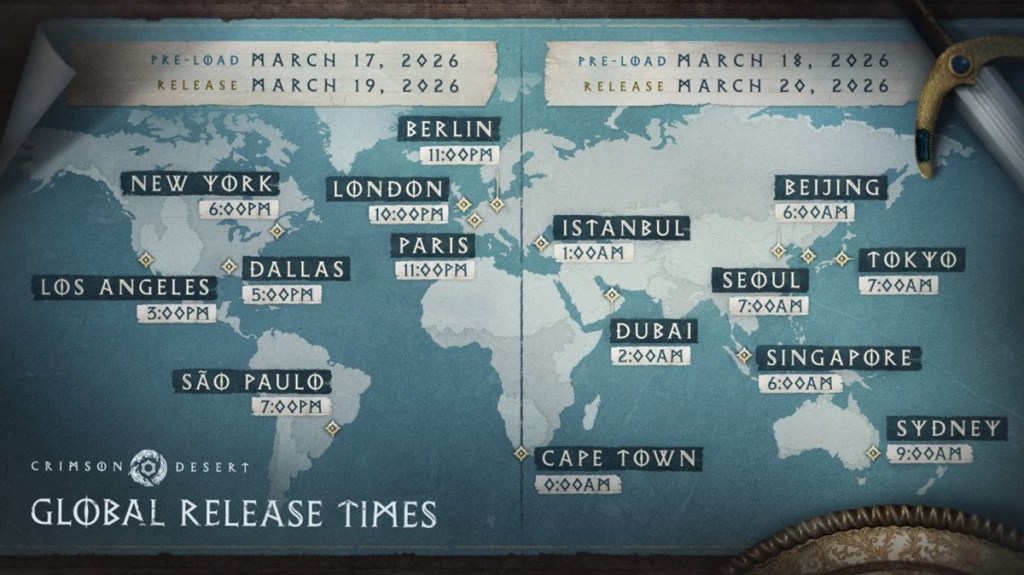
Crimson Desert’s preload has gone live on March 17 at 3:00 PM PDT. The game is set to release on March 19, 2026, so its preload goes live 48 hours before release. Once the preload is officially announced by Pearl Abyss, we will update its information here. Here are the Crimson Desert preload dates and times for major cities around the world:
- US (EAST): 3:00 PM PDT on March 17
- US (WEST): 6:00 PM EDT on March 17
- Brazil: 7:00 PM GMT-3 on March 17
- UK: 10:00 PM GMT on March 17
- Germany: 11:00 PM CET on March 17
- France: 11:00 PM CET on March 17
- South Africa: 12:00 AM SAST on March 18
- Turkey: 1:00 AM TRT on March 18
- Russia: 1:00 AM MSK on March 18
- UAE: 2:00 AM GST on March 18
- India: 3:30 AM IST on March 18
- Singapore: 6:00 AM SST on March 18
- Philippines: 6:00 AM PST on March 18
- China: 6:00 AM CST on March 18
- South Korea: 7:00 AM KST on March 18
- Japan: 7:00 AM JST on March 18
- Australia: 9:00 AM AEDT on March 18
- New Zealand: 11:00 AM NZDT on March 18
Crimson Desert Game Download Size
When it comes to the Crimson Desert preload size, the download size is 123.38 GB for PC and Mac, 123.38 GB on PlayStation 5 and Pro, and 120.98 GB for Xbox Series X/S . Crimson Desert system requirements clearly specify that you need at least 150 GB of free space to install the game. Here are the Crimson Desert preload sizes for all platforms:
| Platform | Download Size |
|---|---|
| PC | 123.38 GB |
| Mac | 123.38 GB |
| PlayStation 5 | 123.38 GB |
| PlayStation 5 Pro | 123.38 GB |
| Xbox Series X | 120.98 GB |
| Xbox Series S | 120.98 GB |
How to Preload Crimson Desert on PC
- Launch Steam/Epic Games Store and open Crimson Desert’s store page. Here is the Crimson Desert Steam store page for easier access.
- Make sure to pre-purchase the game first and wait for the preload to go live.
- After the preload is live, open it in your game library.
- Select the pre-download option to start downloading the game.

How to Preload Crimson Desert on PS5
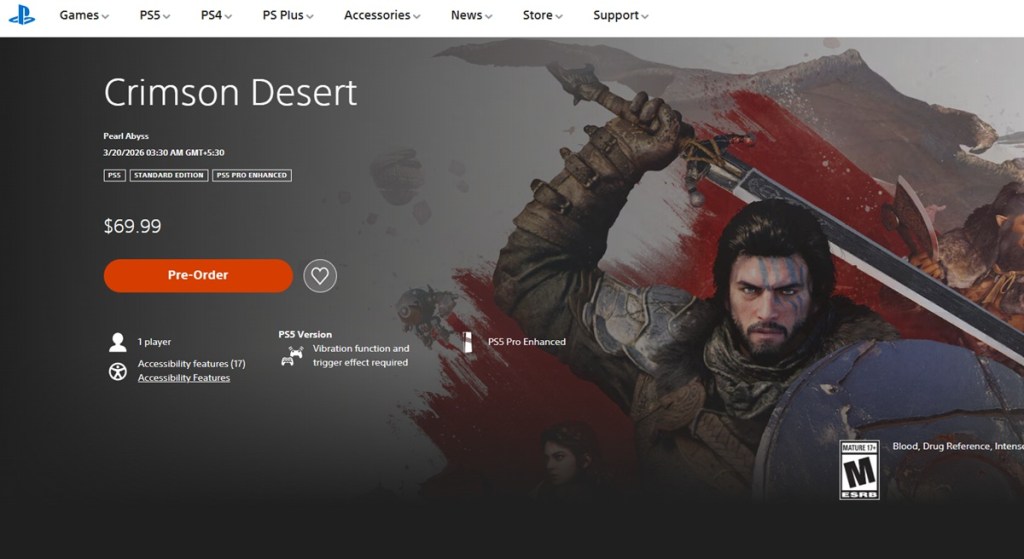
- Open the Crimson Desert PlayStation store page.
- Pre-purchase the game first and then wait for the preload to go live.
- Head to your Library and locate the Crimson Desert game, and click on the Download option.
- Wait for the game to finish downloading.
How to Preload Crimson Desert on Xbox Series X/S
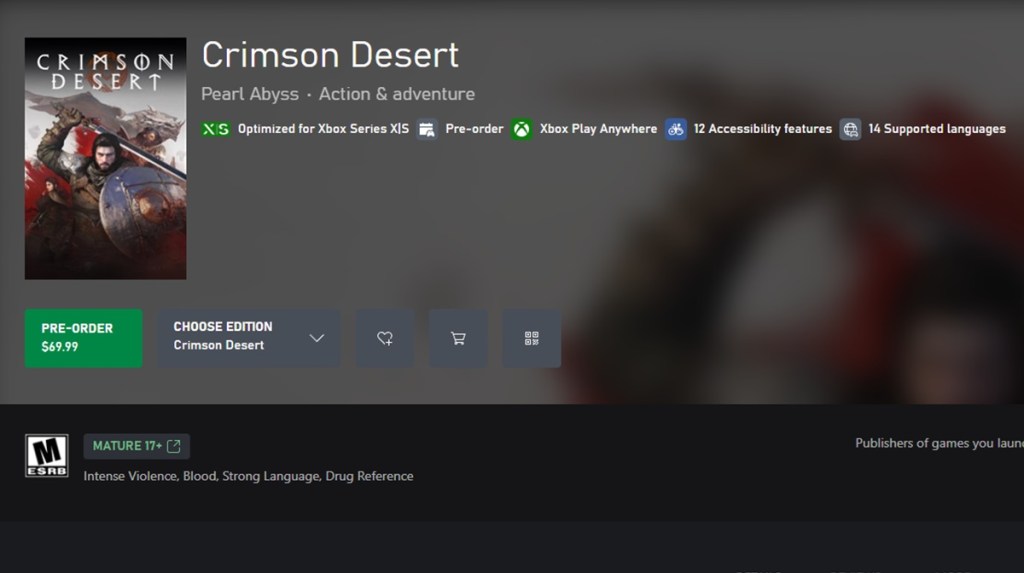
- Launch the Xbox Store and open the Crimson Desert Xbox store page.
- Pre-purchase the game if you haven’t, then select the preload option.
- Wait for the pre-load to finish.
So, that’s it. Now you know how to preload Crimson Desert on PC, PlayStation 5, and Xbox Series X/S. Have any questions? Ask us in the comments below.




 Sanmay Chakrabarti