- Crimson Desert doesn't allow controller players to remap the control buttons at the moment.
- Only Keyboard and Mouse players can rebind their control keys for now.
- If you are playing with a controller on PC, you can use a mod to remap controller buttons.
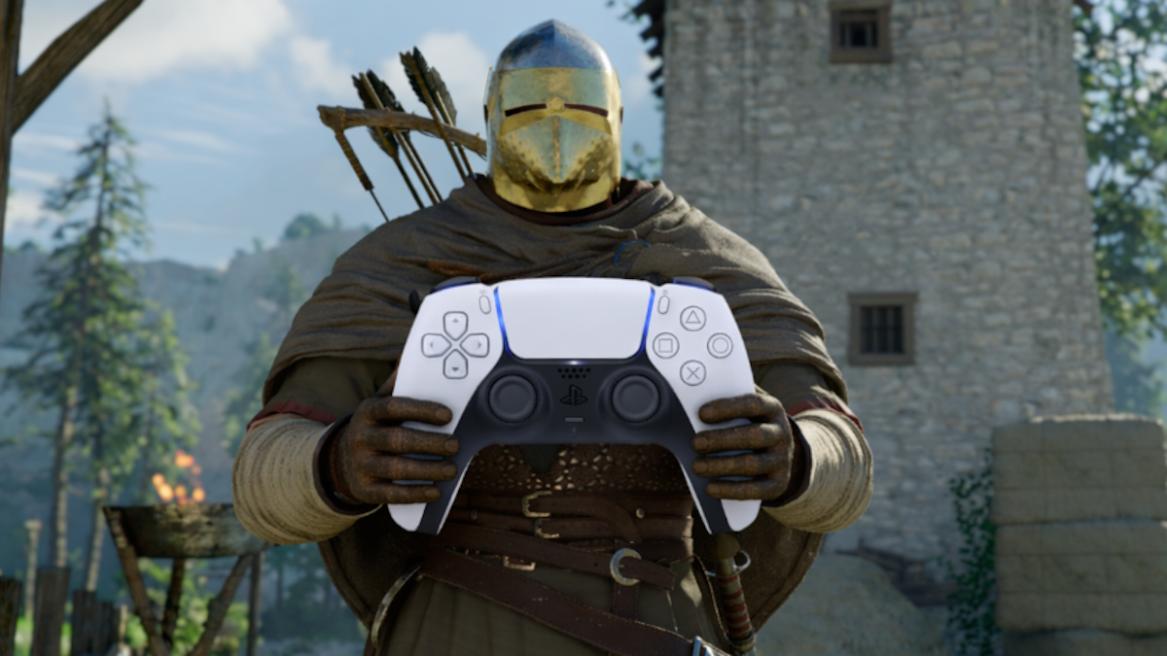
Pearl Abyss’s Crimson Desert is out now after years of anticipation. While gamers praise the title for its visuals, combat, and more, one game aspect that everyone unanimously hates is its controls. It doesn’t matter whether you are playing on PC or console; the controls feel clumsy and overwhelming. If you are playing with a controller, discover more about the control scheme and find out if you can change the controller settings in Crimson Desert.
Remapping Controls in Crimson Desert

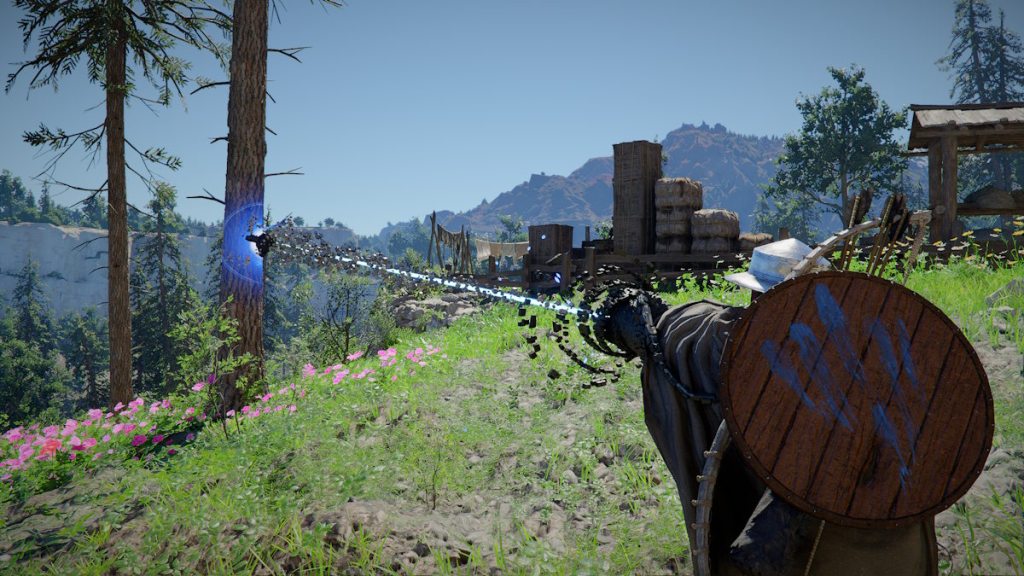
Be it a PlayStation or Xbox controller, there is no way to change the controller settings in Crimson Desert at the time of writing. PC players are allowed to change the shortcuts and input settings under the Input menu; however, you can only bind the keys for Keyboard and Mouse, not a controller at the moment.
Will Powers, Pearl Abyss’s PR and Marketing Director, advised the players earlier to take their time learning the controls, “Think of it like riding a bike, it comes naturally after you learn it. just takes a minute.”
So, it seems like Pearl Abyss has no plans to add an option to let the controller players remap the controls as they wish. If you are a console player, you cannot find any option to change the controls in the settings.
But if you are playing on PC, you are in luck, as modders have already come up with a mod for Crimson Desert that finally allows controller players to freely change their controls. You can check out the Controller Button Remapper mod in Nexus Mods.
Crimson Desert Controller Layout


If you are playing on a controller, here are the controls for both the PlayStation and Xbox controllers for Crimson Desert:
Category Result PlayStation Controller Xbox Controllers Input Action Movement Move Camera RS RS Tilt Movement Camera Zoom In/Out Trackpad View Press Movement Lock-on D-Pad Down D-Pad Down Press Movement Move LS LS Tilt Movement Run X X Hold Movement Sprint X X Double Press (Toggle) Movement Crouch L3 RS Press (Toggle) Movement Slide L3 RS Press (While Running) Movement Jump Square X Press Movement Precision Jump L1 + Square LB + X Hold Control, then Press Movement Double Jump (When Unlocked) Square X Press (While Mid-air) Movement Mantle Square X Press (Near Ledge) Movement Climb Square + LS X + LS Tilt Jump Towards Wall Movement Roll Circle B Press Movement Evade Circle B Double Press Basic Quick Menu (Last) Options Menu Press Basic Scroll Menu Options Menu Hold Basic Use Gear L1 LB Press/Hold Basic Force Palm R3 RS Press Basic Call Mount D-Pad Up D-Pad Up Press Basic Dismount / Put Down Held Item Triangle Y Press Basic Comrade Quick Slot D-Pad Up D-Pad Up Hold Basic Gear Quick Slot D-Pad Left D-Pad Left Hold Basic Food Quick Slot D-Pad Right D-Pad Right Hold Basic Sheathe Weapon D-Pad Left D-Pad Left Press Interaction Quick Menu (Last) Options Menu Press Interaction Scroll Menu Options Menu Hold Interaction Use Gear L1 LB Press/Hold Interaction Force Palm R3 RS Press Interaction Call Mount D-Pad Up D-Pad Up Press Interaction Dismount / Put Down Current Item Triangle Y Press Interaction Comrade Quick Slot D-Pad Up D-Pad Up Hold Interaction Gear Quick Slot D-Pad Left D-Pad Left Hold Interaction Food Quick Slot D-Pad Right D-Pad Right Hold Interaction Stow Weapon D-Pad Left D-Pad Left Press Combat Light Attack R1 RB Press Repeatedly Combat Heavy Attack R2 RT Press Repeatedly Combat Punch/Kick Triangle Y Press Combat Aim L2 LT Hold Combat Fire L2 LT Aim and Release Combat Focus X A Press Combat Axiom Force L3 LS Hold Combat Block/Parry in Crimson Desert L1 LB Press Combat Skill 1 R2 + R1 RT + RB Combo Press Combat Skill 2 R2 + L1 RT + LB Combo Press Combat Skill 3 R2 + X RT + A Combo Press Combat Skill 4 R1 + Circle RB + B Combo Press Combat Skill 5 R1 + X RB + A Combo Press Combat Skill 6 R1 + Square RB + X Combo Press Combat Skill 7 R1 + L1 RB + LB Combo Press Combat Grappling: Throw Triangle + R1 Y + RB Combo Press Combat Grappling: Lariat Triangle + R2 Y + RT Combo Press Combat Enemy Vault Square + R1 X + RB Combo Press
So, we hope Pearl Abyss listens to the player base and either changes the controls or gives the players the option to remap. Until then, let us know whether you find Crimson Desert’s controls easy or not in the comments below.
No, you cannot change controller settings in Crimson Desert.
Yes, you can change PC keybinds in Crismon Desert. In fact, you can even download a mod to change controller settings if you’re on PC.