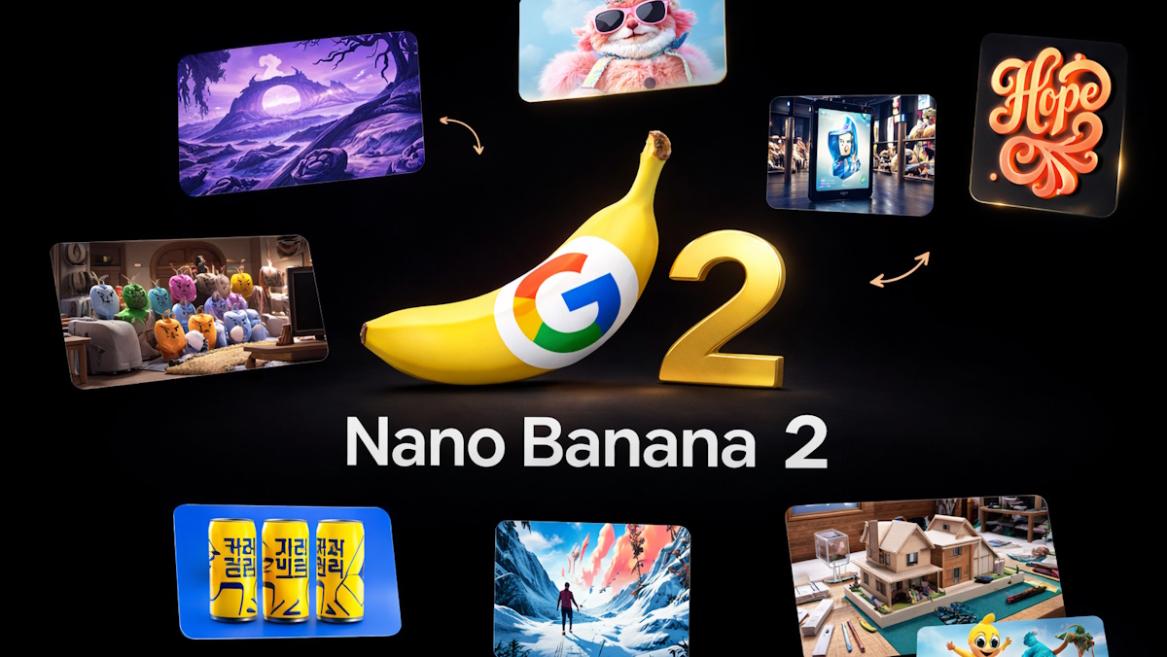
- Google is rolling out Nano Banana 2 on Gemini for free.
- It's powered by the new Gemini 3.1 Flash Image model.
- To start using Nano Banana 2, launch the Gemini app and choose "Create image" under Tools.
Last year in August, Google launched the impressive Nano Banana image generation model based on Gemini 2.5 Flash Image. Right after, the Nano Banana Pro model (derived from Gemini 3 Pro Image) was introduced in November. It went viral with its highly accurate editing and consistency. Today, Google is rolling out Nano Banana 2 based on the new Gemini 3.1 Flash Image model.
Nano Banana 2 is Built on Gemini 3.1 Flash Image
While Google is yet to officially announce the new Nano Banana 2 model at the time of writing, it’s already rolling out inside the Gemini app and you can try it right away. The Nano Banana 2 model can generate incredibly detailed AI images, and you can quickly iterate and edit photos, thanks to its low latency and cost.
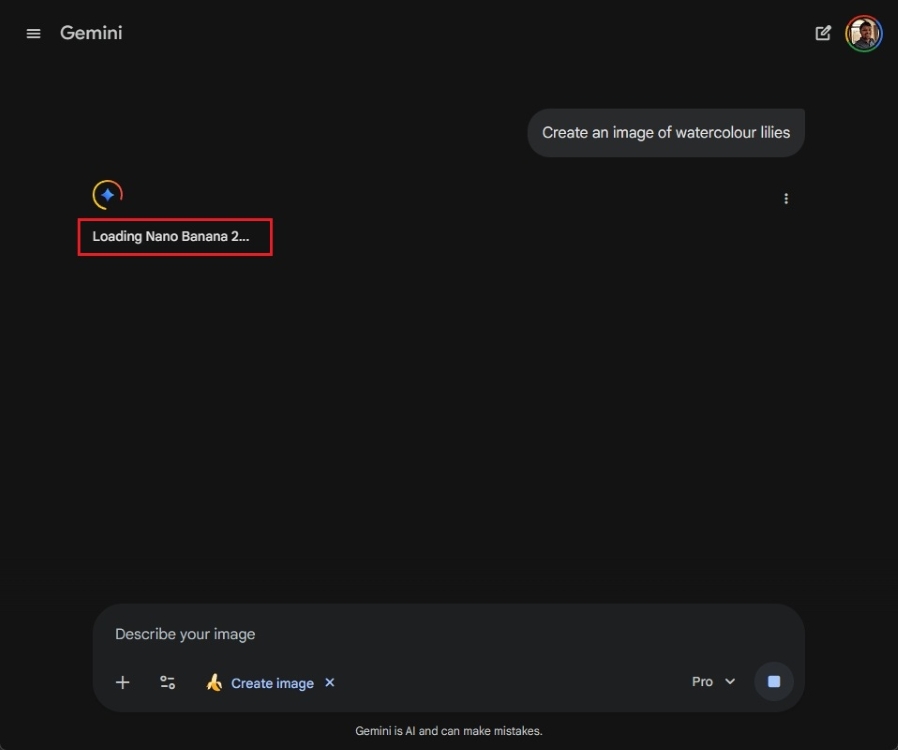
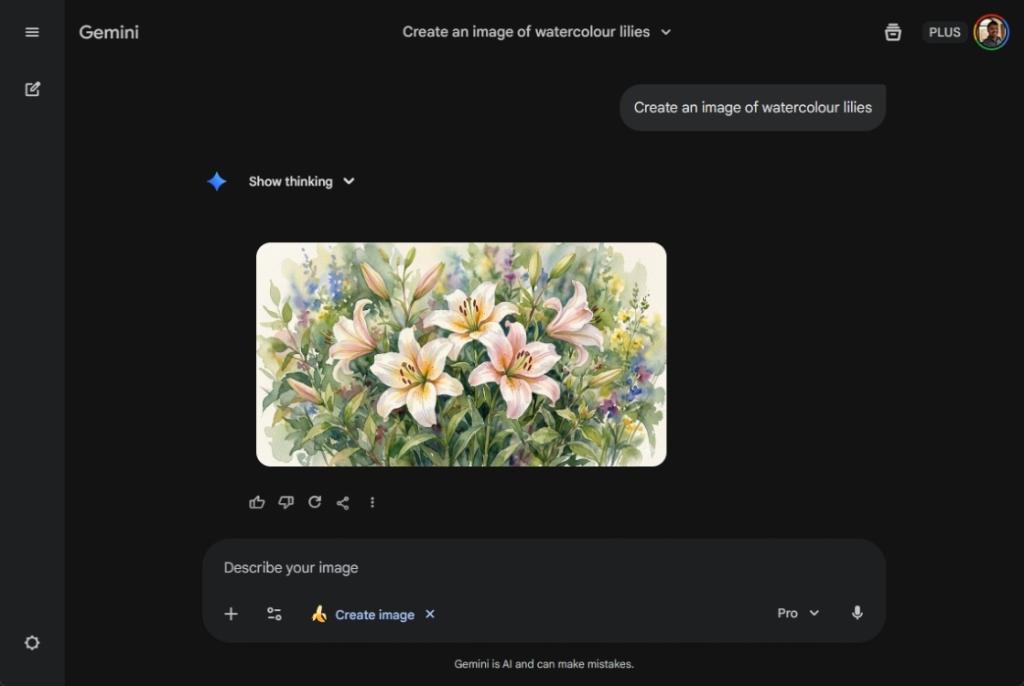
In my quick testing, Nano Banana 2 generated a 2816 x 1536 landscape image, which is around 2.8K resolution, above QHD and below 4K. It also seems to have gotten better at prompt adherence and text handling. Nano Banana 2 is also much faster and cheaper than Nano Banana Pro, which is state-of-the-art at AI image generation and editing.
Nano Banana 2 is rolling out on Gemini for all users for free. Simply open the Gemini app and choose Create image under Tools to start using Nano Banana 2.
