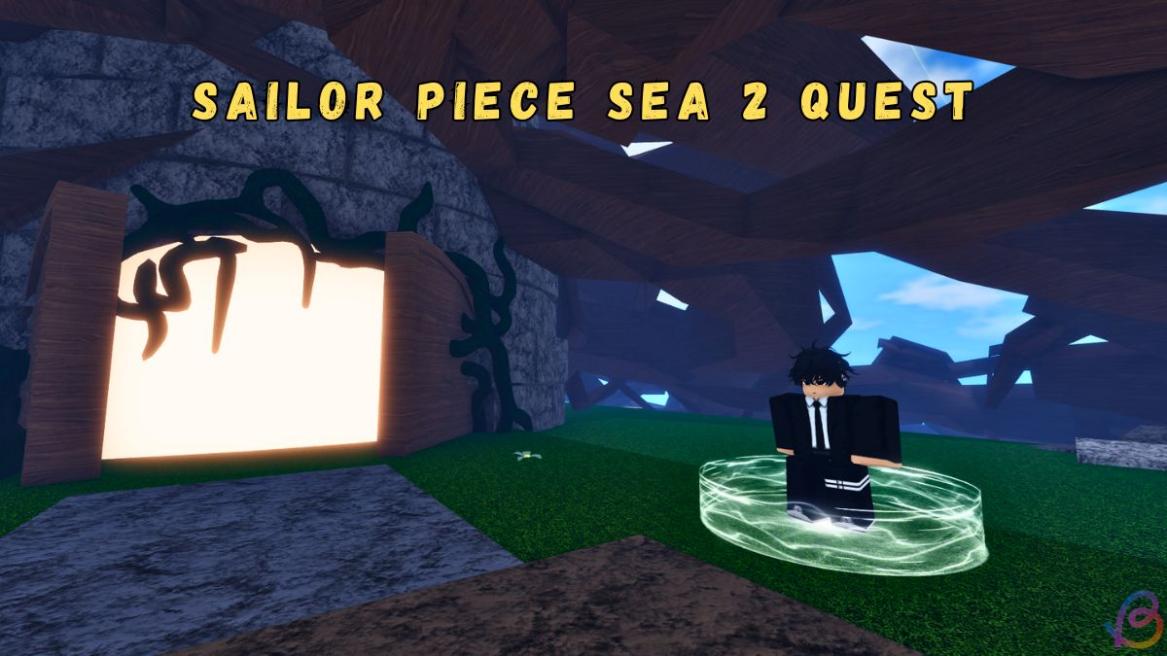
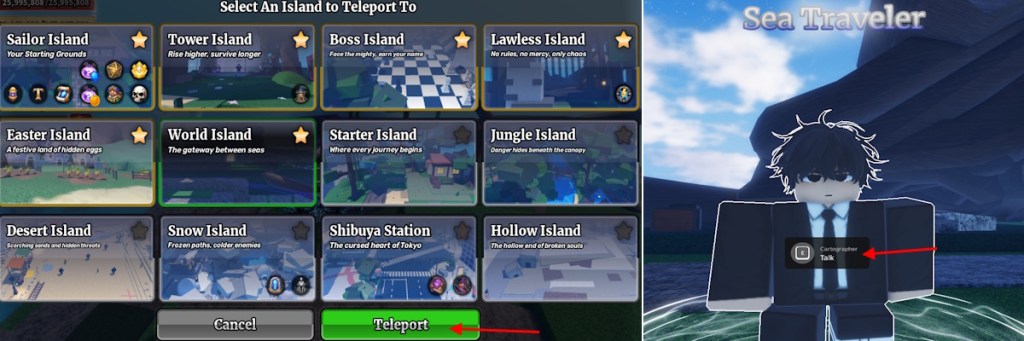
- Start the Sailor Piece Sea 2 quest by talking to the Sea Traveler NPC on World Island with no active quest.
- Collect two Ancient Fragments and gather map pieces from specific Sea 1 bosses.
- Return to World Island and use the Sea 2 door to enter once both tasks are complete.
Sailor Piece Sea 2 unlocks multiple possibilities for players, including new weapons, specs, and more. But to reach Sea 2, players must unlock the entrance, and that is only possible through a two-step objective clearance. In this Sailor Piece Sea 2 quest guide, learn the steps to complete it to reach the second sea.
How to Start Sailor Piece Sea 2 Quest
To start the Sailor Piece Sea 2 quest, teleport to World Island first. From there, interact with the Sea Traveler NPC. Make sure you do not have a quest already running. You can also close any ongoing quest and start this one.
How to Get to Sailor Piece Sea 2
After the quest starts, to get to Sea 2 in Sailor Piece, you must complete the following tasks:
- Find Lost Fragments: To complete this quest, you must find two ancient fragments in Sailor Piece. These fragments spawn every 1 minute and 30 seconds and despawn every 5 minutes. You can find them at set locations across the islands.
- Map Reconstruction: After collecting the fragments, you must get five map pieces in Sailor Pieces. These pieces are only obtained from specific world bosses on Sea 1.
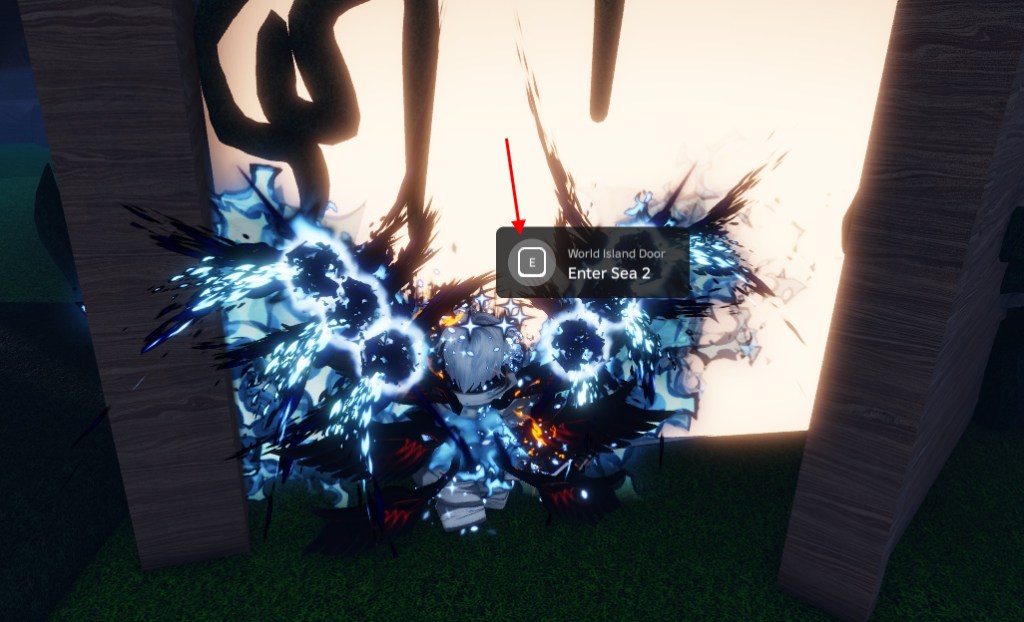
After completing these tasks, a notification will appear saying you have completed both tasks. Sometimes the notifications might not appear due to a glitch. Don’t worry; you can simply teleport back to the World Island and interact with the Sea 2 door to enter the second sea.
That is how you can complete the Sea 2 quest and get to the second sea in Sailor Piece. Make sure you also find the Easter Eggs in Sailor Piece for bonus rewards.
After completing both tasks, return to World Island and interact with the Sea 2 door to enter the second sea.
Yes, they spawn at set locations across islands, but only a few are active at a time, so you need to move between spots.
No, only specific world bosses in Sea 1 drop map pieces, and the eligible bosses differ for each player.