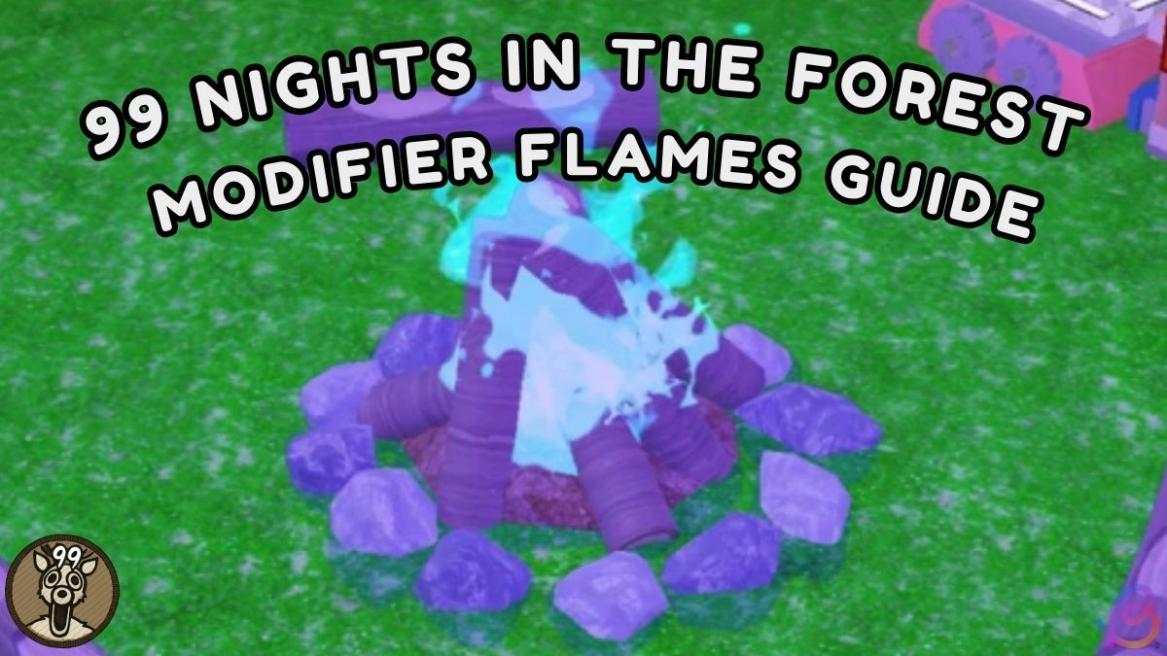
- 99 Nights in the Forest Modifier Flames are special flames that can be used on a campfire to trigger certain events.
- Players can use Modifier Flames by crafting a Supply Crate and dragging their choice of flame on the campfire.
- Flames can be obtained by playing seasonal events, completing daily quests, and earning badges.
The latest 99 Nights in the Forest has removed the previous usage of flames. Instead, it introduces us to a very unique way of using various modifier flames and upgrading the campfire. You can now use this feature once you have started a game round. However, it can be a bit complicated with it’s restricitions. In this guide, you’ll learn how to use the 99 Nights in the Forest Modifier Flames and how to get them.
How to Use Modifier Flames in 99 Nights in the Forest
99 Nights in the Forest Modifier Flames are special fire upgrades that players can use on a campfire to trigger certain events. Previously, you needed to activate the flames from the game lobby. But now you can simply craft a Supply Crate and use your choice of flames.
The flames inside the Supply Crate depend on the Modifier Flames that you own. Supply Crate can be crafted from the Crafting Bench only once, after reaching Day 1. Now that you’ve crafted a Crate, make sure that you carefully follow the steps below to use Modifier Flames in 99 Nights in the Forest.
- Gather wood by chopping trees.
- Light up the campfire, but don’t fill the bar. Keep it half ignited.
- Craft a Supply Crate from the Crafting Bench.
- Place the blueprint in the camp.
- Select a flame that you want to apply.
- Once the flame has been applied, fully light up the campfire.
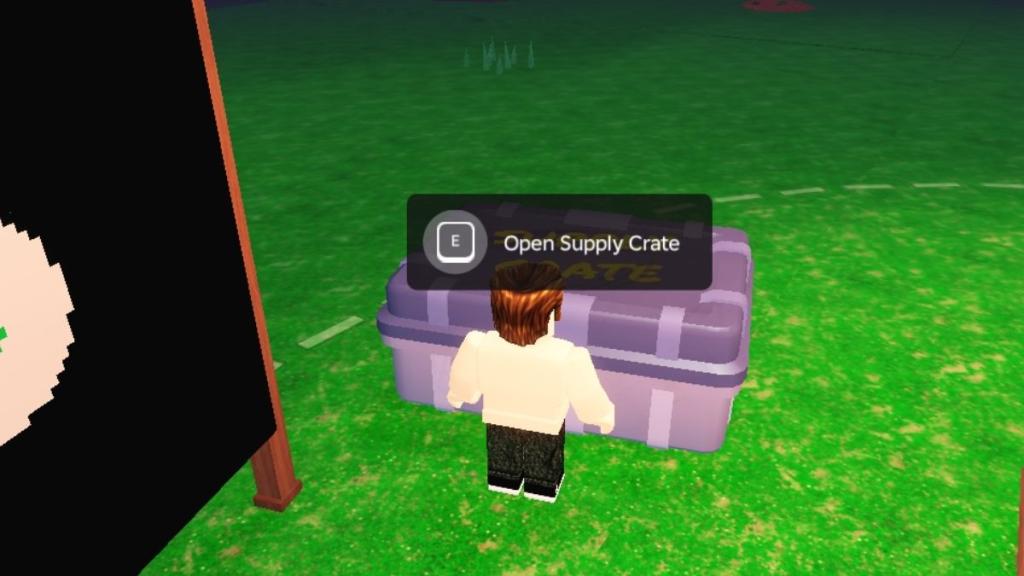
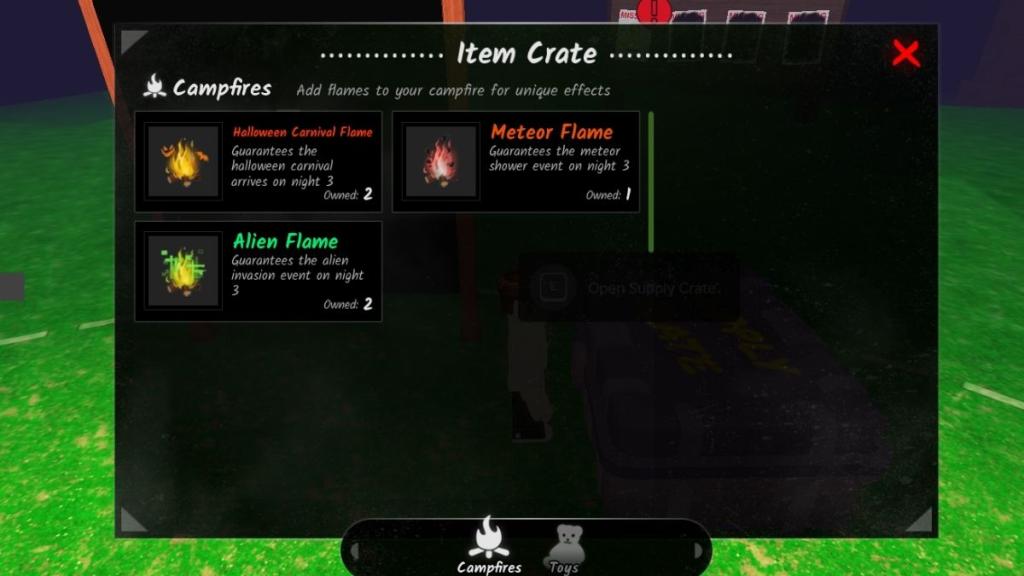
You can only use the Modifier fire in 99 Nights in the Forest on Day 1. That’s why you don’t want to max the campfire, and avoid Day 2 before using the flames. Also, don’t forget to redeem 99 Nights in the Forest codes to get some free rewards.
All 99 Nights in the Forest Modifier Flames (and How to Get Them)
As of now, you can obtain Modifier Flames by playing seasonal events, completing daily quests, and earning badges in 99 Nights in the Forest. Make sure that you attend limited-time events and purchase them from the event shops, like the Halloween event shop and the Christmas event shop.
Previously, there were five modifier flames in the game. However, eight new flames were added in this update. Here’s a list of them:
| Flame | Effect | How to Get |
|---|---|---|
| Blue Flame | Reduced Campfire drain during Weather Events | Construct 50 structures badge |
| Carnival Flame | Carnival event will spawn on Day 1 and will open on Day 3 | Limited Time event |
| Alien Flame | Alien Event is guaranteed to appear on Day 3 | Limited Time event |
| Meteor Flame | Meteor Shower event is guaranteed to appear on Day 3 | Limited Time event |
| Frog Flame | Frog event is guaranteed to appear on Day 3 | Limited Time event |
| Valentine’s Flame | Valentine’s event is guaranteed to appear on Day 3 | Limited Time event |
| Thanksgiving Flame | Thanksgiving event is guaranteed to appear on Day 3 | Limited Time event |
| Coinsplosion Flame | NA | NA |
| Fishing Flame | NA | NA |
| Taming Flame | NA | NA |
| Red Chest Flame | NA | NA |
| Apple Tree Flame | NA | NA |
| Fairy Flame | NA | NA |
Note: We will update the list as we find more modifier flames in the game.
That’s everything you need to know about 99 Nights in the Forest Modifier Flames. Which flames do you have? Let us know in the comments.
Modifier Flames are special flames that can be used on your campfire to trigger certain events 99 Nights in the Forest.
You can use Modifier Flames by crafting a Supply Crate and selecting the flame you want to use on your campfire.
Flames can be obtained by playing seasonal events, completing daily quests, and earning badges in 99 Nights in the Forest.