- Minecraft now uses SDL3 instead of GLFW, bringing improved window management and platform support.
- Spectator mode can now use portals, while the debug screen gains new customization and performance information.
- Creative inventory organization and data pack tools have been improved for a smoother player and creator experience.
Mojang has just dropped the Minecraft 26.3 Snapshot 4, and while this week’s update doesn’t introduce any flashy mobs or utility furniture, it brings several meaningful improvements. These updates work behind the scenes, such as improving window management and platform integration. Alongside the few major technical changes, there are UI refinements, creative inventory organization, and some fresh tools for data pack creators.
Minecraft 26.3 Snapshot 4 Adds SDL3 Support, Debug Improvements, and Creative Inventory Tweaks
The biggest change in the latest Minecraft 26.3 Snapshot 4 is the migration of GLFW to SDL3 for handling the windows, keyboard, and mouse input, along with the integration with your platform. Although you may not immediately notice any visual difference, this change improves the compatibility of the game with modern platforms. So, using the best Minecraft shaders in your world will feel less laggy.
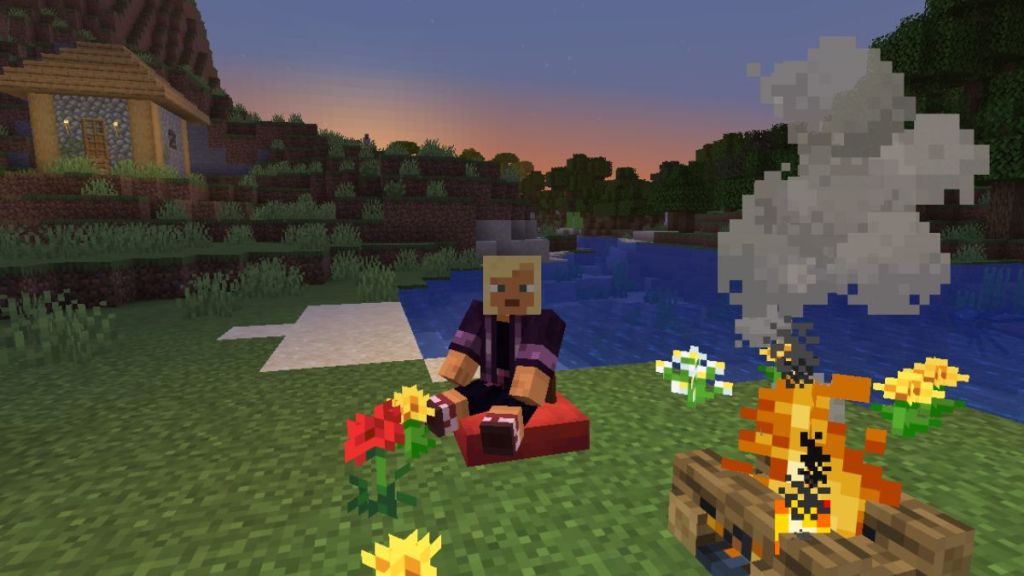
There are also some fullscreen and input changes, such as Borderless Fullscreen being the default display mode. You can further switch between Borderless and Exclusive Fullscreen without restarting the game. Linux systems now prioritize Wayland when available, while the keyboard shortcuts rely on the physical key positions rather than the layout.
The Minecraft 26.3 Snapshot 4 also makes the spectator mode more useful by allowing players to travel through portals while spectating. So, the next time you’re wandering around the Overworld finding Amethyst in Minecraft in spectator mode, remember that going through the Nether Portal won’t require you to change game modes.
Now, players can customize the GUI scale independently from the rest of the interface using the Debug Options menu. There’s also some great news for technical crafters! The overlay now displays your current movement speed in blocks per tick along with the monitor’s refresh rate.
The creative inventory has also received a cleaner organization. Finding the mineral blocks is now much easier, and materials now appear in a more logical progression. The basic minerals are grouped first, followed by raw materials, refined resources, nuggets, and ingots. The blocks are now neatly arranged, starting from the Overworld, then the Nether, and lastly the End.
So, that is all about all the features brought about in the Minecraft 26.3 Snapshot 4. So, have you checked out all the new changes brought in the Minecraft 26.3 update, alongside the Dappled Forests? Do you know that you can now make cushions in Minecraft? Tell us in the comments below.