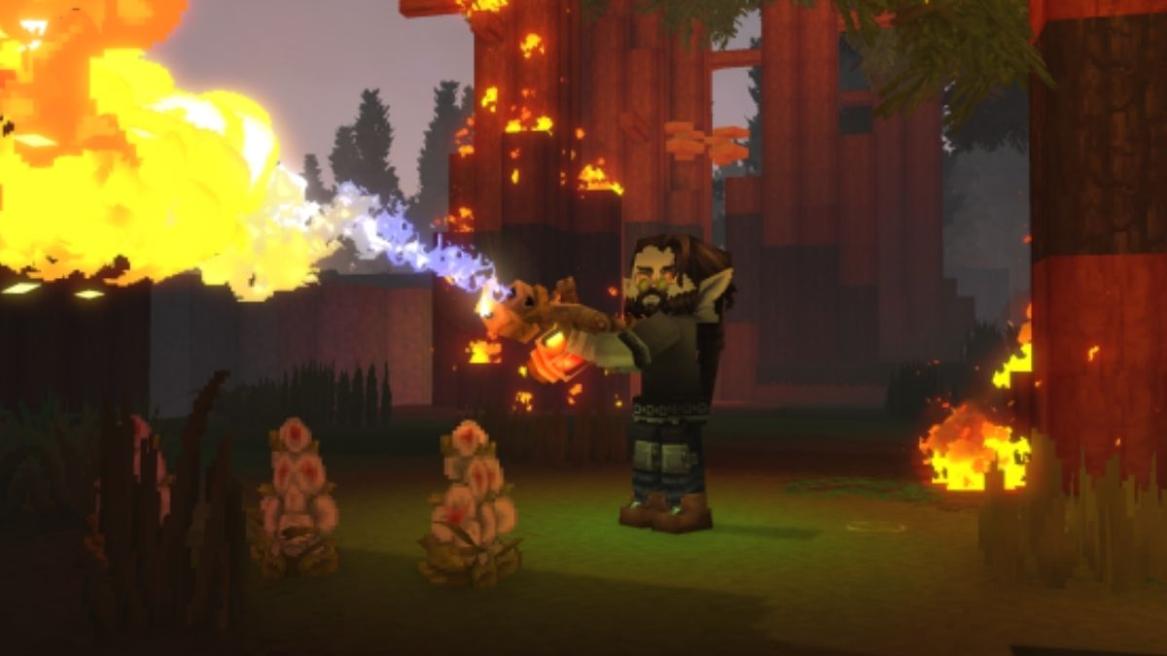
The third early access update for Hytale has officially arrived, and it states that there will be weekly patch releases for testing and improvements. Hytale update 3 introduces animal taming, user-placed map markers, world generation, UI changes, tool performance, stability, and more. So, let’s check out all that is new in the Hytale patch notes for update 3.
Hytale Update 3 Patch Notes List
The Hytale update 3 is packed with features, reworks, optimizations, and fixes across nearly every system in the game. This includes the Hytale weapons, servers, and more. Here, we have included a complete breakdown of all those changes organized by their respective category.
Animal Taming
Hytale now introduces an early version of animal taming, as certain friendly animals can be tamed when offered their favorite food.
- Tamed animals can be petted with an empty hand.
- They can be fed occasionally.
- Tamed animals don’t run away unless hit.
- Some animals can be milked, sheared, or even mounted.
- Tamed animals may also greet other players.
Avatar and Cosmetics
This update has finally recognized the avatar customization feature and has expanded the options with new outfits, hairstyles, facial hair, makeup, and more. Players can now save and swap upto 5 avatar presets.
- New Tweed Hat.
- New Overtop Mage Shirt.
- New fashionable shoes.
- Color variations for the fashionable shoes.
- Spiked bracelets.
- New hairband.
- Added black and red iron color for metals.
- Overpants are renamed to legwear.
- There are 6 new haircuts: Spikey Mohawk, Magical Pigtails, Double Braided Ponytail, Long Braided Ponytail, and Puffy Bubble Braids.
- There are four new facial hair styles: Split Moustache, Pinstripe Moustache, Anchor Beard, and Viking Beard.
- 2 new eye shapes and 2 new makeup variations.
Combat and Items
The combat balancing and weapon consistency have been improved all across the game. Here’s what you can expect:
- Inconsistencies across the tiers have been fixed.
- Adjusted guarding stamina costs for certain drop-only weapons.
- Spears now stack up to 5 and are throwable.
- The ranged weapon ballistics have been improved,
- The hitbox offsets are randomized.
- Added a visaiming debug flag.
- Shortbows and crossbows can use ammo from a backpack.
- The Necromancer Grimoire summons no longer damages the summoner. The summons react when the player is attacked.
- The rhino toad attacks are refactored, and NPC target switching is improved.
- The in-hand positioning of Ingots and Sticks have beein improved.
Gameplay
Player names, navigation, inventory management, and world interaction have been refined in Hytale. Alongside the crafting progression has been adjusted as well. These are all the gameplay adjustments brought in the latest Hytale update 3 patch notes.
- Player names are now always visible on the map.
- The compass icons reflect the vertical distance.
- The teleport is hidden in the adventure gamemode.
- The world map clarity is improved.
- Custom markers can be created with names, icons, or colors.
- The markers can be shared in multiplayer.
- The marker icons are improved with better resolution.
- The sort keybind now works in the inventory.
- The utility wheel quick swap is now reworked.
- The chicken coop requirement is reduced from Tier 5 to Tier 3.
- The farmers’ bench tier is changed.
- Early game ammo, weapons, and tools can be crafted instantly.
- The builder bench crafting time has been reduced.
- The chicken coop crafting time has been reduced.
- The dough can now be made with refillable tankards
- The doors don’t close when blocked.
- Now, the teleporters require a short movement before reuse.
- Minecarts no longer move when they’re stuck.
- The dead NPC capture is fixed.
- Klop merchant doesn’t trade any signs.
- The Ophidophobia now replaces the hatworm.
- The crafting and mounts are made more fluid.
Blocks and World
Several new block variants have been added alongside new crack textures for Thorium, Basalt, and more. So, these are all new changes for the blocks and world in Hytale.
- The Incandescent Volcanic Rock has been re-added.
- The new cracks and textures are thorium, basalt, magma, and mud.
- The crack variants are updated for 4 ore blocks.
- The lime variants are gravel, rock, rubble, medium rubble, and stalactite.
Content and Encounters
The spawn complexity for the Taiga region is improved, particularly near the rivers. So, you may find new encounters for certain mobs and their variants in the game.
- The complex taiga spawns near the rivers.
- The zone 1 weather has improved VFX.
- The Outlander village environment is now integrated.
- Zone 3 Trork encounter is added alongside Zone 4 Village and Forest encounters
- The standardized spawn marker is deactivated at a range of 150.
- A Green Rhino Toad variant is added.
- T2 and T1 Furnace have new visuals.
Audio
The audio has been updated for some major tools and weapons in Hytale. These will now provide better feedback with the stereo sound being fixed.
- The sword swing and impact sounds are updated.
- Stereo and HRTF separation is added.
- The furnace sound instance limit is increased.
- The water emitter stereo issue is fixed.
- Audio emitter bugs are fixed.
- Extreme HRTF panning is fixed.
- The ambient and bench sound origins are fixed.
UI and Quality of Life
There are several quality-of-life changes as well, such as when you’re trying to sleep in the game. This also includes certain trigger alerts, sound effects, if you’re facing issues making a server in Hytale, and more.
- Notifications are added for bed sleeping.
- The window size option has been added
- The keybind for tooltip clarity is improved.
- The context menu opacity is reduced.
- The death messages are cleaned.
- The server list navigation is improved.
- Scrollbar is added for the large mods list.
- The tooltips are required for localization.
Modding and Tools
With the latest update 3 patch notes, players can now manage all their best Hytale mods easily. Here, a noticeable change is the Creative Hub being renamed to Crossroads, and a new button being added as well.
- The enable and disable mods per save feature is added.
- The server versions are checked for plugins.
- The skip mod validation is required for a single player.
- Mod validation on a server startup is blocked unless flagged.
- Missing mods show warnings.
- The server enabling is fixed for all mods.
- The client’s backups are disabled by default.
- The creative hub is renamed to Crossroads.
- The paste tool is updated.
- The Draft brush is changed to a sphere.
- 3D audio source visualization is added.
World Generation
The World generation has received a few performance optimizations alongside support for new tools. Here are the latest world generation features you need to know.
- The exact rotation is added for the support of materials.
- WorldGen V2 performance is stabilized.
- The bound positionprovider is for spawn meshes.
Performance, Stability, and Bug Fixes
File saving and in-game saving have been improved with the latest Hytale Update 3 patch notes. New exception handling features have been added for better world generation and saving of the game.
- The fixed directory traversal vulnerabilities are fixed.
- The command exploit is fixed.
- The world generation performance is improved.
- The client asset sizes have improved.
- The atomic file saving is improved.
- Corrupted worlds show warnings.
- The creative tool shows a crash preview.
- The plugin world crash handling is fixed.
- A startup exception handling is added.
- Null pointer exceptions are fixed.
And that is all about the latest changes introduced in the Hytale patch notes for update 3. So, what do you think about these changes? Let us know in the comments below.
