- Change the GTA 6 resolution to 4K for players on Xbox Series X on supported monitors.
- Enable VRR and HGiG for Xbox Series X/S and the monitor.
- Disable TV Motion Smoothing and enable 360 Spatial Sound.
GTA 6 is on Xbox Series X/S, and the game can run pretty well on both consoles. But to have the best experience while playing GTA 6, you must make sure all the settings are properly set up. Here are the best Xbox settings to play GTA 6.
Best Xbox Series X/S Settings to Play GTA 6
To play GTA 6 in the best possible quality, you will need the best settings. Below, we have given the best settings for Xbox Series X and S to play GTA 6:
Setting Xbox Series X Xbox Series S Resolution 4K UHD if supported by monitor 1080p HDR Turn on HDR10 Turn on HDR10 VRR Turn on Turn on TV Motion Smoothing Off Off HGiG On if supported On if supported Audio Enable 360 Spatial Sound Enable 360 Spatial Sound
Resolution and HDR
GTA 6 supports running at 4K resolution on Xbox Series X, making it one of the best ways to play the game. So, if your monitor supports 4K and you have a Series X, then you should prioritize playing GTA 6 at 4K resolution.
However, the game won’t likely run well on 4K on Series S, so prefer running GTA 6 on 1080 if you have it. If you want the best experience with Jason and Lucia on the Series S, then you should definitely play at a lower resolution.
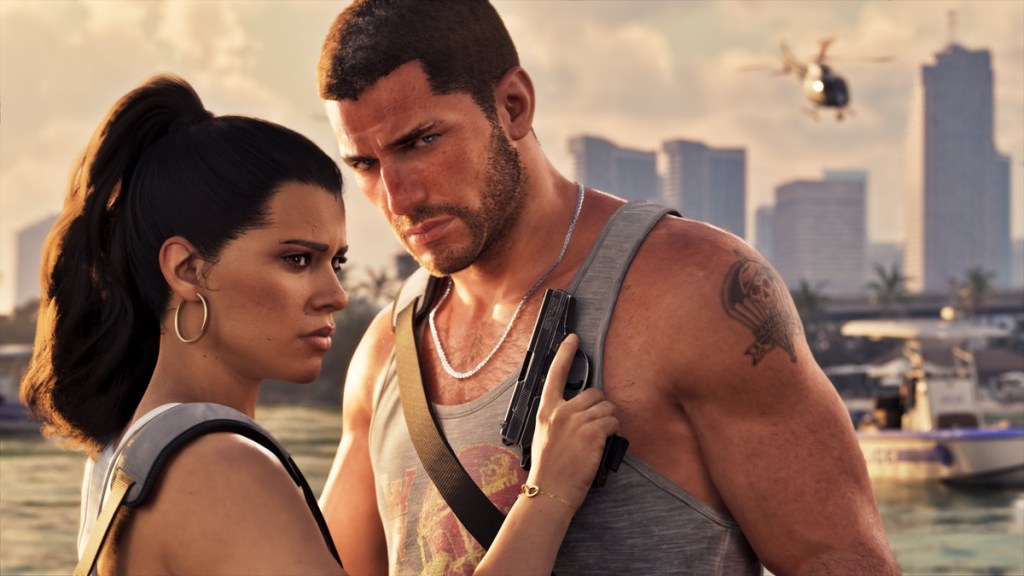

Other than that, HDR is also supported on GTA 6, so if your monitor supports it, turn on the setting for both Xbox Series X and Xbox Series S. However, if your monitor doesn’t support HDMI, then it’s best to turn off HDR in the settings.
Refresh Rate
GTA 6 is locked at 30 FPS on both Xbox Series X and S. This means that even if your monitor has a higher refresh rate, it won’t matter when playing GTA 6. That’s why it’s best to enable Variable Refresh Rate if the option is available for you. This will let the monitor change the refresh rate based on the game’s FPS.
Otherwise, you can even lock the refresh rate to 30 FPS if you have the option for it to have a smoother experience.
Audio
GTA 6 won’t be the same without the outstanding GTA 6 soundtrack. And to experience the game’s music and audio, you will need a proper setup and settings. Headphones are always recommended when playing any game. When it comes to settings, make sure to enable 360 Spatial Sound if it is supported.
So, these are the best Xbox settings for GTA 6. Have more questions or suggestions? Tell us in the comments section below.