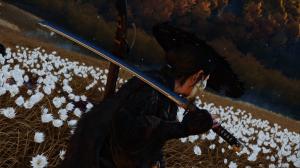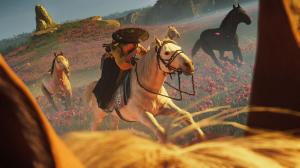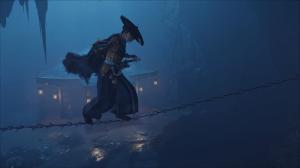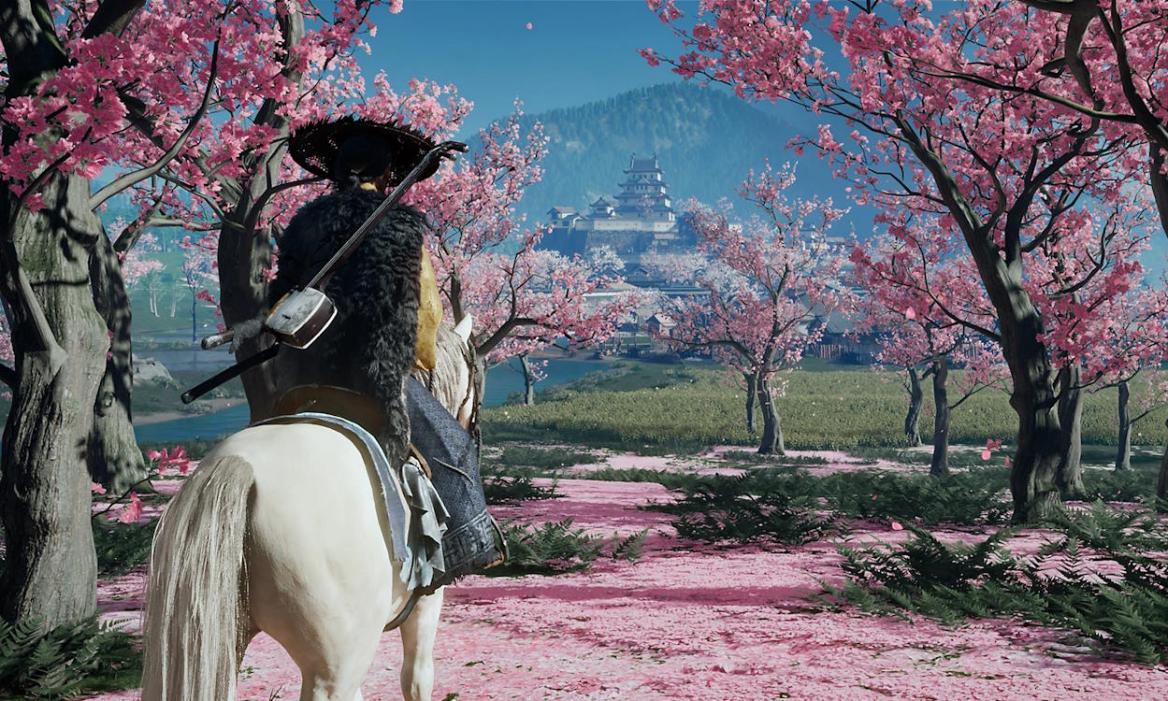
- Whenever Atsu begins to ride a horse, the aspect ratio switches to a widescreen format, similar to CinemaScope.
- Currently, there is no permanent way to disable the aspect ratio switch in Ghost of Yotei.
- However, you can press 'R3' once the aspect ratio changes to switch back to the full screen mode.
Ghost of Yotei takes place in the Ezo region surrounding the mountain Yotei. Players will find a companion horse who will take them across the Northern lands of Japan until the end. Therefore, most of our playtime will be spent riding on horseback.
However, there is a new change in the sequel game where the aspect ratio instantly changes as you begin to ride your horse in Ghost of Yotei. While this aspect ratio switch feels so cinematic at the start, it quickly begins to annoy many players, as our reviewer. So, find out if you can change the horse camera in Ghost of Yotei here.
Can You Disable Horse Cam Switch in Ghost of Yotei?
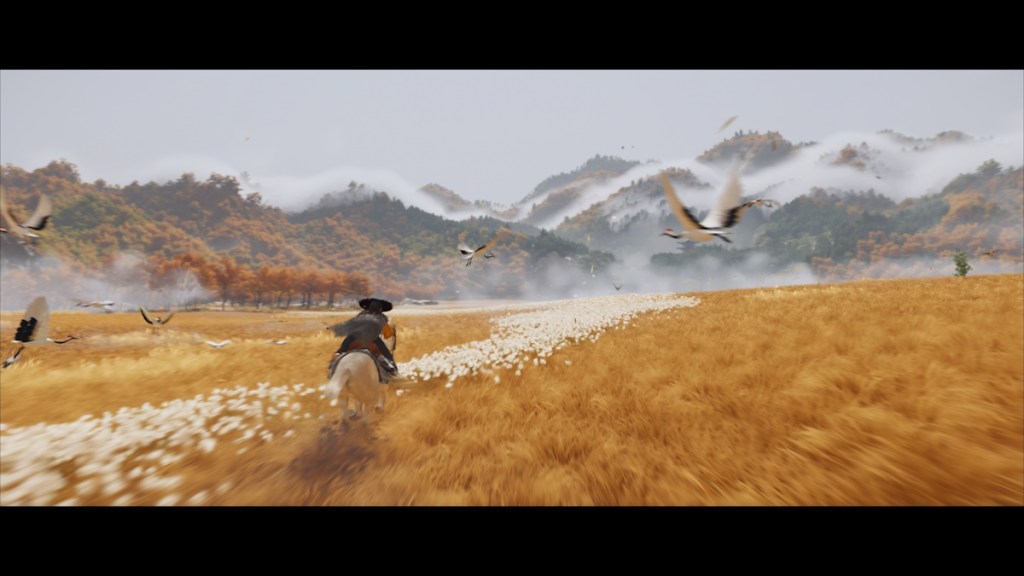
As soon as you begin riding your horse, the aspect ratio immediately transitions to a cinematic view with the CinemaScope aspect ratio. But the visibility of black bars instead of a full screen can sometimes irk during your playthrough.
We have checked every setting in the menu to find a way to disable it, but there is no option to disable it permanently. Fortunately, all you have to do is press the right analog stick ‘R3’ once the aspect ratio crops, and the camera will reset back to full screen mode.
However, we have noticed that the switch doesn’t happen all the time, as there were times when we were able to ride on horseback without the aspect ratio shrinking.
In the meantime, do you prefer the aspect ratio switch or the good old full screen? Let us know in the comments below.