If you make long-form content like podcasts, webinars, interviews or YouTube videos, you already know that creating short clips is a hassle. Chopping long videos into short clips for YouTube Shorts, Instagram Reels, and TikTok takes hours of editing. This is the gap AI short video makers are trying to fill.
I have spent the last few weeks testing various AI short video makers and have picked the five best tools, including AI Video Cut, Opus Clip, and more. These AI tools automatically detect the most viral content and create engaging clips right away. On that note, here are my top picks for the best AI short video makers in 2026.
Best AI Short Video Makers: Quick Comparison
We have compared the top AI short video makers, including AI Video Cut, Opus Clip, Submagic, and more. Take a quick look at the table below to understand their differences.
AI Short Video Maker Tool Best For Volume Pricing AI Video Cut Best overall, prompt-based clipping 150 minutes per month, 1,800 per year Free, Starts at $10 per month Opus Clip Video clipping with virality scores 150 credits per month Starts at $15 per month Submagic Best for captioning short-form content 30 minutes per month Starts at $12 per month Klap AI dubbing in multiple languages 10 videos per month, up to 45 minutes each video Starts at $23 per month Vizard Long-form podcasters with a single speaker 7,200 credits per year Free, Starts at $16.9 per month
How I Tested the Best AI Short Video Makers
To find the best AI short video maker apps, I tested a dozen apps and services for AI video clipping. I uploaded long-form videos, including a podcast episode and short-form content, on every tool. I checked how accurately each tool picked the best moments, how clean the auto-reframing was, and whether face tracking worked without any issues.
In addition, I tested captions, translations, and most importantly, how much it costs for the kind of volume the services offer. Many tools offer consistent AI clipping, but they cost a lot. I have tried to balance pricing, volume, and features, and after that, here are my picks for the 5 best AI short video makers.
1. AI Video Cut
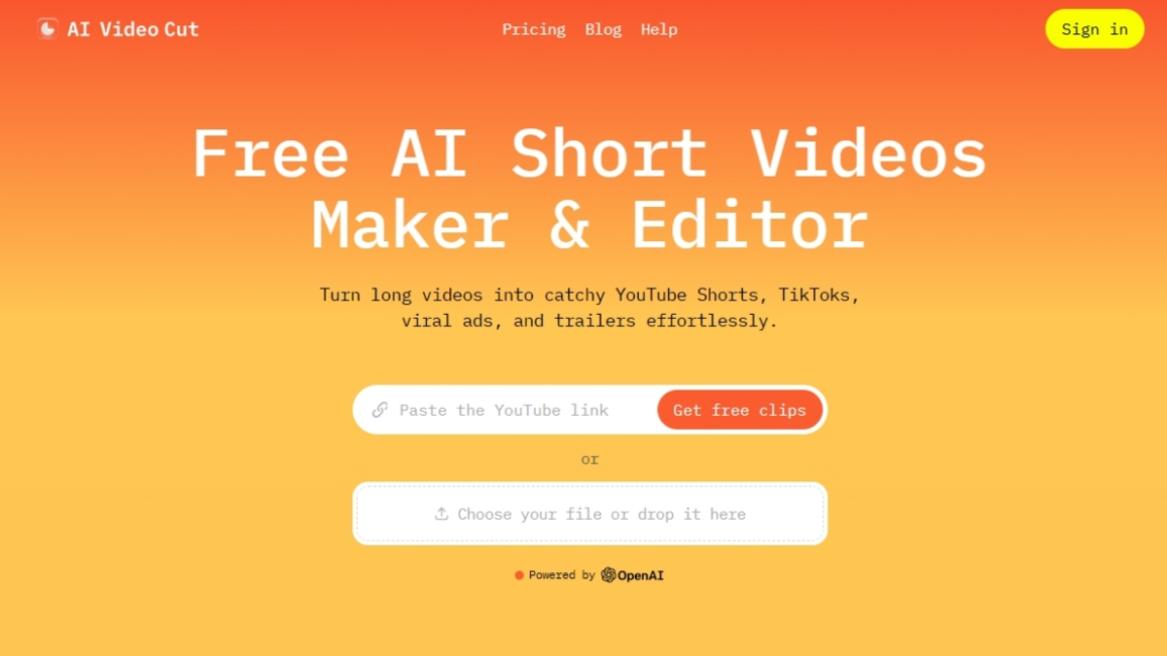
AI Video Cut is one of the best AI clipping tools on the market, and there are many reasons behind its popularity. First, unlike other AI short video makers that scan your video and pick out the most engaging moments, AI Video Cut does something different. It’s the only tool in this category that lets you tell the AI exactly what kind of clip you want before it cuts anything.
You get a library of 10+ ready-made prompt templates, including Viral Clips, Speaker’s Insights, Topics, Trailer, Memorable Phrases, and much more. You can also use prompt templates for product ads, features, instructions, jokes, and memes as well. Apart from that, you can write your own custom prompts if you want something more specific.

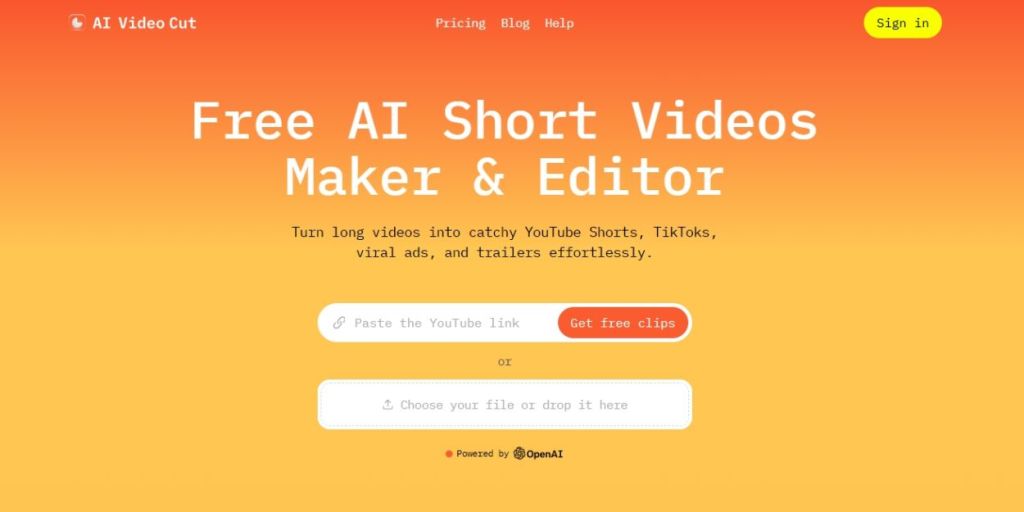
For instance, you can type “find every moment where the host mentions a product name” or “cut a 30-second teaser focused on the climax”. This is a different way of working, and it allows you to generate topic-driven clips rather than random clips that may be off-topic. For a long podcast episode, I asked AI Video Cut to pull memorable phrases, and it gave me five clips that actually felt like quotable moments.
Next, AI Video Cut is cheaper than many other AI short video makers out there. The Pro plan starts at $12.50 per month (billed yearly), which is much lower than other services. For instance, AI Video Cut Pro at $12.50 per month gives you the same 300 minutes per month as Opus Clip Pro at $19.43 per month. Not to mention, you get Full HD output with no watermark. There is a free plan with 50 minutes of processing, which is rare in this category.

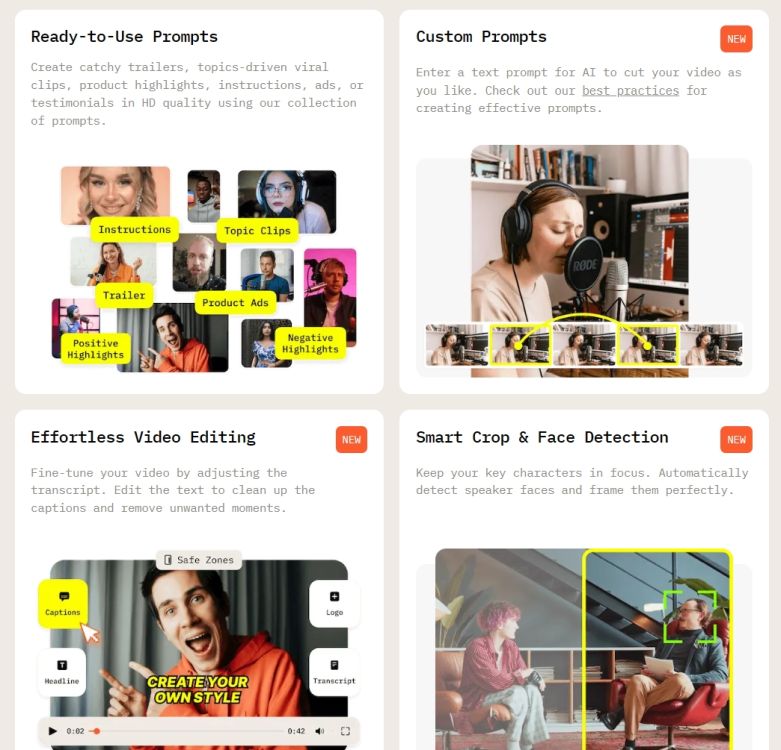
As for the features, AI Video Cut offers Smart crop and face detection to automatically keep the speaker in frame, so you don’t have to manually adjust framing for TikTok or Reels.
The transcription engine supports 100 languages, which is great for non-English creators or international brands. You can also export clips in 9:16, 16:9, 1:1, or original aspect ratios. The video length is flexible, so you can pick 7, 15, or 25 phrases depending on whether you want a quick teaser or a longer cut.
There is also a built-in text-based timeline editor that lets you clean up the transcript and remove unwanted words or video parts directly. Apart from that, AI Video Cut can directly pull videos from YouTube, Google Drive, and, of course, you can also upload local files.
Not to mention, there is a built-in hashtag and description generator that gives you captions for different platforms.
To sum up, AI Video Cut is the tool to pick if you want clips that match a specific intent rather than just whatever the AI thinks is engaging. It’s the best tool for content creators, marketers, podcasters, small to mid-sized social media agencies, and e-commerce brands that want prompt-driven and intentional clips instead of random AI highlights.
Pros Cons Prompt-based AI video clipping Free plan carries a watermark Intent-based and supports custom instructions Free plan’s 50 minutes is one-time, not monthly FHD output on every plan All four aspect ratios supported 100 language translation Text-based and timeline editor Free plan offers 50 minutes
Pricing: Free, starts at $10 per month
2. Opus Clip
Opus Clip is another tool for AI-powered video clipping that you can try. Its UI is polished, and the AI clip detection is reliable for talking-head videos. The signature feature of Opus Clip is the Virality Score (0-100), which gives a rating to each generated clip that estimates how well it might perform on social media platforms. So, instead of reviewing 15 clips, you can sort by score and focus on the top three or four clips.

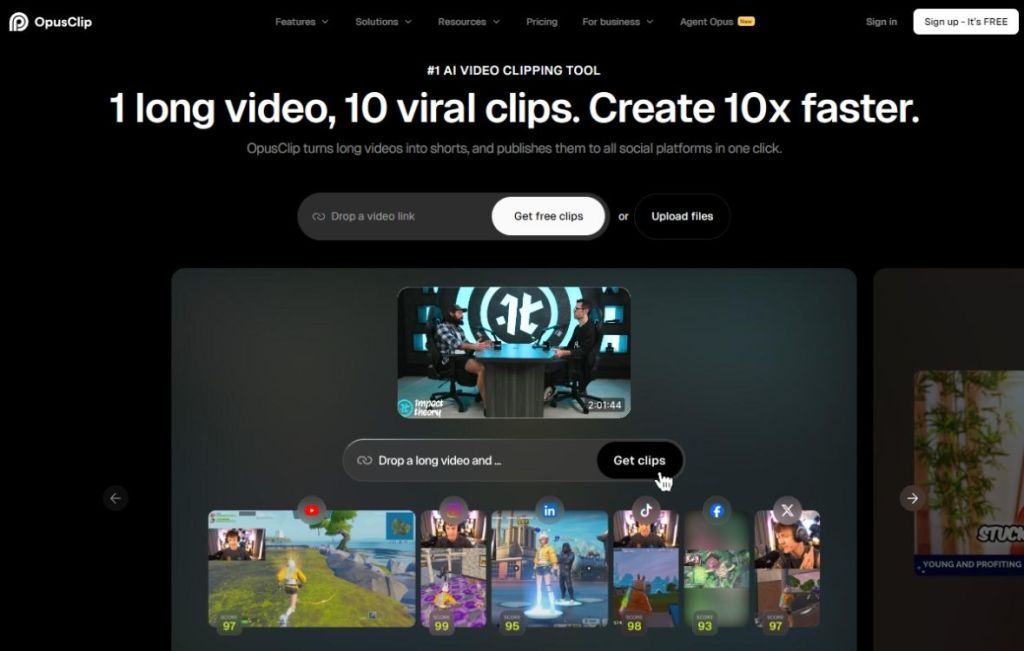
That said, Opus Clips is quite expensive to use. Its starter plan costs $15 per month and only gives you 150 credits per month, half of what AI Video Cut offers and at a higher price. For video clipping at the same volume, you can get AI Video Cut’s $10 Starter plan that offers the same 150 minutes a month with all four aspect ratios included.
On top of that, you are limited to just 20+ languages, and there is no AI B-roll and multiple aspect ratio support. To unlock these features, you need to jump to the Pro plan, which costs $19.43 per month (billed yearly) and gives you 3,600 credits per year.
Pros Cons Reliable clip detection with a useful virality score Starter plan restricts you to a single aspect ratio Polished interface No yearly discount on starter Multi-platform scheduling
Pricing: Starts at $15 per month
3. Submagic
Submagic is a different kind of tool. It started as a captioning app and has added clip detection, B-roll, and silence removal, but captions are still where it shines. If you have ever watched a TikTok video with animated word-by-word captions and highlighted keywords, most likely it has been clipped on Submagic. For caption styling, it’s really a great tool.

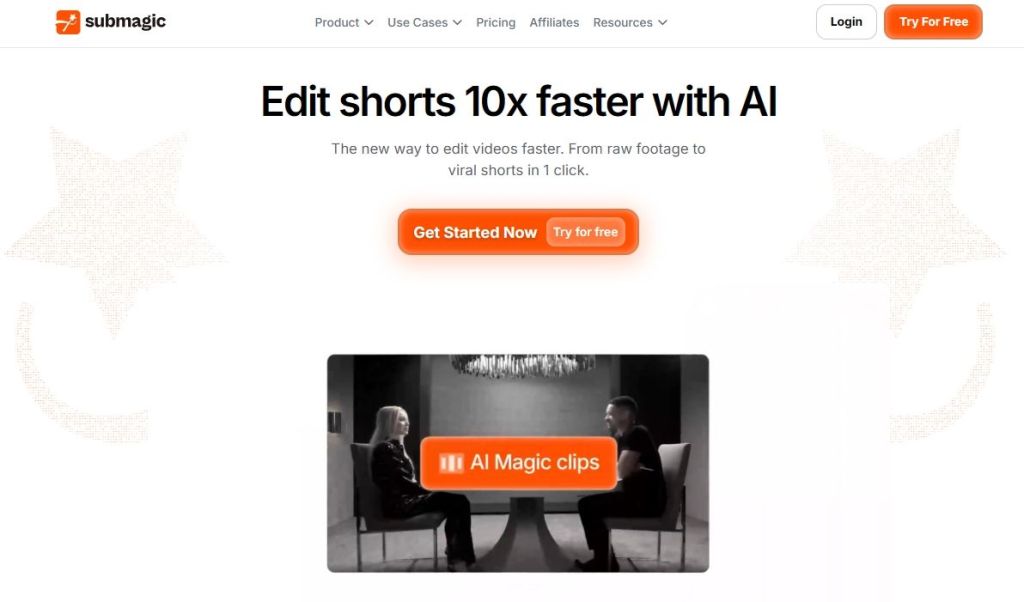
The catch is that Submagic is not heavily used for AI video clipping. You can use this tool as a post-production tool for captions. There is a Magic Clip feature, but it doesn’t offer the same level of analysis as AI Video Cut. Pricing is also on the expensive side. The starter plan costs $12 per month and caps you at 15 videos per month with a 2-minute limit per clip. That is 30 minutes of processing in a month.
The Pro plan costs $23 per month, but again, you are limited to 200 minutes per minute and Magic Clips is an additional $12 per month. I would say, go for Submagic only if you want to do caption styling; otherwise, it’s quite expensive for clip detection.
Pros Cons Best for subtitle captioning and customizations Magic Clips is a $12 per month add-on 48+ language support Starter plan caps videos at 2 minutes High transcription accuracy
Pricing: Starts at $12 per month
4. Klap
Klap has carved a space for itself for international creators, and the reason is its AI dubbing feature. The tool can take your English-language clip and automatically translate and voice it into 29 other languages.
The other standout feature is AI Reframe, which analyzes each scene and applies the right layout instead of treating every clip the same way. You can do split screen, screencast, gaming mode, full vertical, and more.

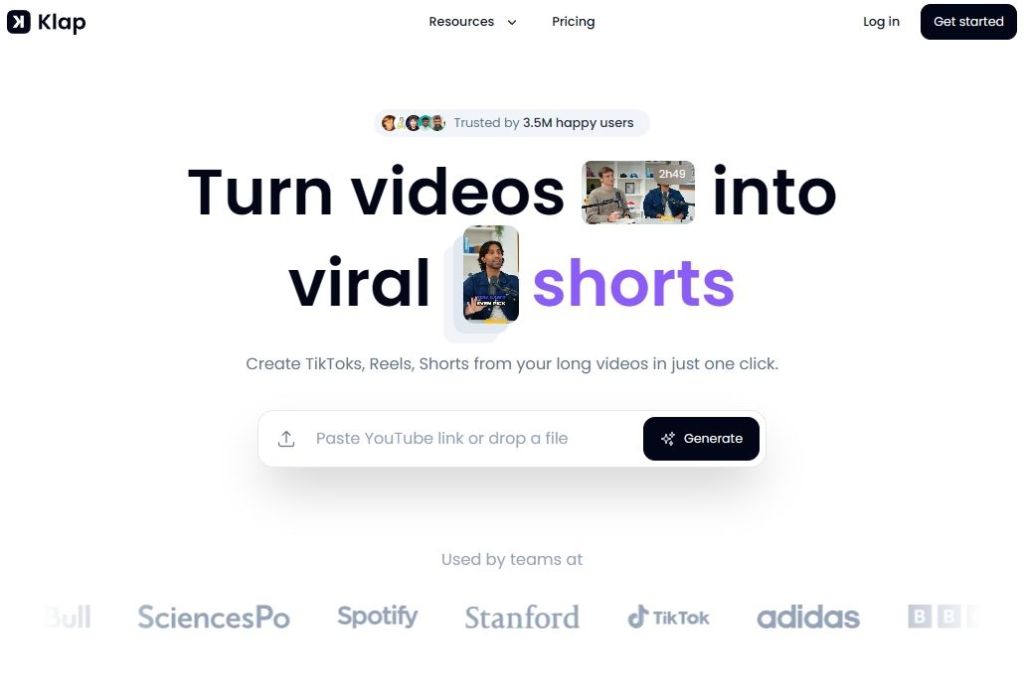
For gaming streams or multi-camera podcasts, it does a better job at framing clips. That said, the entry-level Klap plan starts at $23 per month for yearly billing, and it gives you 10 video uploads per month with a 45-minute maximum length. Not to mention, it doesn’t include an AI dubbing feature. You need to get the $63 per month plan to enable it.
While Klap is great for multilingual output, its high pricing pushes content creators toward other services. For users clipping in English at the entry level, AI Video Cut produces comparable output at a fraction of the price.
Pros Cons AI dubbing into 29 languages Entry plan starts at $23 month but excludes AI dubbing AI Reframe handles layout well 4K export is also locked behind Pro Fast and browser-based workflow
Pricing: Starts at $23 per month
5. Vizard
Vizard is the tool I recommend for long-form podcast clipping. The clip detection is consistent for single-speaker and spoken-word content. Its text-based editor also lets you delete a word from the transcript to edit out the particular clip. It’s a great way to clean up filler words from videos.

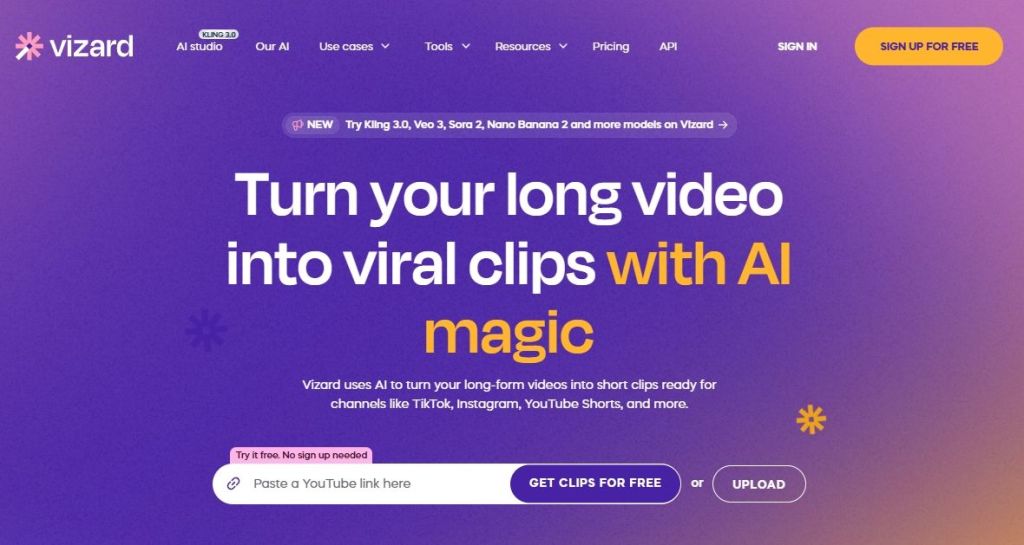
Vizard is an automatic detection tool, and there is no way to feed a prompt or change the clip selection intent toward a specific kind of moment. The AI hands you the short clip it thinks is best.
As for the pricing, it starts at $16.90 per month on yearly billing with 7,200 credits per year, which is great. However, it’s meant for podcasters and educators with one main speaker.
Pros Cons Excellent text-based editing for transcription workflows Free plan exports at 720p with a watermark 7,200 credits per year Auto-reframe is weak 100+ language caption translation
Pricing: Free, starts at $16.9 per month
Which AI Short Video Maker Should You Pick?
For most creators, AI Video Cut is the tool I would recommend for video clipping. It offers prompt-based clipping, an affordable $10 per month plan, Full HD output on every tier, including free and all four aspect ratios on every plan. Not to mention, 50-minute free processing is just not available on any other platform.
You can run a test on the AI Video Cut tool without paying anything and check if the prompt-based workflow fits your needs. To sum up, if you are like most creators and just want a tool that produces intentional and on-topic clips without burning credits, hiding aspect ratios, or charging a fee for an add-on, AI Video Cut is the one to beat.