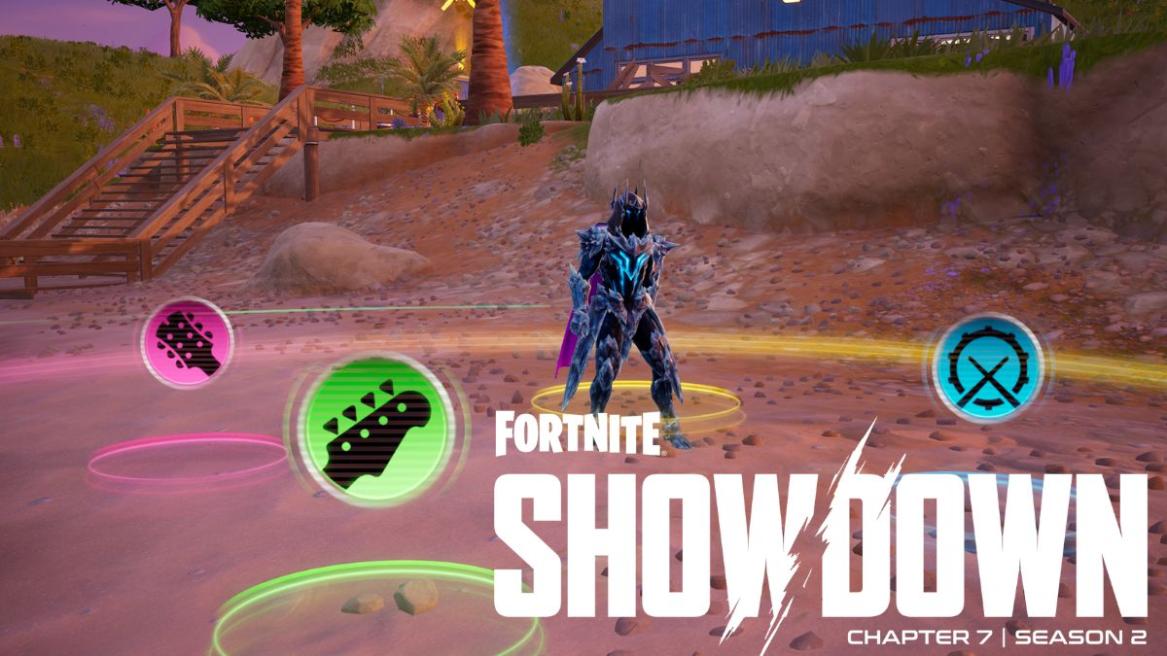
- Players have to use the Jam Track Player in Fortnite to complete a Week 1 quest in Chapter 7 Season 2.
- Players can use the emote button to use the Jam Track Player.
- Players only need to perform a Jam Track for as little as one second to complete the weekly quest.
With Fortnite Chapter 7 Season 2 finally being out, players everywhere have been enjoying all the content the new season has to offer. Much like any other season, Epic has added a new set of weekly quests with Season 2, and one of these quests simply asks you to use the Jam Track Player in Fortnite. If you are looking to complete this quest and level up your Showdown Battle Pass, here is everything you need to know.
How to Use the Jam Track Player for Fortnite Chapter 7 Season 2 Quest


You can use the Jam Track Player in Fortnite Chapter 7 Season 2 by opening up your emote wheel during a match and navigating to a Jam Track. The process has remained unchanged ever since the Jam Track Player was first introduced to the game.
- Navigate to the Locker tab from the main lobby.
- Click on the Music/Jam Track icon (not the Lobby Music icon).
- You can add up to 8 Jam Tracks to your wheel. If you don’t own any, check the “Featured” section for the daily free rotation of Jam Tracks.
- Load into a match and wait for the Battle Bus.
- Jump off the Battle Bus and land on a POI of your choice, preferably somewhere less crowded.
- Once on the Island, hold down on the D-Pad (controller) or press B (keyboard).
- Use your shoulder buttons (RB/R1) or scroll to the Jam Tracks category.
- Highlight the song you want to play.
- Make sure to switch the mode to the instrumental mode.
- Let go of the button to begin performing the Jam Track.
If you are using the Jam Track Player for the Weekly quests, you simply need to perform the Jam Track for one second. You will then receive a notification on the side of your screen telling you that you have completed the ‘Use the Jam Track Player’ quest.
That’s everything you need to know about using the Jam Track player in Fortnite. What is your favourite Jam Track to perform during matches? Tell us in the comments below!