With GTA 6 now available globally, players are eager to experience the neon-soaked streets of Vice City at its best. Although the game runs at only 30 FPS on consoles, we’ve discussed the best GTA 6 graphics settings to help you achieve the best performance and visual quality.
List of Best GTA 6 Graphics Settings for Performance

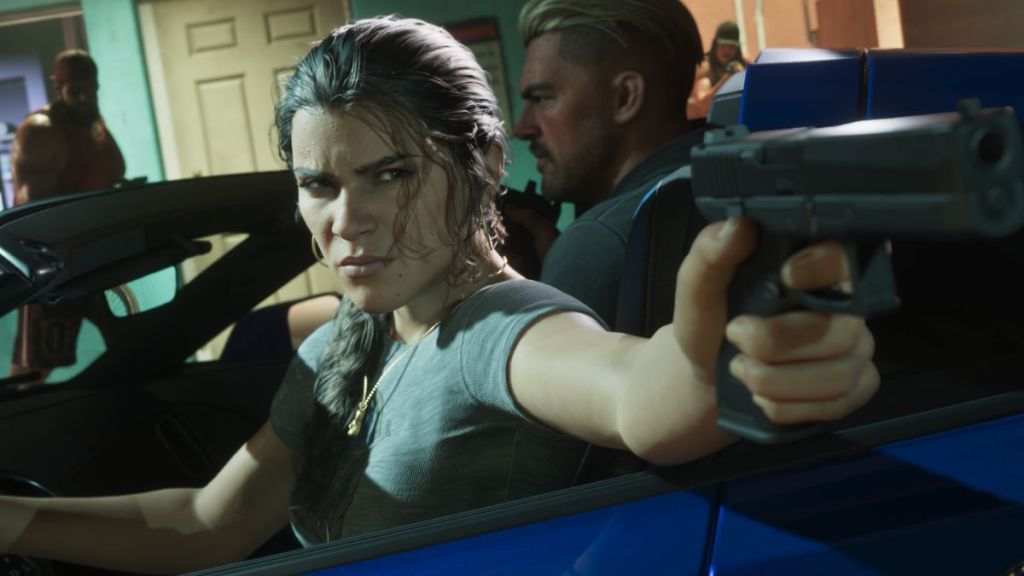
If you’re experiencing FPS drops, stuttering, or inconsistent frame rates, adjusting a few demanding GTA 6 graphics settings can help you.
The following settings prioritize performance without making the game look worse.
Graphics Settings Recommended Option Resolution Native or 1080p/1440p Enhanced PSSR Image Quality Automatic (If supported) VRR Automatic ALLM Off HDR Off Player Status Effects Intensity 3 Hit Effects Intensity 3 Awareness Effects Intensity 3 Motion Blur Strength 1 Disemberment On Blood and Gore Intensity Low Flashbang Bright (1) Focus Trail Colorblind Mode Off Brightness Reduction Off High Contrast Shaders Off
The graphics settings above should help you maintain a more stable frame rate, especially when exploring the densely populated locations in GTA 6.
GTA 6 Graphics Settings for Best Visual Quality
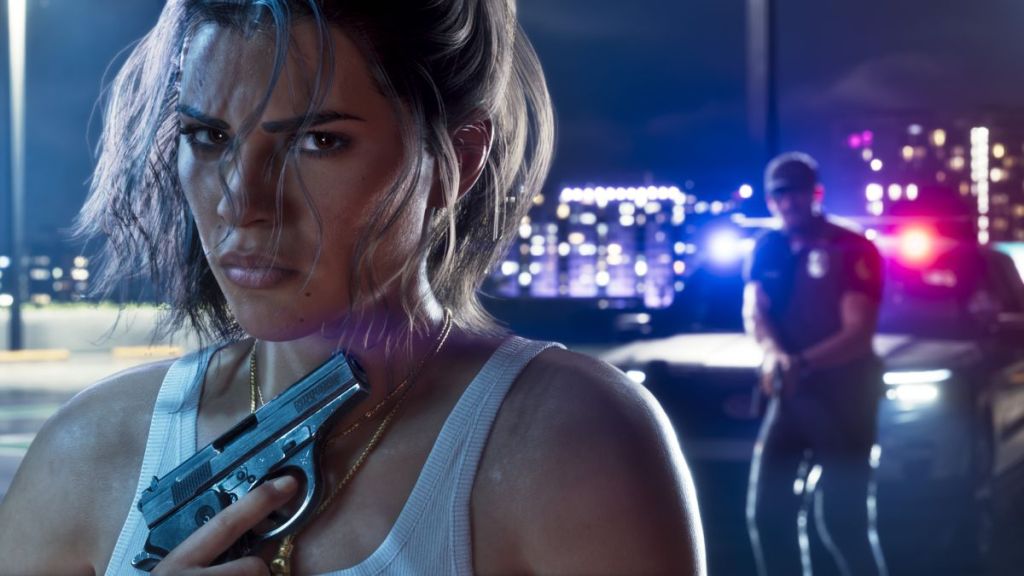
If your console is in great shape and can handle GTA 6 without overheating issues, you can try these graphics settings instead. These will help deliver highly detailed textures, shadows, and an improved environment.
| Graphics Settings | Recommended Option |
|---|---|
| Resolution | Native or 1440p |
| Enhanced PSSR Image Quality | Automatic (If supported) |
| VRR | Automatic |
| ALLM | Off |
| HDR | On |
| Player Status Effects Intensity | 5 |
| Hit Effects Intensity | 5 |
| Awareness Effects Intensity | 5 |
| Motion Blur Strength | 1 |
| Disemberment | On |
| Blood and Gore Intensity | Low |
| Flashbang | Bright (1) |
| Focus Trail Colorblind Mode | Off |
| Brightness Reduction | On |
| High Contrast Shaders | On |
Does GTA 6 Have a Performance Mode?
Unfortunately, GTA 6 doesn’t have a performance mode on PS5 and Xbox Series X|S.
Ahead of GTA 6’s release, Rockstar Games confirmed that the game targets 30 FPS on consoles and prioritizes environmental detail, world density, and visual fidelity.
So, for those hoping to get 40 FPS or 60 FPS, you cannot expect to improve the frame rate simply by changing the GTA 6 graphics settings on your console. Moreover, Rockstar has now also mentioned that even the PS5 Pro isn’t powerful enough to handle GTA 6 at 60 FPS.
But don’t worry, because a stable 30 FPS experience can look fantastic, especially when exploring the detailed environments that Rockstar has created.
That said, are you facing any graphical issues or glitches after release? Check out our GTA 6 bugs tracker for glitches and issues others are facing. Tell us your issues in the comments below.