GTA 6 has several hidden controls that let you interact with vehicles, NPCs, and the world in ways the game rarely explains. While some help you flip an overturned car, other secret button combinations can help you improve relationships by holding the door for your partner. Below are all the vehicle and on-foot GTA 6 secret controls for PS5 and Xbox that you must know.
GTA 6 Secret Controls for PS5 and Xbox
Some of these secret controls are useful during GTA 6 missions, while others add small interactions that make the world feel more alive. Here are the hidden GTA 6 controls for PS5 and Xbox, along with what each one does.
| Action | Control (PS5/Xbox) | Where to Use |
|---|---|---|
| Leave Engine Running | Double-tap Triangle / Y when exiting | Leave the engine of your car in GTA 6 running when you get out. This is useful when preparing for a robbery or planning a quick getaway. |
| Keep Boat Moving | Double-tap Triangle / Y when exiting | Leave a boat moving in a straight line while you walk around it. You can use this to change into scuba gear or deal with nearby enemies. |
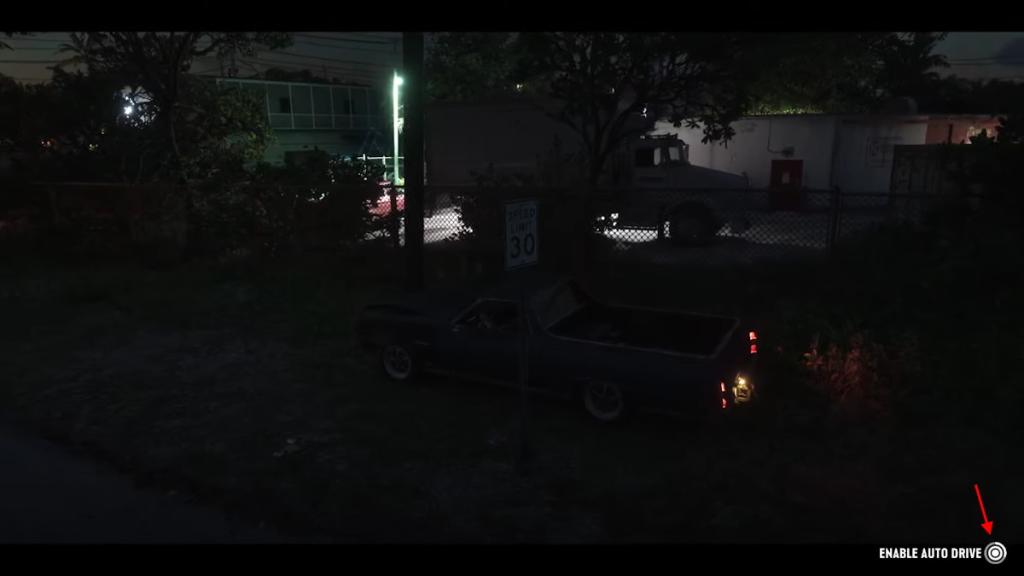
| Auto-Drive | Hold Down on D-pad + Options / Menu, then hold Circle / B | Activate cinematic mode and let Jason or Lucia drive toward your selected waypoint in GTA 6. You need to set a destination on the map first. |
| Vehicle Options | Hold Left on D-pad, then flick Right Stick | Open additional vehicle controls, including windows, headlights, hazard lights, and convertible roofs. Some options depend on the vehicle. |
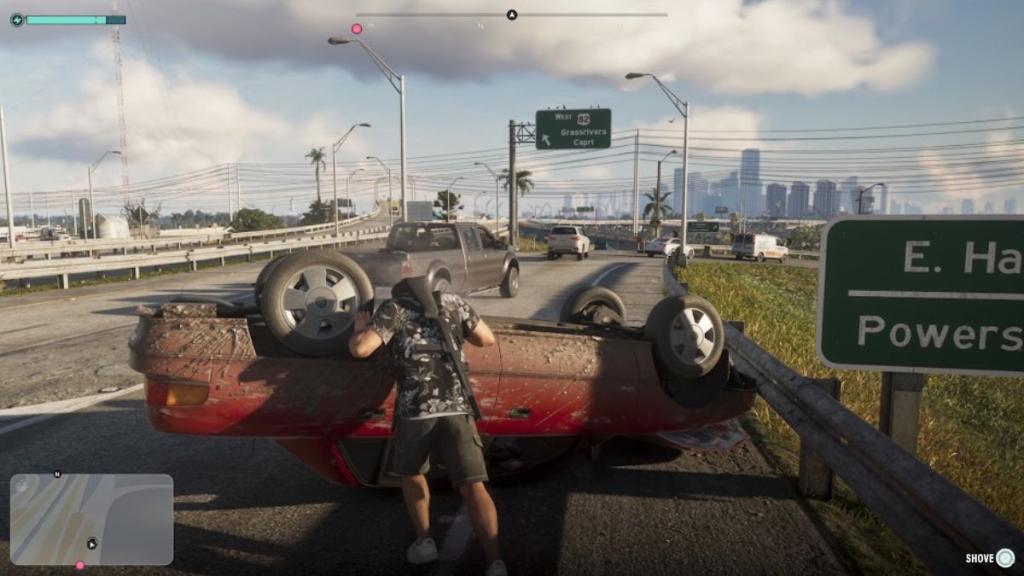
| Flip Overturned Car | Press L3 / LS, then hold Square / X | Get an overturned car back onto its wheels without waiting for help. |
| Push Jet Ski | Hold R1 / RB behind the jet ski | Push a beached jet ski back into the water. |
| Vehicle Door Attack | Press Square / X while seated in a car | Swing the car door open to hit someone standing nearby. |
| Duck While Driving | Hold Circle / B | Lower your GTA 6 character inside the vehicle to make it harder for people chasing to spot you. |
| Turn Signals | Press Left or Right on D-pad | Activate the corresponding turn signal while driving. |
| Road Rage | Press R3 / RS near another vehicle | Make Jason and Lucia shout at nearby drivers. |
| Flip Off Drivers | Hold L2 / LT, then press R1 / RB while targeting someone | Give nearby drivers or pedestrians the middle finger. You must be unarmed. |
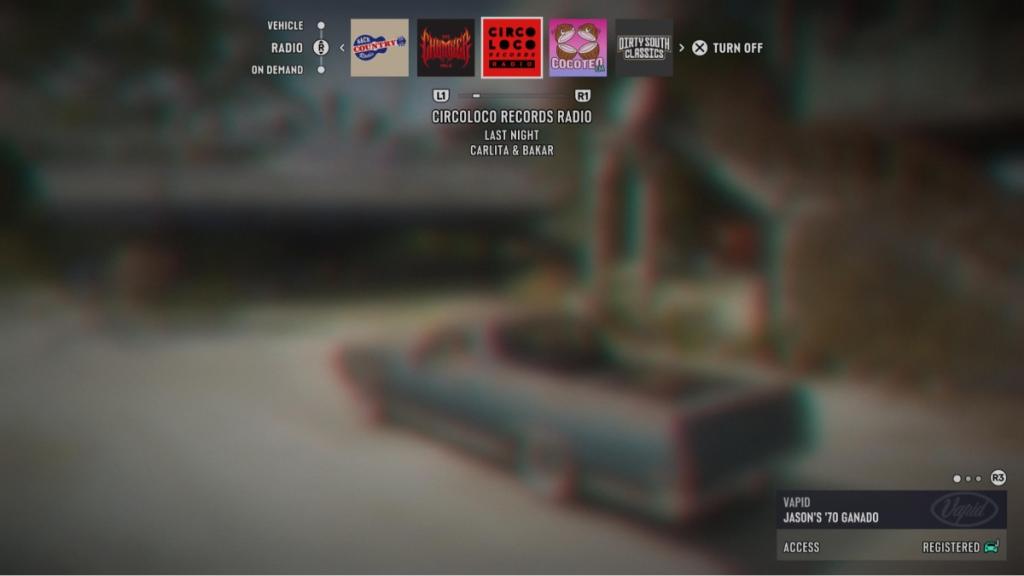
| Toggle Radio | Double-tap Left on D-pad | Quickly turn the vehicle radio in GTA 6 on or off without opening the full radio menu. |
| Hand Over the Wheel | Hold Right on D-pad, then select X / A | Let your partner take over driving when both characters are standing near a vehicle. |
| Hold Car Door for Partner | Hold Triangle / Y while outside the passenger seat | The selected character holds the door for the partner until they enter the car. |
| Perform a Wheelie | Pull Left Stick back while accelerating | Lift the front wheel of a motorcycle. Push the stick forward while accelerating to perform a stoppie. |
GTA 6 Secret On Foot Controls
Now that you know the secret vehicle controls and wish to apply them to the best GTA 6 cars, let us talk about the on-foot secret controls that help in combat, movement, eating, and more.
| Action | Control (PS5/Xbox) | Where to Use |
|---|---|---|
| Rest Against Railings | Press R3 / RS near a railing | Let Jason or Lucia lean against a railing and take a break. |
| Sit or Lean | Hold Circle / B near a suitable spot | Sit on chairs, the end of a jetty, or other available spots. You can also lean against walls. |
| Slide Over Car Hood | Sprint, then press X / A near a car | Slide across the hood instead of running around the vehicle. |
| Inspect in First-Person | Hold L2 / LT, then press R3 / RS | Switch to a closer first-person view to inspect objects, signs, and possible clues. You cannot move while using this view. |
| Aim Down Sights | Press R3 / RS while aiming | Use a weapon’s sights for more precise aiming. This requires a suitable GTA 6 weapon optic. |
| Switch Aim Shoulder | Press Left on D-pad while aiming | Change the shoulder Jason or Lucia uses to aim and shoot. |
| Chokehold | Grapple with R2 / RT, hold Square / X, then press it repeatedly | Put an opponent in a chokehold during a fistfight and knock them out. |
| Flick Cigarette | Hold L2 / LT, then press R2 / RT while smoking | Flick a lit cigarette at someone nearby. |
| Change Hat Position | Hold L1 / LB, then use the D-pad | Adjust how your character wears their hat through the interaction wheel. |
| Change Beverage Hand | Press Left on D-pad | Switch the hand holding your beverage. |
| Reject Phone Call | Press Circle / B when a call comes in | Quickly decline an incoming call without opening the GTA 6 phone menu. |
These are all the secret controls in GTA 6 that are hidden deep. Did you use any of them yet? Let us know in the comments.
Yes, hold Triangle/Y near the passenger door to hold it for your partner.