- The phone in GTA 6 allows Jason and Lucia to call each other and other NPCs, summon and repair their car, track fitness, scan the security level of cars, and much more.
- To pull up the phone in GTA 6, press the Up button on the D-Pad.
- Pick up calls directly by simply opening the phone when a call comes.
The in-game phone returns in GTA 6, and it is more important and realistic than ever. Learn about key smartphone features, all the apps installed on it, and how to use the GTA 6 phone.
In-Game GTA 6 Phone Overview
The most basic and significant use of the phone in GTA 6 is communication. It lets Jason and Lucia stay connected.
Another key feature of the phone in Grand Theft Auto 6 is the ability to summon Jason or Lucia to each other’s location when needed. This makes the phone important for building Jason and Lucia’s relationship in GTA 6.
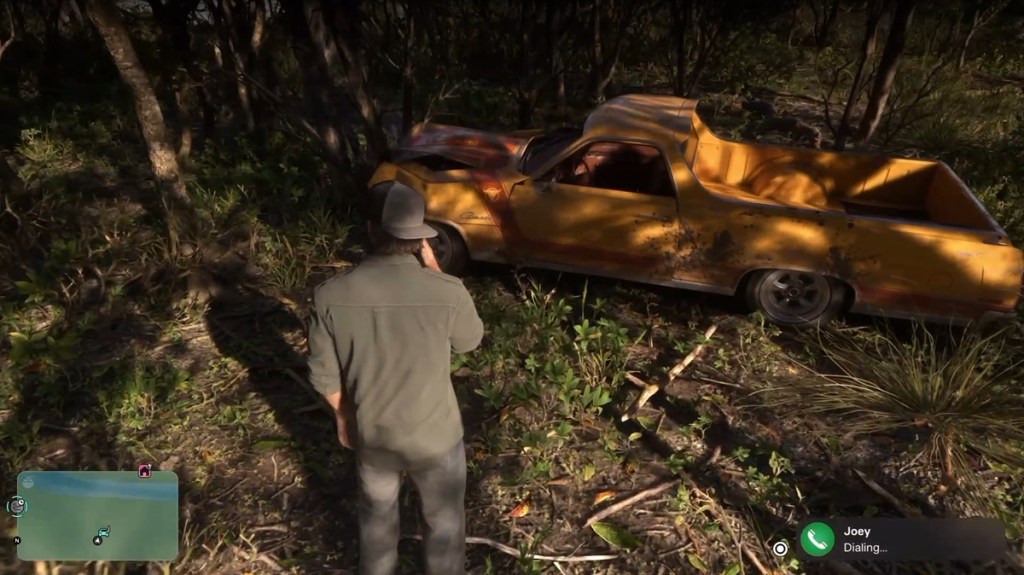

But that’s not all, as the phone is also a means for GTA 6 characters to call you to give you mission info. This was a feature in GTA 5, and it has carried over to GTA 6 as well.
All GTA 6 Apps List (Updating)
Furthermore, the GTA 6 phone also carries a ton of apps, each doing specific tasks. For example, the Snapmatic app lets players browse social media and take photos. The Ryde Me app allows players to call a taxi, allowing fast travel in GTA 6.
There are more than 12 apps on the in-game GTA 6 phone, and here is the full list:
- WhatUp
- Scooter Bros
- BuckMe
- Contacts
- Camera
- Fitness
- Gallery
- Snapmatic
- News
- Weather
- WAiNK
- Settings
If you want to learn about each app and its uses in detail, check out our dedicated GTA 6 apps guide.
How to Use Phone in GTA 6
To use the phone in GTA 6, press the Up button on the D-Pad on your PS5 or Xbox controller.
This will have Jason or Lucia pull out their phone, and you will be able to call, check messages, or open apps. Simply move the selector to the app you want to open using the D-Pad and press (X / A) to open that app.
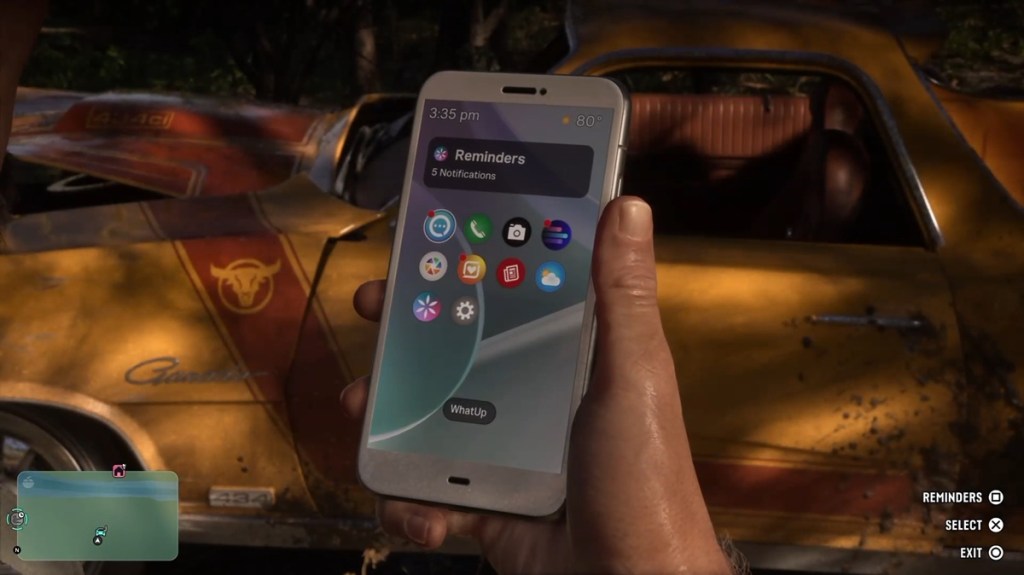
When you get a call, you can simply press the Up button on the D-Pad to receive it directly. And if you want to close a call midway, press and hold the (◯ / B) button.
Best Uses of GTA 6 Phone
I have already given a quick overview of what you can do using the phone in GTA 6. However, there are many more things that you should use the phone for in the game. Here are the best uses of the GTA 6 phone:
- Summon and repair your car: One of the best uses of the phone is to summon and repair your car almost anywhere in Leonida. All you have to do is call Joey, and he will repair the car or take it to your location at zero cost. This feature only unlocks after you complete the Just a Scratch GTA 6 mission.
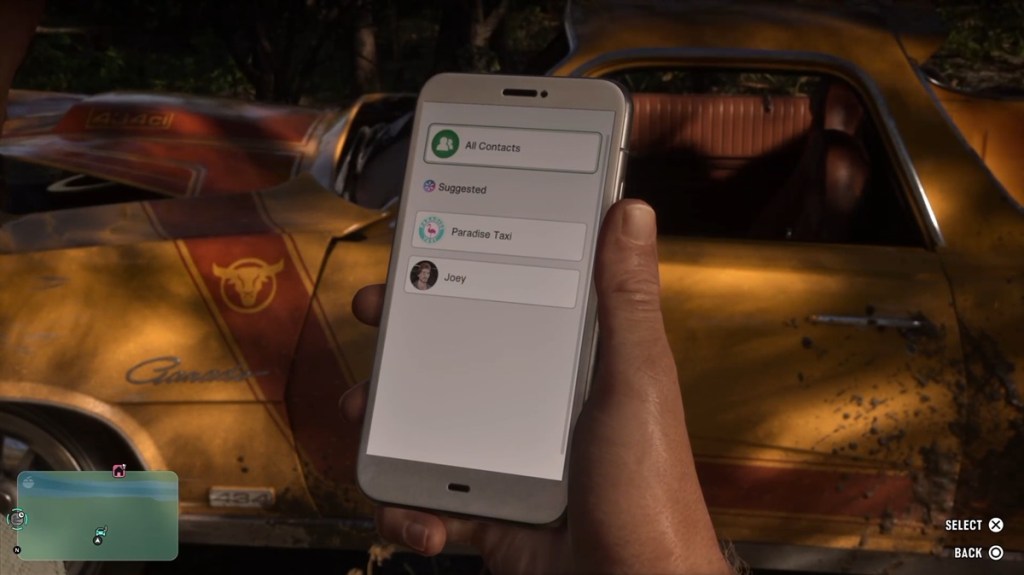
- Summon Lucia or Jason: As mentioned earlier, players can use the phone to call Lucia or Jason and summon them to their location to do things together. This feature only becomes available from Chapter 2.
- Fast Travel: The game doesn’t let you fast travel easily. To fast travel in GTA 6, players have to call a ride from the RideMe app. Then, they can place a waypoint on the map to fast travel there, but only after paying the taxi fare.
- Check Security status: Players can use the WAiNK app to scan GTA 6 vehicles and check their stats and security level. It helps you learn about the vehicles you can steal in the game.
So, that’s everything you need to know about the GTA 6 phone. Unsure about any feature or app? Let us know in the comments section below.